What is a Digital Footprint?
A digital footprint refers to the various traces of information you leave while using the internet. These traces may come from posts on social media, public personal data, search histories, browser cookies, shopping site accounts, forum comments, outdated account information, or even others tagging your photos or posts. Many people think that as long as they do not publicly share their phone number or address, their personal information remains private. However, digital footprints are often built from many seemingly ordinary pieces of information that accumulate over time. For instance, your common nicknames, location, job type, lifestyle habits, frequented places, friend interactions, and backgrounds in social media photos may seem harmless when viewed individually, yet if collected over time, they can create a comprehensive profile of you. For the everyday user, reducing digital footprints is not about completely disappearing online; rather, it’s about minimizing unnecessary public exposure so that your personal information is not easily searchable, tracked, or misused.
First, Check What Information You Have Made Public
The first step in reducing your digital footprint is knowing what information you have made public. You can start by checking the social media platforms you use frequently, such as Instagram, Facebook, TikTok, X, Telegram, YouTube, or other platforms. Check items can include: whether your profile has real name, birthday, location, school, company, contact information, whether posts frequently reveal your residential area, workplace, or places you visit, and whether photos contain house numbers, license plates, documents, package addresses, or other sensitive data. You can also use search engines to look up your name, commonly used nicknames, email, or social account names to see if past public records can be found. Many people will discover that forum comments, old social pages, or expired personal data left years ago can still be searched. If you find content you do not want to keep public, prioritize deleting, modifying, or adjusting visibility.
Adjust Privacy Settings on Social Media Platforms
Social media platforms are where everyday users most commonly leave their digital footprints. Many platforms default to making some information public, such as follower lists, friend lists, posts, tagged photos, profile info, or interaction records. It is advisable to regularly check the privacy settings of each platform. You can set personal posts to be viewable only by friends or specific individuals, restrict strangers from viewing your follower and friend lists, disable unnecessary location tagging, and review others tagging your photos and posts. If you frequently share life content on social media, be cautious about updating your location in real-time. For example, revealing you are traveling, at a particular restaurant, or regularly visited spots may make it easier for strangers to understand your daily patterns if made public for a long time.
Manage Browser, Cookies, and Search Histories
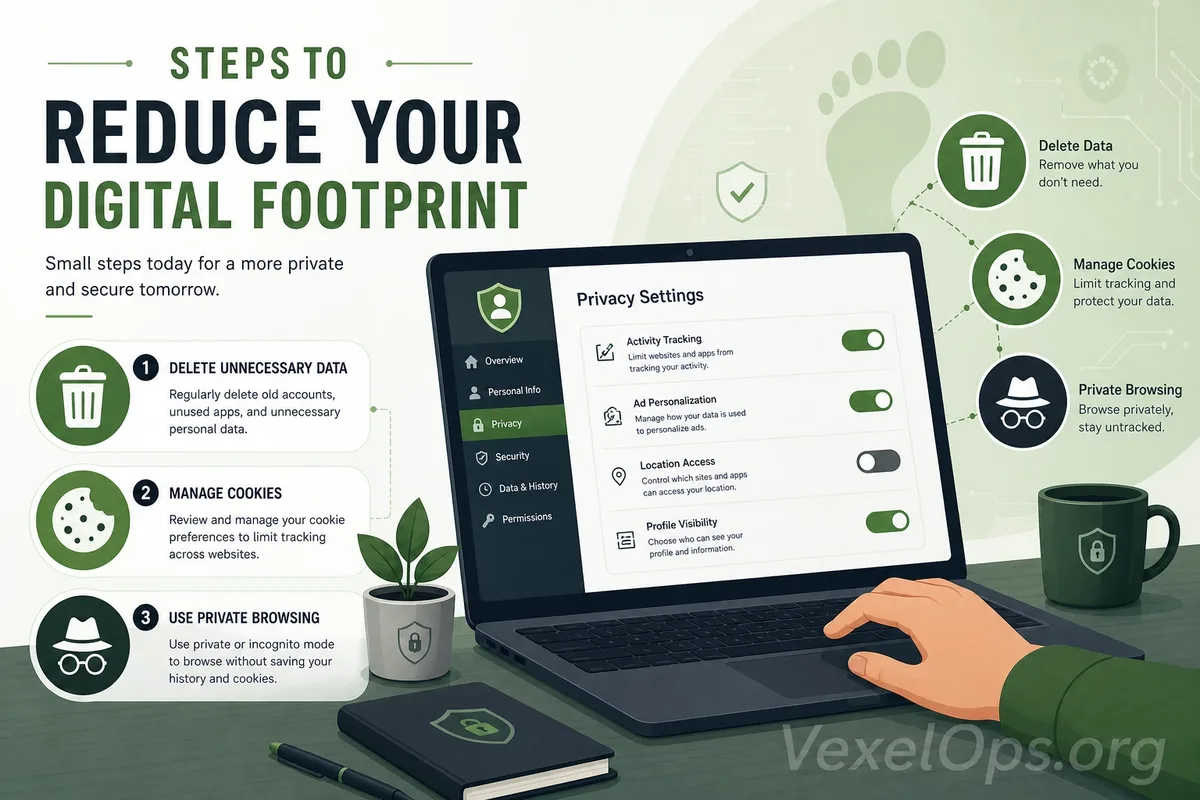
In addition to social media platforms, browsers also leave many usage traces. Cookies, search histories, autofill data, website permissions, and login statuses are common privacy items. Everyday users can regularly clear unnecessary browsing history and cookies, especially when using accounts on shared computers or public devices, to avoid saving login statuses. While the autofill feature in browsers is convenient, if it saves addresses, phone numbers, payment details, or other personal information, it also requires careful management. Additionally, many websites may request location, camera, microphone, or notification permissions. It is advisable to regularly check browser permissions and remove access rights for websites that are no longer in use or that you do not trust. For everyday users, granting fewer unnecessary permissions is a basic way to reduce data exposure.
Clean Up Old Accounts You No Longer Use
Many people's digital footprints actually come from old accounts. Forums, shopping sites, gaming platforms, apps, and event websites you registered for in the past may no longer be in use, but the data still exists. These old accounts may contain emails, phone numbers, birthdays, addresses, or previously used passwords. If a breach occurs on an old platform, it might affect accounts you still use, especially if you have reused the same password in the past. It is advisable to regularly clean up old accounts you no longer use. You can delete accounts, remove personal data, update passwords, or at least cancel unnecessary public information. For important accounts, you should also verify if two-factor authentication is enabled.
Do Not Publicly Share Too Many Personal Details Online
The core of reducing digital footprints is not just about adjusting settings but also about changing sharing habits. Many details may seem ordinary at the moment of posting, but over time can become sensitive. For example, full birthdays, nearby landmarks, work hours, frequented shops, family data, license plates, boarding passes, package slips, ID screenshots, school names, or daily schedules should not be shared carelessly. Even without malicious attackers, this information can be used by strangers for impersonation, social engineering, or scam tactics. Before posting, it’s worth asking yourself again: Is this information really necessary to share publicly? If a stranger sees it, could they infer my identity, location, or lifestyle habits?
Reducing Digital Footprints Is a Long-Term Habit
Digital privacy is not a one-time setting that ensures safety forever. Platform rules change, new apps emerge, and publicly shared data may continue to appear in search results. Everyday users do not need to aim for complete elimination of all digital traces, but can start with several simple actions: checking public data on social media, adjusting privacy settings, clearing browser permissions, organizing old accounts, and avoiding sharing too many personal details of everyday life. These practices may not make you completely untraceable, but they can reduce the likelihood of your personal information being excessively collected, searched for, or misused. This is already a very important step for daily digital security.