
When social media accounts are compromised, the impact spreads to friends and other services.
Instagram, Facebook, TikTok, X, or other social media accounts are often linked to photos, friend lists, private messages, email addresses, and phone numbers. Some may even be connected to advertising accounts, store pages, or third-party logins. When an account is hacked, the issue is not just being unable to log in; attackers may impersonate you to message friends, post scam links, and alter recovery information, making it even harder to reclaim your account.
Address Password Reuse First
Many accounts are not compromised through sophisticated techniques, but rather due to weak passwords, reuse across platforms, or previous leaks on other sites. Passwords like birthdays, phone numbers, names, common words, brand names with numbers, 123456, password, and qwerty are not suitable for important accounts.
A practical approach is to use unique passwords for each important account and store them using a password management tool. You don’t need to memorize them by heart; the key is to avoid having your main social account compromised because a lesser-known site has leaked credentials.
Two-Factor Authentication Should Be Considered Alongside Recovery Information
Two-factor authentication adds an extra layer of security in case your password is leaked. Authentication apps or security keys are usually more reliable than relying solely on SMS, but if the platform only supports SMS, it is still better than not having it enabled at all.
After setting it up, do not overlook backup codes, recovery email addresses, and phone numbers. Many people enable two-factor authentication but forget to save backup codes, and when changing phones or losing devices, they find themselves locked out by their own security settings.
Login Devices and Third-Party Authorizations Are Often Overlooked
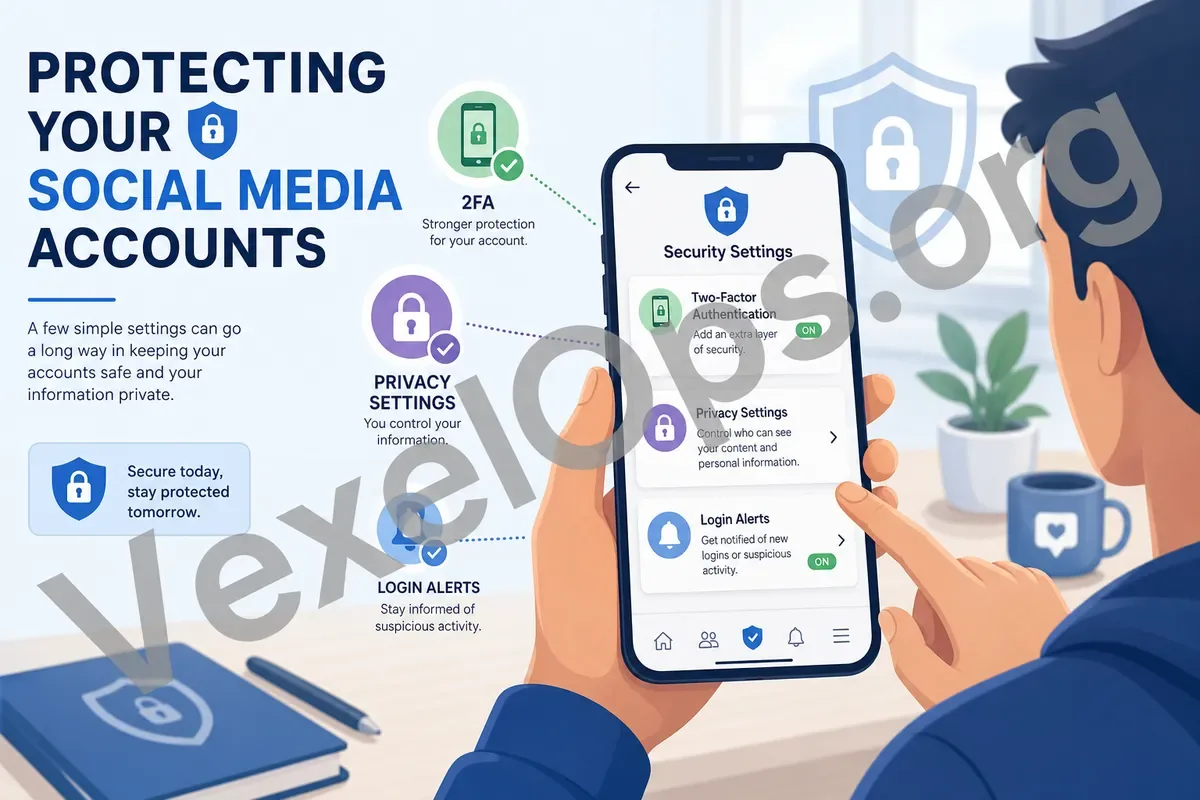
Regularly check your recent login records, device names, browser information, and approximate locations. Location estimates may not always be accurate, but if the time, device, or browser seems inconsistent with your typical usage habits, log out of the unknown device, change your password, and confirm that two-factor authentication is still under your control.
Third-party app authorizations also need to be cleaned up. Raffle sites, analytics tools, scheduling apps, or services that haven’t been used in a long time may still retain access to your account. Remove any authorizations from unknown, unused, or overly permissive apps.
Confirm Suspicious Messages and Fake Support through Official Channels
Fake support messages, friend polls, strange login links, and requests for verification codes are common entry points for social media account breaches. Legitimate platform support typically won’t ask for passwords, verification codes, or backup codes via direct messages. If you encounter messages about account suspensions, rewards, or time-sensitive verifications, do not log in through links in those messages; instead, use the official App or manually input the URL to check.
Regular checks can start with your most important accounts: primary email, most frequently used social platforms, or accounts that manage fan pages or stores. Organizing passwords, enabling two-factor authentication, managing login devices, and taking care of recovery information and third-party authorizations in advance is more effective than waiting until your account is compromised to take action.