
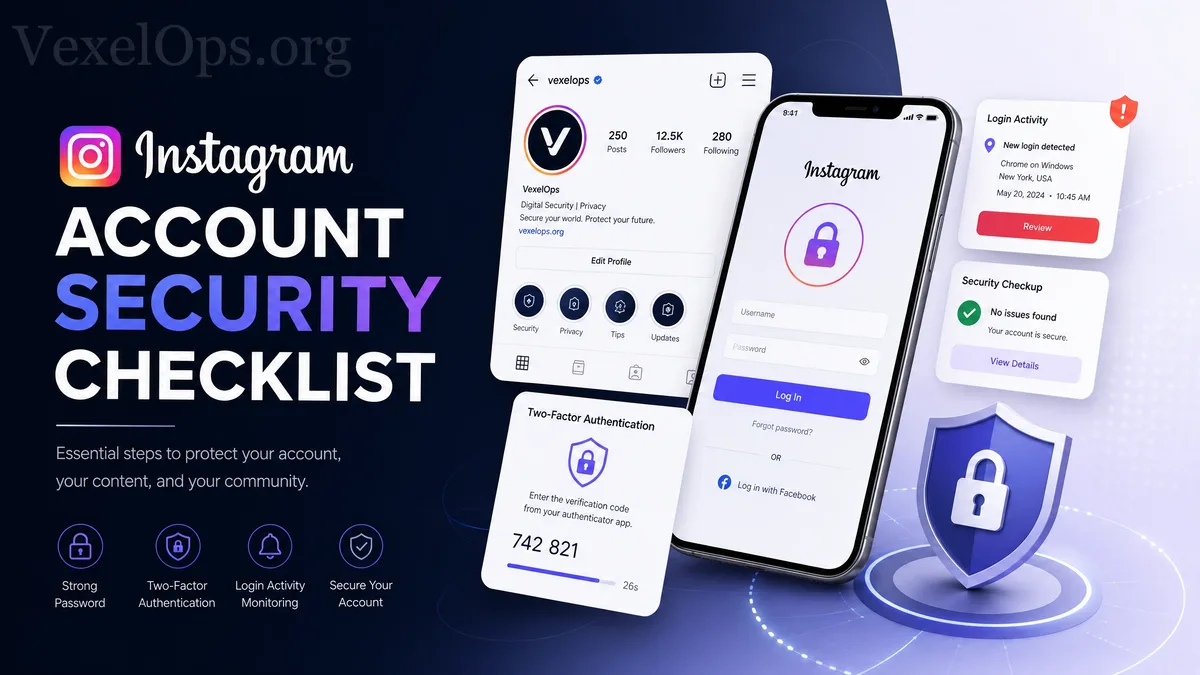
Why Regular Checks on Instagram Account Security Are Needed?
For many everyday users, Instagram is not just a platform for sharing photos and videos; it may hold years of memories, interactions with friends, private messages, business pages, personal branding, or client contacts. Once an Instagram account is compromised, the impact may go beyond being unable to log in. Attackers may impersonate you to send fraudulent messages to friends, modify your profile, delete content, post suspicious items, or even use your account to deceive others. Many account security issues do not occur suddenly; rather, they accumulate from a lack of checks on passwords, two-factor authentication, login activities, and recovery information. For everyday users, conducting a regular Instagram account security check is a highly practical protective habit.
Item One: Ensure Your Password is Unique and Secure
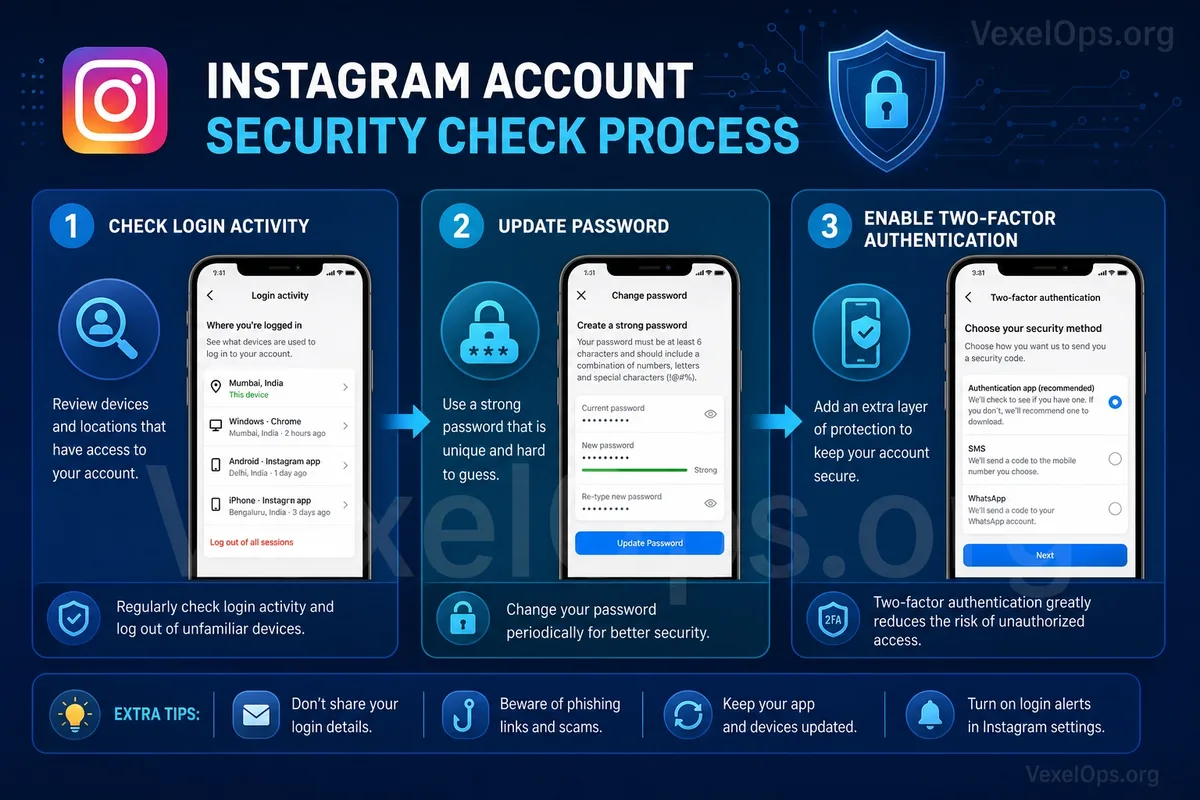
Your Instagram password should not be shared with other platforms. Many users have a habit of using the same password across Email, Facebook, shopping sites, and other services, which poses a high risk. If any of those platforms ever experience a data breach, accounts using the same password may also be attempted to log in. A secure password should avoid birthdays, phone numbers, names, simple words, or common combinations. A better practice is to use a unique, longer, and harder-to-guess password, stored securely with a password management tool. If you're unsure whether your Instagram password has been in use for too long or has been repeated on other platforms, it's advisable to update it, ensuring the new password is dedicated solely to Instagram.
Item Two: Enable Two-Factor Authentication
Two-factor authentication is a crucial step in protecting your Instagram account. It adds a second layer of login confirmation beyond just the password. Even if the password is accidentally leaked, the attacker still may not be able to log in directly to the account. Generally, using an authentication app is more stable than relying solely on SMS verification, making it a better primary mode of protection. If you currently only use SMS verification, it's better than having no two-factor authentication at all, but it's still recommended to learn how to use an authentication app. After enabling two-factor authentication, be sure to save the backup codes. Many users discover they have no backup codes only after changing phones, losing their phone, or reinstalling the app, making account recovery difficult.
Item Three: Check Login Activity and Devices
Instagram typically allows users to view their account's login activity. You can check the recent locations, devices, and times of logins to see if there are any unfamiliar login records. If you see strange locations, unfamiliar devices, or login activity when you haven’t used Instagram, you should immediately raise your alert. It's advisable to log out of suspicious devices, then change your password, and check if two-factor authentication is functioning properly. Keep in mind that login locations may sometimes be inaccurately determined due to network conditions or system judgments, so do not rely solely on location; also consider device names, login times, and your own usage patterns.
Item Four: Check Account Recovery Information
Account recovery information includes email, phone number, and other recovery methods. These details are critical because when an account experiences issues or requires a password reset, the platform typically uses these methods to verify identity. If the recovery email hasn't been used for a long time, or the phone number has been changed, it could hinder your ability to recover the account smoothly in the future. More seriously, if the account is hacked and the attacker modifies the recovery information, it could become even harder to reclaim the account. Thus, everyday users should regularly verify that the email and phone number linked to their Instagram account are correct, ensuring the primary email itself also has a secure password and two-factor authentication.
Item Five: Remove Unfamiliar Third-Party Application Authorizations
Some websites or tools require you to log in with your Instagram account or authorize access to certain account data. Such authorizations may come from analytics tools, giveaways, scheduling tools, filters apps, or other external services. If you no longer use certain tools or are unfamiliar with a specific authorization source, it's advisable to remove it. The more third-party authorizations you have, the greater the potential risk. Especially with unknown websites that may exploit these authorizations to obtain unnecessary data or lead you into suspicious processes. Users should periodically check their authorized applications, retaining only those services that are genuinely needed and trustworthy.
Item Six: Beware of Fake Customer Service and Suspicious Messages
One common risk on Instagram is fake customer service and suspicious messages. The other party may claim your account has violated rules, your photo has been reported, you need to verify your identity, or ask you to click links to avoid account suspension. These messages usually create a sense of urgency, prompting you to click links in a panic. Many phishing login pages mimic the official interface, luring you to enter your account, password, and verification code. Remember, legitimate platform customer service typically won't request your password, verification code, or backup code through private messages. If you encounter suspicious messages, do not log in through the links in private messages; instead, open the official app or website directly to check your account status.
Establishing Instagram Account Security Habits
Securing your Instagram account doesn’t have to be complicated, but it does require regular checks. You can start with a few basic items: use a unique password, enable two-factor authentication, save backup codes, check login activities, verify recovery information, remove unfamiliar third-party authorizations, and be cautious of fake customer service and suspicious messages. For everyday users, the most important thing is not to wait until an issue occurs to take action; it's about lowering the risk proactively. By spending a bit of time checking your settings, you can significantly reduce the chances of your Instagram account being hacked, misused, or difficult to recover.