Why Are Privacy Settings on Mobile and Browsers Important?
For ordinary users, mobile devices and browsers are the digital tools used most frequently every day. You likely use your mobile device for chatting, taking photos, logging into social media platforms, checking maps, and receiving emails, as well as using browsers to search for information, shop, log into accounts, or read articles. These activities seem routine, yet they can expose a vast amount of personal data, including location, camera, microphone, contacts, browsing history, cookies, account passwords, autofill information, and website permissions. If these settings are not managed properly, unnecessary apps or websites may gain excessive access. Protecting privacy doesn't mean you can't use your mobile phone or browser; it means understanding which permissions are truly needed, which can be turned off, and which settings should be checked regularly.
Location Permissions: Don't Let Every App Know Where You Are
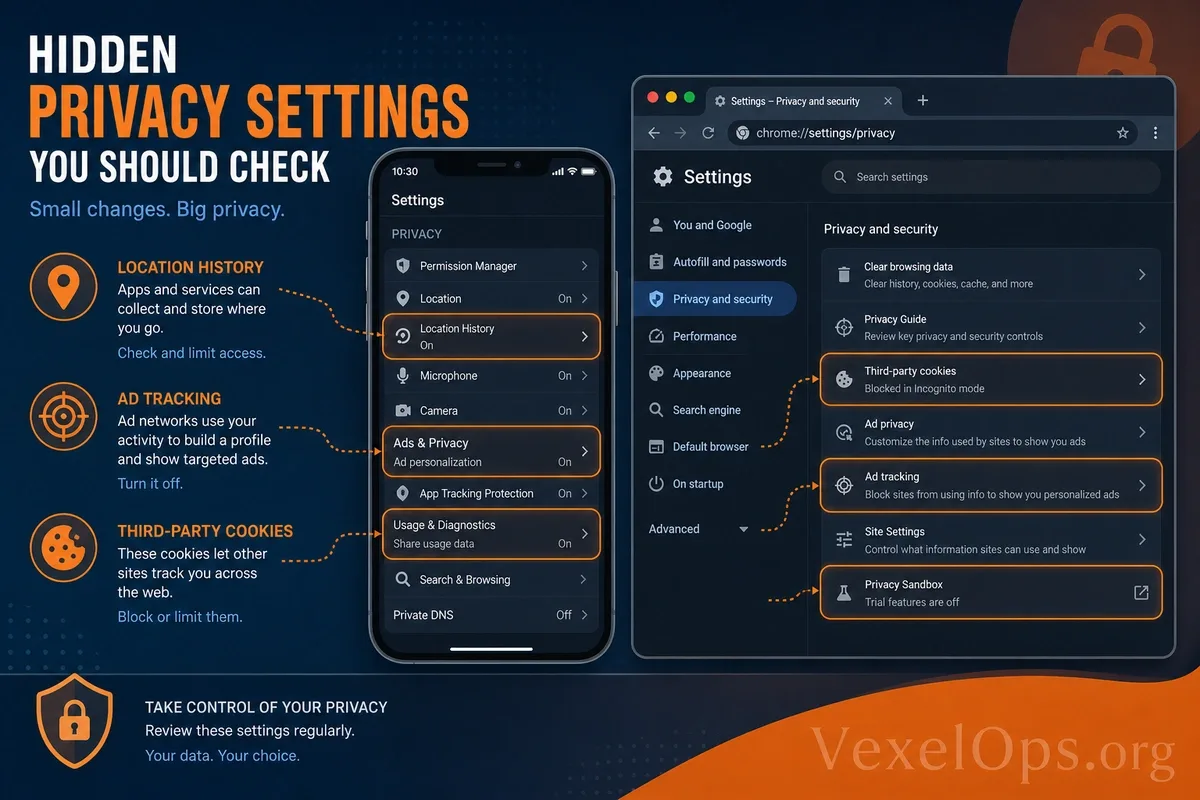
Location permissions are one of the most commonly overlooked privacy settings. Many apps request access to location when installed or first used. Some apps genuinely require location access, such as maps, ride-hailing, delivery, or weather services. However, some apps may not need to know your precise location continuously. Ordinary users should regularly check location permissions on their devices to confirm which apps can access this information. It’s recommended to turn off location access for apps that don’t need it; for apps that occasionally require location access, users can set it to ‘Allow while using the app’ to prevent prolonged access in the background. If the system supports options for ‘precise location’ and ‘approximate location,’ adjustments can be made as necessary. Not every app needs to know your exact address or real-time location.
Camera, Microphone, and Photo Permissions: Share Only with Essential Apps
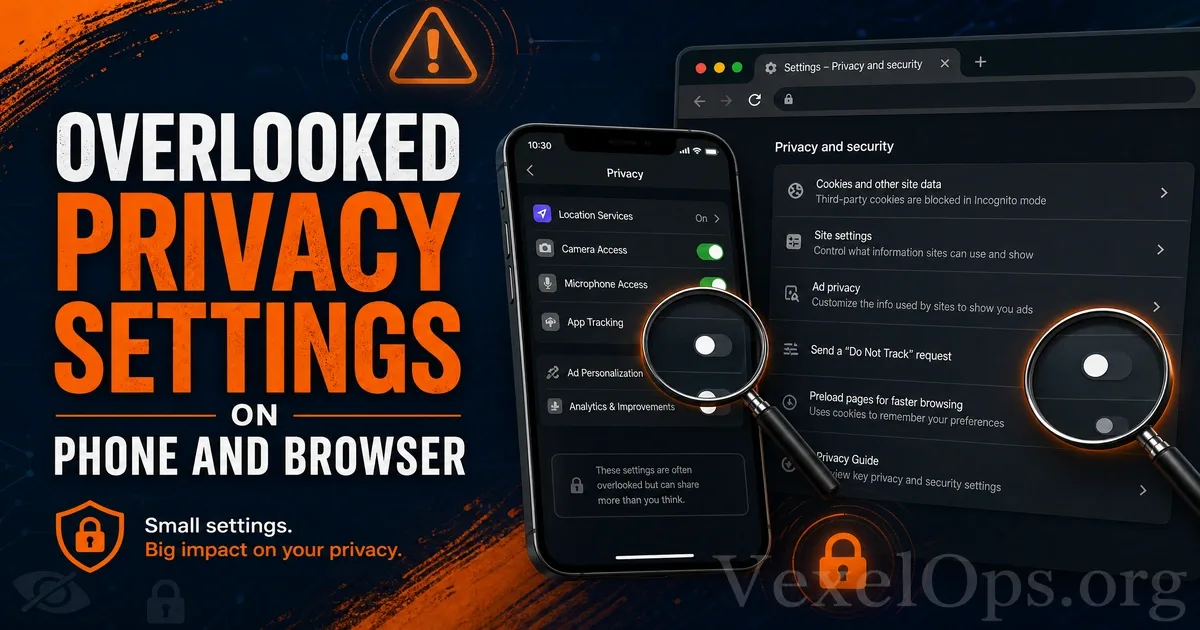
Camera, microphone, and photo permissions are also critical. Social platforms, video conferencing, and photo apps may need these permissions, but not every app should have full access. You can check which apps are allowed to use the camera and microphone. If you discover an unfamiliar or infrequently used app has these permissions, it's wise to consider disabling them. Be particularly cautious about photo permissions; some systems allow you to share specific photos instead of granting access to the entire photo library. A common risk for ordinary users is simply clicking ‘allow’ during app installation and then forgetting to check later. Over time, devices may accumulate many unused apps with ongoing permissions.
Notification Permissions: Suspect Messages May Start from Notifications
Notification permissions might not seem sensitive, but they can also affect privacy and security. Some websites or apps may use notifications to push advertisements, suspicious links, or fake alerts, misleading users into thinking they are important system notifications. If you’ve previously allowed unknown websites to send notifications in your browser, you may receive numerous unnecessary pop-up reminders. Occasionally, these notifications may pose as security alerts, virus warnings, or account anomaly notifications, enticing you to click links. It’s advisable to regularly check mobile and browser notification permissions and disable notifications from unimportant, unfamiliar, or suspicious sources. Genuine important account security alerts should come from official apps or websites, not from unfamiliar sites’ pop-up notifications.
Browser Cookies and Website Tracking
Browser cookies can remember login statuses, shopping cart contents, and website preferences, making the user experience more convenient. However, cookies can also be used to track browsing behavior, ad targeting, and cross-site analysis. Ordinary users may not need to block all cookies entirely, as some website functionalities may be affected. However, you can routinely clear unnecessary cookies, limit third-party cookies, and avoid saving login statuses on untrusted sites. If you are using a shared computer, it is even more important to log out of accounts after use and clear browsing history and login information. Do not allow your browser to automatically save sensitive account passwords, especially on public devices or computers that others can access.
Autofill Information: Convenient but Needs Management
Many browsers and mobile systems have autofill capabilities that can save names, phone numbers, addresses, email, payment information, and passwords. While this is convenient, it also means that a large amount of personal information is stored on the device. Ordinary users are advised to regularly check autofill content, deleting outdated addresses, unused payment information, and unnecessary data. For important passwords, consider using a trusted password management tool instead of carelessly saving them across multiple browsers or devices. If the device itself does not have screen locks, fingerprint, or facial recognition settings, storing too much autofill data increases risks. Because if someone gains access to your device, they may easily log in to accounts or view personal information.
Website Permissions: Don’t Let Unknown Websites Retain Access Long-Term
Many websites request permissions for location, camera, microphone, notifications, clipboard, or file access. Users sometimes permissively grant access just for a one-time use of a feature, only to forget to remove it later. Browsers usually allow users to view what permissions each website holds in settings. It is recommended to regularly check and remove access permissions for websites that are no longer used, are unfamiliar, or appear suspicious. Particularly, camera, microphone, location, and notification permissions should be managed cautiously. A simple principle for ordinary users is: if it’s not a permission needed daily, don’t keep it enabled long-term. Only grant access temporarily when required by a website or app.
Regular Checks to Reduce Privacy Exposure Risks
Privacy settings on mobile devices and browsers typically do not actively remind you to review them, so ordinary users need to cultivate a habit of periodic reviews. You can check app permissions, website permissions, notification settings, cookies, autofill information, and saved passwords at regular intervals. These settings do not need to be adjusted strictly all at once, but can be gradually reduced according to your usage needs. The core of protecting digital privacy isn’t about preventing you from using online services, but avoiding having too many apps, websites, or unknown sources having ongoing access to your personal data. As long as users commit to regular checks, they can significantly reduce privacy exposure risks on their mobile devices and browsers.