
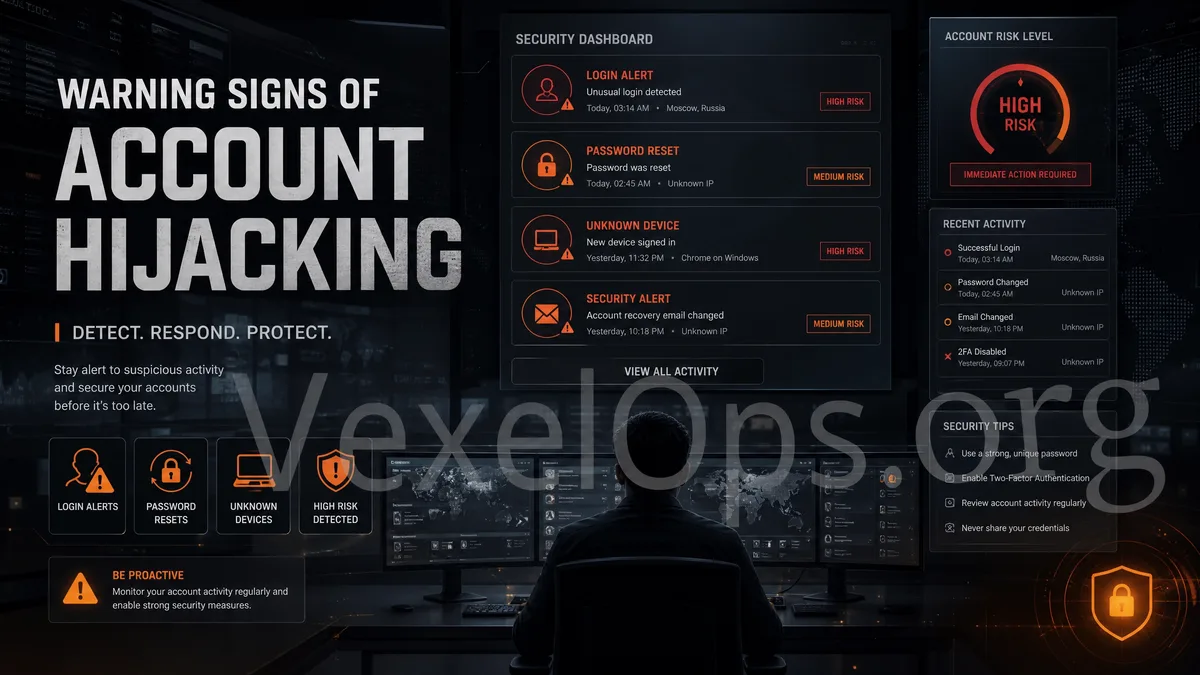
Usually Small Signals Before Account Takes Over
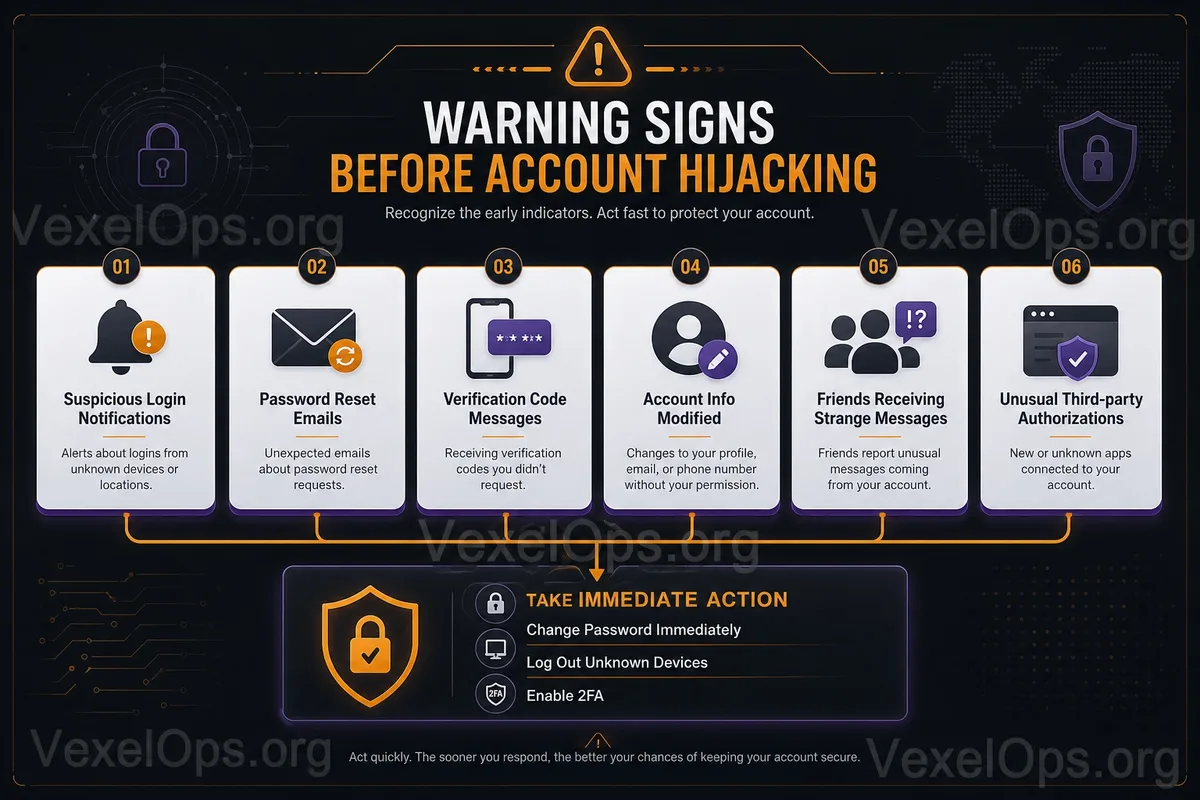
Account theft may not happen in an instant where you can no longer log in. More often, it begins with receiving unfamiliar login notifications, password reset emails, verification code messages, or friends reporting strange links sent from your account. These signals may seem scattered but could indicate someone is trying to take control of your account.
Immediately Check Unfamiliar Login and Verification Messages
New devices, locations, or abnormal login notifications can sometimes appear due to inaccurate network assessments; however, if the time, device, browser, or location clearly do not match your habits, you should verify your login activity through official portals.
Receiving password reset emails or verification codes without initiating those actions also indicates that someone might be trying to log in or reset your account. Never share verification codes with anyone or respond to requests from fake customer service.
Data Modification is More Serious Than Unknown Logins
Changes to your profile picture, name, bio, linked email, phone number, or recovery information are obvious high-risk signals. Attackers often first modify recovery information to make it more challenging for the original user to regain access to the account. If you can still log in, check your password, two-factor authentication, recovery information, and login devices immediately.
Don't Just Delete When Friends Receive Strange Messages
If friends receive messages from your account asking for investment invitations, unfamiliar links, votes, loans, or verification codes, it indicates that your account might have been accessed by someone else, or that third-party authorization is being misused. Notify your friends not to click, and then change your password, log out from all devices, and remove any suspicious authorizations.
Third-party Authorization and Unknown Activity Records are Also Warning Signs
Analysis tools, scheduling tools, lottery websites, or login services that retain excessive permissions might access your account without your awareness. Strange follows, likes, posts, group joins, or automatic forwards should be treated as account security incidents, rather than simply deleting the content.
Procedure for Handling If You Can Still Log In
First, change your password, log out from other devices, enable or reset two-factor authentication, then verify recovery email, phone numbers, and third-party authorizations. Simultaneously check the security of your primary email, as many platforms rely on it for account recovery.
If you can no longer log in, follow the official recovery process, and do not trust any rapid account recovery services found in unfamiliar messages. The sooner you address early warning signs, the greater the chance of preventing full control of your account from being taken.