
What is an Authenticator App?
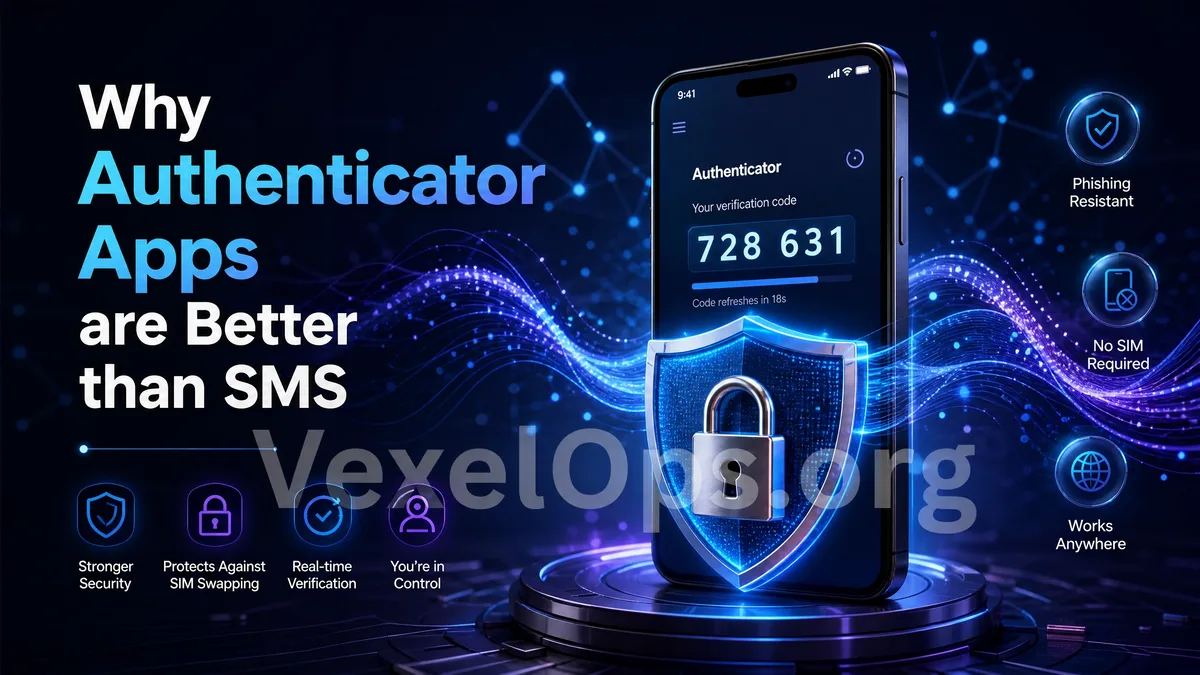
An authenticator app is a tool used to generate login verification codes. When you enable two-factor authentication on a website or app, in addition to entering your password, you also need to input a dynamic code displayed by the authenticator app. This verification code typically updates automatically at regular intervals and can only be used for a short period. For everyday users, you can think of it as the second layer of security for your account. Your password is the first layer, and the dynamic code generated by the authenticator app serves as the second layer. Common types of authenticator apps include Google Authenticator, Microsoft Authenticator, Authy, and some built-in verification features in password management tools. While the interfaces of these tools may vary, their core purpose is similar: to provide an additional layer of security when logging in.
Why Not Rely Solely on Passwords?
Many accounts are compromised not because attackers used advanced techniques, but due to password leaks, overly simple passwords, or using the same password across multiple platforms. If you rely only on a password, once it is obtained by a phishing site or if a platform experiences a data breach, your account may be directly accessible. Important accounts such as email, social media platforms, cloud storage, and payment services should not depend solely on passwords for protection. The value of the authenticator app is that it adds an extra layer of confirmation beyond the password. Even if someone knows your password, it is harder for them to log in without the dynamic code from the authenticator app.
What’s the Difference Between Authenticator Apps and SMS Verification?
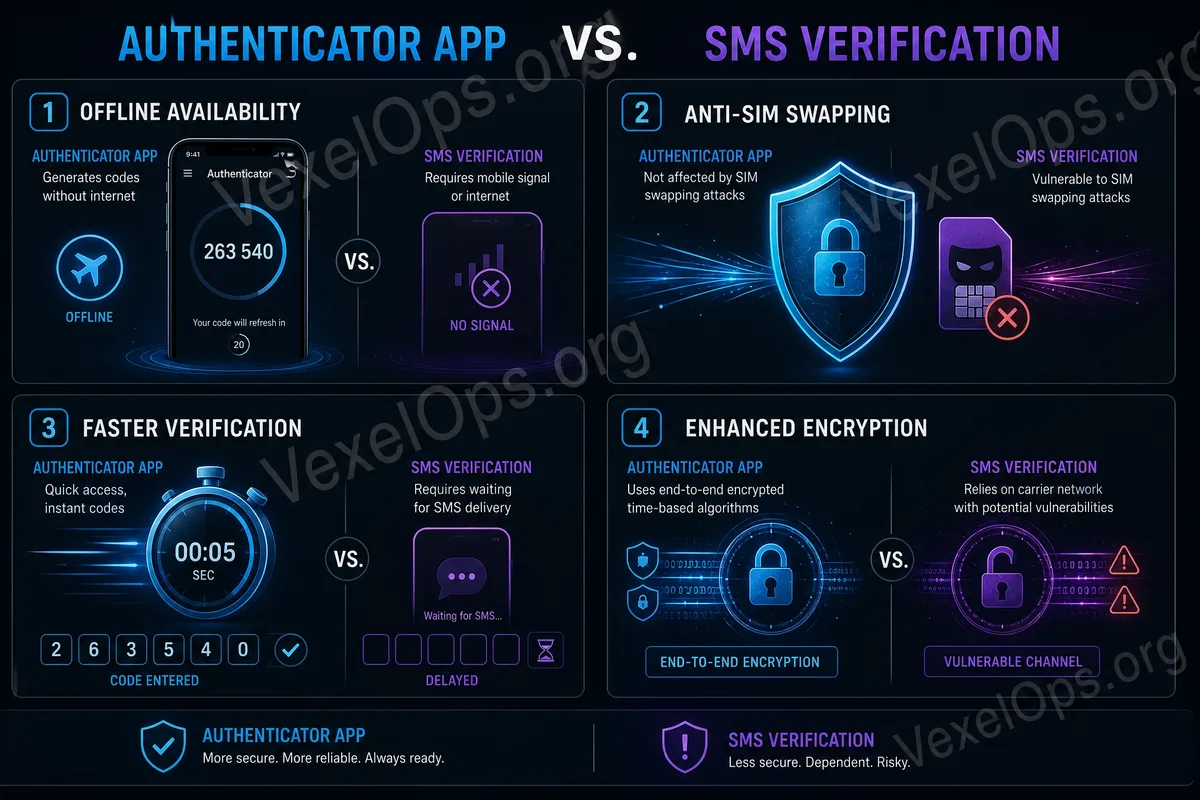
Many platforms also offer SMS verification, which sends the verification code to your mobile number. SMS verification is better than having no two-factor authentication, but it comes with limitations. For example, your phone number can be lost, the SIM card can be deactivated, or the number can be spoofed, and messages may be delayed due to regional, telecom, or roaming issues. For users who travel frequently, switch phones, or use services in multiple locations, SMS verification may sometimes be unreliable. Authenticator apps generally do not rely on SMS delivery; instead, they generate verification codes within the app. This makes them better suited as the primary method of two-factor authentication in many situations. However, this does not mean that authenticator apps are without risk. If you switch phones, delete the app, or do not save backup codes, you may be unable to log into your account.
Which Accounts Are Most Suitable for Using Authenticator Apps?
Everyday users should prioritize using authenticator apps on their most important accounts. The first is your primary email, as many platforms send password reset and security notifications to your email. If your email is compromised, other accounts may also be affected. The second is social media platforms, such as Instagram, Facebook, TikTok, X, Telegram, or YouTube. If these accounts are compromised, they may be used to impersonate you, send fraudulent messages, or post suspicious content. The third includes cloud services, payment platforms, shopping accounts, work accounts, and password management tools. These accounts typically contain more personal data, so they deserve priority protection.
Commonly Overlooked Aspects When Using Authenticator Apps
When using an authenticator app, the most commonly overlooked aspect is backup codes. Many platforms provide a set of backup codes when you enable two-factor authentication. These backup codes can help you regain access if your phone is lost, the authenticator app malfunctions, or if you switch phones. If you haven’t saved the backup codes, switching phones in the future might become troublesome. It is advisable to store backup codes in a secure location, such as a password management tool or offline storage, rather than directly taking a screenshot and keeping it in your photo album, or saving it in an easy-to-access email. Another common issue is switching phones. Before switching devices, you should confirm whether the authenticator app supports transfer or reset two-factor authentication on important platforms first. Don’t wait until your old phone has wiped its data to discover that you cannot recover the verification code.
Authenticator Apps Are Not a One-Size-Fits-All Solution
Authenticator apps can enhance account security but cannot replace all security habits. You still need to use unique passwords, avoid clicking on phishing links, never share verification codes with anyone, and refrain from entering account information on unfamiliar websites. Some phishing sites may require you to enter both your password and verification code. If you do not check the URL and input your verification code on a fake site, the attacker could still exploit a verification code valid for a short time to try to log in. Thus, authenticator apps should be used in conjunction with proper login habits. It’s best to access important accounts through official apps or websites rather than logging in via links from unknown messages, SMS, or emails.
Start Setting It Up from Your Primary Accounts
Everyday users do not need to set up every account comprehensively from the start. A more practical approach is to begin with your primary email, frequently used social media platforms, cloud accounts, and payment-related accounts. Once you get accustomed to using the authenticator app, you can gradually add other important accounts. This way, you won’t feel overwhelmed with too many operations at once, and you can progressively increase overall account security. The core value of the authenticator app is to ensure that accounts do not rely solely on passwords. For everyday users, this is an easily understandable and practical cybersecurity tool. Just remember to save your backup codes, be mindful of the phone-switching process, and avoid entering verification codes on suspicious websites, and it can serve as a crucial layer of protection in your daily account defense.