
What is a Sandbox?
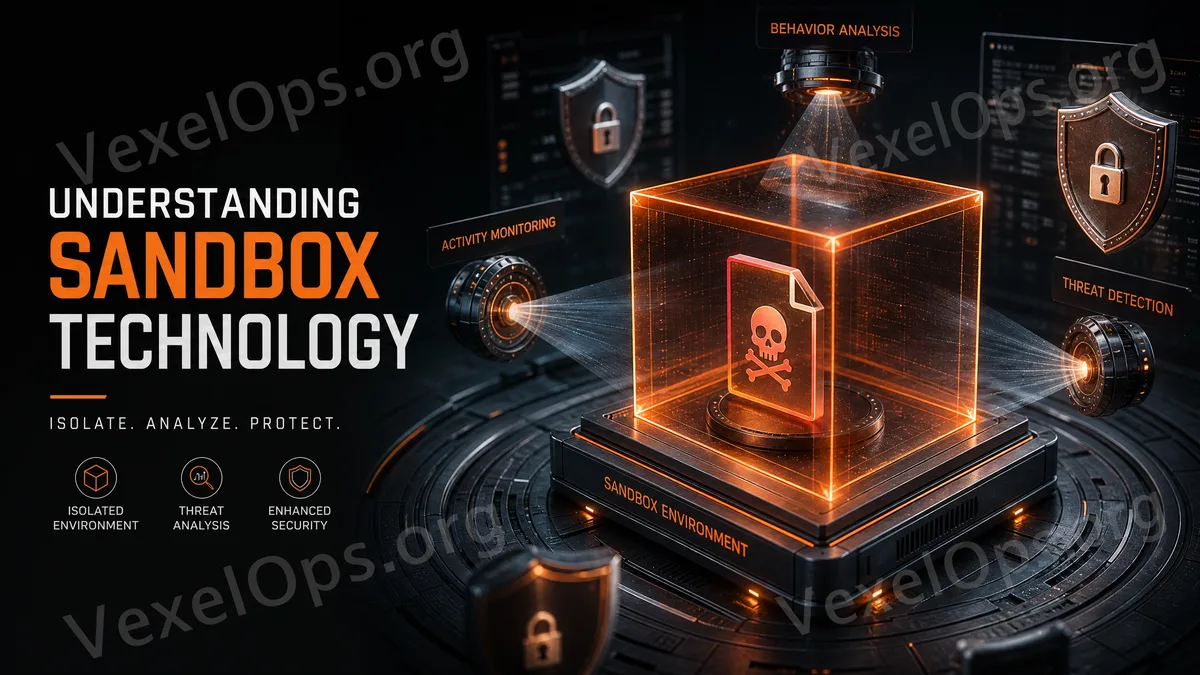
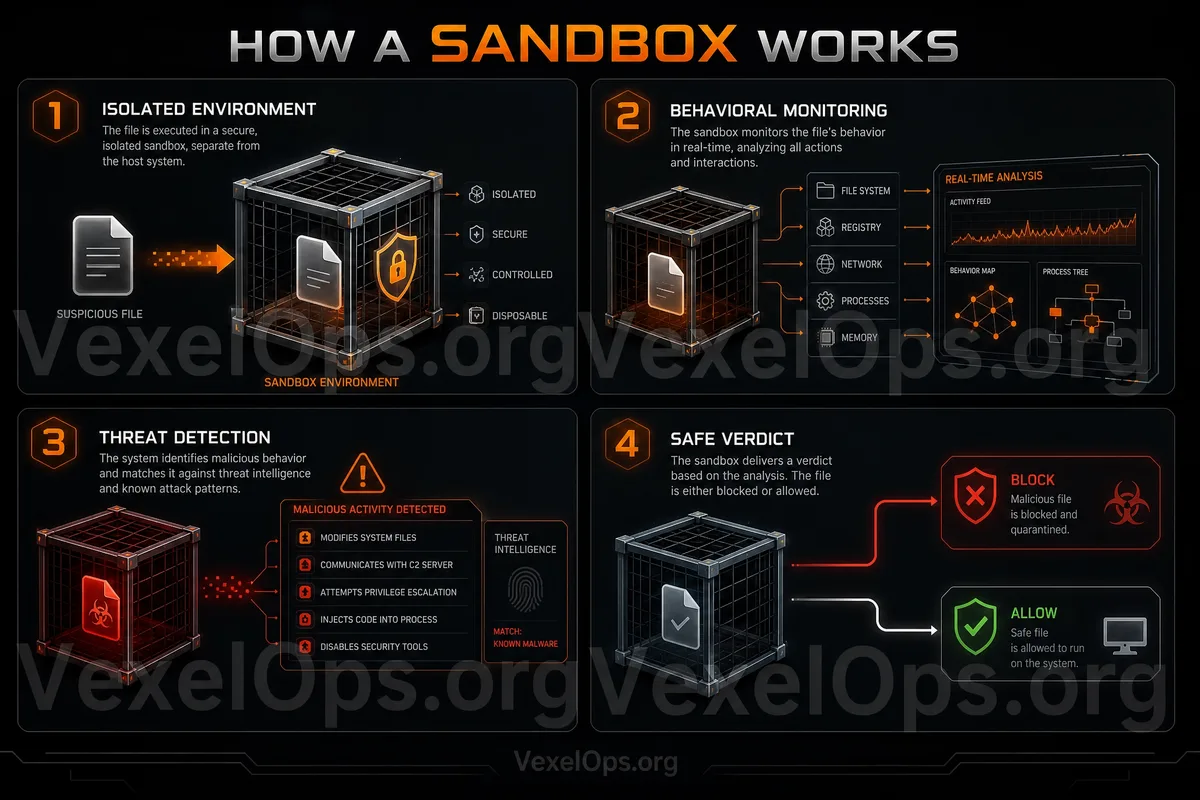
A sandbox is a security isolation concept. You can think of it as a small room that is separated, allowing programs or files to run inside without coming into direct contact with the entire system. In the field of cybersecurity, sandboxes are often used to observe suspicious files, unfamiliar programs, or uncertain content. Its purpose is not to eliminate danger completely but to limit risk within an isolated environment, avoiding impacts on the main system, personal data, or important files. For everyday users, there’s no need to delve deeply into the technical principles behind sandboxes. It's enough to know that a sandbox represents a security approach of 'isolate and observe,' rather than trusting all downloaded content directly.
Why Should Suspicious Files Not Be Opened Directly?
Many risks arise from a very ordinary action: opening a file. For example, you might receive a strange email with an attached archive, document, setup file, or so-called collaborative data. The file name might seem normal, and the content might be packaged like a work document, invoice, photo, or software tool. However, if the file comes from an untrustworthy source, opening it directly could bring risks. It may ask you to enable additional features, install programs, authorize permissions, or guide you to enter account information. Even if not every file is problematic, ordinary users should not develop the habit of 'opening attachments immediately upon seeing them.' The concept of a sandbox serves as a reminder that uncertain content should be isolated and checked first, rather than directly entering the main system.
Where Do Sandboxes Often Appear?
Sandboxes are not only encountered by professional cybersecurity personnel. In fact, many systems and software that ordinary users interact with daily may contain some form of isolation mechanism. For instance, browsers strive to limit the access of web pages to the system to prevent websites from indiscriminately accessing your local files. Mobile systems also restrict app permissions, ensuring that different apps cannot freely read each other's data. Antivirus software or security tools may place suspicious files in quarantine to prevent them from continuing to execute or affecting the system. These practices share a common security mindset: keeping untrustworthy or uncertain content contained, lowering the chances of them causing greater impact.
Sandboxes Are Not a Universal Protection
Although sandboxes represent an important security concept, they are not a panacea. Not all risks can be completely blocked by sandboxes, and not all users need to manually create sandbox environments. For ordinary users, a more practical approach is to maintain basic safety habits: do not open unfamiliar attachments, do not install untrusted tools, do not download files from suspicious websites, and do not follow strangers' instructions to disable security measures. If you really need to handle uncertain files, it’s best to first confirm whether the source is trustworthy and use installed security tools to scan. It’s even more advisable not to casually test unfamiliar files on work or important devices.
What is the Difference Between Quarantine and Deletion?
Many antivirus software will feature the term 'quarantine.' Quarantine does not necessarily mean immediate deletion; it is about placing suspicious files in a restricted location to prevent them from executing or affecting other files. The benefit of this approach is that if the file is indeed problematic, it will not continue to operate; if it’s a false positive, users or administrators will still have the opportunity to check and handle it. When ordinary users see security tools indicating 'threat quarantined,' there's no need to panic. What’s more important is not to restore unknown files on your own, nor ignore the prompts from security tools. If uncertain, you can keep the quarantined status and seek reliable technical assistance.
What Can Ordinary Users Learn?
Understanding sandboxes is not about analyzing suspicious programs but establishing an essential concept: untrustworthy items should not interact directly with the main system. This concept can apply to many everyday scenarios. Do not open attachments from unknown emails directly, do not download files from unsolicited messages on social media, do not install free tools casually, and do not take all pop-up security tool warnings at face value. Truly useful safety habits are often not complex techniques, but rather taking a moment to verify. Is the source of the file trustworthy? Is it really necessary to open it? Can it be obtained from an official website? Does it request unreasonable permissions? These questions are more crucial than blindly downloading and opening files.
Sandboxes Represent a Safety Mindset
A sandbox can be seen as a security protection mindset: isolate first, then judge; limit first, then trust. For ordinary users, the most important thing is not to master specialized analytical tools but to understand why security software isolates suspicious files, why browsers and mobile systems restrict permissions, and why unfamiliar files should not be executed directly. When you grasp the concept of a sandbox, it becomes easier to establish correct file security habits. This is a valuable foundation for digital security in the daily use of computers, smartphones, emails, social media platforms, and work documents.