
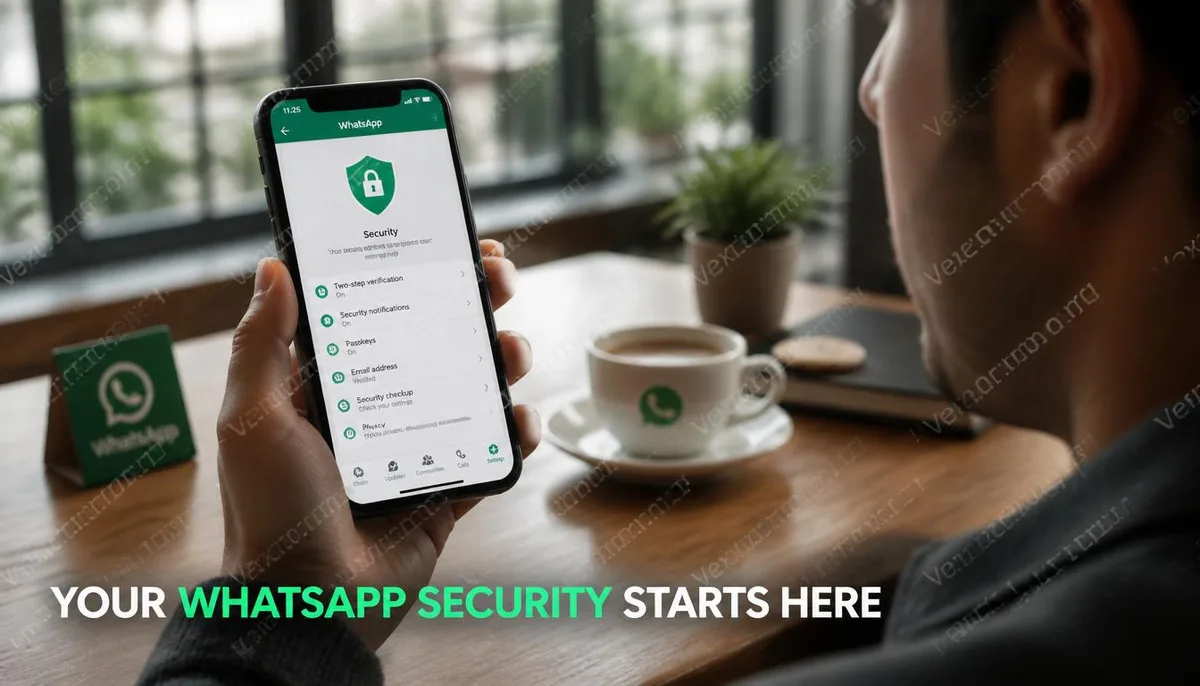
Over 2 billion users globally, yet most leave their account settings at default
WhatsApp is the instant messaging platform under Meta, with a large user base in Taiwan, Southeast Asia, Europe, and the Middle East. Its popularity has made it a frequent target for account attacks. Most account compromises do not require advanced technical skills. The most common method is social engineering, where attackers trick users into providing their verification codes, allowing them to take over the account within minutes, often without the original account holder noticing. Understanding how these risks operate is the first step to implementing secure settings.
The most common ways WhatsApp accounts are compromised
1. Verification Code Forwarding Attack This is currently one of the most common tactics. Attackers impersonate friends, family, or group members, messaging you claiming they accidentally sent the verification code to you and ask you to forward it. In fact, this code is sent by the system when the attacker attempts to log into your account; once you forward it, they complete the login. 2. SIM Swap and SMS Interception If attackers can get the telecom provider to transfer your phone number to a SIM card they control, they can directly receive all texts sent to your number, including WhatsApp verification codes. This type of attack has a higher technical barrier but the widest impact. 3. Misuse of Linked Device Functionality WhatsApp's multi-device linking feature allows you to use the same account on computers or other phones. If someone temporarily gains access to your phone and scans the linking QR code, they can add their device to your account and continue reading your messages without your knowledge.
Two-Step Verification: The Most Important Setting
WhatsApp's two-step verification is an additional security measure that requires a six-digit PIN code beyond just the phone number verification. When trying to register the account on a new device, the system will prompt for this PIN code. Even if the attacker acquires your verification code, they still cannot take over the account without this PIN. How to set it up: 1. Open WhatsApp and go to Settings 2. Select Account 3. Select Two-Step Verification 4. Click Enable and set a six-digit PIN 5. Enter a backup email address as a recovery option in case you forget your PIN Once set up, it's advisable to write down this PIN and store it somewhere outside of your phone to avoid losing access when changing devices.
Managing Linked Devices
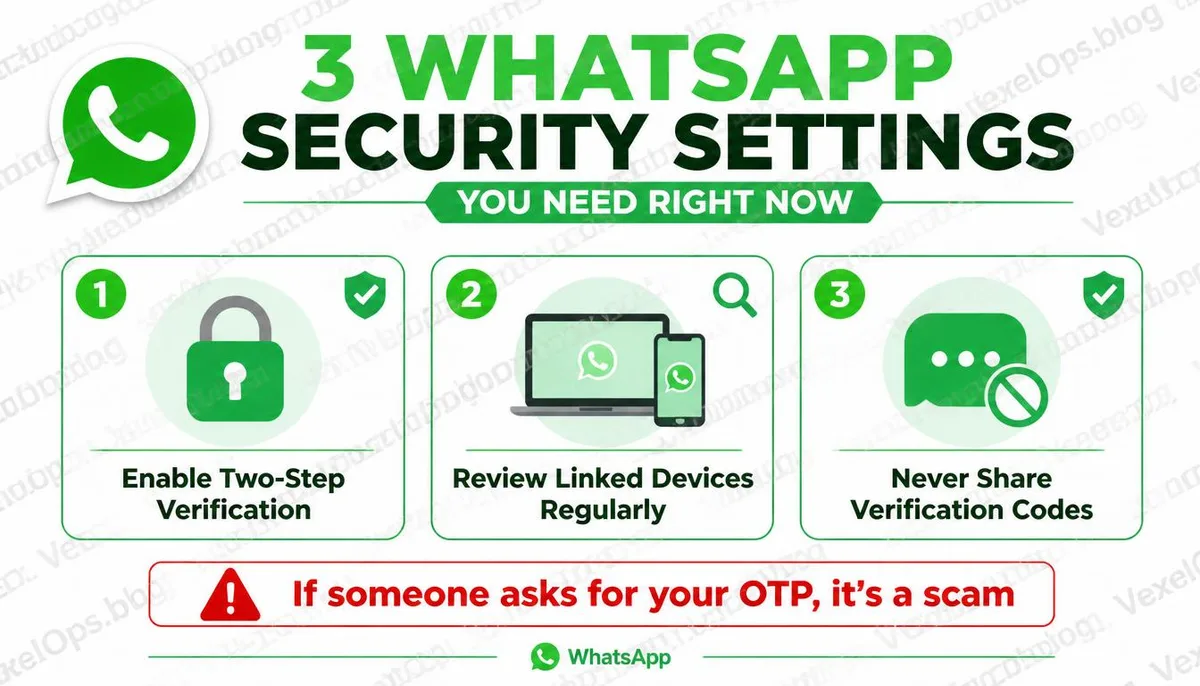
WhatsApp allows you to link up to four different devices at the same time. This feature is very convenient for everyday use, but if you don’t regularly check the list of linked devices, there could be unfamiliar devices accessing your account without your knowledge. How to check: - Open WhatsApp and go to Settings - Select Linked Devices - Review the current list of linked devices, including device names and last used times - For any unidentified or long-unused devices, click and log out It is recommended to proactively check this list regularly, especially after lending your phone to others.
When receiving unknown verification codes, calm judgement is more important than immediate action
If you suddenly receive a verification code SMS from WhatsApp and you haven’t tried to log in on any devices, this indicates someone is trying to re-register your account using your phone number. In this situation: - Do not share the verification code with anyone, no matter how reasonable their explanation sounds - You do not need to take special action, as the attacker lacks the PIN code and cannot take over the account (provided you have enabled two-step verification) - If you receive multiple requests for verification codes in a short time, consider contacting WhatsApp Support to explain the situation. If your account has already shown signs of abnormal activity, such as contacts reporting strange messages or you finding yourself logged out, VexelOps can assist you in organizing a timeline of events, confirming the current security status of your account, and guiding you on the next steps.
Common WhatsApp Account Security Questions
Is it still necessary to worry about security issues with WhatsApp's conversations being encrypted?
WhatsApp uses end-to-end encryption, which means messages can only be read by the sender and receiver during transmission, and even Meta itself cannot access the content of the conversations. However, encryption protects the transmission, not the access security of the account itself. If someone takes over your account, the attacker has direct access to your account's permissions and can read all undeleted message history. End-to-end encryption cannot provide protection in this scenario, which is why securing the account itself remains important.
What to do with my WhatsApp account after changing phone numbers?
WhatsApp provides a change number feature that allows you to migrate your account from an old number to a new one without losing conversation history and groups. The process can be found in the account section under settings; select Change Number and follow the instructions. Before changing numbers, it's advisable to ensure the new number can receive SMS normally, and after the number change is complete, recheck your two-step verification settings to ensure they are still correct.
Does having strangers join a group mean there is a problem with my account?
Not necessarily. The way strangers are added to WhatsApp groups is usually performed by any administrator; their presence typically means someone added them, rather than indicating a security issue with your account itself. If you notice other anomalies like unknown linked devices or unfamiliar message sending records, then further confirmation of your account's overall security status is needed.
One Key Takeaway: The most effective single protection measure for a WhatsApp account is to enable two-step verification. This prevents attackers from taking over the account even if they obtain the verification code. This setting only takes a few minutes but significantly increases the difficulty of account takeover.