
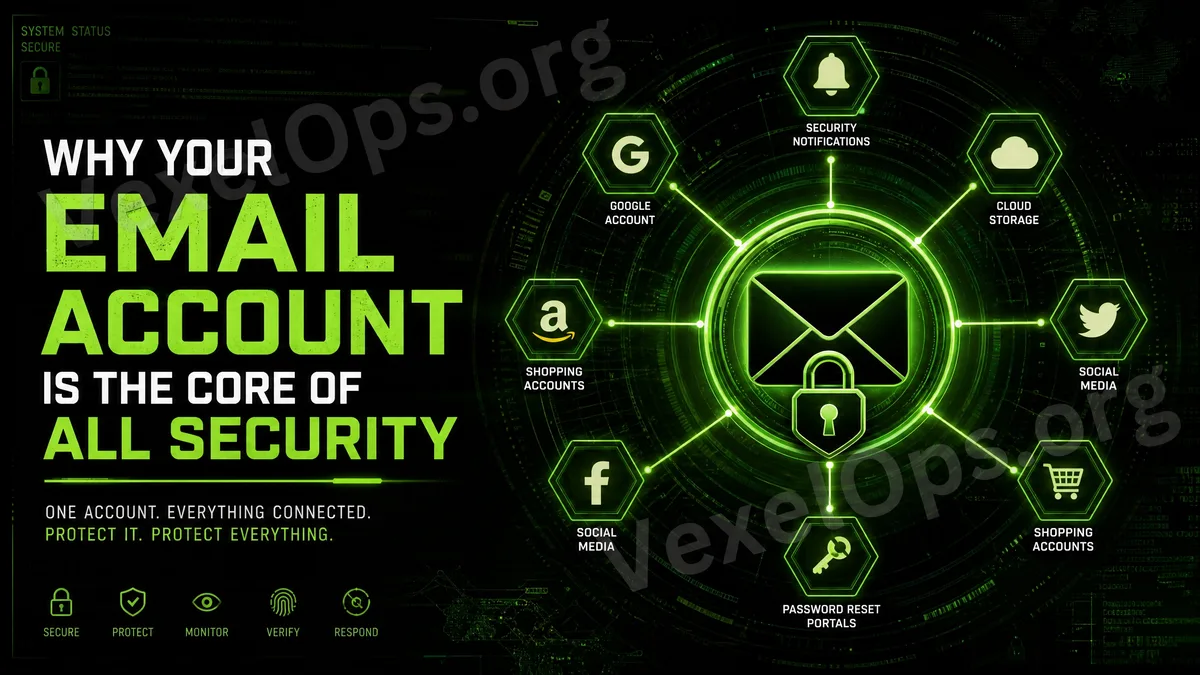
Email Is More Than Just a Tool for Receiving Messages
Many ordinary users see email as a simple tool for receiving verification emails, shopping notifications, bills, social media alerts, or work messages. However, from an account security perspective, email is actually a very important core entry point. The reasons are simple: Most online accounts are tied to email. When you forget your password, need to recover your account, receive security notifications, confirm logins, or modify settings, platforms usually send important links to your email. In other words, if your email account is compromised, attackers may not only read your messages but also use it to reset passwords for other platforms, further impacting your social accounts, cloud data, shopping sites, messaging tools, and other vital services. Therefore, protecting your email account is often more important than protecting any individual social account.
Why Would Compromised Email Affect Other Accounts?
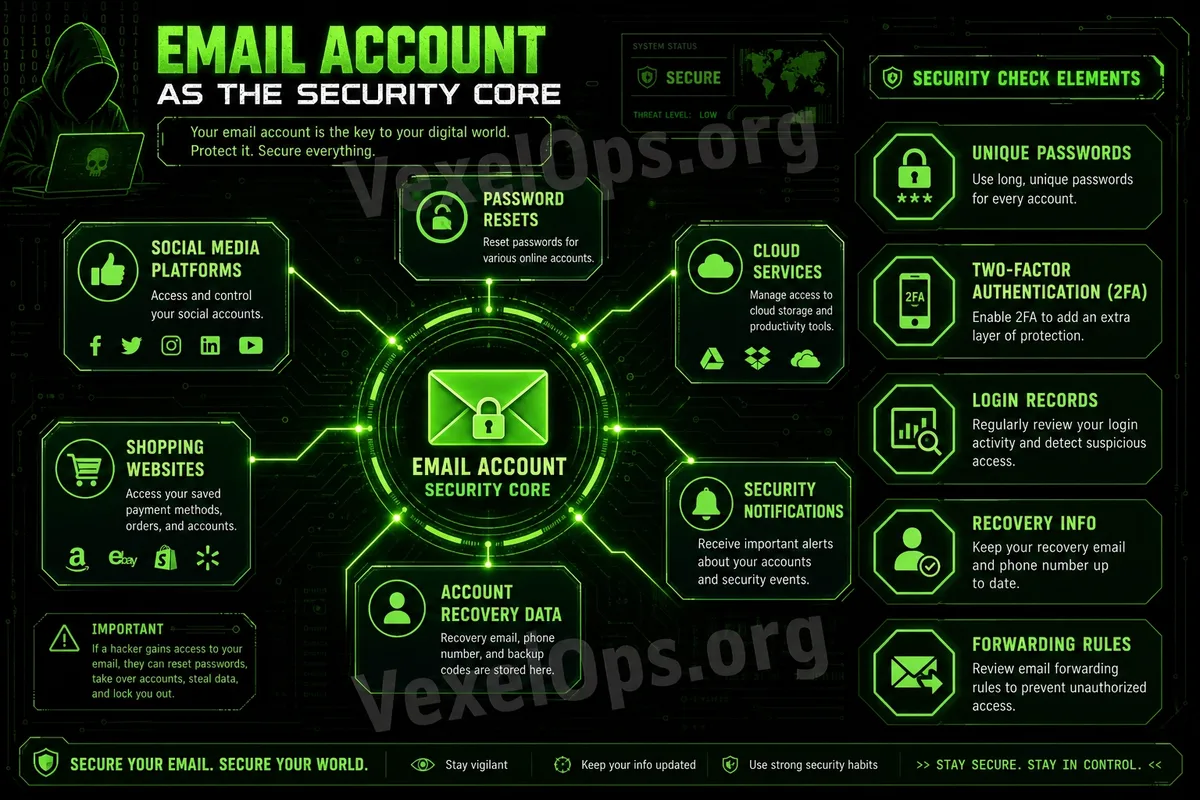
Many platforms' password reset processes utilize email. If your Instagram, Facebook, TikTok, X, shopping sites, or cloud accounts are tied to the same email, anyone who controls your email can attempt to receive password reset emails. Worse yet, attackers could search your inbox to see which platforms you've registered with, what services you've used, and what bills or verification notifications you've received. This information can help them determine which accounts are worth further attempts. Some individuals also store identity documents, account information, payment notifications, work documents, or personal photos in their email. If someone gains access to your inbox, this information could be viewed, downloaded, or misused. Thus, email account security isn't just about one account; it is the foundational defense of your entire digital identity.
First Check: Is Your Email Password Unique?
Your email password should absolutely be unique and not shared with other websites. If you use the same password across social platforms, shopping sites, forums, or other services, any breach of one platform could compromise your email. The first thing ordinary users should do is confirm that their primary email uses a unique password. This password should be long enough and not include birthdays, names, phone numbers, common words, or simple sequences. If you're unsure whether you've shared your email password before, it's advisable to update it and avoid using the same password on other platforms. For important accounts, using a password manager is much safer than relying on memory to reuse passwords.
Second Check: Is Two-Factor Authentication Enabled?
Your email account should definitely have two-factor authentication (2FA) enabled as a priority. Once your email is accessed, other accounts may also be affected. 2FA adds a second layer of protection beyond just the password. Even if someone knows your email password, they might not be able to log in directly. It is recommended to use an authenticator app or a security key as the primary means of verification. If currently, SMS verification is the only option, it's still better than having no 2FA enabled. After enabling 2FA, be sure to save the backup codes. Do not keep these codes directly in the same email inbox; otherwise, if your email is accessed, the backup codes might be seen as well.
Third Check: Are Your Login Records Normal?
Most email services allow you to view recent login activity, such as login times, devices, locations, or browser information. Ordinary users should regularly check these records to confirm if there are any unfamiliar devices or unusual logins. If you see unknown login records, don't just ignore them. It's advisable to immediately change your password, log out from other devices, and check whether 2FA is still functioning correctly. Sometimes, locations may not be accurate due to network judgments, but if the device name, login time, or behavior is noticeably abnormal, you should stay alert.
Fourth Check: Are Your Recovery Details Accurate?
Email accounts typically have recovery phones, backup emails, or security questions set up. If these details are outdated, it may be challenging to recover your account in the future. For example, if you no longer use an old phone number but still have it in your recovery details, or if your backup email hasn't been logged into for a long time, or you even forgot the password; these all increase the risk of account recovery. It's advisable to regularly verify whether your recovery phone and backup email are still usable. For an important email account, the backup email itself should also have a strong password and 2FA; otherwise, it could become a risk as well.
Fifth Check: Are There Any Suspicious Forwarding or Filtering Rules?
Many ordinary users overlook automatic forwarding and filtering rules in their email. If an attacker has previously accessed your inbox, they might have set up automatic forwarding to send future security notifications, password reset emails, or specific messages elsewhere. They might also create filtering rules that automatically mark certain security notifications as read, delete them, or move them to hidden folders, making it harder for you to notice any anomalies. Therefore, if you suspect that your email has been at risk, in addition to changing your password, you should also check forwarding settings, filtering rules, authorized apps, and third-party connections.
Do Not Enter Your Email Password on Phishing Pages
Email accounts are high-value targets and as such, frequently become targets for phishing attacks. You might receive fake security notifications, fake cloud files, fake bills, or fake login reminders, asking you to click links and log in again to your email. These pages may look very similar to official login pages, but they are actually designed to collect your account information and passwords. When ordinary users encounter links asking them to log in again, they should first verify the URL for accuracy. The safest approach is to refrain from logging into your email from links in unfamiliar messages or private messages. Instead, directly open the official app or manually enter the official website URL.
Prioritize Protecting Email to Safeguard Your Entire Digital Identity
For ordinary users, email is one of the accounts that should be prioritized for protection. This is because it typically connects to your social platforms, shopping sites, cloud data, work contacts, and password reset processes. If you're unsure which account to protect first, you can start with your primary email: set a unique password, enable 2FA, save backup codes, check login records, verify recovery details, and watch out for suspicious forwarding rules. Digital safety doesn't necessarily have to start with complex technology. Just ensuring that your email, as the core entry point, is secure can significantly reduce the risk of many other accounts being adversely affected.