
Does Your Phone Location Really Track Us?
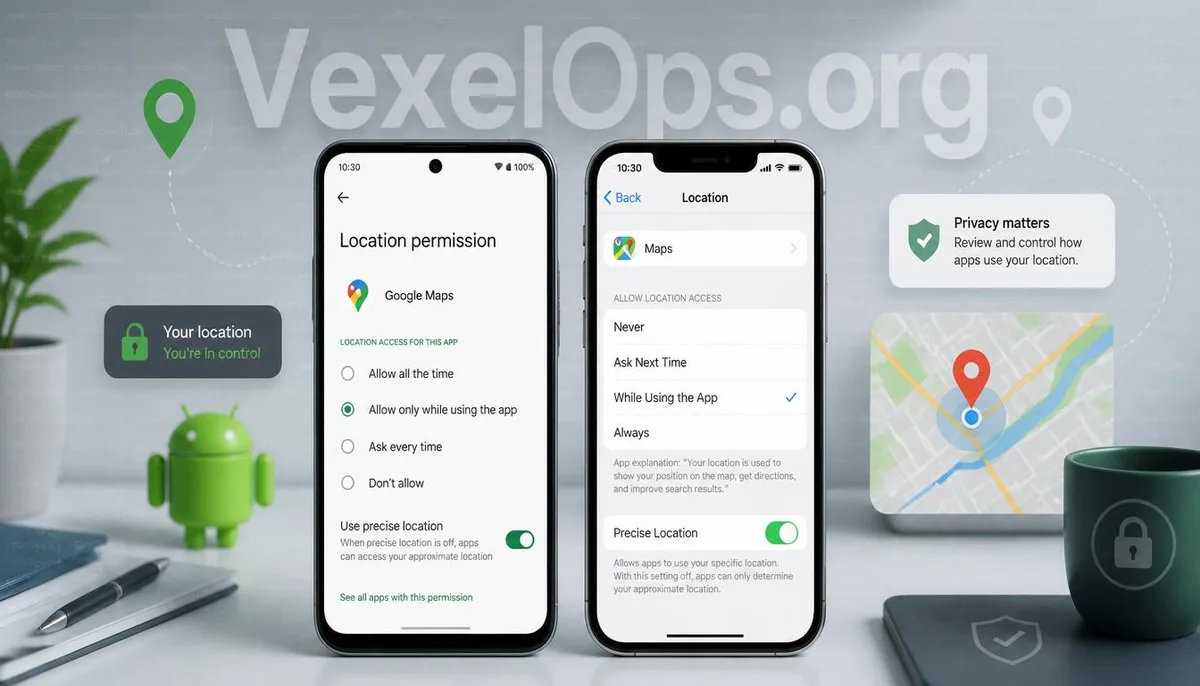
Many people encounter prompts to enable location permissions when installing new apps. Navigation, delivery platforms, ride-sharing services, and even some social platforms may require access to your current location. This has led many to worry that once the location function is activated, the phone will continuously log their movements. In reality, there isn't a definitive answer regarding location services. Whether your location is continuously tracked usually depends on system settings, app permissions, and usage context. Some applications only access your location when they are in use, while others may require background location access to function correctly. Therefore, understanding permission settings is more important than simply turning off all location services. In recent years, both Android and iPhone have strengthened their privacy protection mechanisms, allowing users to manage which apps can access location information and under what circumstances.
Why Do More Apps Request Location Permissions?
Many services need location information to provide complete functionality. For instance, navigation requires knowledge of your current location, weather apps need to determine your area, delivery platforms must confirm delivery addresses, and even photo-taking apps may offer the option to record the shooting location. However, not every app needs location access. If an app's main function has no direct connection to your location but still requests location permissions, it's worth considering the reason. You can ask yourself a few straightforward questions: - Does this app really need to know my location? - Can it still function normally if I turn off location services? - Can I set it to access location only while using the app? By making these assessments, most people can build better habits for managing permissions rather than just clicking 'allow' every time.
What Is the Difference Between Precise and Approximate Location?
Many Android phones now offer options for precise and approximate location. Precise location provides a higher degree of location accuracy. For instance, navigation, ride-hailing, or searching for nearby stores typically requires more accurate location information. Approximate location, on the other hand, only offers a general area, such as a city or nearby vicinity, which is sufficient for providing weather information, news suggestions, and other services without relaying very exact locations. If the service is just general information, approximate location is often sufficient. Only consider activating precise location in scenarios that specifically require navigation or real-time positioning. Using different permissions for different situations is a way to balance convenience with privacy.
Will Turning Off Location Services Prevent All Location Tracking?
This is also a common misconception. Turning off location services can indeed restrict apps from directly obtaining GPS coordinates. However, your phone may still determine its approximate area via Wi-Fi, cell towers, or the internet for basic network services. Furthermore, if you've previously consented to certain services saving location data (like Google Maps timeline), historical data may still be retained in your account, rather than disappearing simply because you've turned off location today. Therefore, in addition to managing location permissions, it's also advisable to periodically check the location data settings in your account to understand what information is still being stored.
Regularly Checking Permissions Is More Important Than Turning Off Location Completely
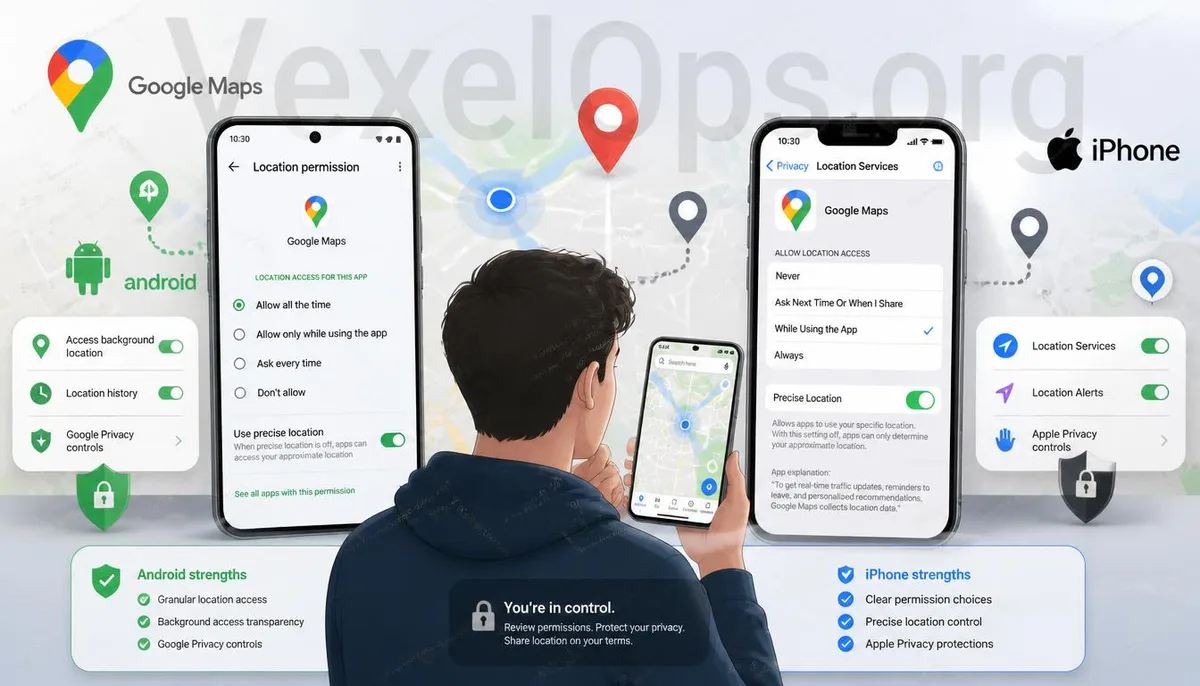
Some people worry about their privacy and thus turn off all location functions. Others may completely ignore prompts and just click 'allow.' In most cases, it's unnecessary to adopt either of these extreme approaches. It's recommended to develop a habit of regularly checking location permissions. For example, look at which apps have location access every few months to ensure they still meet your needs. You can also be mindful of the following: 1. Remove any apps that you haven't used in a long time. 2. Change background location access to only while using the app. 3. For apps that do not need precise location, opt for approximate location. 4. Regularly review your Google or Apple account settings related to location. By making these simple adjustments, most users can effectively reduce unnecessary location information sharing while not impacting their daily experience.
Protecting Privacy Doesn't Mean Turning Off All Features
Many believe that protecting privacy means turning off all features. However, what’s more crucial is understanding the purpose of each feature and which permissions genuinely meet your needs. Many phone systems now provide comprehensive permission management features, enabling users to determine the scope of data sharing, rather than just allowing or denying. If you later find location permissions to be excessive, if an app continually requests unreasonable permissions, or if you have questions about your phone's privacy settings, it's wise to check your system settings and adjust according to your actual circumstances to achieve a better balance between daily use and personal privacy.
Frequently Asked Questions
Does Keeping Location On Drain Battery More?
Location services may increase battery consumption to some extent, but the actual impact depends on the apps in use, navigation time, and system settings, and can vary between different phone models.
Does Every App Need Access to Location?
Not necessarily. If an app's main function doesn't directly relate to location information, you can choose to deny access or allow location use only while using the app.
Are There Differences in Location Permissions Between Android and iPhone?
Both systems provide complete location permission management features, including options for allowing access while using the app, denying access, and precise location. While the interface differs slightly, the management concepts are similar.