
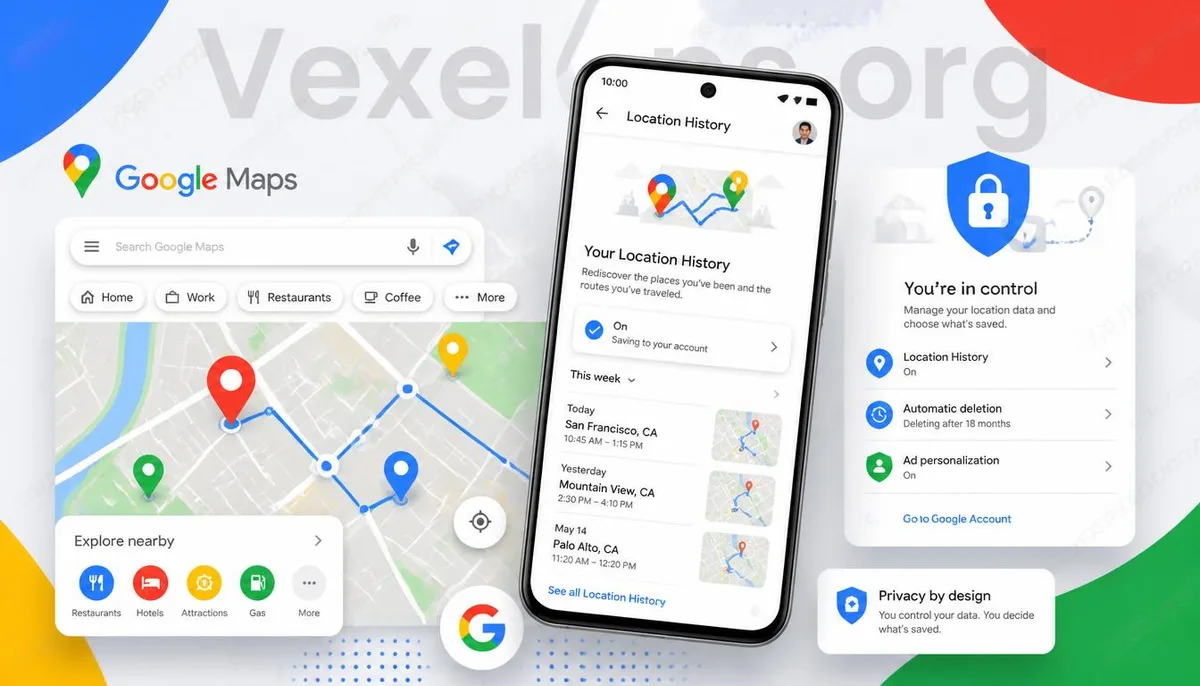
Does Google Maps Really Record the Places I’ve Been?
Google Maps has become a tool that many use daily, whether for navigation, finding restaurants, planning trips, or checking traffic information. Due to the convenience of location services, many people wonder if Google saves their location history. If they've been to a certain place, how long is that information retained? In fact, whether Google saves location information depends on your account settings, location permissions, and whether you've enabled related features. Not all users will have identical records, so it’s more important to understand your settings than to worry about whether your data is being saved.
What is Google Timeline?
Many users see the Google Timeline feature when checking their Google account. It is primarily used to help users review places they have visited, their travel routes, and movement history, making it convenient to find previously visited restaurants, attractions, or shops. For some users, this feature is very handy, especially when recalling travel itineraries or work visit locations. However, others may prioritize personal privacy and want to understand whether their location information is being saved and how they can manage it themselves. Google provides related settings that allow each user to choose whether to keep these records according to their own needs.
Location Permissions and Location History Are Actually Different Functions
Many people confuse location permissions with location history. In reality, they are two different concepts. Location permissions mainly determine whether an app can obtain your current location, while location history is related to whether your account saves that information. Simply put: - Enabling location permissions does not necessarily mean that location history will be permanently saved. - Disabling location services does not mean that past saved records will immediately disappear. - Whether location history is created usually relates to Google account settings. Once you understand the differences between the two, it's easier to adjust settings according to your needs rather than turning off all functions at once.
Can You Delete Google Maps Location History?
If you want to manage your location information, first check the relevant settings in your Google account. Depending on different versions of Google Maps or the Google account interface, the location of features may vary slightly, but you can typically find options for location history or related privacy management. Many users choose to: - Regularly check location history. - Delete certain historical records. - Set up automatic deletion. - Disable unnecessary location-related features. By using these methods, you can manage your location information more flexibly while keeping the functions that you truly need. Different interface versions may have adjustments, so it's recommended to refer to the latest settings from Google.
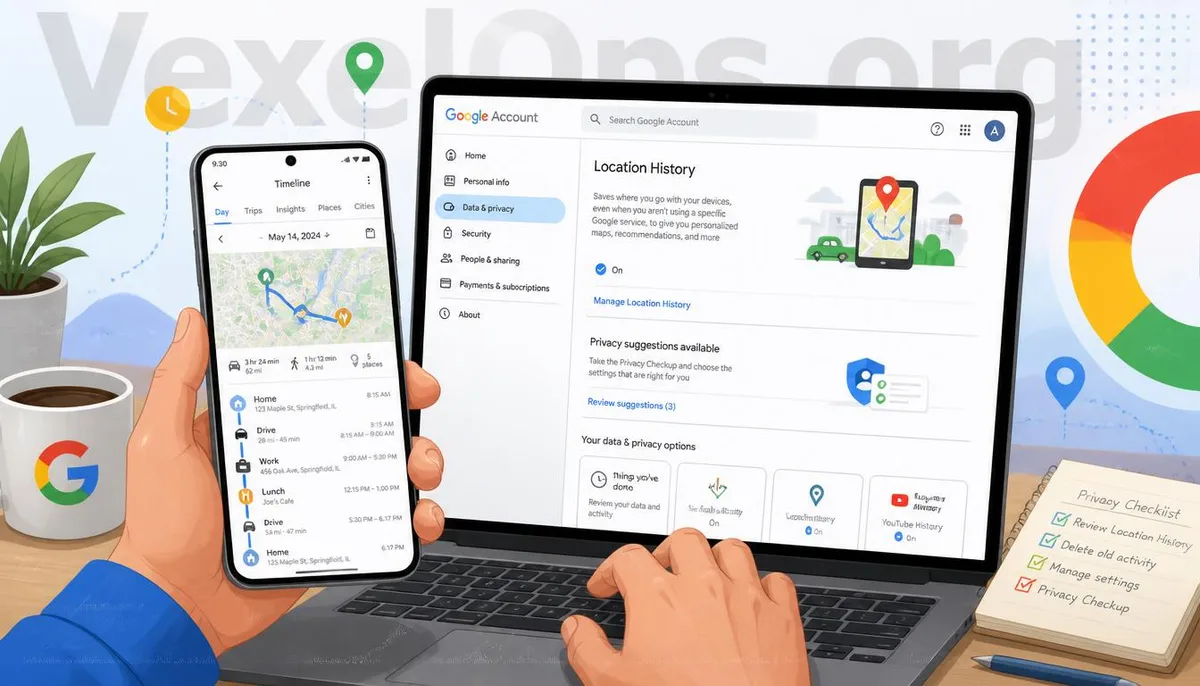
What Privacy Habits Can Be Developed While Using Google Maps?
In addition to managing location history, you can also establish some simple habits to enhance personal privacy. For example: - Regularly check your Google account's privacy settings. - Reassess your phone’s location permissions. - Only allow apps that truly need location access to do so. - After using navigation, there's no need to keep location services on for an extended period. - Regularly review the activity records of your Google account. These settings usually only take a few minutes but can help you better understand how your data is being used. Privacy protection doesn’t mean completely stopping the use of convenient features; it's about finding the right balance between convenience and data management.
Understanding Your Data is More Important than Completely Turning Off Services
Google Maps provides many conveniences, and location information makes navigation, traffic, and searching for nearby shops more practical. What’s truly important to focus on is not completely avoiding the use of location services but knowing what data is being saved, which features can be adjusted, and how to manage account settings according to your needs. If you have a habit of regularly checking your Google account, location permissions, and privacy settings, you can generally use various Google services with greater peace of mind while minimizing unnecessary data sharing.
Frequently Asked Questions
Does Google Maps Always Save My Location History?
Not necessarily. Whether location information is saved depends on Google account settings, location permissions, and whether related features are enabled; different users may have different settings.
After Deleting Location History, Will It Be Rebuilt Later?
If the relevant features remain enabled, new location information may still create new records according to current settings, so it's recommended to check privacy settings in the account simultaneously.
Can Google Timeline Be Completely Turned Off?
Google provides location-related settings that users can adjust or manage according to their needs. As interfaces may update, it's recommended to refer to the latest settings from the official site.