
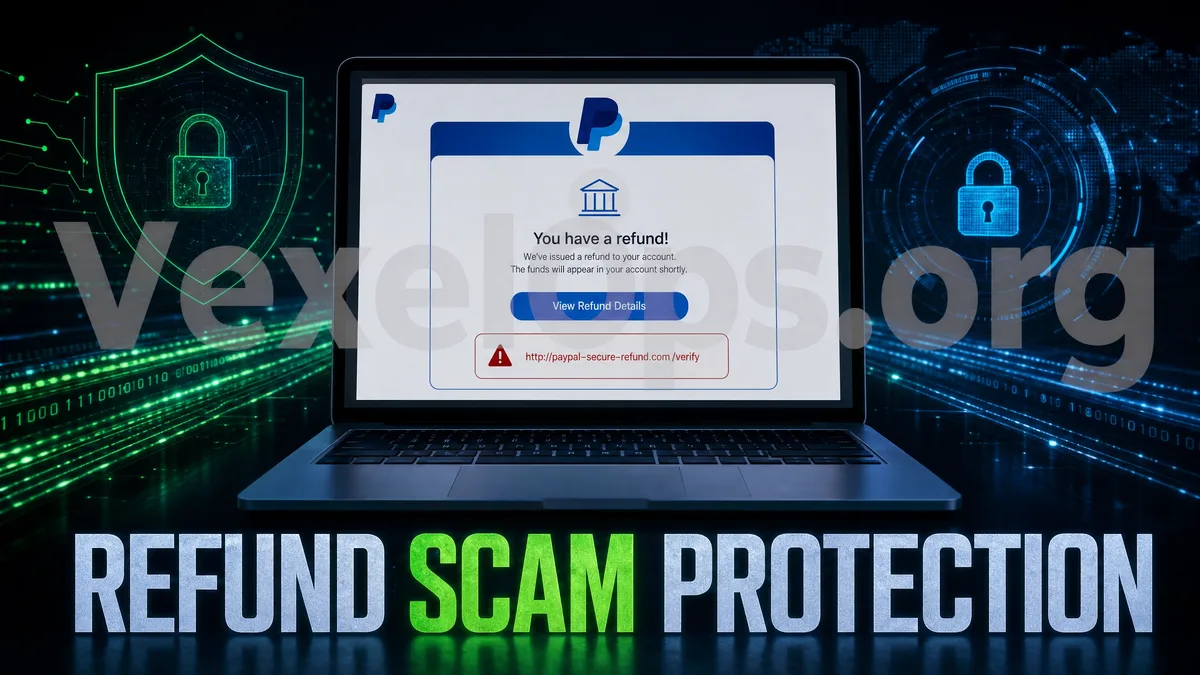
When You See the Word 'Refund', Don't Rush to Click the Link
Many people, upon receiving a refund notification, their first reaction is not to doubt, but to quickly check if the money has returned. Especially if they have just made a purchase on Amazon, Shopee, PayPal, eBay, delivery platforms, booking sites, or other e-commerce platforms, they are more likely to believe these messages. Fake refund scams exploit this psychology. The scammer may notify you via Email, SMS, WhatsApp, LINE, Telegram, or social media messages stating, 'Order refund failed', 'Duplicate payment, please claim compensation', 'Bank card needs re-verification', 'PayPal account needs confirmation', or 'Product canceled, please fill in refund details'. Messages usually include a link that appears to be an official refund page, customer service center, or payment verification page. The key to these scams isn't necessarily to directly request a money transfer, but to first make you believe you are 'receiving money' or 'getting back a refund'. Once your guard is down, they will then gradually ask you to input credit card information, bank login details, Email passwords, phone numbers, verification codes, and even request you to install remote assistance tools.
Common Scenarios for Fake Refund Notifications
Fake refund scams most commonly disguise themselves as several everyday notifications. The first type is e-commerce refunds. The message might claim that your Amazon, Shopee, Lazada, eBay, or other shopping orders have been canceled and require you to click a link to confirm the refund account. The page might display order numbers, product images, refund amounts, and customer service buttons, but it is actually a phishing site. The second type involves PayPal or credit card notifications. The scammer might say your payment has been charged multiple times, or that there are unusual transactions on your account requiring login confirmation. These pages usually require you to input an Email, password, credit card number, expiration date, CVV, and even one-time verification codes. The third type is fake bank compensation or fake customer service refunds. Scammers may impersonate banks, telecom companies, delivery platforms, or logistics companies, claiming that due to a system error you were overcharged and can be compensated a small amount. This language may appear benevolent, but the intent is likely to lead you into a fake verification process. The fourth type is fake
Why Are Fake Refunds Easier to Succeed Than Regular Phishing?
Regular phishing messages often say 'account abnormal' or 'verify immediately', which raises suspicions for some people. However, refund messages feel different because they do not ask you for payment but rather tell you 'there is money to be retrieved'. This psychological difference is significant. When people believe they are the ones receiving money, their sense of risk decreases. Scammers will also deliberately set the amounts to be neither too high nor too low, such as $19.99, $49.90, $128, or what seems like a reasonable order refund, making you feel related to your recent expenditures. Some fake refund pages might even make their processes look very much like official customer service: first filling in name and Email, then inputting credit card, and finally asking for a text verification code. Each step appears normal, but the overall purpose is to collect information. What you should truly remember is that refunds usually do not require you to provide the full credit card CVV, nor do they need you to give customer service your bank message codes, PayPal verification codes, or Google Authenticator codes.
Check Refund Links by Looking at Three Places First
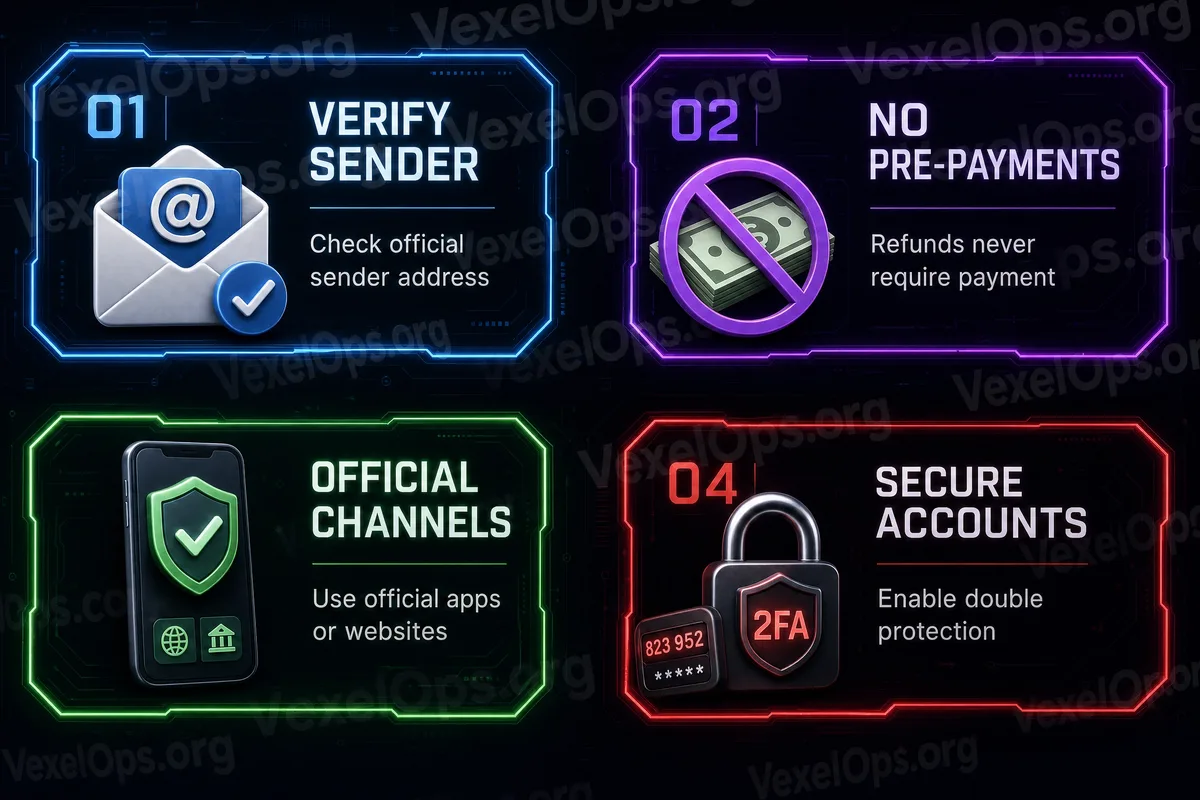
When encountering a refund notification, do not enter through the link in the message. You can first check three things. First, check the source. Is the sending Email really from an official domain? Is the SMS from an unknown number? Does the WhatsApp or Telegram customer service account merely use the brand's avatar? Many fake customer services mimic official logos, but the accounts themselves have no credible verification. Second, check if you actually have that order. The safest way is to open the official App or official website and view refund status from the order history. Do not log in through buttons in SMS, Email, or private messages. Third, check the URL. Fake websites often use similar spellings, strange subdomains, shortened URLs, or multiple redirects. Even if the page has an HTTPS lock, it does not guarantee it is the official site. The lock just indicates an encrypted connection, not trustworthy website content.
What Information Should Not Be Provided on a Refund Page?
Normal refund processes usually refund via the original payment method and will not ask you for excessive additional information. If the refund page requests the following items, you should be particularly cautious: 1. Full credit card number, expiration date, and CVV 2. Bank account login passwords 3. PayPal, Google, Apple ID, or Email passwords 4. Phone text verification codes 5. Google Authenticator or Microsoft Authenticator time-sensitive codes 6. ID photos and selfie verification 7. Remote assistance software connection codes 8. Asking you to pay a fee to get refunded Especially with verification codes, they should only be entered by you on the official website or official App. If any customer service, group admin, or refund officer asks you to share the verification code with them, you should not trust them.
What to Do After Inputting Information?
If you have already entered credit card details on a suspicious refund page, you should contact your bank or card issuer as soon as possible to confirm whether you need to freeze your card, change your card, or monitor for unauthorized transactions. If you have entered PayPal, Google, Apple ID, Facebook, Instagram, or Email passwords, you should immediately change the password from the official entry point and check your login devices and security settings. If you have entered a text verification code, the risk is even higher. The other party may have already tried to log into accounts, bind devices, or complete payment verification. At this point, you should check recent transaction records, account security activity, backup Email, phone numbers, and whether two-factor authentication settings have been altered. If the incident involves multiple platforms, such as first receiving a fake refund Email, then seeing unusual bank transactions, and then being contacted by someone impersonating customer service on WhatsApp or Telegram, it is advisable to organize the timeline clearly. Preserve screenshots of messages, suspicious URLs, payment pages, types of information entered, bank
A Genuine Refund Process Never Fears You Returning to Official Channels to Confirm
Fake refund scams fear you slowing down to verify. As long as you don’t click the link in the message but rather open the official App, official website, or bank App yourself, many fake pages become ineffective. Next time you see notifications regarding refunds, compensations, extra charges, subscription cancellations, or payment failures, ask yourself three questions: Do I actually have this order recently? Am I operating within the official App? Does this process require me to provide too much sensitive information? A truly reliable refund process will not require you to send passwords and verification codes to strangers, nor will it force you to complete operations within minutes. The more a message claims 'immediate processing,' 'expires after a deadline,' or 'cannot refund without verification,' the more you should pause to confirm the source. Spending a little extra time checking can often prevent credit cards, accounts, and personal data from being involved in greater risks.