
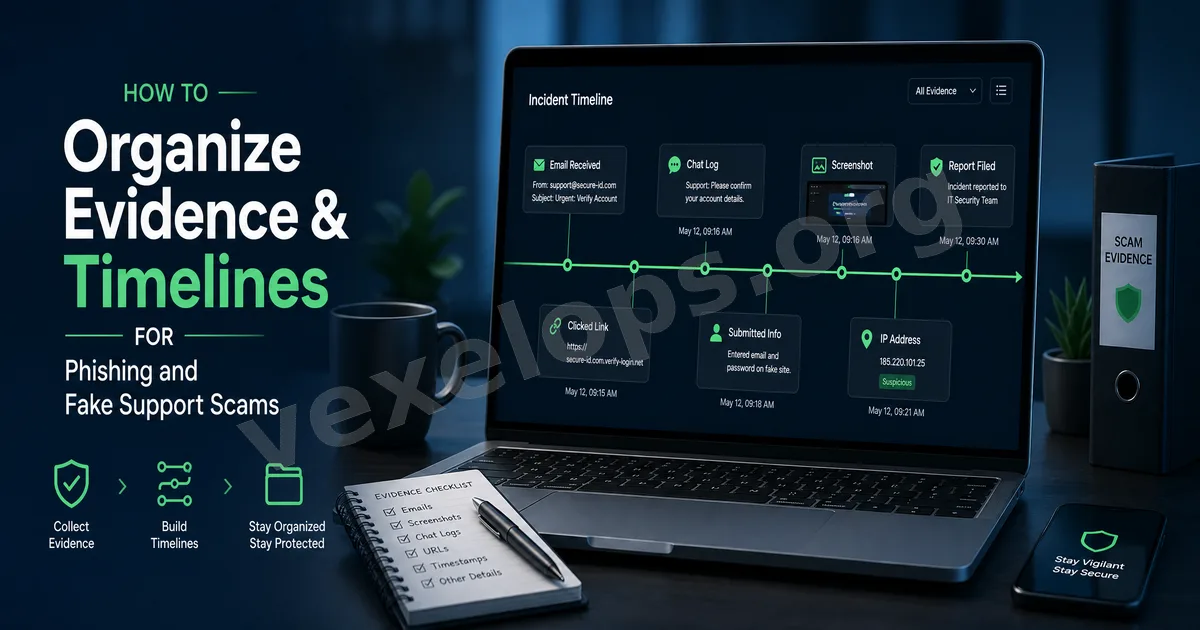
It's Important to Organize Information After Receiving Fake Support or Phishing Links
Many digital security issues do not begin with complex technology, but start from a message, a link, or a fake support request. Users may receive notifications that appear to be official via Instagram, Facebook, Google, Telegram, WhatsApp, LINE, email, or text messages. The content may claim that the account is unusual, requires re-verification, has failed payments, has issues with a package, is about to be disabled, or requires clicking a link to complete security checks. After such situations arise, the most important step is to clearly organize the information. This is because assessing the risk later often requires knowing where the message came from, when it was received, which links were clicked, whether any information was entered, and if the account currently shows any anomalies. The role of the VexelOps.net self-commissioning service platform is to allow users to submit this information in a more organized manner, avoiding data being scattered across different chat windows, screenshot albums, or browser histories.
Which Platforms Encounter These Issues Most Frequently?
Fake support and phishing links are commonly found on social platforms, messaging apps, email, and payment-related services. For example, Instagram users may receive fake account verification notifications, Facebook users may be alerted about page violations, Google or Gmail users may receive unusual login prompts, and Telegram and WhatsApp users might encounter fake support requests, investment group solicitations, or verification code requests. These platforms are everyday tools commonly used by ordinary users, so scammers are more likely to mimic their notification tone and operating processes due to high usage frequency. The focus of VexelOps services is not to make users judge all details independently but to help users first organize usable clues, making subsequent risk analysis clearer.
First Category of Data: Message Screenshots and Sources
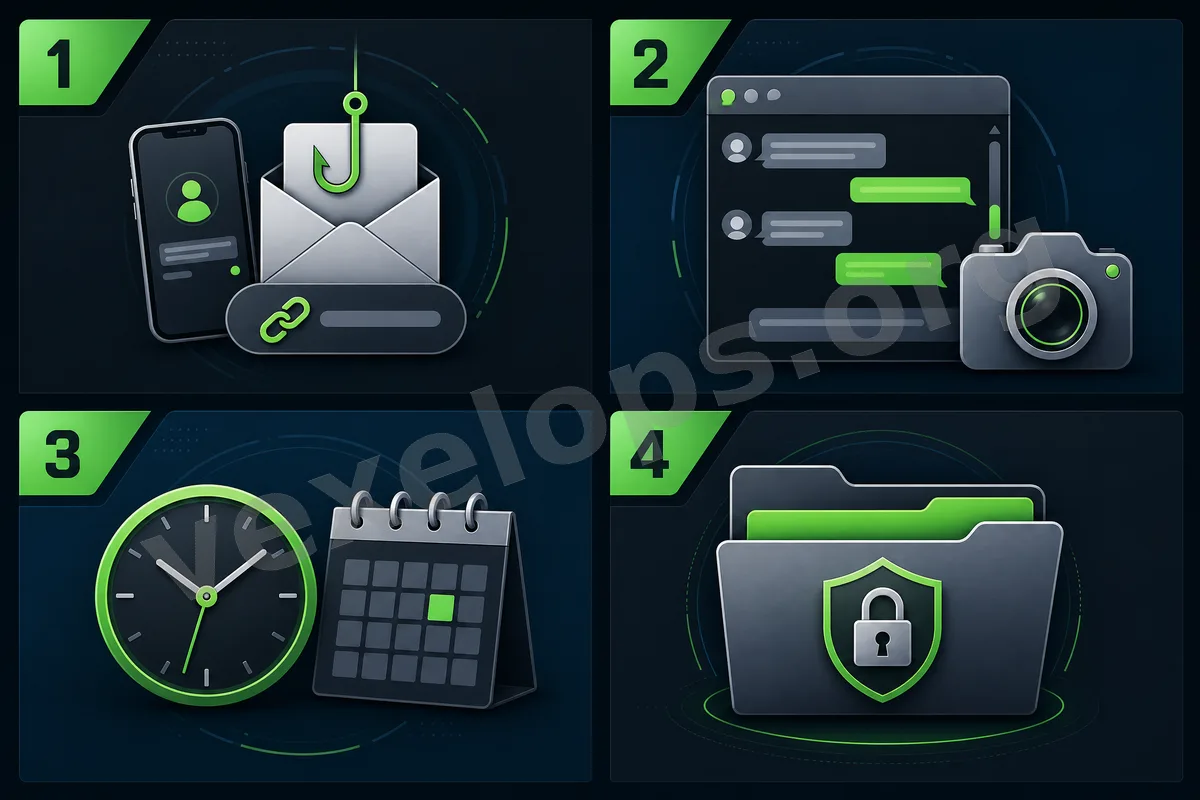
After receiving a suspicious message, it's advised to save a complete screenshot. The screenshot should ideally include the account name, profile picture, message content, time, and any links or requests made by the sender. If the message was received through Telegram, WhatsApp, LINE, Instagram, or Facebook Messenger, it's best to retain the entire conversation context, rather than just a small segment. This is because the surrounding context can often assist in judging how the sender was guiding you. If received via email, you can save the sender's address, subject, receipt time, message content, and links. If it's a text message, saving the sending number and complete text is also advisable. This data can help VexelOps understand the starting point of the event more quickly and make the following organization more substantiated.
Second Category of Data: Suspicious Links and URLs
Phishing links are critical clues in risk judgment. Many fake support requests lead users to click a link that directs them to a fake login page, a fake complaint page, a fake support page, or a fake payment page. If you still have the link saved, you can record the URL. Even if the page is no longer active, the URL itself may still hold referencing value. Consider recording: - Complete URL of suspicious links - The platform from which the link was received - Time clicked - What the page requested you to do - Whether it asked for login, payment, download, or input of verification codes The self-commissioning process at VexelOps.net allows users to submit this information in one place, facilitating subsequent assessment of what type of risk the link might involve.
Third Category of Data: Have You Entered Any Information?
If you only received a message without clicking, and click and enter information, the risk levels are different. Thus, when submitting a commission, you can clearly describe whether you have performed any of the following actions: - Clicked a link - Entered account or email - Entered password - Entered SMS verification code or two-step verification code - Uploaded identity documents - Downloaded files or apps - Made payments or transfers - Authorized third-party tools These details don't need to be exaggerated or hidden. A clearer description aids in determining which accounts need prioritization for checks. VexelOps emphasizes the principle of necessary information, so users do not need to submit passwords, verification codes, or high-risk login data, just describe whether any data entry occurred.
Fourth Category of Data: Current Account Status
After receiving fake support or phishing links, it's also necessary to confirm the current status of the account. For instance, whether you can still log into Instagram or Facebook, if your Google account shows unfamiliar devices, if there are unusual logins on Telegram or WhatsApp, if you've received password reset notifications via email, and whether friends have received strange messages from your account. This can be organized into a simple timeline: - When did you receive the suspicious message? - When was the link clicked? - Did you enter any information? - Did any anomalies occur with the account after that? - Did you receive any official security notifications? - Did any friends report receiving suspicious messages? Such a timeline can help VexelOps understand the sequence of events more quickly and also assist in determining whether the problem is account risk, phishing risk, data breach risk, or platform recovery issues.
Submit Data More Organized Through VexelOps.net
Many users encountering fake support or phishing links will scatter descriptions in chats like, "I think I clicked the link," "I don’t know if I was hacked," "I received a verification message," and "My friend said I sent strange content." These descriptions do help but may complicate later assessments if not organized into a complete event. VexelOps.net’s self-commissioning platform allows users to submit the background of the issue, the platform name, screenshots, URLs, timelines, and the current account status according to the process. This method is clearer than scattered private messages and makes it easier for subsequent service handling. For ordinary users, there is no need to know all technical details upfront. Simply organize the sequence of events, and subsequent risk assessments can proceed with more direction.
What Can VexelOps Assist Users With?
In this service scenario, VexelOps focuses on assisting users in organizing risk clues, clarifying problem statuses, and making subsequent processes clearer. For instance, users can submit through VexelOps.net: - Suspicious support messages - Phishing links - Platform names - Current status of accounts - Timelines - Screenshots and conversation records - Whether information was ever entered - Whether an account is already showing abnormalities With this information, the assessment of account safety, platform recovery, data breaches, fake support impersonation, or other digital risks can proceed in a more organized manner.
Learn About the Services from VexelOps.org and Submit Requests at VexelOps.net
If you want to first understand the overall service direction of VexelOps, you can visit the main site: VexelOps.org: https://vexelops.org/ If you have already encountered fake support, phishing links, account anomalies, platform verifications, or suspicious notification issues, you can submit requests through the VexelOps.net self-commissioning platform. For further contact, you can also reach out via Telegram: Telegram: @vexelops VexelOps aims to provide ordinary users with a clearer, more private, and more organized service entrance when encountering digital security issues. The earlier you organize evidence and timelines when suspicious messages arise, the more directed future assessments will be.