
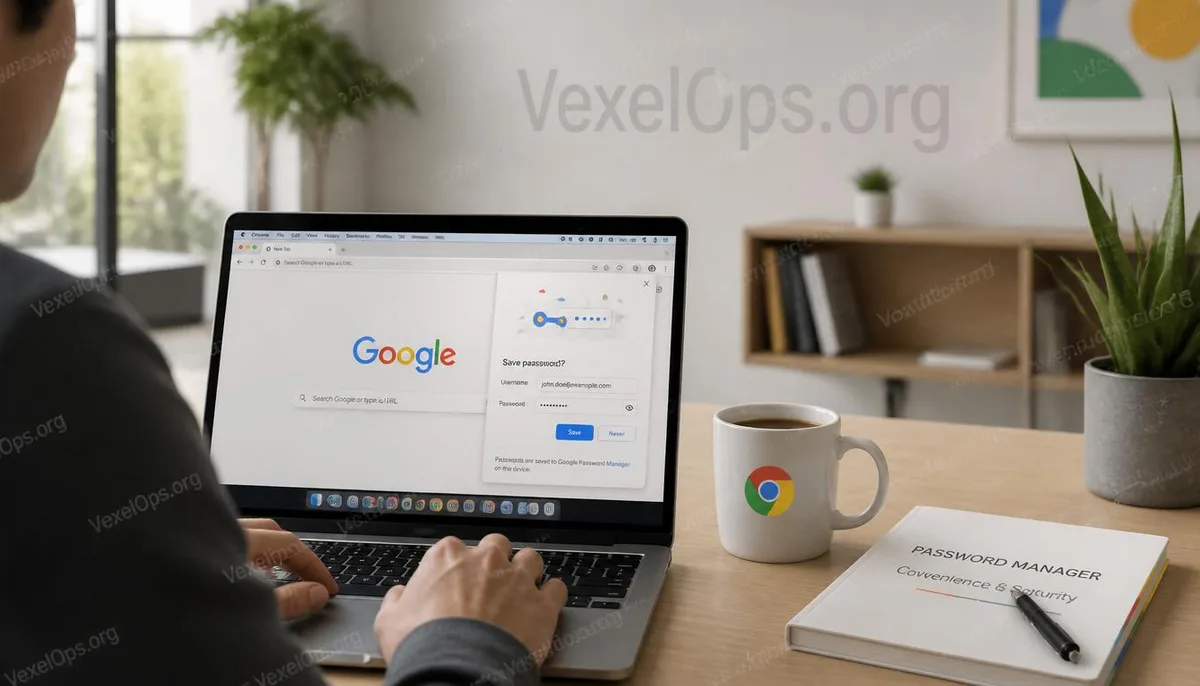
Every time you log into a website, Chrome will ask if you want to save your password
Many people have seen this prompt. After logging into Gmail, Facebook, Instagram, or other websites, a small window pops up in the upper right corner of Chrome, asking if you want to save your password for easier access next time. Some find this feature very convenient, eliminating the need to remember a long list of passwords; others worry that if their computer is lost or used by someone else, these passwords might be exposed. Both views have merit because the biggest feature of browser password management is its balance between convenience and security, focusing largely on how users manage their devices and Google accounts.
What is the true convenience of Chrome’s password storage?
If you need to log into a dozen websites daily, very few can remember each unique password. The greatest advantage of Chrome’s password management is its ability to save login information for users and automatically fill it in when needed, significantly reducing the time spent entering the information repeatedly. When a password changes, Chrome will also prompt whether to update it, allowing users to avoid having to create a new record. For many, this not only saves time but also reduces the chance of reusing the same password due to memory issues, helping to cultivate a habit of using different passwords for different websites.
What really needs protection is your Google account
Many people worry about whether Chrome will leak passwords, but the focus should actually be on the Google account used to log into Chrome. If the Google account itself is not properly protected, even the best-designed password management features could introduce additional risks. Therefore, rather than just worrying about whether passwords are stored in the browser, it is advisable to regularly check the login history, enable two-factor authentication, and review security alerts and synced devices for the Google account. When the primary account is kept secure, browser password management typically becomes more reliable.
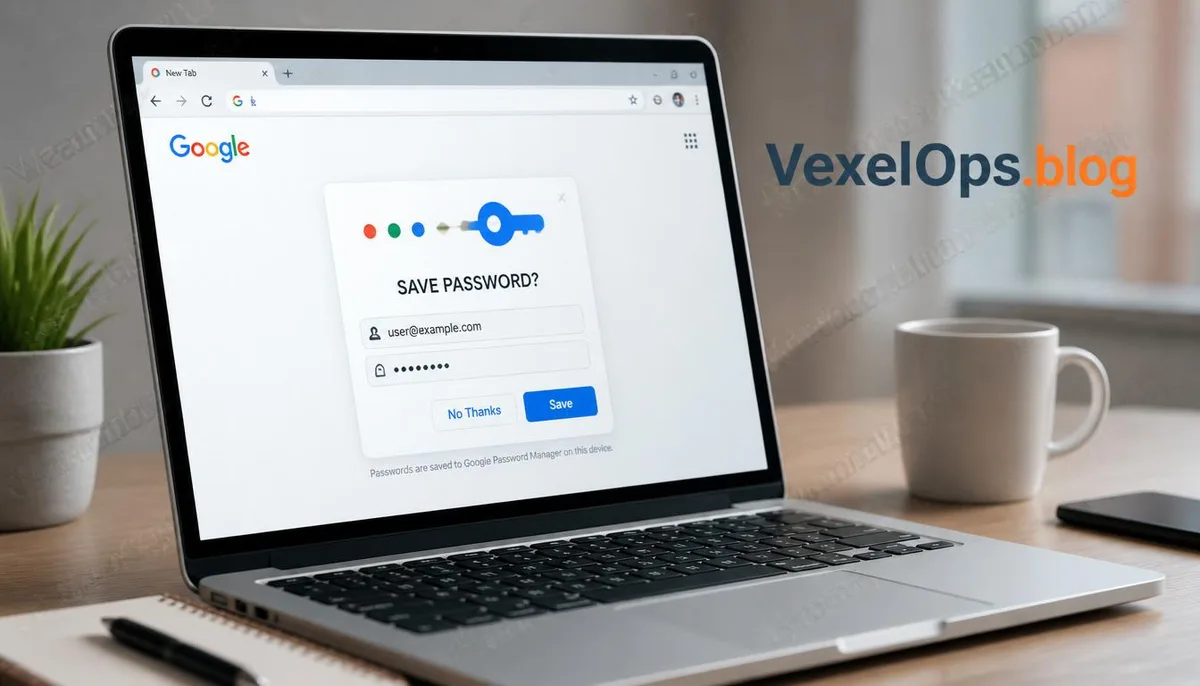
Convenience and security can actually coexist
When discussing password management, many people simplify issues down to "should we save passwords?". In reality, the more important thing to consider is whether you have established an appropriate management method. If a computer is for personal use, two-factor authentication is enabled on the Google account, and devices are checked routinely, using Chrome’s password management can usually provide significant convenience. Conversely, if multiple people share the same computer or if there is a lack of password protection on the device, it is necessary to be more cautious about whether it is suitable to store login information. Different usage scenarios often lead to different choices, rather than a simple "safe" or "not safe" dichotomy.
Common Questions about Chrome Password Management
Is saving passwords in Chrome always secure?
No tool can guarantee 100% security, but Chrome’s password management already offers many protective mechanisms. It is crucial to ensure that the device has a login password set, the Google account has two-factor authentication enabled, and to regularly check the logged-in devices. If these basic security measures are in place, using the password management function will generally provide more peace of mind.
Is it suitable to use Chrome password saving on shared computers?
If a computer is used by multiple people, special precautions are needed. Even if Chrome can manage passwords, it is advisable to use individual user accounts to avoid storing login information for important sites in a shared environment. When leaving a shared device, remember to check if you have logged out of important accounts.
Can Chrome password management replace dedicated password managers?
For the average user, Chrome can meet many everyday needs. However, if you need to manage a large number of accounts across different browsers or platforms, dedicated password management tools typically offer more advanced features. The key is not which tool to use, but to develop a habit of regularly checking account security and using different passwords.