

Why Are Almost Every Websites Asking If You Accept Cookies?
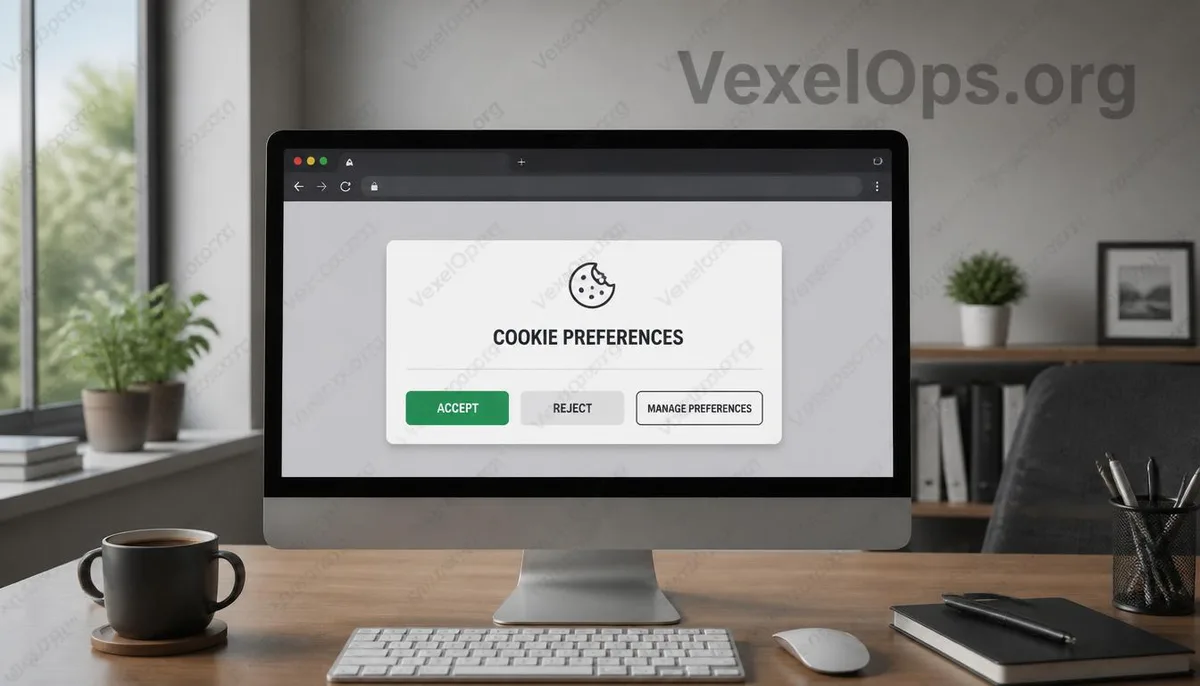
If you’ve recently browsed news sites, shopping platforms, or blogs, you might have noticed something. When entering a website, a window often pops up stating ‘Accept Cookies’, ‘Manage Preferences’ or ‘Reject Non-Essential Cookies’. Many people, seeing this, usually just want to close the window quickly, so they click accept. But some may begin to wonder: if I reject cookies, will the website stop functioning properly? After accepting, does that mean all my data will be collected? In fact, cookies are not as simple as many believe, nor as scary as they might seem.
What Do Cookies Actually Record?
Cookies can be imagined as little notes temporarily left in your browser by the website. They might remember your login status, shopping cart contents, website language, or even which products you’ve browsed before, making your next visit seamless without needing to reset preferences. Therefore, not all cookies are intended for tracking users. Some cookies are essential for the website's normal operation; disabling all of them could lead to failed logins, disappearing shopping carts, or certain functions not working correctly. What you truly need to understand is that different cookies serve different purposes.
Why Do Some Websites Require You to Click Accept?
In recent years, many regions have begun requiring websites to increase data transparency, so websites must inform users about which cookies are being utilized and whether they are willing to accept analytics or advertising tracking. This is why many websites not only offer ‘Accept All’ but have started providing options like ‘Only Accept Essential Cookies’ or ‘Manage Preferences’. Many mistakenly believe that rejecting cookies means they cannot use the website, but this is not usually the case. Numerous websites can still function normally even if non-essential cookies are rejected, although some personalized recommendations, ads, or analytics features may be affected. Thus, instead of clicking accept every time, it’s better to take a few seconds to review which options the website offers and decide according to your needs.
Understanding Each Option Is More Important Than Full Rejection
Cookies have become an integral part of modern website operations, so completely avoiding them does not align with most users' habits. What really matters is understanding which cookies pertain to normal website functionality and which relate to analytics, advertising, or cross-site tracking. The more you understand what these settings imply, the better choices you can make based on your needs, instead of just clicking the same button out of fear or annoyance. Digital privacy does not mean leaving no data behind; it’s about knowing which information is being used and whether you’re willing to accept that. Understanding these differences is often more helpful than merely remembering one setting.
Common Questions About Cookies
If I Reject Cookies, Will I Be Unable to Use the Website?
Not necessarily. Many websites can still be browsed normally even after rejecting non-essential cookies; however, your login status, personalized recommendations, shopping cart contents, or website preferences may sometimes be affected. The types of cookies different websites use can vary, so experiences may differ.
Do Cookies Steal My Personal Data?
Generally, they do not. Cookies primarily store small data needed by the website, such as login status or preferences, rather than holding complete personal information. However, if the website uses additional analytics or advertising services, it may use cookies to provide more personalized content, so understanding the website’s privacy policy remains quite important.
Do I Need to Reset Every Time I See a Cookie Window?
Not necessarily. Some websites remember your choices and will not ask again; however, if you clear your browser data, switch devices, or the website updates its cookie policy, the settings screen may reappear. Taking a little time to understand the various options can help you clarify what data the website is actually using.