
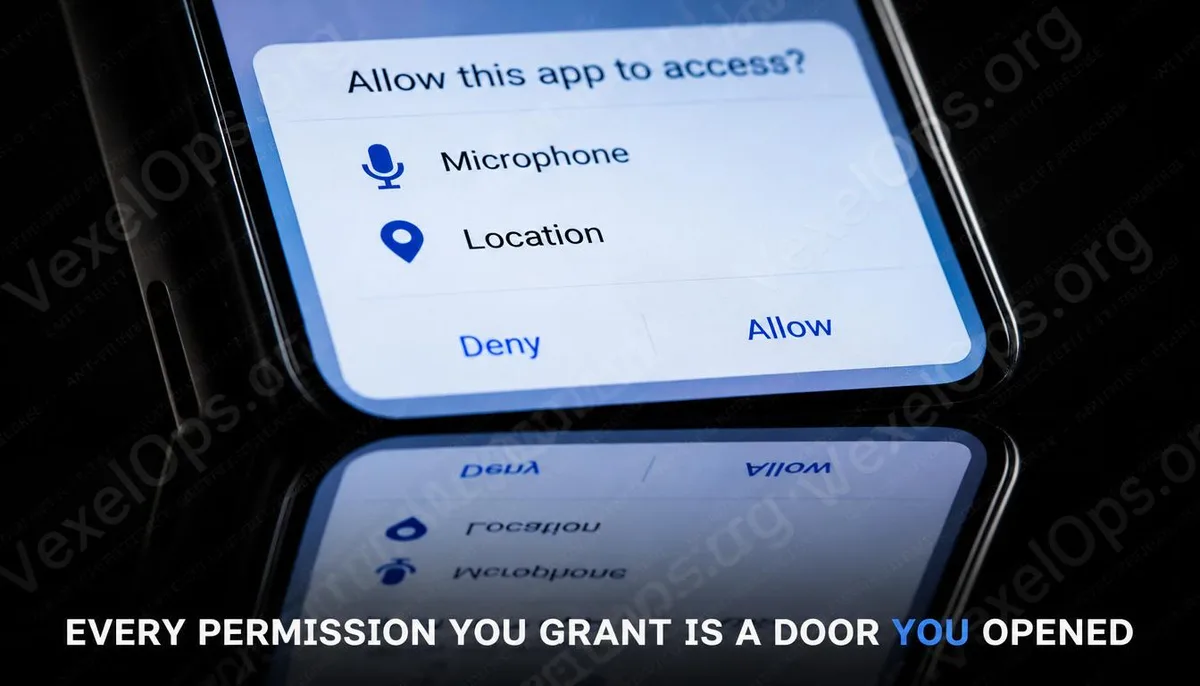
How Many Apps Are Accessing Your Location
Open your mobile settings, find the privacy or location services option, scroll down, and see how many apps are set to access your location at all times. For most people, the length of this list can be surprising. Not every app on the list is problematic, but there are likely a few apps you haven't opened in months, a weather app set to access your location at all times, or a shopping app you only used once that still has access to your camera and contacts. These permissions remain in place, quietly waiting to be used after you clicked allow.
Permissions Worth Paying Special Attention To
There are many types of permissions requested by apps, but from a privacy risk perspective, several types have particularly significant implications. Location Permissions Location data is one of the most valuable types of personal information in today's market. Knowing where a person goes daily, how long they stay, and when they appear at specific locations provides considerable value to advertisers, data brokers, and third parties with specific purposes. Most apps require location access only while in use, not all the time. Navigation apps need location access only when you open them, and weather apps need access only when checking the weather; they do not need to continuously track your movements in the background. Microphone and Camera Access to the microphone and camera is reasonable when the app has a specific need, such as for video calls, taking pictures, or voice memos. However, when a utility app, game, or tool requests microphone access and its core functions have nothing to do with audio, that request warrants consideration. While there is currently no credible systematic evidence showing mainstream apps triggering the microphone massively without
Difference Between Exact and Approximate Location
Both iOS and Android have recently added an important option: allowing apps to access approximate location instead of exact location. Exact location can pinpoint within a few meters, while approximate location provides positional information within a range of several kilometers. For services like weather apps or nearby restaurant searches, approximate location is sufficient; they do not need to know which room you are in within a building. This setting option is available on iOS in the location services page, where you can toggle each app’s settings, and Android's location permissions similarly provide exact and approximate options. Spending a few minutes switching apps that do not require exact location to approximate is an adjustment that does not impact daily use but significantly reduces the exposure of location data.
How to Conduct a Comprehensive Permission Check on iOS and Android
iOS Go to settings, scroll down to privacy and security, and you’ll find apps categorized by permission type, allowing you to see which apps hold authorizations under each type. It’s advisable to review location, microphone, camera, contacts, and photos sequentially, removing any apps you do not recognize, no longer use, or have been granted overly broad permissions. Android Go to settings, find applications, then enter app permissions or permission manager, displaying the permissions categorized by type. Android's interface may vary slightly across devices, but the main navigation paths remain consistent. During this process, a practical guideline is that if you can’t immediately think of why this app needs a certain permission, it might not be necessary. If revoking it affects the app's functionality, it usually requests it again when needed, at which point you can decide whether to grant it based on concrete reasons. If you find some apps that you can't remember installing hold extensive system permissions, VexelOps can assist in evaluating whether these apps pose further security risks.
Common User Questions About Mobile App Permissions
If I Revoke a Permission, Is the Data Collected Before Still There?
Revoking permission only prevents the app from accessing that data source in the future; it does not delete the data the app has already collected and transmitted. Where that data is stored and how it is used depend on the app developer's data handling policies, which are typically outlined in the privacy policy document, but very few people actually read it closely. If you have specific concerns about an app’s data usage, the most direct action is to delete the app and submit a request to delete your account; most reputable apps will include options for data deletion in the account deletion process.
Do I Need to Reconfirm Permission Settings After Every App Update?
In most cases, permissions already granted remain effective after an app update and do not need to be regranted. However, certain app updates might request new additional permissions; usually, the system will display notifications for new permission requests. It’s worth noting that some apps silently add new tracking or data collection features after updates, but because these features use existing authorizations, they do not trigger any notification. Regularly checking the permission list proactively is currently the only way to stay on top of these changes.
Do System Pre-installed Apps Also Need Permission Management?
Yes, and sometimes even more so. System apps pre-installed by manufacturers, including maps, weather, and voice assistants, usually retain quite broad system access permissions by default, and certain manufacturers' pre-installed apps exhibit extensive monitoring in data collection. These apps might not always be fully removable, but in most cases, you can revoke their specific permissions or disable rarely used features. For users particularly concerned about privacy, understanding the policies of their mobile manufacturers regarding data collection is more fundamental than managing individual apps.
One Key Takeaway: The permission settings for mobile apps are not a one-time decision; they are a state that needs to be occasionally revisited, as your usage habits may change and the behavior of apps may change after updates. Those silently held access permissions will be there waiting to be used.