
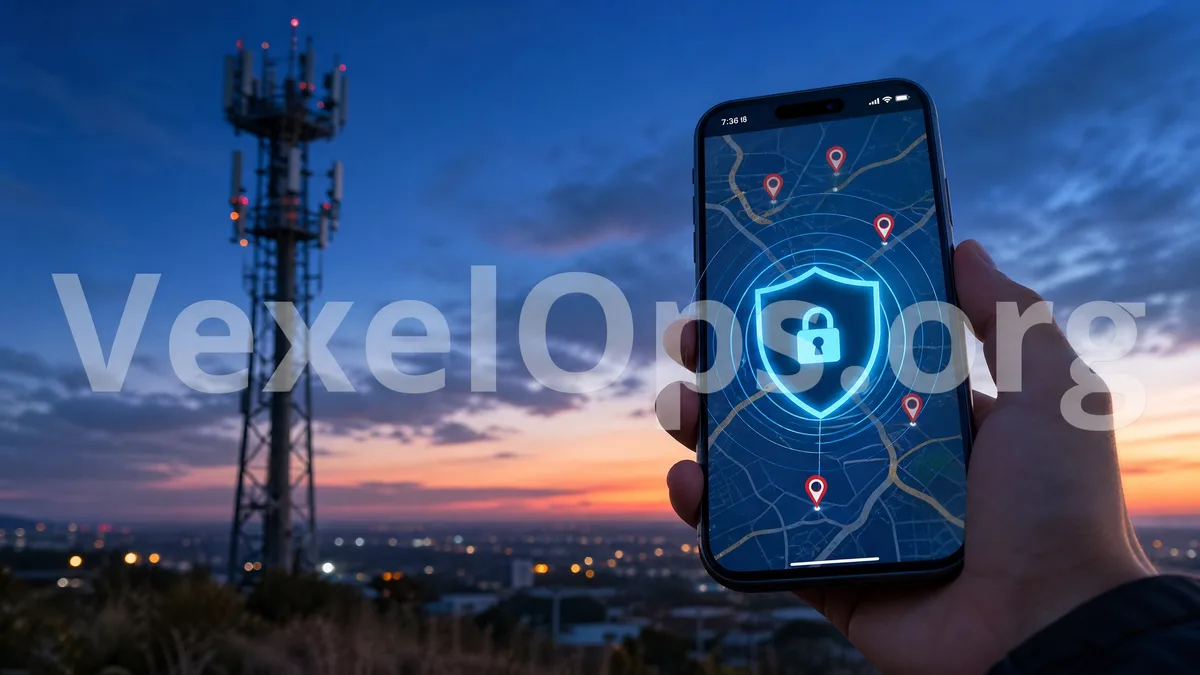
Location features are convenient, but can also expose your life trail
GPS and mobile location features have become part of everyday life. Navigating with Google Maps, ordering rides, food delivery, weather apps, finding Apple devices, locating Android devices, sharing locations on LINE, WhatsApp real-time location, and even posting updates on Instagram, Facebook or Snapchat can use location information. These features themselves are not the problem. What requires attention is: which apps can read your location, whether they are continuously tracking in the background, if you’ve ever shared your real-time location with others, and whether you’ve installed any unknown location or surveillance software. Location information is different from typical text messages; it may expose your home, company, frequented places, daily routine, and interpersonal relationships. When location data is shared incorrectly or used maliciously, it can lead to harassment, stalking, fake customer service scams, social engineering attacks, or even physical safety risks.
What are the differences between GPS positioning, cell tower positioning, and software positioning?
Everyday users do not need to understand too much technology, but they can grasp a few common sources of location positioning. GPS typically determines location via satellite signals, common in navigation, maps, and fitness tracking apps. Mobile cell tower positioning estimates a rough location based on mobile network signals, which may have lower accuracy. Wi-Fi positioning utilizes nearby network environments to assist in determining location, especially in indoor settings. The so-called 'software positioning' usually has apps access location data through system permissions, such as Google Maps, Apple Find My, delivery apps, social media platforms, or dating apps. Normal apps request permissions from the system, but suspicious apps might request excessive permissions or continuously use your location in the background without your notice. Therefore, checking for location risks involves not just looking for GPS permissions but also examining app permissions, sharing settings, logged-in devices, and the presence of unknown software.
What situations indicate that location privacy may be at risk?
If you notice the following situations, it’s time to be more vigilant: 1. Your phone frequently prompts "some app is using your location" 2. Abnormal battery drain, and you’re unsure which app is running in the background 3. Previously installed APKs, profiles, or management tools provided by strangers 4. Unfamiliar logged-in devices in your Google, Apple iCloud, or social accounts 5. Real-time location shared via LINE, WhatsApp, or Telegram but forgotten to turn off 6. Someone knows your whereabouts without you letting them know 7. Dating apps, social media apps, or strange customer service asks you to enable location These situations do not necessarily mean that you are being tracked but indicate that you should check your permissions and account security. Pay special attention to features like Apple’s ‘Find My’, Android device tracking, Google account logins, and your Apple ID device list, which are worth reviewing regularly.
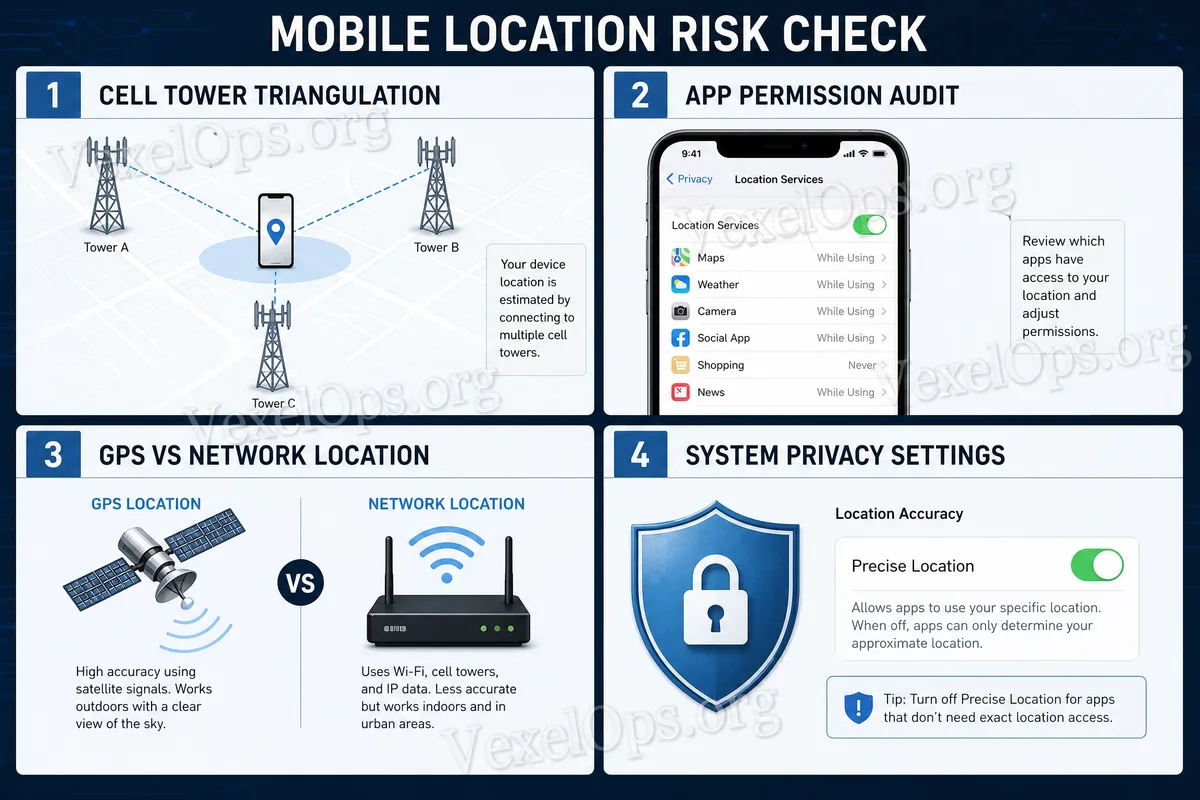
How to check mobile location and app permissions?
You can start checking from your phone’s system settings. iPhone users can look at the location services in "Privacy & Security" and confirm which apps are allowed to use location and if they are granted "Always" access. Android users can check location permissions in the permission management section to ensure no unfamiliar apps have obtained location access. It’s advisable to prioritize checking:
- Do the maps and navigation apps require continuous location access?
- Do social media apps only access location while in use?
- Does the dating app disclose distance or nearby locations?
- Has real-time location sharing been turned off?
- Are there unknown devices logged into Google or Apple ID?
- Have you installed unverified APKs, enterprise profiles, or remote management tools?
- If an app hasn't been used in a long time but still has location access, consider disabling or removing it. For most everyday users, "allow location while using the app" is generally safer than "always allow."
Do not use location features to track others
Location technology should be used for navigation, secure recovery of devices, voluntary location sharing with family, or legally authorized scenarios, not to monitor, stalk, or spy on others. Any request for you to install software that "can secretly locate someone’s phone", hacking tools, or unknown tracking apps may involve legal risks and could also lead to your accounts and data being compromised. VexelOps Blog recommends that everyday users avoid downloading location tools from unverified sources, do not trust websites that claim "input your phone number to locate someone", and do not share Apple ID, Google account, Telegram or LINE verification codes with strangers. Such services are often seen on scam pages, with the true purpose likely being theft of accounts or fraudulent payments.
What to do when you discover suspicious location or location leakage?
If you suspect your location information is being over-shared, accounts logged in with unfamiliar devices, or someone is tracking your whereabouts through apps, social platforms, or real-time location sharing, it’s advisable to remain calm and not delete all records immediately. You can start organizing a timeline of events, such as when the abnormal occurrences were noted, which apps had location access, whether you received any unfamiliar login notifications, whether you clicked on dubious links, whether unverified software was installed, and whether anyone mentioned your whereabouts. This information helps to determine the source of the issue. VexelOps can assist users in organizing location privacy-related events, checking risk signals, outlining account and app permission review directions, and aiding in preparing for subsequent platform complaints or secure handling of data. If you are unsure about which information to provide or which data to withhold, you can visit VexelOps.org, VexelOps.net, or Telegram @vexelops to learn about the assistance process, processing issues in an orderly manner while protecting your privacy.