Not Receiving Verification Codes Isn't Always a Phone or Network Issue
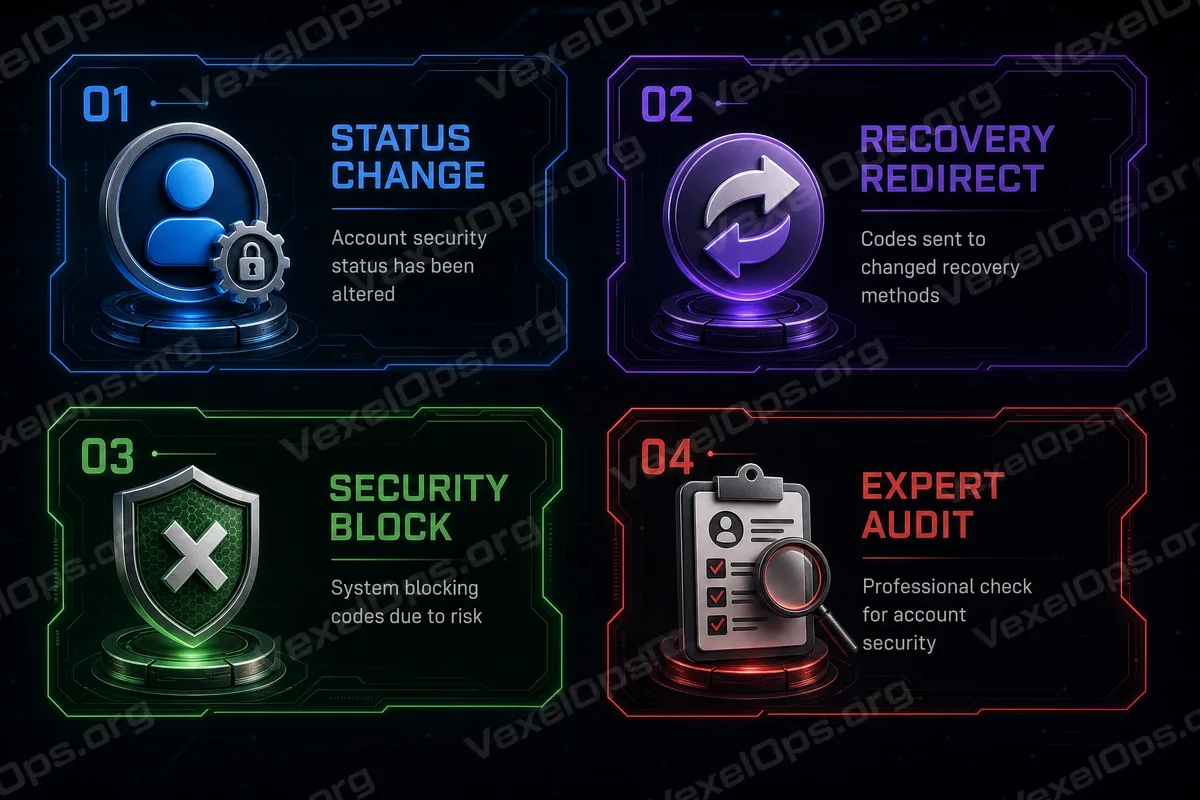
When you try to log into Google, Facebook, Instagram, Telegram, WhatsApp, or other platforms, a common sticking point is not receiving verification codes. Many people will first check: - Is the network unstable? - Is the mobile signal too weak? - Did the email end up in the spam folder? - Is there a delay in SMS? While these could be potential issues, a more easily overlooked reason is that the security status of the account itself has changed. In other words, the problem might not be on your end but rather in the system's assessment of trust towards your account.
Verification Codes Are Actually The System Assessing Your Identity
The essence of a verification code is not simply notification, but a mechanism for confirming identity. When the system sends a verification code, it simultaneously evaluates: - Are you logging in from a trusted device? - Is the login location familiar? - Is there unusual login behavior? - Have you recently changed your password or device? - Have there been multiple login attempts in a short time frame? If the system assesses that the risk is high, it may reduce or pause the frequency of sending verification codes or even require a more advanced verification process.
When Account Security Status Changes, Verification Codes May Be Restricted
In some cases, you might suddenly stop receiving verification codes, not because of signal issues, but because your account has entered a different security state. Common situations include: - Multiple incorrect password entries - Logging in from an unfamiliar device or region - Using a VPN or proxy to switch regions - Recently changing the password or recovery information for the account - The system detecting unusual login behavior These actions can prompt the system to raise its security level, temporarily restricting the sending of verification codes, or switching to alternate verification methods.
Different Platforms Have Different Verification Logics
Although Google, Facebook, Instagram, Apple, and other platforms all use verification codes, their logic is not entirely the same. For example: - Google prioritizes device trust and prompt confirmation. - Facebook and Instagram incorporate both device and account behavior assessments. - Apple ID relies heavily on trusted devices. - Some platforms restrict resending verification codes within short time frames. Thus, sometimes when you operate on the same phone across different platforms, you might encounter different outcomes.
Three Commonly Overlooked Reasons
Aside from network and device issues, the three most commonly overlooked reasons are: 1. Significant changes in the login environment - For example, switching phones, changing regions, or using VPNs. 2. Changes in verification methods - For example, modifying backup phone numbers or emails. 3. The system assessing increased risk - For example, multiple failed logins or unusual actions within a short time frame. These three scenarios can result in unstable or undeliverable verification codes.
When Not Receiving Verification Codes, Don't Just Repeat Actions
Many people continuously click resend when they encounter a problem, but this can sometimes lead the system to assess even more abnormalities. A more effective approach is to: - Stop repeatedly trying in a short timeframe. - Confirm you are in the correct login environment. - Check if you are using a VPN or proxy. - Log in using a backup email or trusted device. - Wait some time before trying again. Since verification code systems typically have risk control mechanisms, excessive attempts may lead to temporary restrictions.
Be Particularly Cautious If Issues Occur Across Multiple Platforms
If you're experiencing verification issues not only with Google but also with Facebook, Instagram, Email, Telegram, or other accounts, the situation might not be solely a device or signal issue. This often indicates: - The login environment for the account has changed. - Multiple platforms are beginning to synchronize risk assessments. - Or there are anomalies in account recovery information. In such cases, it's important to review the overall account status, rather than addressing just a single verification code issue.
The Essence of Verification Code Problems is Actually a Trust Issue
From a system perspective, a verification code is not a message that "will definitely be sent"; rather, it is a mechanism that triggers only when trust conditions are met. When trust decreases, verification codes may not be delivered as expected. This explains why some users, despite having a normally functioning network, still cannot receive verification codes.
How to Reduce the Chance of Encountering Similar Issues in the Future
While it’s impossible to avoid these situations completely, you can mitigate risks by: - Maintaining a stable login device. - Avoiding frequent switching of VPNs or regions. - Binding reliable backup emails and phone numbers. - Enabling trusted device logins. - Regularly checking the account security settings. These measures can make it easier for systems to trust your login environment.
Account Security Is Not Just a Moment at Login
Many people view verification codes as isolated issues, but in reality, they are just one part of the entire account security system. What truly impacts whether a verification code can be received are your past login behaviors, device statuses, and the integrity of your account settings. Understanding this will lead to the realization that "not receiving verification codes" is usually not a single issue, but a result of the overall security state.