
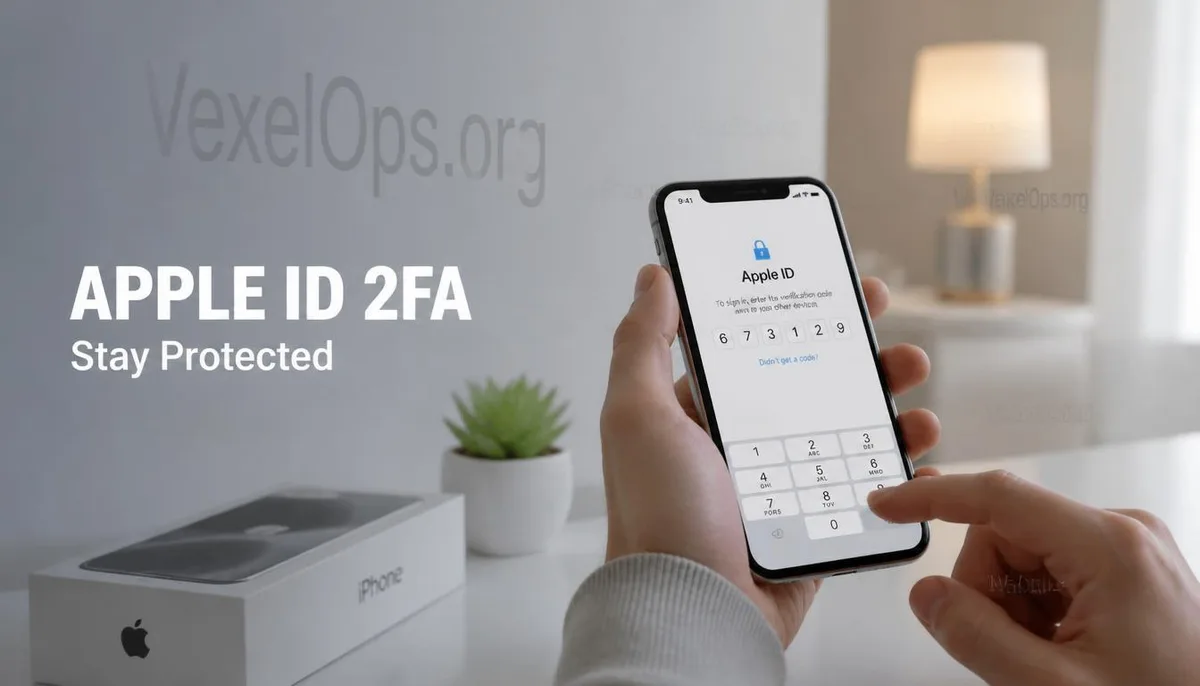
Many people start paying attention to two-factor authentication only after switching phones
Every time a new iPhone is released, many users prepare to change their device. Most people will first back up their photos, contacts, and chat history, hoping to transfer data smoothly to the new device. What often gets overlooked, however, is the security settings for the Apple ID. Many users only realize they need to enter a verification code and confirm trusted devices when logging into the new phone. In some cases, they may not have their old phone on hand and don’t know how to complete the login. These situations are not uncommon and lead many to recognize the importance of Apple ID Two-Factor Authentication for the first time.
What does two-factor authentication really protect?
Apple introduced two-factor authentication not to add extra steps to the login process, but to reduce the risk of unauthorized access to accounts. Even if someone knows your password, the system may still require a second confirmation via a trusted device or trusted phone number to continue logging into your account. This adds an extra layer of security to the account and decreases the likelihood of logging in with just a password. Therefore, what two-factor authentication truly protects is not just one iPhone, but the entire Apple ID, and the associated services like iCloud, photos, backups, contacts, and other Apple services.
Before changing phones, there are several settings worth confirming
If you are planning to change your iPhone soon, it is advisable to first confirm whether your trusted phone number is still in use, whether your trusted device can log into the Apple ID properly, and if you can still receive verification notifications. Some users find themselves unable to receive verification codes due to changing both their phone and phone number, which may take more time to recover the account later. Checking these settings in advance usually only takes a few minutes, but can save a lot of trouble if you truly need to log into a new device in the future.
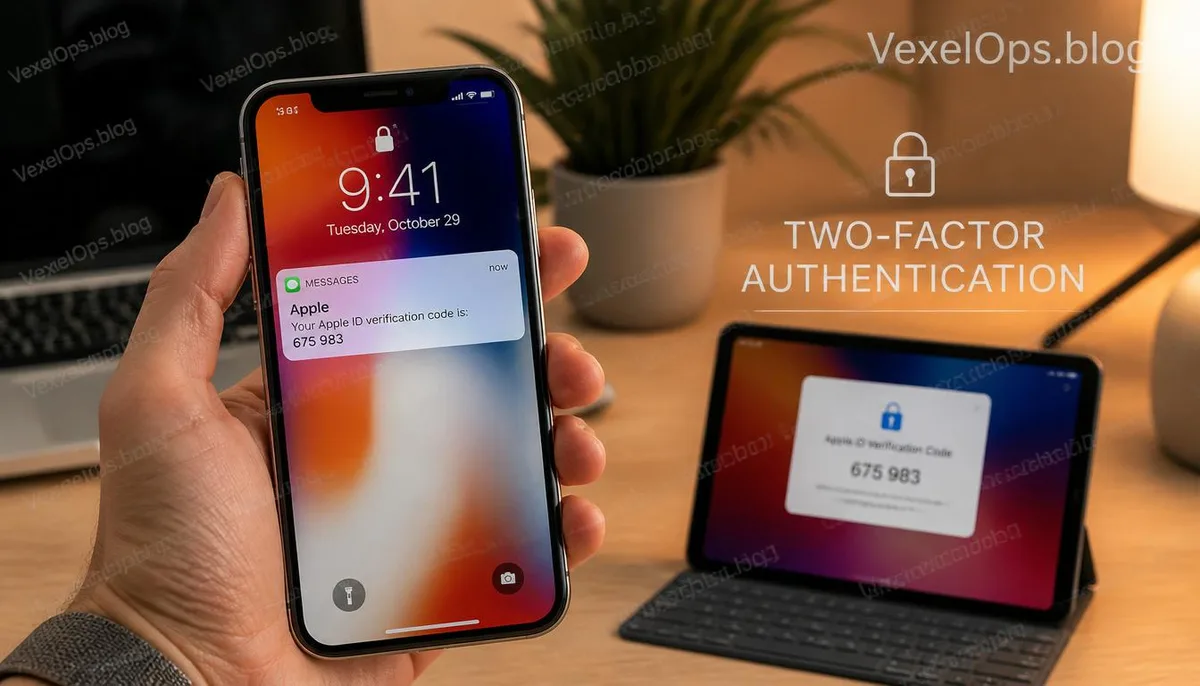
The most valuable time for security settings is usually before problems occur
Many account security settings are often barely noticed, making them easy to overlook. However, when a phone is lost, a device is changed, or a re-login to Apple ID is needed, these seemingly inconspicuous settings often become crucial for protecting the account. Rather than researching two-factor authentication only when verification is required, it’s better to confirm your security settings are complete while you can still log in normally. Establishing this habit is not only applicable to Apple ID but also to other important accounts.
Common Questions about Apple ID Two-Factor Authentication
Is it necessary to enable Apple ID Two-Factor Authentication?
Currently, most Apple IDs have adopted the two-factor authentication mechanism. This feature primarily adds an additional identity verification process alongside the password. Even if the password is unfortunately leaked, it can reduce the risk of the account being accessed by others. This protection is particularly important for users who frequently utilize iCloud, the App Store, or other Apple services.
What to do if you can't receive verification codes after changing your phone?
First, confirm whether your trusted phone number can still receive text messages normally, and check if there are other trusted devices that are logged into the Apple ID. If you have changed both your phone and phone number recently, the recovery process may involve more steps than usual, so it is advisable to confirm the related settings are complete before changing devices.
What else should you pay attention to if you only have one iPhone?
Even if you currently only have one device, it is recommended to periodically check whether the contact information, trusted phone number, and security settings of your Apple ID are still accurate. Completing these checks in advance can often reduce a lot of trouble when encountering device malfunctions, loss, or when a re-login is required.