
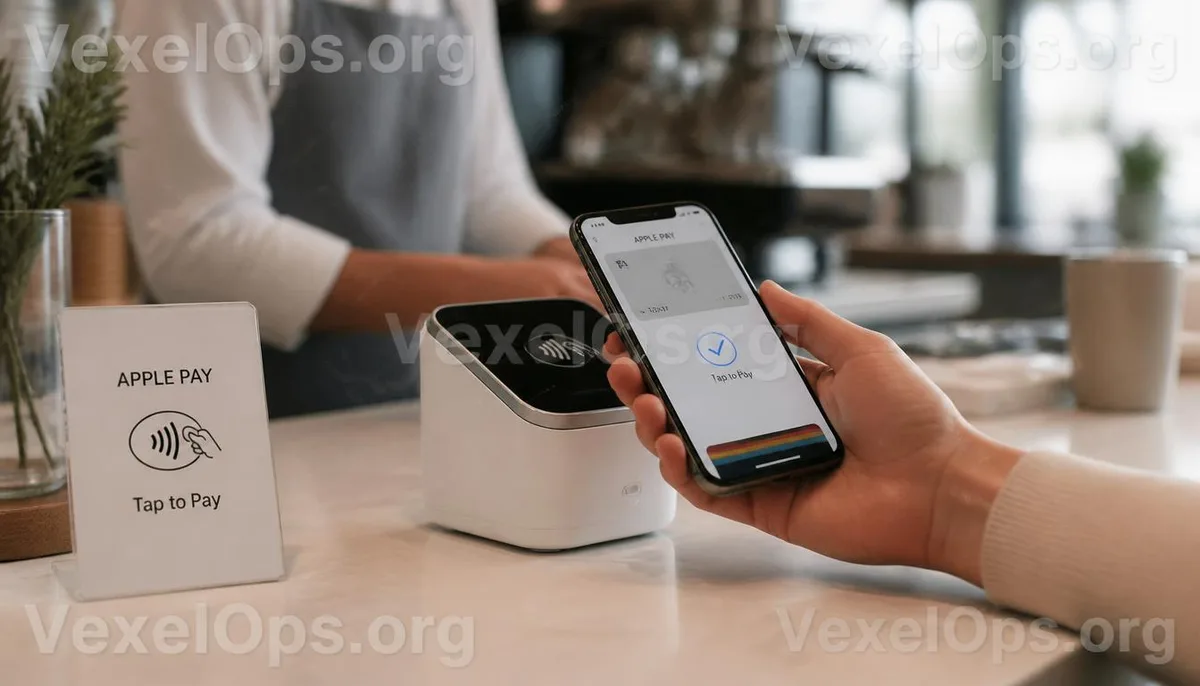
The Logic Behind Apple Pay's Operation May Surprise You
Many people's concerns about Apple Pay come from a common misunderstanding that the credit card number itself is stored in the phone. If the phone is lost or hacked, the card number could be leaked. In reality, Apple Pay uses tokenization technology; your actual card number is never stored on the device or transmitted to merchants. The system generates a unique device account number combined with a one-time security code dynamically generated for each transaction. Even if transaction records are intercepted, attackers only obtain a code that cannot be reused. This design fundamentally reduces the risk of card number leakage and is, in fact, a safer option compared to traditional card swiping or entering card numbers online.
Understand These Authorization Steps Before Linking Your Credit Card
The process of linking your card may seem like simply taking a photo or entering your card number, but it actually goes through identity verification at the bank level. Most banks use SMS verification codes, in-app notifications, or customer service calls to verify that the person linking the card is the cardholder. If you receive an unfamiliar verification text or a call from the bank asking for transaction details during the linking process, be sure to confirm whether the call is genuinely from the bank before providing any verification codes. Once the card is linked, it's advisable to regularly check the transaction records in the bank app or on your statements to ensure that they match your spending habits. This is the simplest and most direct way to check your security.
How Apple Pay Protects You When Your Device Is Lost
Losing a phone is a common fear, but Apple Pay has been designed with this consideration in mind. Payments require Face ID, Touch ID, or device passcode to be completed, so someone who simply finds your phone cannot use Apple Pay directly. If your phone is truly lost, you can log in to iCloud using another device and set the device to lost mode with the 'Find My iPhone' feature. This action automatically suspends the use of all Apple Pay cards on that device. Even if the device cannot be found immediately, as long as your account itself is not compromised, the security of the cards remains at a certain level.
Handling Unusual Transactions: Staying Calm is More Important Than Panicking
When receiving unfamiliar Apple Pay debit notifications, the first reaction is usually anxiety. However, instead of panicking immediately, it is more important to verify the situation step by step. You can start by opening your bank app to check the transaction details and amounts, and then recall if you have recently authorized any similar charges, such as a family member using the device or automatic subscriptions. If you confirm that the transaction is indeed unauthorized, the next step is to contact the issuing bank to request the suspension of the card's usage in Apple Pay. The bank typically assists with halting the transactions and initiating a dispute investigation. Although this process may take some time, as long as you have solid evidence, most banks have protocols in place to help users recover their losses.
A Often Overlooked Risk Source: Old Devices and Second-Hand Transactions
Many people sell or give away their old devices after getting a new phone but forget to remove the linked Apple Pay cards. While factory resetting will erase most personal data, the safest approach is to actively remove the linked cards in the Wallet and Apple Pay settings before selling the device, and ensure you have logged out of your iCloud account. This step only takes a few minutes but can prevent unnecessary concerns after the device changes hands and gives you a better sense of control over your account's security. If, during the process of confirming transactions or contacting the bank, you notice other unusual login records on your account or are unsure how to organize timelines and evidence, VexelOps can assist in clarifying the context of events, helping users organize scattered clues into a clear sequence for more efficient communication with banks or platforms.
Common Questions About Apple Pay
Can my bank see my purchase details linked with my Apple Pay credit card?
Yes, they can. Apple Pay only changes how transactions are transmitted and verified; actual payments are still processed by the issuing bank, and purchase details will appear normally on bank statements or in the app. If you are used to setting up instant debit notifications in the banking app, this feature will also operate normally with Apple Pay transactions, and you will not lose visibility of your purchase records just because you are using mobile payments.
If I lend my phone to someone, can they use Apple Pay?
This depends on whether they can pass the device's biometric or password verification. If Face ID or Touch ID is registered only to your face or fingerprints, then in theory, others cannot trigger payment authorization unless the device has a more lenient password and they know it. It's advisable to verify that the device's auto-lock time is short before lending your phone to prevent unauthorized access to the wallet features.
Should I contact Apple or the bank first if I see an unknown charge on Apple Pay?
It is recommended to contact the issuing bank first because the actual dispute and refund processes are handled by the bank, and Apple does not hold the transaction amounts or handle refunds. You can also use the Wallet app to view the merchant information and time of that transaction and provide these details to the bank's customer service, which can expedite the dispute investigation. If you also suspect that your account has been compromised, you will need to check the login records and security settings of your Apple ID.
When I get a new phone, will the Apple Pay card details in the old phone disappear automatically?
Factory resetting usually clears personalized data on the device, but this does not mean you can completely skip the confirmation steps. A more secure approach is to proactively remove the linked cards in the wallet feature before selling or giving away the old device and ensure that the device has logged out of the Apple ID account, avoiding any potential for data residuals due to system anomalies. One Key Takeaway: Apple Pay transactions use device tokens and dynamic security codes, not real card numbers. This mechanism is inherently safer than traditional card swiping, so users should focus on the speed of handling lost devices and the imperative to remove linked cards properly before switching devices.