
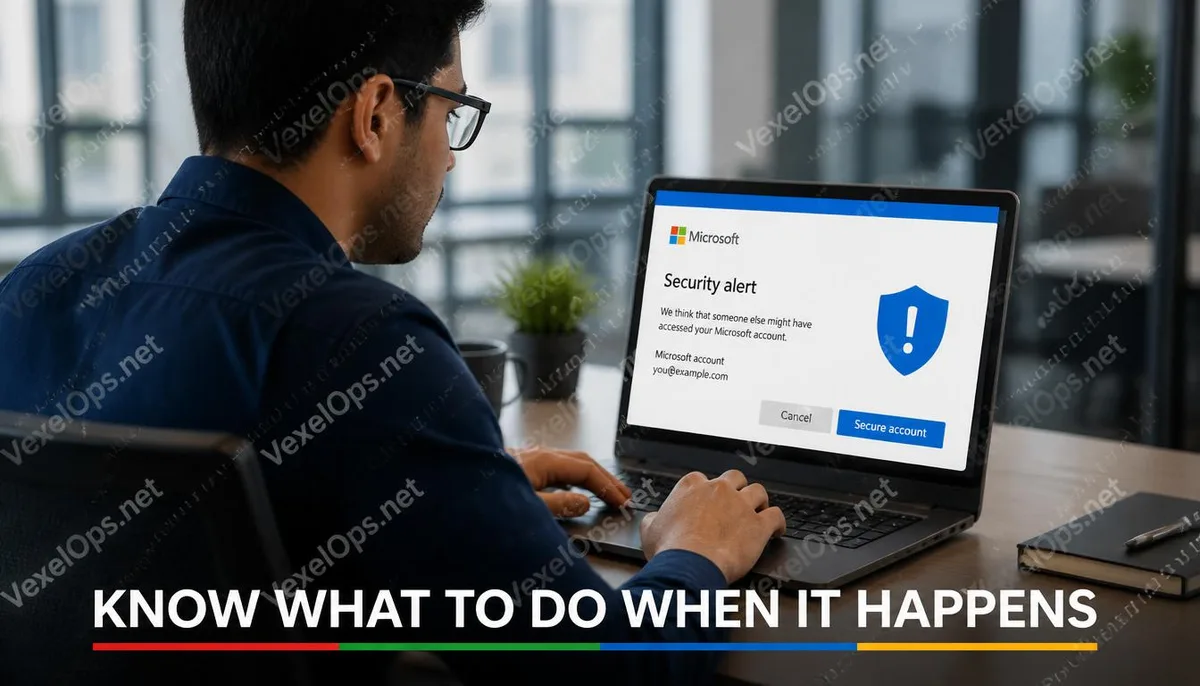
When Your Microsoft Account Is Hacked, It's More Than Just an Email.
Many people associate their Microsoft account only with Outlook or Windows login, but in reality, a Microsoft account connects to a wide array of services. Documents from Office 365, OneDrive backups, Xbox game purchase histories, and payment methods in the Microsoft Store are all tied to the same set of account credentials. This means that when an account exhibits abnormal behavior, the area that needs to be checked is not just whether the email content has been accessed, but if the entire account ecosystem is still under your control. After discovering any irregularities, handling the situation in the correct order can effectively minimize the extent of damage.
Step One: Confirm If You Can Still Access Your Account
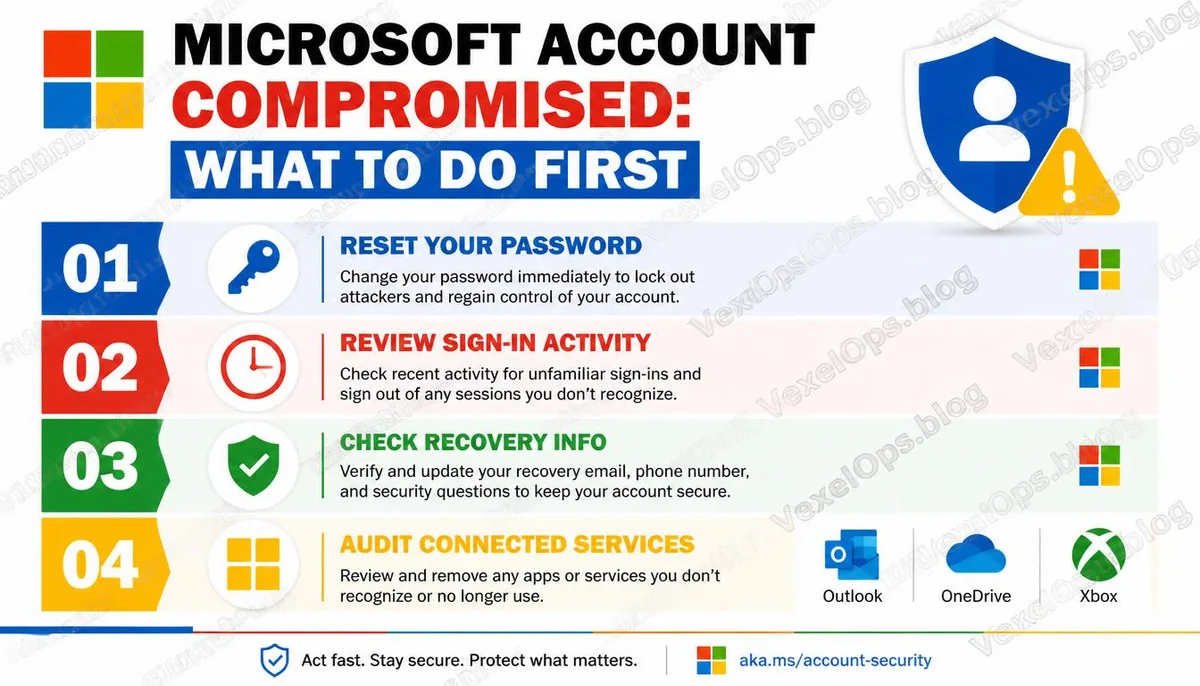
The first checkpoint in handling a security incident is to ascertain the current access status of your account. If you can still log in normally, it indicates that the attacker might not have changed the password yet or may have only recently gained access. The priority task at this time is to change your password immediately, selecting a new password completely different from all other accounts, and ensuring that the new password has not been reused on any other platform. If you can no longer log in, it likely means the password has been changed. In this case, you’ll need to try to recover access via Microsoft's account recovery page (account.live.com/password/reset), during which you will need to verify whether the associated email or phone number is still usable.
Step Two: Check Recent Sign-in Activity
After successfully logging in, the first thing to check is not the contents of the email but the account's sign-in activity log. The Microsoft account provides a complete log of recent sign-ins on the security settings page, including sign-in times, device types, and location information. In this log, pay particular attention to: - Sign-in records from unfamiliar countries or cities - Activity occurring at times when you weren’t using your device - Logins that suddenly succeed after multiple failed attempts, which may indicate a brute-force attack - Unfamiliar device names or browser types If suspicious records are found, you can select the option to sign out from all other devices on the same page, forcibly terminating all existing login sessions.
Step Three: Verify Account Recovery Information for Changes
After an account is compromised, one common action taken by attackers is to change the account's recovery email and phone number, preventing the legitimate owner from recovering access through standard procedures. After logging in, you need to immediately check whether the following information is still correct: 1. Backup email address 2. Verified mobile number 3. Microsoft Authenticator binding status 4. Security question settings (if still in use) If any of these have been changed, you need to correct them back to the accurate contact information and re-confirm that your two-factor authentication settings are complete.
Step Four: Check the Status of Each Linked Service
After completing the basic security checks for the account itself, further assessment of the status of each linked service is necessary: Outlook email: Check for any unfamiliar email forwarding rules that may have been set up; attackers sometimes create automatic forwarding rules to silently copy any subsequent emails to an external inbox. You should also review sent items to see if any emails were sent in your name during the breach. OneDrive: Check sharing settings for any unknown external links that may have been created, or if any files were downloaded or deleted without your knowledge. Xbox and Microsoft Store: Review recent purchase history to ensure there are no unauthorized transactions, and verify that your payment methods are still correct. Authorized third-party applications: In the privacy page of your account settings, you can see which third-party apps have access to your Microsoft account; remove any unfamiliar or unused items. The Importance of Recording Events Once the incident handling is complete, keep a record of any abnormal observations made throughout the process, including suspicious sign-in times, device information involved, and records of any
Common Questions About Microsoft Account Security
Does receiving a Microsoft security notification mean my account has been hacked?
Not necessarily. Microsoft proactively sends security notifications when it detects unusual sign-in behaviors, such as sign-ins from new devices or locations; even if this login was performed by you, it may trigger a notification. After receiving a notification, first confirm whether the email is from an official @microsoft.com account, then log in to check the sign-in activity log for any unfamiliar sign-ins. If all records reflect your own activities, generally no special actions are needed.
Can my account still be hacked after enabling two-factor authentication?
Two-factor authentication significantly enhances account protection, but it’s not 100% foolproof. Some attack methods can steal sign-in session tokens after the user has completed two-factor authentication, allowing attackers to access the account without needing to re-verify. While these types of attacks are more challenging, they are not non-existent. Therefore, even if two-factor authentication is enabled, regularly checking the sign-in activity log of your account remains a good practice.
What content might the attacker have accessed in OneDrive during the hack?
If the attacker had enough access time during the hack, theoretically, all visible files in OneDrive could have been viewed or downloaded. The actual way to confirm this is to check OneDrive's activity log, where Microsoft retains a history of file access for a certain timeframe, which you can review to determine whether any unauthorized downloads or sharing actions occurred. One Key Takeaway: The focus of handling a hacked Microsoft account goes beyond just changing the password; it is equally important to verify in order the sign-in activity, recovery information, service statuses, and authorized applications, as each element may contain backdoors left by the attacker.