
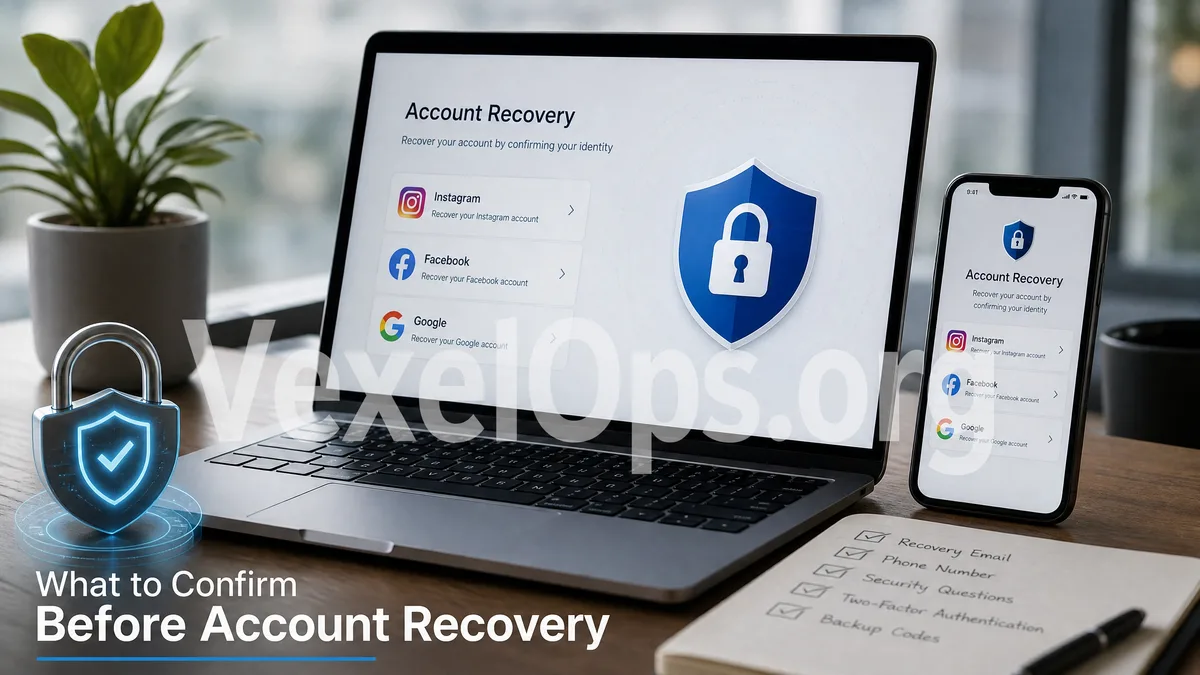
Before Recovery, Avoid Clicking Random Links Too Quickly
When accounts like Instagram, Facebook, Google, Gmail, YouTube, or any other important account suddenly become inaccessible, many people instinctively search for "account recovery," "customer service," "unblock account," or "retrieve account." However, the more urgent the situation feels, the easier it is to click on fake customer service numbers, phishing sites, or unknown recovery links. Recovery isn’t just a matter of filling out a form. Platforms typically assess your identity based on your login history, registered email, phone number, previously used devices, security notifications, and identity verification details. If you hastily attempt recovery by submitting incorrect details or sharing your verification code with strangers, you may complicate the recovery process. Thus, before you begin the recovery process, it’s crucial to organize your information first.
Check Which Contact Methods Are Still Available
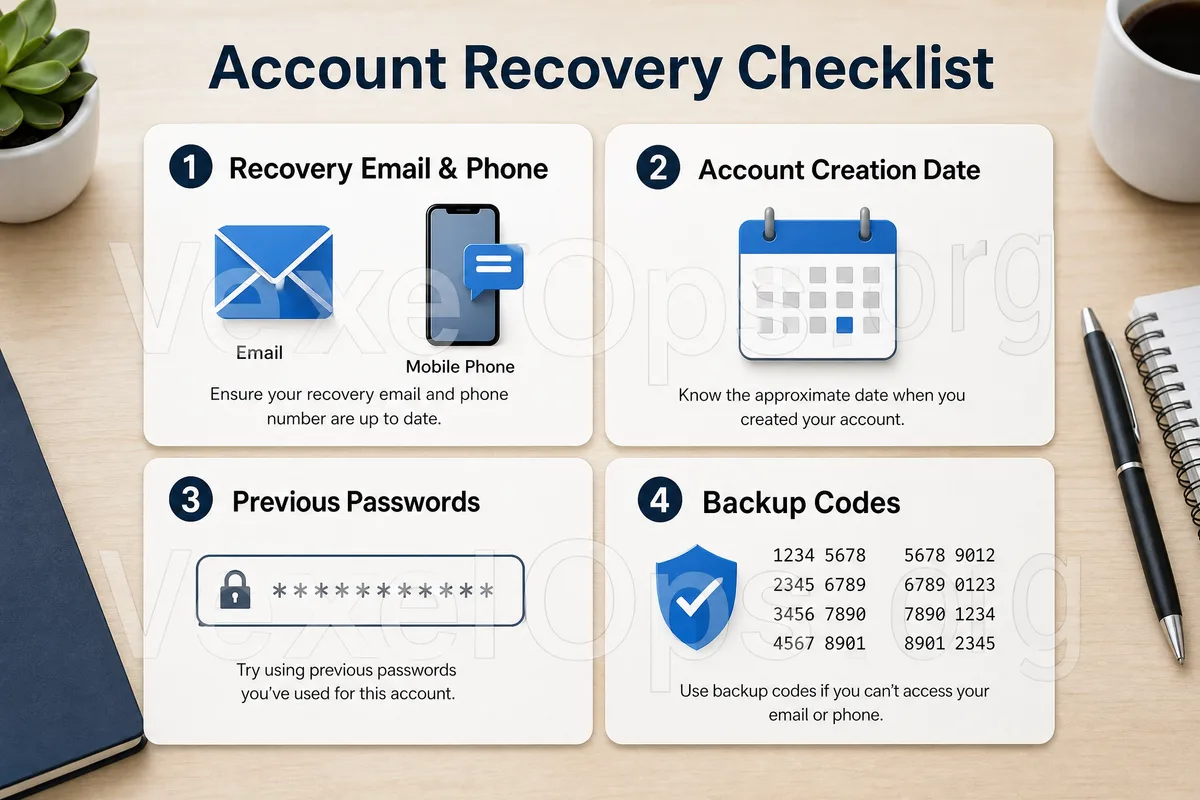
Most account recovery processes rely on an email or phone number. You need to first confirm: 1. Whether you can still log into your original linked Gmail, Yahoo, Outlook, or other email account. 2. If the phone number linked to the account can still receive text messages. 3. If you have set up a backup email or backup phone number. 4. If you can still receive security notifications from the platform. 5. Whether you have enabled Google Authenticator, Microsoft Authenticator, or other two-factor authentication tools. If your primary email has been compromised, you may need to start securing your email first. Many social media platforms, trading platforms, and apps send password reset notifications to the originally linked email. If that email is out of control, it may present more obstacles when recovering Instagram or Facebook.
Document the Timeline of Account Abnormalities
The timeline is important during account recovery. You can reflect on and organize: - The first time you noticed you couldn’t log in. - Whether you received any abnormal login notifications. - If you clicked any suspicious links. - If you entered your account password on any unfamiliar websites. - Whether anyone privately messaged you asking for your verification code. - If your password, email, or phone number has ever been changed. - If there were logins from unfamiliar devices or locations. This information is useful not only for assessing your risk but also when describing the incident to the platform during subsequent appeals. Instead of saying simply "my account was hacked," clearly stating "when it happened, what notifications I received, and which settings were altered" will be much more helpful.
Check for Logged-in Devices
Sometimes, although you cannot log in on a new device, your old phone, tablet, or computer browser may still be logged in. At this point, don’t rush to log out of all devices; you can first check your account security settings. For example, with a Google account, you can check security activity and logged-in devices; Facebook and Instagram allow users to review login locations, account centers, security notifications, and two-factor authentication settings. If you can access the account, prioritize changing your password, removing unfamiliar devices, and confirming that your linked email and phone number have not been altered. However, if you’re unsure whether a certain action will completely log you out of the account, it’s recommended to save screenshots and information first before proceeding cautiously.
Do Not Share Verification Codes with Anyone
A common risk during the account recovery process is fake customer service requesting your verification code. They might say: "We are helping you recover Instagram," "Please provide your Facebook verification code," "Google security code is only to confirm your identity," or "Failing to provide it will prevent you from unblocking your account." All these statements are extremely dangerous. Verification codes are meant for you to input personally on official websites or official apps, and not for customer service, friends, group administrators, or unknown Telegram accounts. Similarly, you should not provide: - Account passwords - Email login codes - Two-factor authentication backup codes - Full pictures of identification documents to strangers - Remote access authority - Google Authenticator real-time codes The truly secure assistance process should involve helping you organize data, assess risk, and prepare appeals, rather than asking you to relinquish control of your account.
Prepare Safe Information to Provide to Assistants
If you require third-party assistance in organizing the anomalies related to your account, you can prepare information that does not involve core login permissions, such as: 1. Name of the account platform. 2. Public ID of the account or personal page link. 3. Time when the anomaly occurred. 4. Screenshots of security notifications sent by the platform. 5. Screenshots of suspicious links or conversations. 6. Whether you can still use the linked email or phone number. 7. Whether there are records of unknown logins. VexelOps can assist users in organizing account issues for Instagram, Facebook, Google, Gmail, YouTube, etc., outlining timelines, assessing suspicious risks, organizing materials needed for platform appeals, and planning safer next steps. Users can learn about the assistance process through VexelOps.org, VexelOps.net, or by contacting Telegram @vexelops.
Make Account Recovery More Orderly and Reduce the Risk of Further Deception
When your account has been hacked or you cannot log in, the most common mistake is rushing. Rushing to click links, rushing to find customer service, and rushing to provide verification codes can turn what was initially a login issue into a more serious account control problem. A safer approach is to first check if your email and phone are usable, organize the timeline of abnormalities, check for logged-in devices, save platform notifications, and avoid sharing passwords or verification codes with anyone. The clearer the information you have, the better you can minimize confusion and repetitive communication during subsequent account recovery, filing appeals, or seeking digital security assistance, thereby reducing the risk of encountering fake customer service or phishing sites again.