
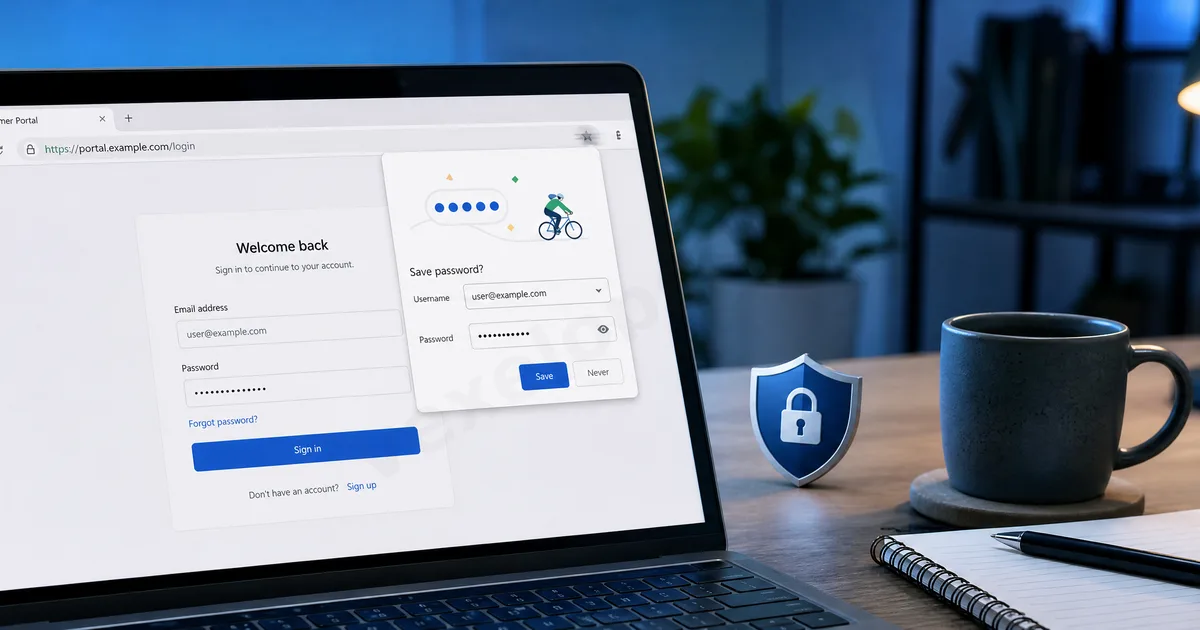
Autofill is Convenient, But Saves a Lot of Personal Data
Many people enable the autofill feature while using their browser. When you log into websites, fill out forms, enter addresses, or payment information, the browser may ask if you want to save this information. The next time you visit a similar page, your data can be filled in automatically. This is indeed very convenient, especially for users who frequently shop online, log into multiple platforms, or need to fill in addresses and contact details. However, the problem is that autofill saves not just ordinary information; it may include your email, phone number, address, name, username and password, and even payment information. If your device is for personal use and is protected with a strong screen lock, account protection, and secure browser sync settings, the risk is generally lower. However, on shared computers, corporate devices, public machines, or smartphones lent to others, managing autofill data requires extra caution.
Consider Device Security Before Saving Passwords
The browser’s password-saving feature is very common. It allows you not to re-enter your password manually each time and reduces the trouble of forgetting passwords. However, the prerequisite for saving passwords is that your device itself must be secure. If your computer or smartphone lacks a screen lock, and others can easily access your device, then saved passwords in the browser pose a risk. In particular, it is not advisable to save login credentials for primary email accounts, social media platforms, cloud accounts, or payment-related accounts on untrusted or shared devices. If these accounts are accessed by others, the impact may extend beyond a single website to your entire digital identity. A safer approach is to use a trusted password management method on your personal primary device, ensuring the device is protected with a password, fingerprint, or facial recognition.
Regularly Check Addresses, Phone Numbers, and Payment Data
Many users focus only on passwords and overlook addresses, phone numbers, names, and payment information stored in autofill. Such information may seem less sensitive than passwords, but if seen or misused by others, it can lead to privacy issues. For instance, home addresses, frequently used phone numbers, recipient names, credit card last digits, and billing addresses are all personal data that need protection. If you have saved old addresses, outdated phone numbers, or no longer used payment information in your browser, it is advisable to clean them regularly. Especially after changing devices, selling an old computer, using shared equipment, or lending to others, you should check once again.
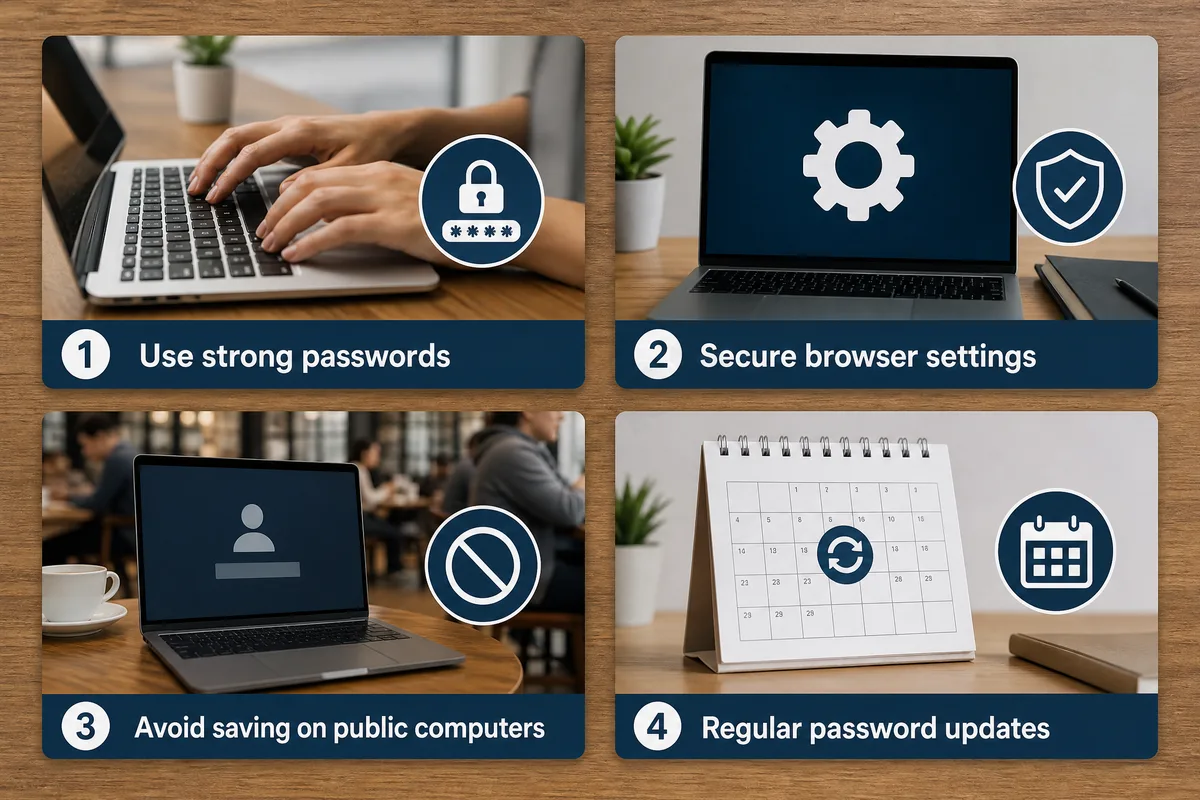
Do Not Save Autofill Data on Shared Devices
If you log into accounts on public computers such as internet cafes, libraries, hotel business centers, friends' computers, or company shared devices, it is best not to save passwords or let the browser remember form data. Many people log in temporarily and forget to cancel saving, or even forget to log out. This could allow the next user to see your username, email, or some autofill data. When using shared devices, avoid handling sensitive accounts. If you must log in, ensure to log out afterward and clear browsing history, cookies, and form data. A safer choice is to use your own mobile data with personal devices for sensitive operations.
Be Cautious with Browser Sync Features
Many browsers support sync features, which can sync passwords, bookmarks, autofill data, and browsing history across different devices. While this is very convenient, it also means that if your browser account's security is compromised, data on multiple devices may be at risk. If you are using browser sync, make sure the sync account uses a unique password and enable two-factor authentication. You should also check which devices are currently syncing and remove any that are no longer in use or unfamiliar. Sync features are not inherently bad, but they must be based on the security of the account. Otherwise, convenience could become another entry point for data exposure.
Autofill is Not the Problem; Lack of Management is
Browser autofill itself is not a bad feature. It can enhance efficiency and help users reduce the hassle of redundant data entry. The real concerns arise from what data you have saved, on which devices, whether those devices are secure, and whether you regularly clean up unnecessary content. Everyday users can cultivate a few simple habits: do not save passwords for important accounts on shared devices, avoid saving payment information casually, regularly check autofill data, remove old addresses and unused data, and protect browser sync accounts. Digital privacy is not about completely avoiding convenient features but instead being aware of what data is stored behind that convenience. As long as there is a management consciousness, autofill can continue to provide convenience without becoming a source of personal data leakage.