
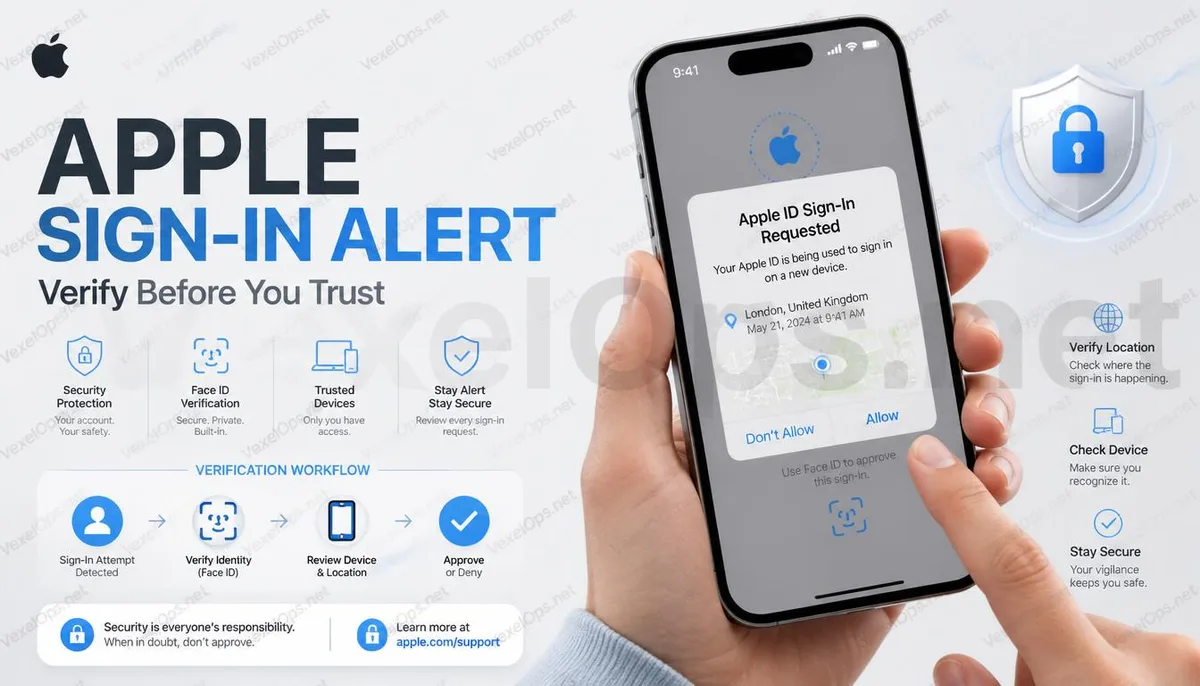
Why Does Apple Suddenly Show Login Notifications?
Many users often think their accounts are compromised upon seeing an Apple ID login notification for the first time, especially when it shows a new login request or an unfamiliar location. However, Apple’s security mechanisms have been updated in recent years. If the system detects a change in the login environment — such as switching devices, updating the system, re-logging into iCloud, or even traveling to different countries — it may require identity verification again. Therefore, receiving a login notification does not necessarily mean a security incident has occurred; it’s more important to assess the notification's content, the login time, and whether related actions were indeed performed recently before rushing to change all settings.
What Situations Might Be Normal Security Verification?
Apple conducts risk analysis based on devices, IP addresses, login locations, and usage habits. For example, purchasing a new iPhone, logging into a new Mac, reinstalling the system, updating the Apple ID password, or logging into certain Apple services for the first time can trigger additional verification. Moreover, if a service has not been used for a long time, attempting to log back in may also prompt a confirmation notification from Apple. These verifications primarily aim to prevent unauthorized logins, so when you see a notification, reflecting on whether you’ve recently changed devices or modified settings usually helps quickly assess the situation.
Which Login Notifications Require Greater Vigilance?
If the devices, regions, and times displayed in a login notification are entirely different from your usual usage patterns, it warrants extra caution. For instance, receiving a login request from another country while being in Taiwan, or getting a new login verification in the middle of the night without having used the phone would suggest that you should avoid clicking 'allow' directly. Be sure to verify that the notification genuinely comes from Apple and is not a fake alert in an email or text message. In recent years, numerous phishing websites disguised as Apple security alerts have attempted to lure users into entering their Apple ID and password. Thus, when encountering uncertain notifications, it’s safer to check the account status directly from your iPhone settings or the official Apple website rather than clicking links in the notifications.
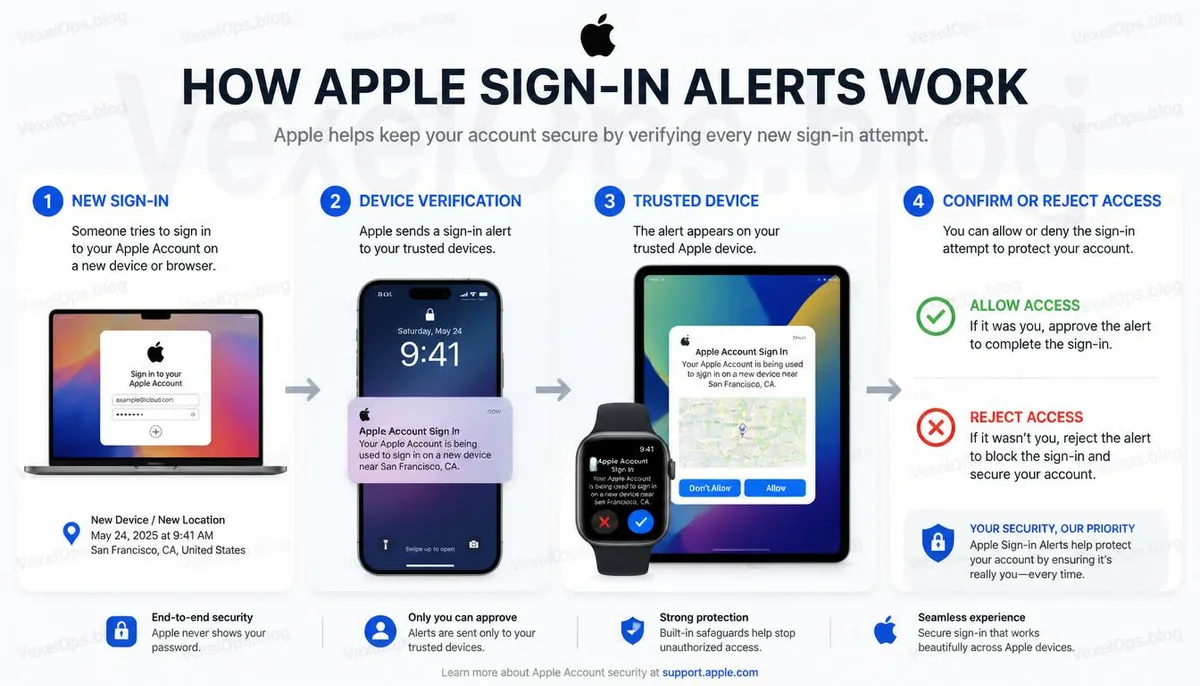
The Value of Security Notifications Lies in Early Detection of Anomalies
Apple’s login notification mechanism aims to alert account holders as soon as abnormal sign-ins occur, rather than to cause unnecessary panic. Instead of viewing every notification as a threat, it’s better to understand what each security alert signifies. Once you establish this perspective, even when future login verifications arise, you can quickly determine whether they indicate normal operations or require immediate action. It’s also advisable to regularly check your trusted devices, two-factor authentication settings, and the contact information linked to your Apple ID. Keeping your account information up-to-date not only reduces the chances of misjudgment but also ensures smoother recovery if you need to restore your account later. If you manage important accounts with Google, Microsoft, etc., consider establishing the same checking habits to enhance overall account security.
Common Questions about Apple Login Notifications
Does Receiving an Apple ID Login Notification Always Mean My Account is Compromised?
Not necessarily. Apple assesses risk based on the login device, location, and usage habits, so switching phones, updating systems, or re-logging into iCloud can trigger security notifications. It’s advisable first to compare the notification with your recent actions before deciding on further measures, rather than jumping to the conclusion that your account has been compromised upon seeing the notification.
If the Notification Shows an Unfamiliar Area, Should I Immediately Change My Password?
If you’re certain you did not log in at that time or place, it’s recommended not to allow the login request immediately, and check your Apple ID login history, security settings, and trusted devices right away. If there’s still concern, consider changing your password and rechecking two-factor authentication settings, which is usually safer than directly ignoring the notification.
Do Apple Security Notifications Get Sent via Email or Text?
Apple may notify users through various means, but if a notification demands immediate action — such as clicking unfamiliar links, logging into websites, or providing verification codes — it’s crucial to be cautious. It’s best to verify your account status directly through Apple ID settings on your iPhone or the official Apple website to avoid falling victim to phishing attempts through fake notifications.