
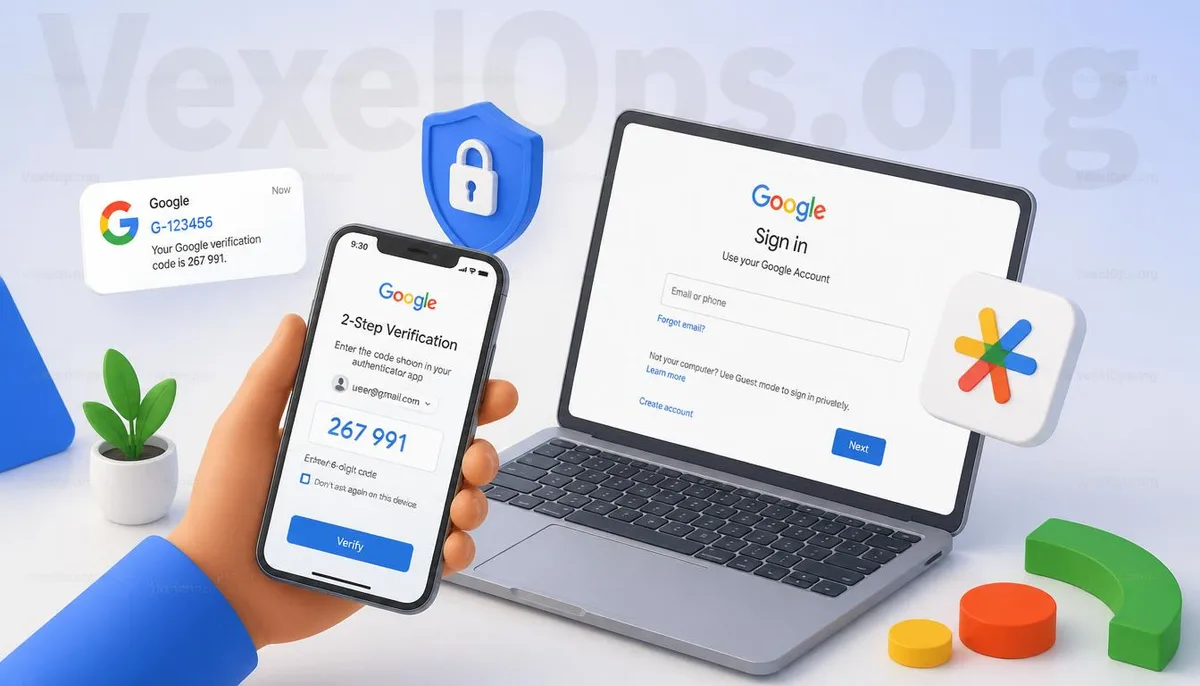
Why Sometimes You Don’t Receive Codes for Google Two-Step Verification?
Many people enable Google Two-Step Verification to enhance account security. When logging in, simply entering a password and completing an additional verification step can effectively reduce the risk of unauthorized access to an account. However, when needing to log in, many find that the code doesn't arrive or that their phone doesn't display a login notification at all. In such cases, many immediately suspect a failure in Google's system or think that their account might be compromised. In fact, most cases are related to the current login environment, verification method, or device settings rather than an issue with the account itself. First, confirm which verification method you are currently using, and then check step by step according to the prompts on the screen; this is usually more efficient than repeatedly logging in again.
Different Verification Methods May Encounter Different Issues
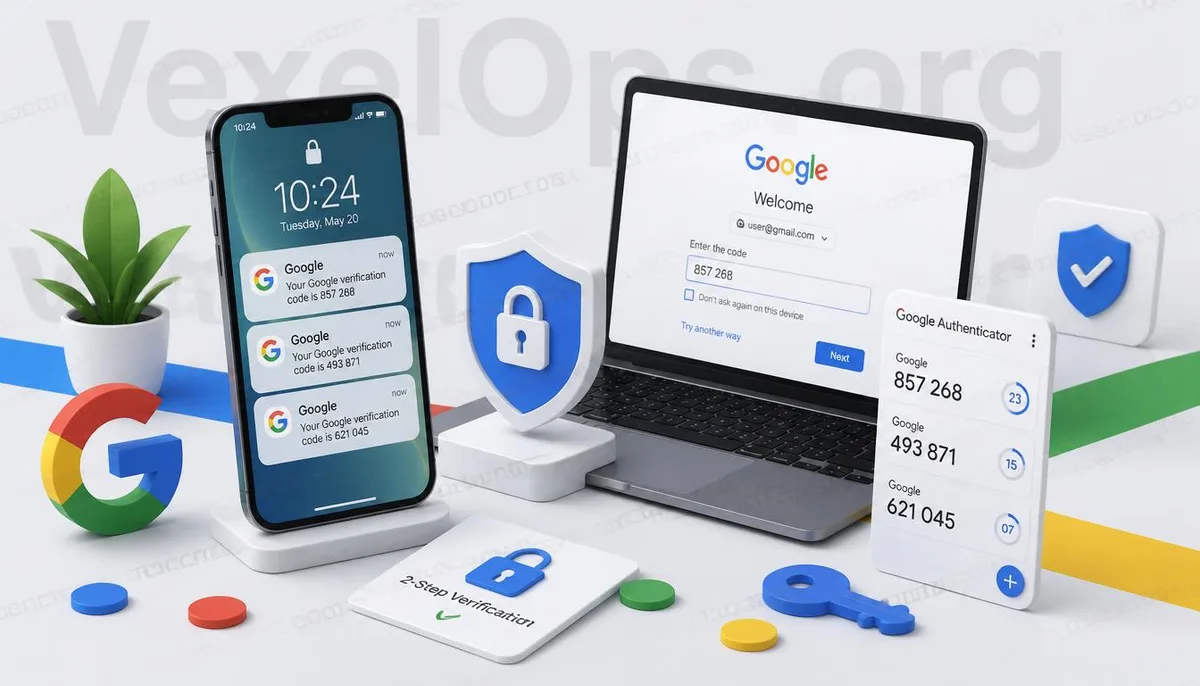
Google offers various identity verification methods, so the problems encountered can also vary. Some users receive codes via SMS on their phones, while others use Google Authenticator, Google Prompt, backup emails, or security keys. If one of these methods fails, the login process may be impacted. For instance, if someone has recently switched phones but has not synced their authenticator data, or if unstable mobile signals delay SMS, or if the login device lacks internet access, it could disrupt the verification process. As such, when encountering "not receiving a code," it is crucial to verify which method you are currently using, rather than assuming all situations are the same.
Switching Phones is One of the Most Common Reasons
In recent years, the situation where users cannot complete Google verification after changing to a new phone has become increasingly common. Many people focus on ensuring that photos, contacts, or chat records are transferred when switching phones, but overlook settings concerning the authenticator app, backup devices, or notifications. When needing to log in to their Google account, they realize that the original verification information remains on the old device, preventing the new phone from completing identity verification. Apart from switching phones, factory resets, changing SIM cards, reinstalling systems, or extended inactivity with the Google account can also affect some verification processes. If users regularly check their backup verification methods and ensure that essential devices can still receive notifications, this usually lowers the likelihood of such situations occurring.
What to Check When Encountering Verification Issues?
When Google requires two-step verification but it cannot be completed, there’s no need to frantically retry logging in or to keep requesting verification codes out of anxiety. It is recommended to check the following items in sequence: - Is your phone properly connected to the internet? - Are you logged into the correct Google account? - Is the authenticator app still functioning correctly? - Do you still have usable backup verification methods? - Can you verify through previously trusted devices? If none of the above items are problematic and you still cannot log in, you can follow the account verification process provided by Google step by step. Different situations may require different verification methods, so it’s usually more efficient to remain patient and follow the system prompts rather than continuously re-entering the password.
Being Prepared in Advance is Often More Important Than Reacting Afterwards
Many users only begin checking their backup email, phone number, or authenticator settings after failing to log in, but these settings are better reviewed regularly. For example, periodically checking that your backup email can still receive messages, confirming that your linked phone is updated, and ensuring you keep security keys or backup codes are simple yet helpful habits. If your Google account is used for Gmail, Google Drive, Google Photos, or other important services, consider account security as part of your daily management, rather than waiting until a real problem arises before dealing with it. Additionally, if you've encountered issues logging into your Google account recently, it’s a good idea to check your login environment and security settings as some login problems may be related to two-step verification. Understanding Google account protection mechanisms from different angles can often help you identify the actual cause more quickly.
Common Questions About Google Verification Codes and Two-Step Verification
Is My Account Compromised If I Keep Not Receiving Verification Codes?
Not necessarily. Not receiving verification codes may relate to mobile network issues, verification methods, device changes, or the login environment and does not indicate that the account has been compromised.
Can I Continue Using Google Authenticator After Switching Phones?
If you have previously transferred data or reset settings, you can usually continue to use it. If not, you might need to log in through other backup verification methods.
Can I Use Only One Verification Method?
Google provides multiple verification methods; it is advisable to keep at least two backup options. If one method is temporarily unavailable, there will still be other ways to complete identity verification.