
The Importance of Your Microsoft Account Is Likely Higher Than You Think
Many people consider their Microsoft account merely as a tool to log into Windows, but in reality, it often manages Outlook emails, OneDrive cloud storage, Microsoft 365, Xbox, and various services in professional work environments. Therefore, whenever there is an unusual issue with the Microsoft account, it could affect not just logging into a computer but also email communication, file synchronization, work documents, and other daily services. For this reason, when you receive a security notification from Microsoft, there is no need to panic immediately, but it is also unwise to completely disregard it. Understanding what the notification means and checking the current status of your account is usually the more prudent approach.
Why Does Microsoft Send Unusual Login Alerts?
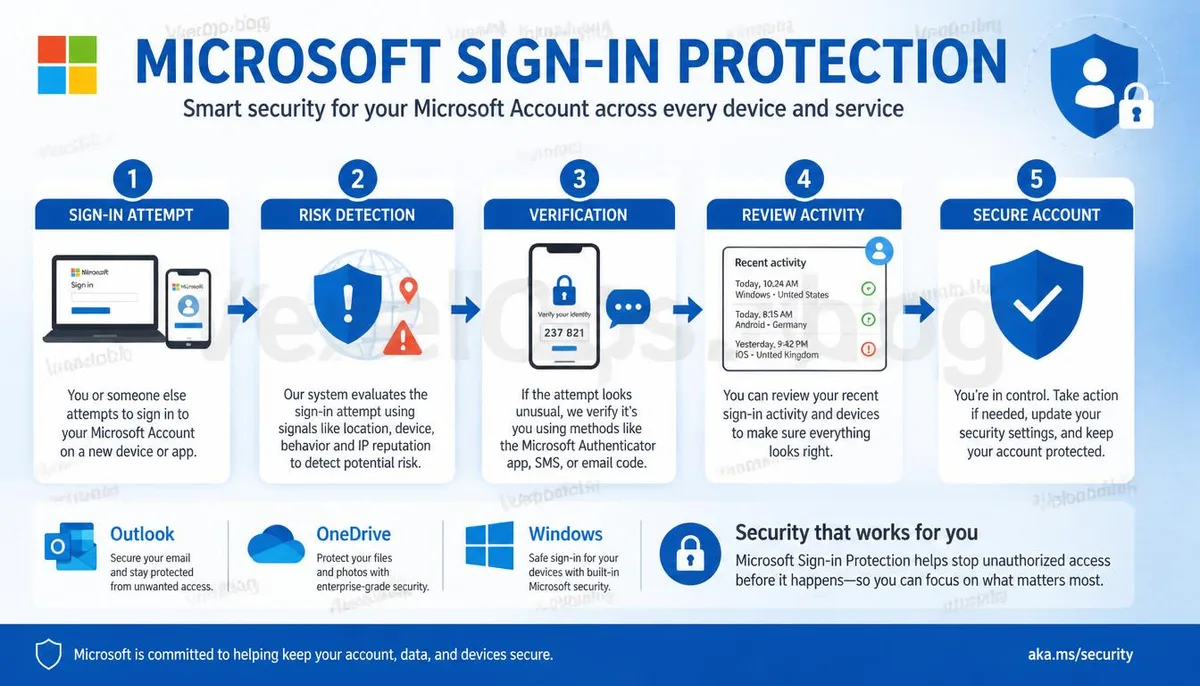
In recent years, Microsoft has continuously strengthened account security, and if the system detects that the login environment is different from usual, it may require additional identity verification. For example, logging into a new computer, changing browsers, traveling abroad, changing network environments, or even using a VPN could lead Microsoft to determine that extra verification is necessary for that login attempt. Additionally, if there are multiple login attempts in a short time, incorrect password entries, or if the login location differs significantly from the norm, security alerts may also be triggered. The main purpose of these notifications is to ensure that the account holder is promptly informed of any unusual logins rather than to imply that the account has definitively been compromised.
After Receiving a Security Notification, What Information Should You Check First?
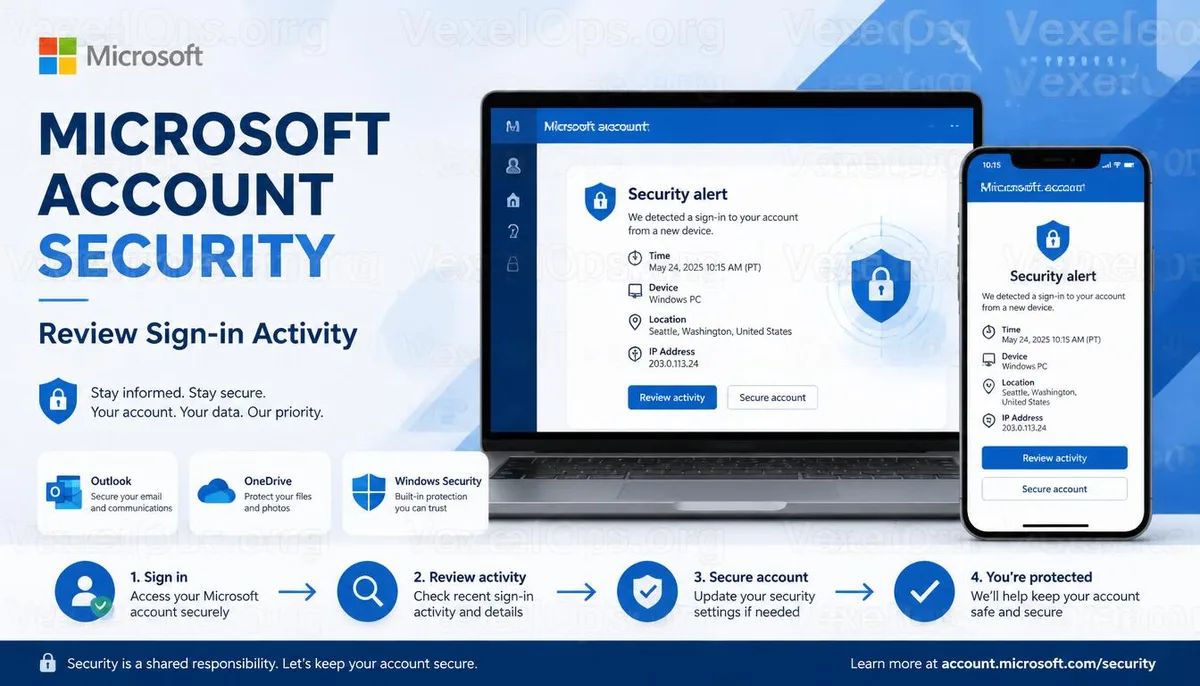
When you see a Microsoft security notification, you can start by checking whether the login time, device, and location match your own usage situation. If you are in the process of logging into a new Windows computer, switching phones, or logging back into Outlook, then receiving a verification notification is typically a normal occurrence. However, if the device in the notification is completely unfamiliar, the login time does not correspond with your actions, or the login location is one you have never visited, it is advisable to immediately check your account security settings to confirm if there are any unauthorized login activities. Moreover, avoid clicking on login buttons from unfamiliar emails or text messages; instead, it is safer to view your security records directly via the official Microsoft account management page.
Security Notifications Across Different Platforms Share the Same Purpose
Although Google, Apple, and Microsoft have different interfaces, they have gradually adopted similar security mechanisms in recent years. When the system detects a new login device, unfamiliar location, or unusual activity, it actively alerts users to help them identify potential security risks at an early stage. Thus, upon receiving a security notification, there is no immediate need to determine if it’s a system error or if the account has been compromised; rather, first verify whether the notification content aligns with your activities and then complete verification according to the official process. If you have recently received security alerts from multiple platforms, you can compile the login times and relevant screens to analyze whether it is simply a normal login or if further checks on the security status of other accounts are necessary. Establishing a cross-platform security awareness is more beneficial than being familiar with only one service, thereby enhancing overall account management capabilities.
Common Questions About Microsoft Account Security Notifications
Does Repeated Notifications About Logins Mean My Password Has Been Compromised?
Not necessarily. Microsoft analyzes login risks based on the login device, IP address, location, and usage patterns, meaning a new login environment can still trigger notifications. It is advisable to first check the login records to confirm whether they align with your activities before deciding if password modification is necessary.
Do I Need to Change My Password Immediately After Receiving an Outlook Security Notification?
If the login records confirm they are all from your devices, you generally do not need to change your password immediately based on a single notification. However, if you see unfamiliar devices, locations, or multiple failed login attempts, it is recommended to update your password promptly and recheck your security settings.
Should I Enable Two-Factor Authentication on My Microsoft Account?
It is advisable to do so. Two-factor authentication significantly enhances account security; even if the password is inadvertently exposed, it reduces the risk of unauthorized logins. If you are using Outlook, OneDrive, or Microsoft 365, it is even more advisable to complete the relevant settings in advance.