
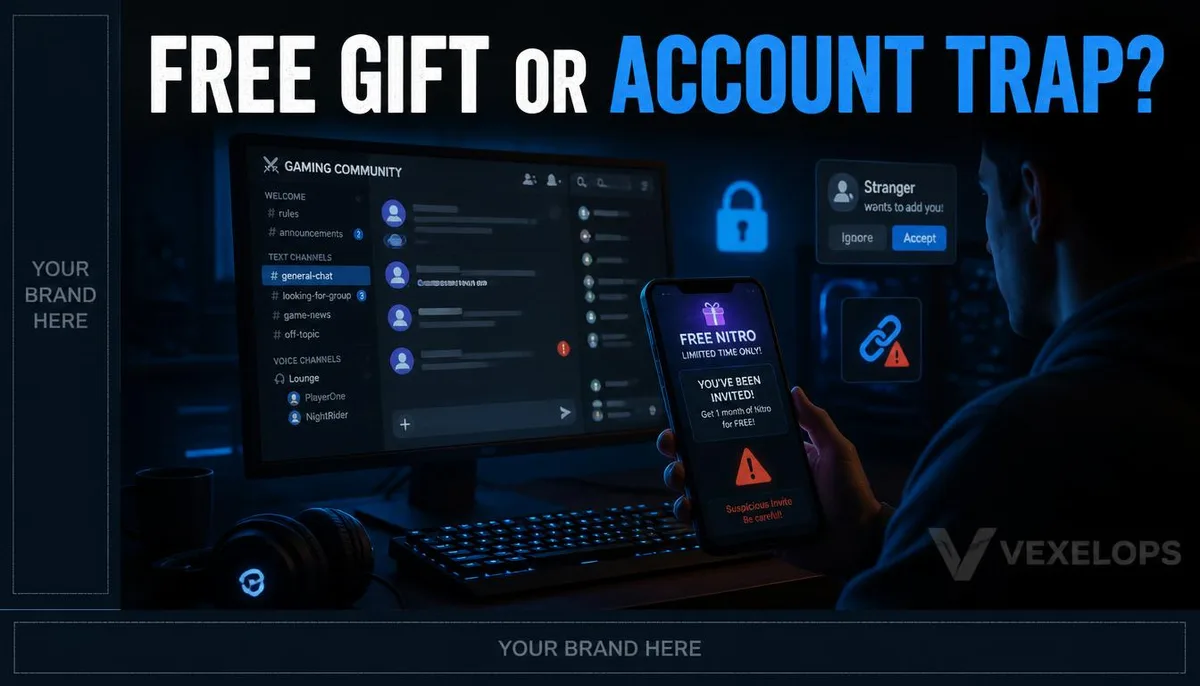
Why Do Those Free Gifts Require You to Complete Verification First?
You're chatting with friends when you suddenly receive a private message. The sender claims there's a limited-time free gift, which could be game items, membership features, or platform discounts. The message sounds like something a friend would say, and there's no immediate danger warning on the link. When you click it, the page asks you to log in to Discord or requests you to verify your account, scan a QR code, or download a file that looks like a game tool. Some may even say this is just the last step before claiming the gift, warning that if you close the page now, someone else will take your spot. The real concern usually isn't the gift itself, but the continuous pressure from the sender not to stop and verify. When you return to Discord, your friend might suddenly ask why you're sending strange messages; you might also notice a batch of invites appearing in the server that you didn't send.
What Suspicious Messages on Discord Should You Doubt?
Discord warns that unfamiliar links and files can threaten your account or personal data. Free Nitro, game testing, giveaway events, and fake admin notifications are common bait. Discord also states that official staff will not message users via the app for support, nor ask for payment or login details. It's important to distinguish between hackers and scammers. Hackers are technicians with programming, systems, or network capabilities; the term itself does not denote malice. Fake admins, fake giveaways, and fake customer support are typical scams aimed at obtaining account information, personal data, or money. Watch for the following signs:
- A stranger requests you to immediately click on links or download files.
- The message claims that a free giveaway is about to expire, urging you to skip verification.
- The sender claims to be a platform staff member but uses a regular user account to message you.
- The link's URL resembles the official platform name, but the domain or spelling is inconsistent.
- Your account suddenly sends unfamiliar messages or joins unknown servers after you complete verification.
A single sign does not necessarily mean your account has been compromised; however, if multiple signs appear at once, you should stop any actions. Don’t take for granted the content just because it comes from a friend's account; their account may also have been compromised.
Why Is Token Risk So Easily Misunderstood?
A token can be understood as a digital credential that applications use to identify account status. Regular users do not need to obtain, view, copy, or share tokens and should not trust any unfamiliar tools claiming to help you check or secure your token. Discord warns that if your account token may have been exposed, resetting your password can create a new token for your account. The officials also clearly state that you should not provide your password or token to anyone. This does not mean that every click on an unfamiliar link will result in token exposure; the actual situation may involve the login page, downloaded files, authorized applications, or account settings. If someone asks you to share your token, perform unknown commands, install so-called verification tools, or add your account to unfamiliar applications, you should stop immediately. These requests are not typical steps for an average user to protect their Discord account.
Is There Still a Chance to Regain Control After Discovering Account Anomalies?
Yes. If you can still log in, start by resetting your password from a trusted device, enable multi-factor authentication, and check the authorized applications, removing any you don’t recognize. Also, check whether your account email has received change notifications and whether there are recent unusual logins, unfamiliar messages, or unauthorized payments. If your account email has been changed, first check whether your original inbox received any change notifications from Discord. Discord provides channels for support when accounts are compromised, and you can submit issues through the official support form. Do not trust anyone claiming to be a Discord employee in private messages, nor pay anyone personally to regain your account. VexelOps can help organize unfamiliar invites, message timestamps, file names, login notifications, and authorized applications, allowing you to establish a clear timeline of events before contacting platform support or notifying community members without needing to hand over passwords or tokens.
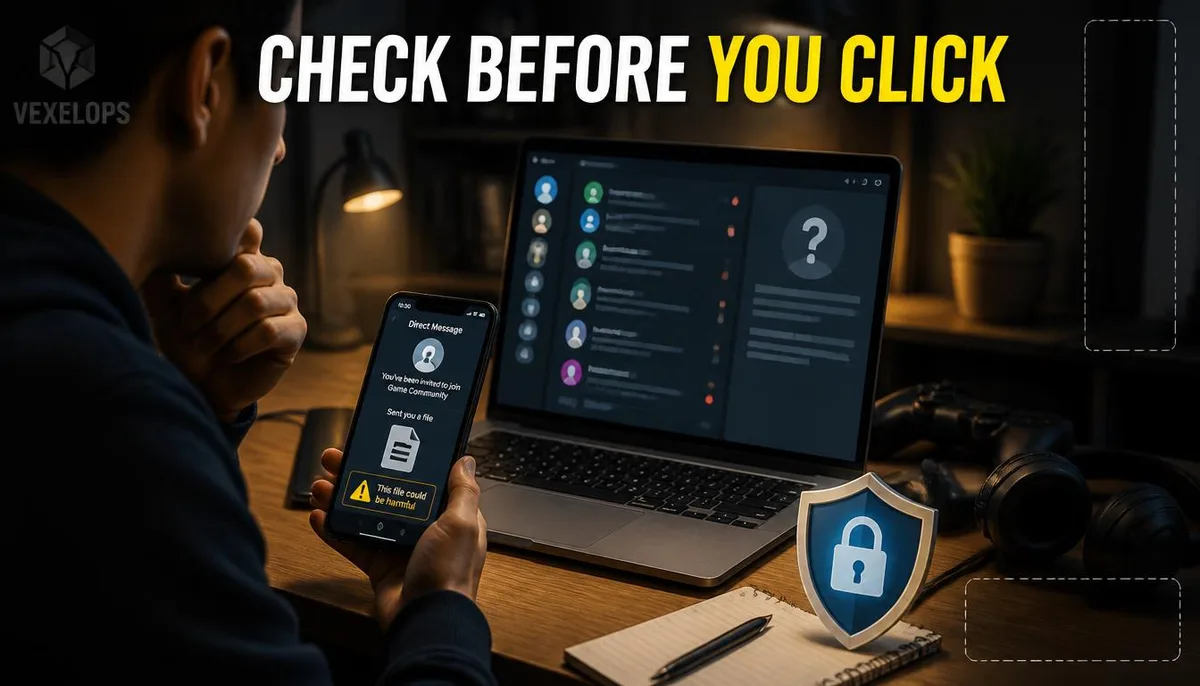
Frequently Asked Questions About Hacked Discord Accounts and Suspicious Invites
Does Opening a Free Nitro Link Mean My Account is Definitely Hacked?
Not necessarily. The outcome depends on whether you entered your login information, downloaded files, authorized unfamiliar applications, or completed other actions on the page. Simply opening the page does not equate to losing your account, but it's still advisable to close the page and avoid reopening the same link. If you've entered your password or downloaded any files, it’s recommended to reset your Discord password from a trusted device, check your login and authorization settings, and enable multi-factor authentication. If the device shows any anomalies, you should also conduct checks using reliable security tools.
An Admin in Discord Messages Asked for My Password, Is It Real?
Discord’s official explanation states that official personnel will not message users via the Discord app for support, nor request passwords, payments, or changes to login details. Even if the sender uses official logos, professional titles, or claims to be handling account appeals, these appearances should not be assumed as proof of identity. Do not reply with your password, token, payment details, or verification codes. You can save the message, utilize Discord’s reporting feature, and find the support channel for your account through the official support website.
Should I Notify Friends if My Account Starts Sending Messages Automatically?
You can, but it’s best to first notify friends and server admins through other trusted channels, warning them not to click on any links or files sent from your account. This can reduce the chances of further impacts on others and also aids in preserving the timeline of when events started. Next, address your own account security by resetting your password, enabling multi-factor authentication, checking authorized applications, and reporting to Discord. Do not use recovery tools provided by strangers and refrain from handing over account details to anyone claiming they can assist.
One Key Takeaway: Free gifts, unfamiliar invites, and fake admins are not worth skipping verification; stop clicking first, then protect your account through official channels.