
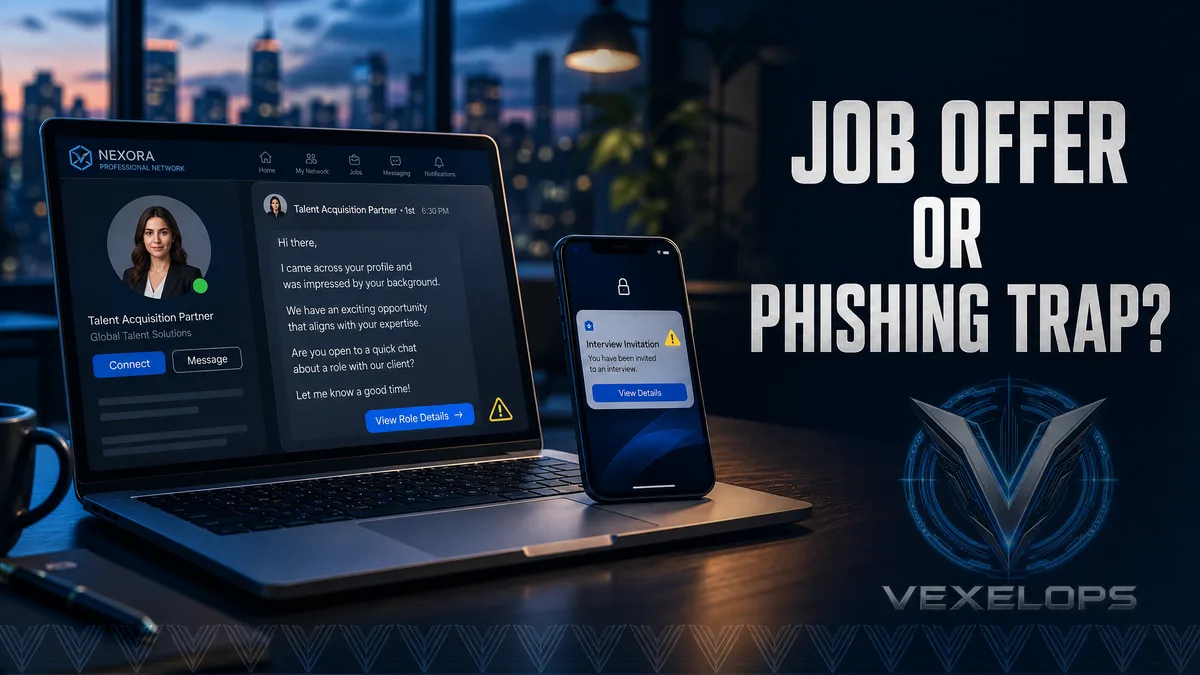
Why Does That Recruitment Message Seem Perfect for You?
You're looking for a job when your phone suddenly receives a message from a professional network. The sender says they’ve seen your experience and believe you are perfect for a high-paying, remote, flexible position that doesn't require many interviews. The message has no obvious typos, the recruiter’s photo looks professional, and it even mentions a company you’ve heard of. After you reply, the sender quickly expresses that positions are limited and hopes you can complete the data verification today. They might send you a job description, interview schedule, or salary sheet, or ask you to switch to another messaging app to continue communication. Until this point, everything still seems like a normal recruitment process. The problems usually arise in the next step. The sender asks you to log into an unfamiliar website, download attachments, provide identification documents, pay a deposit, or use your current professional network account for verification. The job opportunity suddenly turns into a test that requires you to provide data or money beforehand.
What Trust Elements Do Fake Recruiters Usually Exploit?
Fraudsters don't necessarily ask for payment right from the start. They might first use professional jargon, discuss job roles, company culture, and salary ranges, then create a seemingly reasonable conversation based on your resume. When you start looking forward to that job, the subsequent requests become easier to interpret as normal processes. Some fake accounts use similar company names, steal public photos, or present what seems to be a complete experience on their personal pages. These appearances can increase credibility but do not individually prove that the recruiter genuinely represents that company. What really needs to be verified is whether the company lists the same position on its official website, whether the sender's email comes from an official domain, and whether the contact methods can be verified independently. Hackers and fraudsters need to be clearly distinguished. A hacker is a technical person with programming, system, or network capabilities; this term does not inherently imply negative intent. Fake recruiters, fake job positions, and fake interview pages are acts of fraud that use deception to obtain accounts, data, or money.
What Risks Could Suspicious Attachments and Interview Links Hide?
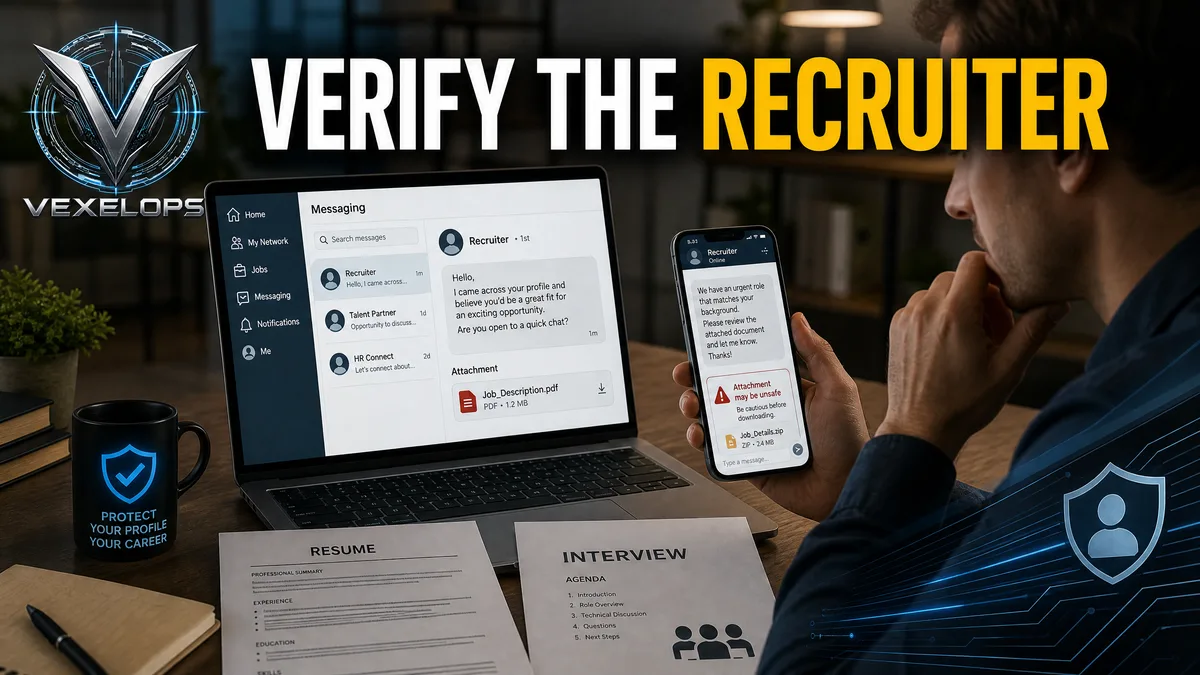
LinkedIn officially warns that phishing content may impersonate legitimate companies or persons, trying to obtain usernames, passwords, and credit card information through messages, emails, or fake links. The platform also states that LinkedIn will never ask users to provide passwords or download programs. Urgent demands to take action, open attachments to install updates, or click on unfamiliar login pages are signals that should prompt you to stop and verify. What seems like a normal job description might be a PDF, or it may be a compressed file, a form, or a document that requires content to be enabled. You don't need to open all attachments on a personal computer just to verify a job position, nor should you enter your professional network password on an unfamiliar interview page. If the person truly represents a company, they would usually provide an official job posting page and formal contact methods. If you encounter any of the following situations, it is advisable to stop operations immediately:
- The sender asks you to pay a deposit, training fee, equipment fee, or introduction fee upfront.
- The salary for the position is significantly higher than the market, yet no reasonable interviews or qualification verifications are requested.
- The sender asks you to log in through an unfamiliar URL or upload identification documents.
- The recruiter urges you to keep it confidential and not to check with family, friends, or official company channels.
- The company's name, email, job description, and official website information do not match.
A single clue may not prove that this is a scam, but when multiple signals appear at once, you should not proceed simply because the job seems ideal.
How to Verify Without Missing Opportunities?
Verification does not mean you have to give up all unfamiliar recruitment invitations. You can keep the sender's message and job description, and then confirm whether the position exists on the company’s official website, formal social pages, or through public telephone inquiries. Do not use the contact methods provided by the sender as the sole evidence, as that account or website may be part of the forgery. When reviewing the recruiter’s personal page, you can observe whether the experience looks reasonable, whether the links have been consistently long-term, and whether the contact information matches over time. However, public pages can only provide clues; they cannot replace official confirmation. If the job involves overseas work, remote equipment, or salary remittance, you should particularly verify the contract, employer name, and payment responsibilities. VexelOps can assist in organizing recruiter accounts, job page details, attachment names, contact domains, and timelines, allowing you to see which information contradicts before deciding whether to reply. This organization does not require providing your professional network password and does not necessitate
Is There Still a Chance to Act If You’ve Already Clicked the Link?
Yes. Clicking the link does not necessarily mean your account has been compromised; the result depends on whether you entered data, downloaded files, or allowed additional permissions. If you merely opened the page, close it and save the URL; if you’ve entered a password, immediately change it from a trusted device, and check login activity, backup data, and authorized third-party applications. If you’ve downloaded an attachment, do not continue to open or forward it. You can first disconnect from the internet, then seek trusted technical support, and check if the device exhibits any abnormalities. If you have provided identity data, credit card details, or payments, keep related records and contact financial institutions and the anti-fraud hotline.
Common Questions About LinkedIn Recruitment Messages and Fake Recruiters
Do Legitimate Recruiters Ask Job Seekers to Pay Fees?
Ordinary job seekers should be highly cautious of recruitment messages that ask for upfront deposits, introduction fees, training fees, or equipment fees. The names of the fees may differ, but if payment is requested before the job starts, this is typically not a condition of normal job-seeking processes. You can first confirm the company’s official recruitment policies and job posting pages, then inquire through independent channels. Do not pay just because the sender provides formal documents, company logos, or success stories; also, do not treat payment requests as a reason that the job will close soon.
Is It Safe If The Recruiter Asks Me to Log Into the Interview Platform Using My Company Account?
You need to first verify the platform's URL and its relationship with the company. Do not log into unfamiliar pages using your professional network or email password, nor close browser security warnings at their request. You can find the recruitment contact methods from the company’s official website again to verify whether the interview process genuinely uses that platform. If you have entered a password, you should immediately change the relevant account password and check for any unfamiliar logins, backup email changes, or forwarding settings. Do not share the same password across different platforms, and enable multi-factor authentication when available.
What Should I Do If I've Already Given My Personal Information to a Fake Recruiter?
First, save the sender's account, message, email, job page, and sending time; do not continue providing more information, and do not negotiate for the sender to delete anything. If the data includes ID cards, bank account information, or credit card details, contact relevant institutions as soon as possible, explaining that the information may have been provided to fraudulent recruiters. Also, check your email and professional network account security, being on the lookout for unfamiliar logins, password reset notifications, and follow-up phishing messages. You can also report suspicious content to LinkedIn and, depending on the case, call the anti-fraud hotline.
One Key Takeaway: Genuine recruitment does not require you to prove yourself with passwords, deposits, or unknown attachments; verify the company and position using official channels before deciding whether to reply.