
Why Should We Pay Attention to Security on Discord?
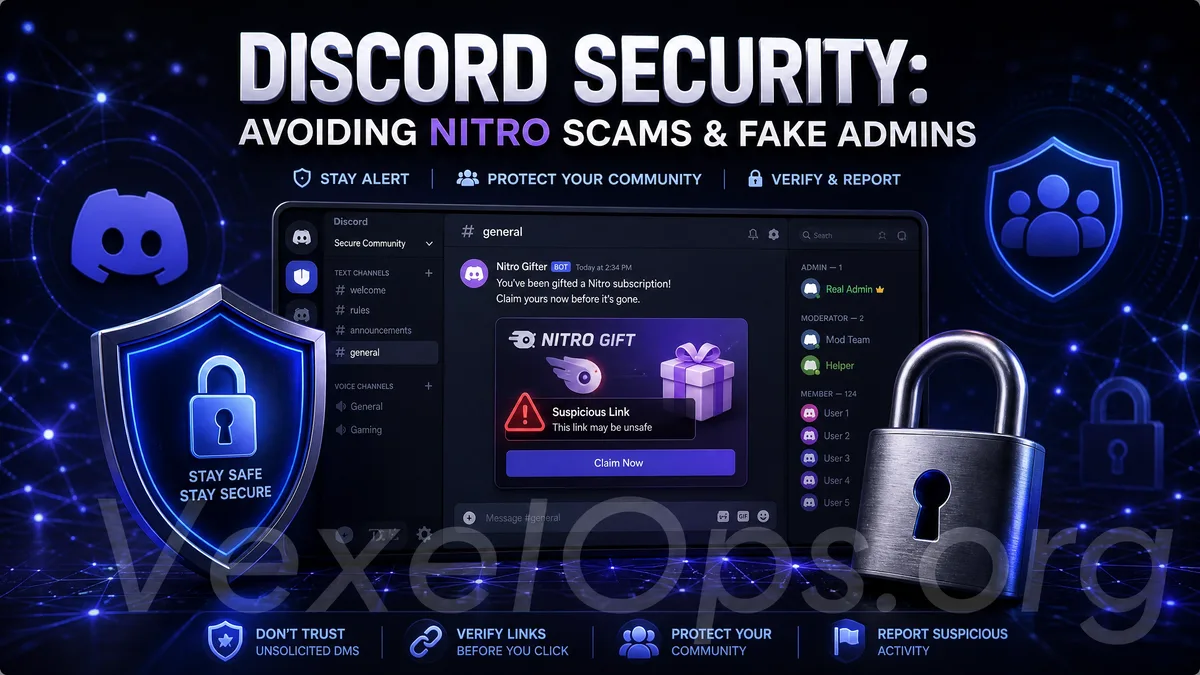
Discord is a platform frequently used by many gamers, creators, students, developers, and community users. It allows for server creation, voice chats, text channels, and private messages; it's often used in gaming communities, NFT/Web3 groups, AI tool communities, course groups, and fan communities. Due to Discord's strong community features, interactions with strangers, invite links, bot activities, external website connections, and direct messages are common. This convenience also makes regular users more vulnerable to fake events, phishing links, fake admins, account theft, and suspicious files. Using Discord does not inherently mean danger, but it establishes the need for basic judgment habits. Especially when someone asks you to click a link, log in, claim Nitro, verify identity, download a file, or provide a verification code, you should pause to confirm.
Fake Nitro Events Are Common
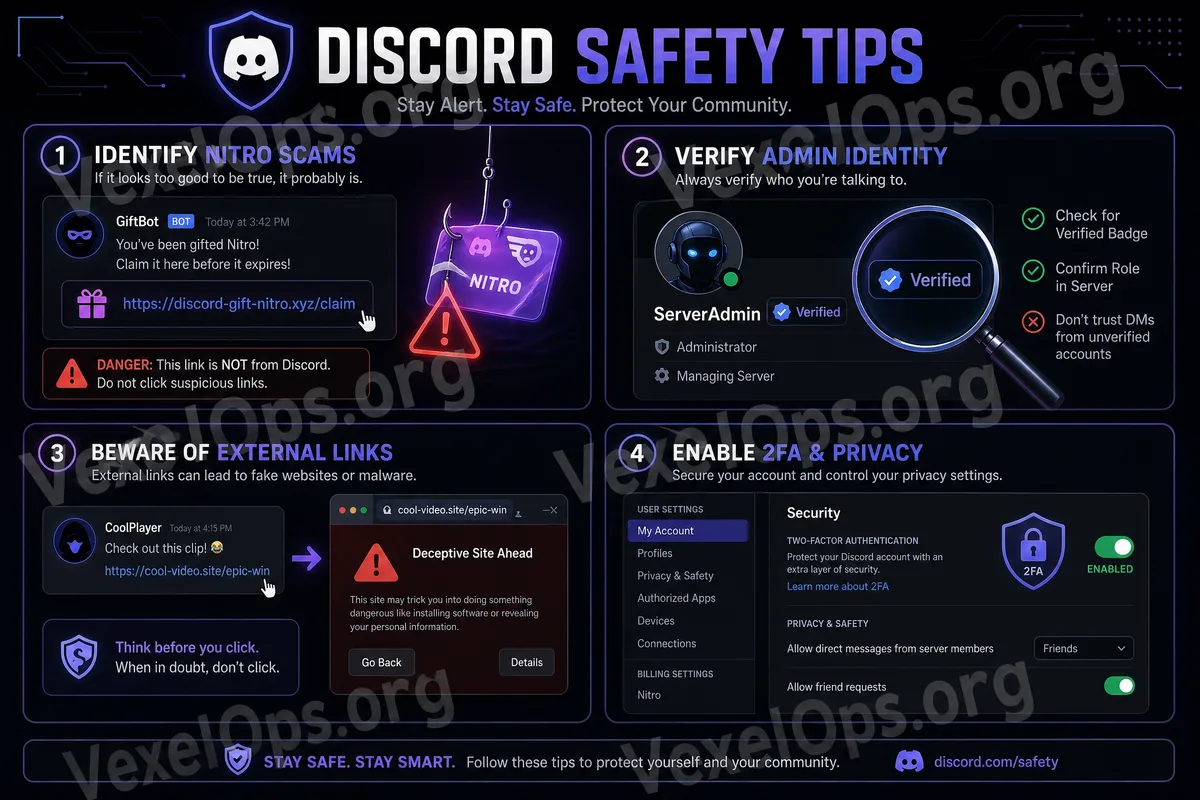
Discord Nitro is a paid feature familiar to many users, and therefore it is often packaged into fake promotions by scammers. You might receive a message claiming you have won free Nitro, a limited-time gift, that a friend gifted you a subscription, or asking you to click a link to complete the claim. These links may lead to fake login pages that ask you to input your Discord account, email, password, or to authorize a third-party app. Once you log in, your account may be stolen and used to send scam messages to friends or server members. Legitimate events should be verifiable through official platforms or trusted sources. Do not click simply because terms like Nitro, Gift, Free, or Claim appear in the message.
Fake Admins and Customer Support Messaging
In large Discord servers, fake admins and customer support are also common. They may claim you have violated rules, that your account needs verification, that you need to rejoin the server, or ask you to visit a certain website to complete a security check. Real server admins typically do not ask for passwords, two-factor authentication codes, backup codes, or payment information through direct messages. If someone insists you "act immediately" or threatens blocking, kicking, or suspending your account if you do not respond, be cautious. The safest approach in such scenarios is not to click on private message links but to return to the original server, check the announcement channel, rules channel, or confirm through the officially indicated customer service methods.
Avoid Clicking Suspicious Invite Links
Discord invite links are convenient but may also be used to guide you into joining suspicious servers. These servers may present themselves as gaming rewards, airdrop events, investment groups, AI tool communities, sharing of cracked tools, or free resource groups. Once inside a suspicious server, you may see numerous activity messages, bot verifications, external links, requests to bind wallets, or login pages. These processes may not be safe, particularly when they require you to connect a crypto wallet, input account passwords, or download tools, actions which should be avoided.
Be Extra Cautious with Unknown Files and Downloads
Discord is often used to share images, documents, compressed files, game mods, plugins, asset packs, or tools. However, files sent by strangers should not be downloaded or executed directly. This is particularly true for compressed files, installers, scripts, plugins, cracked tools, accelerators, or supposed security verification tools, all of which may pose risks. Even if a file's name appears normal, it does not guarantee safety. If you truly need to download a file, ensure the source is trustworthy, and prioritize obtaining it from official websites, official GitHub pages, official stores, or trusted platforms. Do not install unknown tools just because someone in the server recommended them.
Ensure Your Account Security Settings are Properly Configured
Your Discord account also requires protection. It is advisable to use a unique password and not to share it with your email, gaming accounts, Steam, Epic Games, Google, or other platforms. If Discord supports two-factor authentication, it's recommended to enable it, especially if you manage a server, participate in important communities, or have many friends in your account. Once enabled, remember to store backup codes to avoid being unable to log in if you switch phones or your authentication app is unavailable. Additionally, regularly check authorized third-party apps or bots. If you have previously authorized unfamiliar services or tools that are no longer in use, you should revoke their authorization.
Server Administrators Need to Be Particularly Aware of Permissions
If you are a Discord server administrator, the security risks are even higher. If your account is compromised, attackers may alter channels, kick out members, post scam links, modify announcements, or use your identity to deceive members into trusting them. Administrators should especially pay attention to role permissions, avoiding granting excessive permissions to too many individuals and not allowing unfamiliar bots to have overly broad permissions. Before inviting a bot, confirm the source is trustworthy and check whether the permissions it requests are reasonable. A good server is not just about having many members; it also requires clear announcements, trusted management processes, and appropriate permission settings.
Basic Security Principles for Using Discord
Discord is a very useful community platform, but regular users should remember a few simple principles: do not click on unfamiliar Nitro links, do not trust fake admins in private messages, do not download unknown files, do not log in on suspicious websites, do not provide verification codes, and do not authorize third-party apps carelessly. If you encounter suspicious messages, take a pause to return to the official app, official website, or server announcements for confirmation. Most risks occur when users click too quickly, log in too hastily, or download without caution. For regular users, Discord security is not about stopping community involvement, but about maintaining basic judgment while engaging in communities. As long as you do not hand your account, verification codes, file downloads, or authorizations to unfamiliar sources, you can significantly reduce many common risks.