
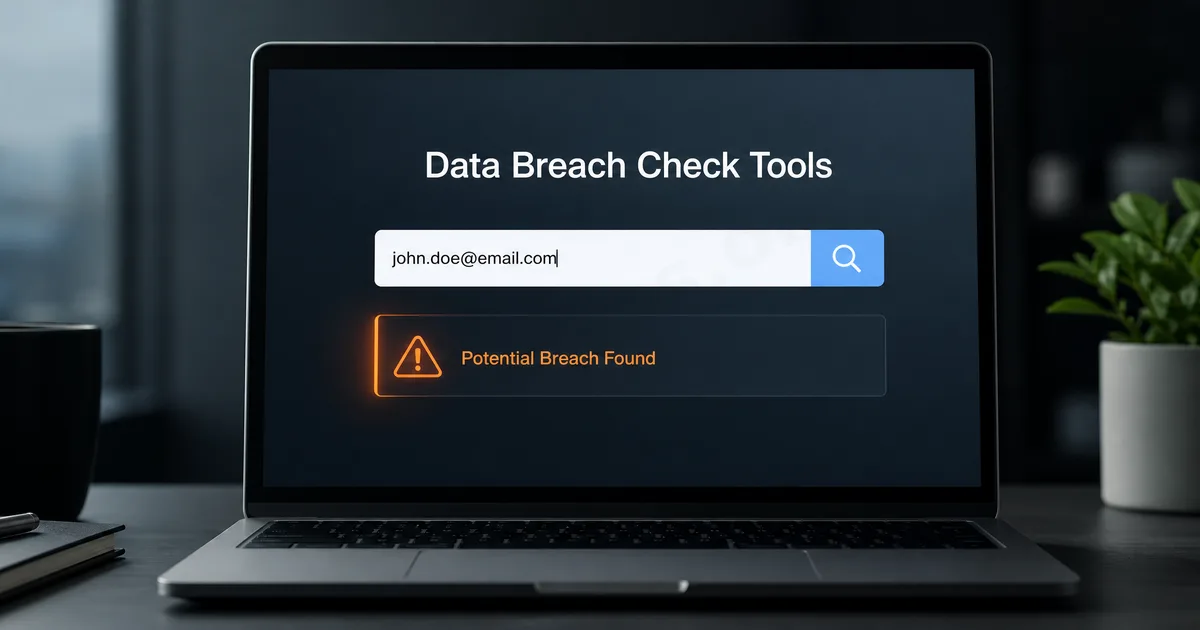
Why Do Everyday Users Need to Understand Data Breaches?
Many people think their accounts are stolen because they are specifically targeted. However, the risks ordinary users face often arise from more common scenarios: a website or service has experienced a data breach. If you registered for an account on a platform, and that platform's email, password, or other data was leaked, attackers may attempt to use that information to log into other sites. This is especially likely for users who use the same password across multiple platforms. Thus, the value of a data breach query tool is helping you determine whether your email or password may be included in known leaked data. Its purpose is not to incite panic, but to remind you which accounts need priority checks.
What is Have I Been Pwned?
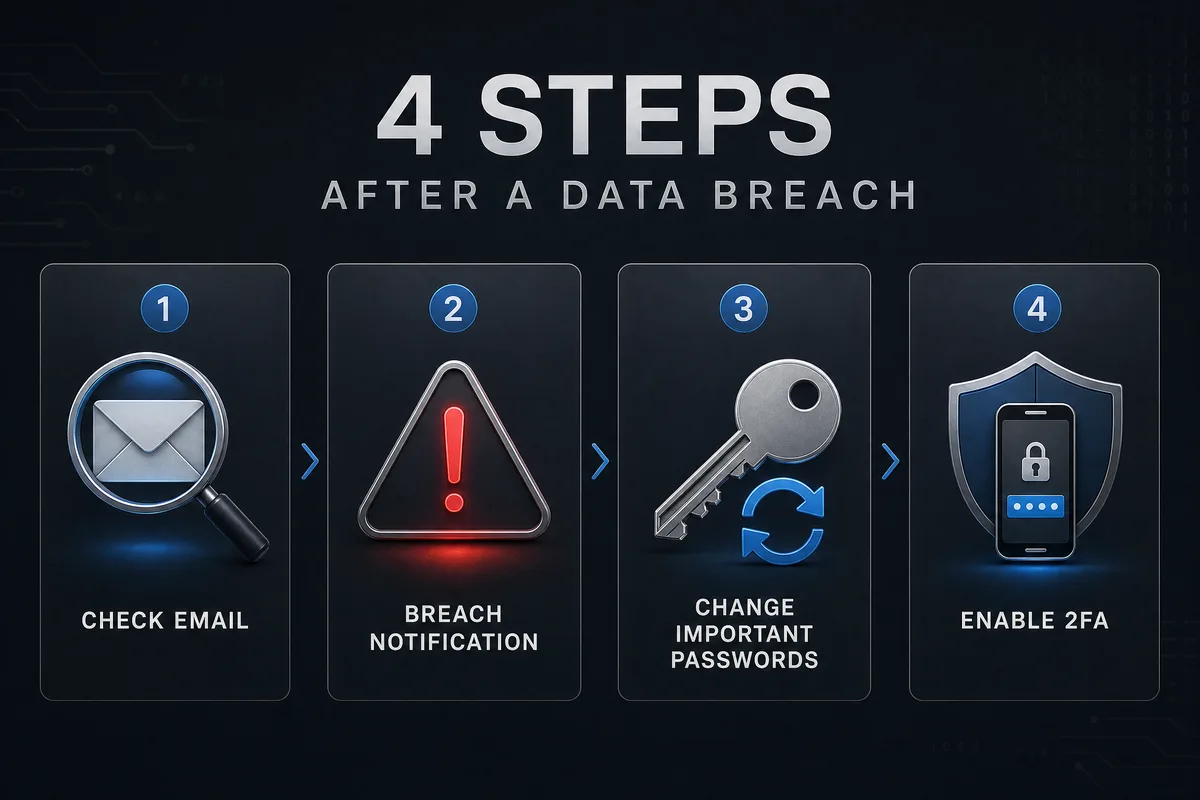
Have I Been Pwned is a commonly referenced data breach query website. Ordinary users can use it to check if their email has appeared in known data breach incidents. If the search results indicate that your email has been found in some leaked data, it does not necessarily mean that your account is currently hacked, nor does it mean that all your accounts are compromised. It indicates that this email was previously associated with certain breach events, so you should take a closer look at the passwords and security settings of related accounts. It is important to avoid panicking solely based on the breach results, and instead address concerns in order: first, protect your main email, then check platforms where you have used the same password, and finally change important accounts to unique passwords and enable two-factor authentication.
Google, Apple, and Browsers Also Notify About Password Risks
Besides Have I Been Pwned, many ordinary users encounter similar features on their daily devices. For example, Google Password Manager may alert you if certain saved passwords have appeared in data breaches, Chrome may notify you that a certain password is unsafe, and Apple iCloud Keychain will alert you to weak, reused, or potentially leaked passwords on iPhone, iPad, or Mac. Microsoft Edge also has similar password monitoring and security alert features. The purpose of these tools is to make it easier for everyday users to identify password risks. You don’t have to be a cybersecurity expert; simply noticing a system alert about a potentially risky password should prompt you to check and update it.
After Discovering a Breach, Don’t Just Change One Account
Many users only modify the password for a single website after receiving a breach alert. However, if you have used the same password across multiple platforms, other accounts may also be at risk. For example, if an old forum account was breached, and you used the same password and email for Instagram, Facebook, TikTok, X or shopping sites, then those accounts should also be checked. What's truly important is not which site was breached, but whether you have used the same or similar passwords elsewhere.
Prioritize Protecting Your Primary Email
If your email appears in leaked data, the first account you should protect is your primary email itself. This is because many platforms rely on email for password resets, login notifications, and account recovery. You should ensure that your primary email uses a unique password not shared with other sites. You should also enable two-factor authentication, check your login devices, and confirm that your recovery phone and backup email are correct. If your primary email is unsafe, other accounts may still be at risk, even if you change their passwords.
The Most Practical Measures After a Password Leak
When you discover that a password may have been leaked, you don’t need to address all your accounts at once; you can start with the most important ones. The order of priority usually can be: primary email, social media platforms, cloud services, payment accounts, shopping sites, work accounts, and password management tools. These accounts typically store more personal information or can impact the recovery process of other accounts. When updating passwords, each important account should use a different password. Do not simply add a digit to the end of the original password, nor should you use the same new password across all platforms. A better approach is to use a password manager to help store different passwords.
Data Breach Query Tools Are Not Omnipotent
Data breach query tools can only inform you of certain known breach risks; they cannot guarantee that they know about all incidents, nor can they guarantee that not showing a breach means complete safety. Some breaches may have not been made public yet, some platforms may not have been recorded, and some risks may stem from phishing sites, fake customer service, or users providing verification codes themselves. These situations may not be detectable by query tools. Therefore, data breach query tools should be regarded as reminder tools rather than complete guarantees of security. They can help you identify risks, but true account protection depends on unique passwords, two-factor authentication, login record checks, and evaluating suspicious links.
Use Breach Alerts as an Opportunity to Organize Your Accounts
If you find that your email has appeared in a data breach, there’s no need to panic excessively. For many long-time internet users, having an email show up in some leaked data is not uncommon. More importantly, you can use this incident as an opportunity to tidy up your account security. Start by confirming the security of your primary email, then update important account passwords, remove old accounts no longer in use, enable two-factor authentication, and avoid using the same password across multiple platforms in the future. The real value of data breach query tools is to help you know where you might need to pay attention. If handled correctly, they can serve as a practical tool for everyday users to enhance their account security.