Why Be Extra Cautious with 'Remote Support'?

Remote support tools themselves aren't necessarily bad. Many companies, technicians, or customer support teams use these tools legally to assist users with computer problems. The real risk is that some scammers impersonate customer service representatives, bank personnel, platform security teams, investment platform assistants, or technical support, asking ordinary users to install remote support tools and guiding them step by step through account management, payment, verification, or downloading files. For ordinary users, the biggest issue with remote support is that you may not be clear on what the other person can actually see or control, nor are you sure if they are genuinely trustworthy. Once you give the screen, operational permissions, or verification information to a stranger, the risk to your accounts and personal data dramatically increases.

Common Scenario: Fake Customer Service Claims to Help with Account Issues

A common opener for fake customer service is to tell you that there is something wrong with your account. For instance, platform risk control, banking transaction failure, payments being locked, package refunds, investment account verification, or social media account restrictions. Next, they may say, "To help you resolve the issue, I need you to install a remote support tool." Some individuals, upon hearing "customer service wants to help," lower their guard and follow the instructions step by step. However, if this customer service isn’t someone you contacted through the official app, official website, or formal customer service entry, but rather through an unfamiliar call, private message, text link, or group, you should be especially cautious. Genuinely trustworthy platforms typically do not request remote control tool installations through unfamiliar private messages, nor should they ask you to operate your bank, payment, verification codes, or significant account settings during the remote support process.

Why Does Screen Sharing Also Pose Risks?

Some scammers might not directly demand control of your device but instead request that you "share your screen." They might claim they only want to see your screen to help verify issues without operating your equipment. However, screen sharing can expose a lot of information. Your email, login notifications, verification codes, banking screens, payment details, chat histories, albums, and document names might all be visible to them. Even if you don’t verbally disclose your password, the scammer might guide you through clicking certain options, entering verification codes, opening payment pages, or viewing information you shouldn’t share with strangers. So, when unfamiliar individuals request screen sharing, don't just think, "They don't control my phone, so it’s fine." As long as they can see your screen, there is a privacy risk.

The Most Dangerous Requests Involve Payments or Verification Codes

If, during the remote support process, they ask you to open your banking app, payment platform, cryptocurrency wallet, shopping account, email, or social media safety settings, or request verification codes, this is typically a high-risk signal. Verification codes, backup codes, payment confirmations, transfer operations, and account recovery processes should never be completed under the remote guidance of strangers. Once these actions are taken, recovery may prove difficult. Some scammers package these requests in a very natural tone, such as "This is the refund process," "This is to lift risk controls," "This is a security verification," or "This is just to test if the account works." But any involvement with money, verification codes, account login, or security settings should raise immediate red flags.

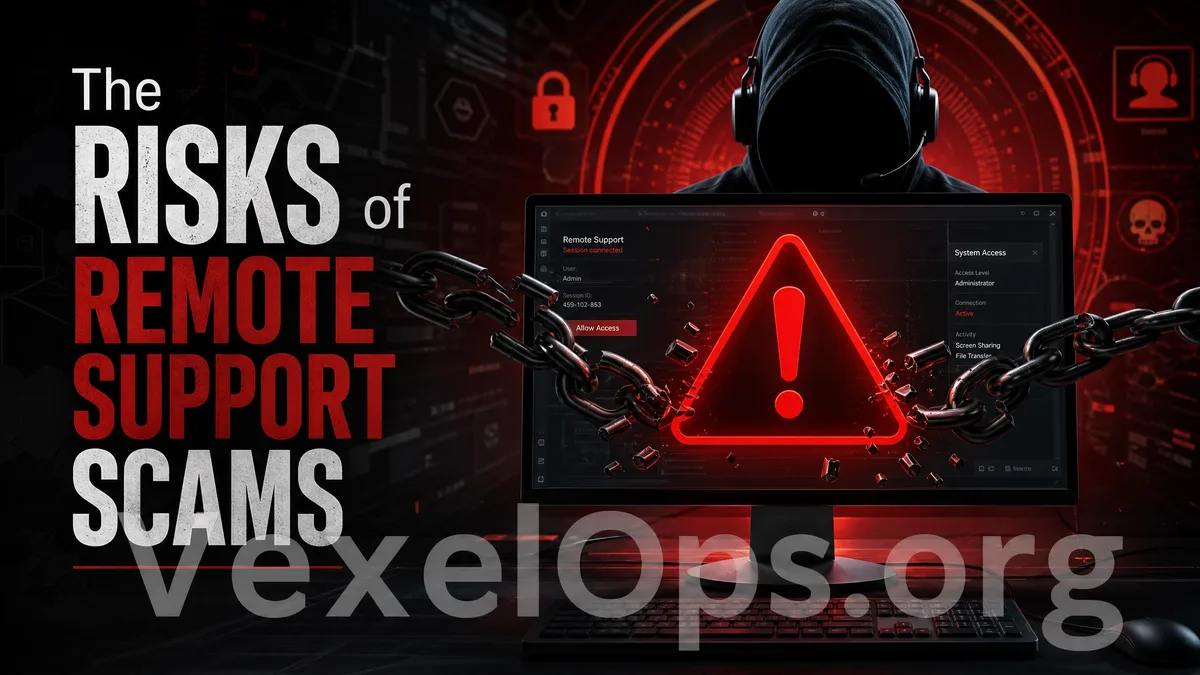
Risks of remote support scams illustrated, including fake customer service, screen sharing, verification code requests, and payment operation risks.

What Should You Do When Faced with Such Requests?

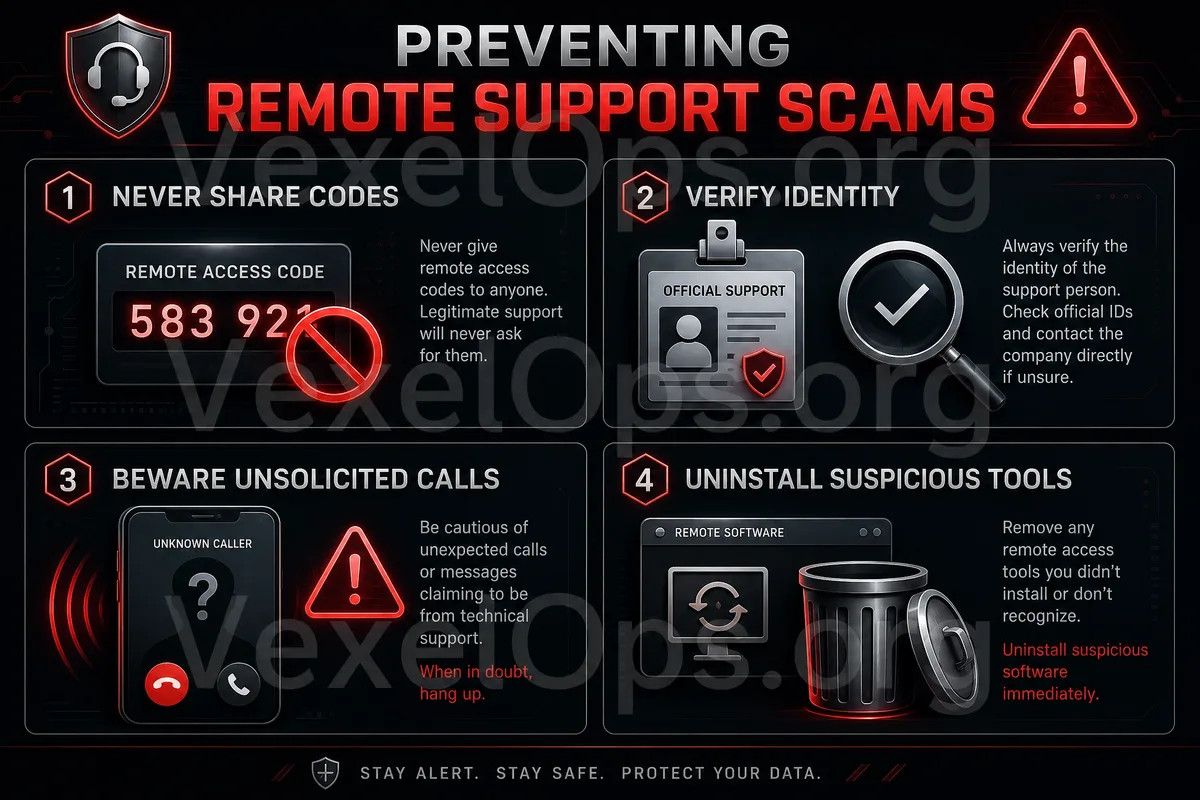
If someone requests you to install remote support tools, don't rush to comply. First, verify a few things: Is this customer service from an official source? Did you pro-actively contact them through the official website or app? Are they asking you to perform actions related to payments, banking, verification codes, or account security settings? If you cannot verify their identity, do not install the tool or share your screen. A safer approach is to terminate the conversation and re-access customer service from the official app or website. If the individual contacted you via phone or private message, do not use the links, phone numbers, or download portals they provided, as this information may itself be part of a scam.

What to Do If You've Already Installed the Remote Tool?

If you have installed a remote support tool but start to feel uneasy, immediately disconnect, close the remote tool, and remove any applications you no longer need. Next, check for any unusual activity in important accounts, including your primary email, social accounts, payment services, bank accounts, and cloud data. If you entered passwords or verification codes during the remote session, promptly change your password, log out from other devices, and enable two-factor authentication. If your payment, transfer, or financial data were involved, contact your bank or relevant service provider as soon as possible to determine if you need to suspend your card, check transactions, or take further protective measures.

Remote Support Is Not Off-Limits, But Must Be Established on Trusted Sources

Remote support tools can serve as legitimate technical support methods, provided the sources are trustworthy, the processes are clear, both parties' identities are well-defined, and users know what they are authorizing. For ordinary users, the safest principle is: don't accept remote support requests from strangers, do not perform payments or bank operations during remote assistance, do not provide verification codes, and do not download tools sent privately by the other party. Real safe customer service processes should come through official channels, not through unfamiliar calls, private messages, questionable groups, or unknown links. If you take a moment to confirm when requested for remote actions, you can avoid many common scam risks.