
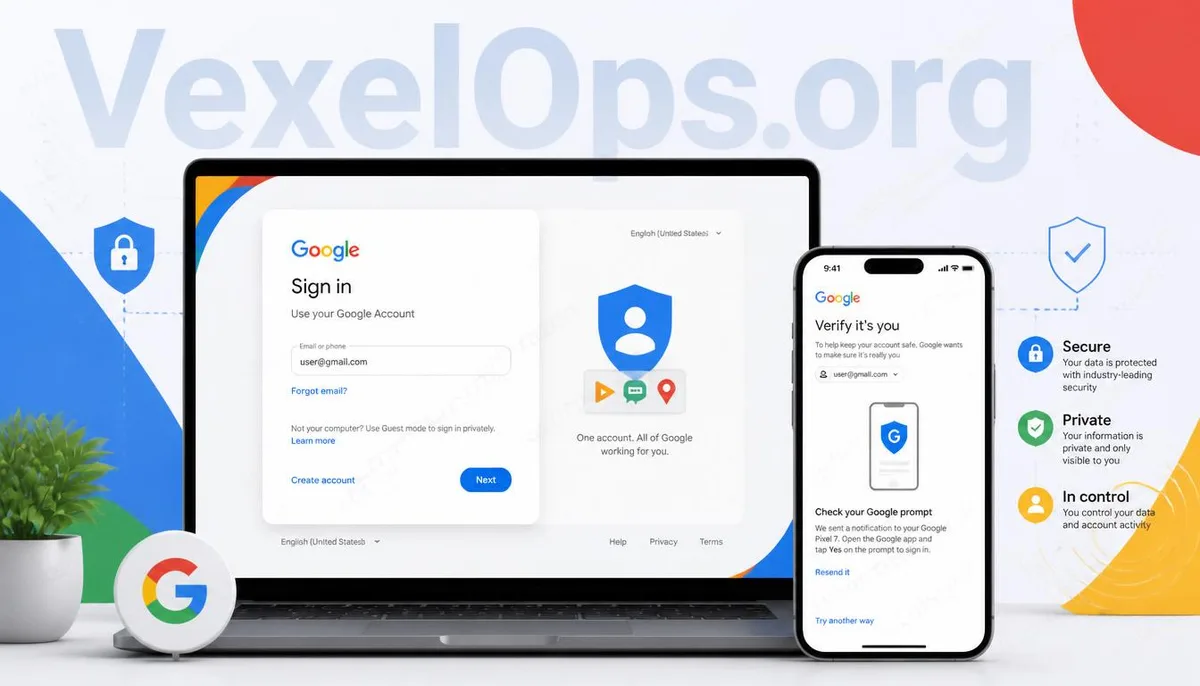
Can't log into your Google account? It doesn't always mean your account has been hacked.
When many people first encounter issues logging into their Google account, their first reaction is often to suspect their account has been hacked, leading them to repeatedly enter their password and try logging in multiple times in a short period. In fact, Google has implemented security measures that assess the risk based on factors like login location, device, IP address, and user login behavior. Sometimes simply switching to a new computer, connecting to a different network, or trying to log in from abroad can trigger additional security verification, rather than indicating that there is something wrong with the account itself. Therefore, when unable to log in, it is more important to understand the type of prompt encountered than to keep attempting to log in.
Common reasons for login failures?
Several different factors can lead to login failures for Google accounts, some of which may not even be directly related to the password itself. For example: - Incorrect password entry. - Two-step verification is enabled, but verification codes are not currently accessible. - Logging in from a new device or browser. - Google determines the current login environment differs from the norm. - Recent updates to security settings for the account. - Abnormal network conditions or VPN causing increased login verification. Failing to confirm the reasons first and repeatedly entering the password may trigger more security measures, complicating the login process further. It’s advisable to first read the on-screen prompt carefully, then systematically troubleshoot based on the actual situation.
Receiving a security verification doesn’t necessarily indicate an issue.
Many users start to worry that their account has been compromised when Google requests additional identity verification. In reality, Google's security measures have improved significantly in recent years, requiring extra verification whenever the system detects behavior that differs from regular login patterns, such as confirming the device used for login, verifying the phone, or reconfirming identity. Such instances do not necessarily mean the account has been hacked; frequently, they are just part of normal security protocols. If you’ve recently changed your phone, reinstalled the browser, cleared cookies, or switched network environments, you may encounter the same situation. Staying calm and completing verification as prompted by the system is generally more efficient than continuously trying to log in.
Don't underestimate the importance of backup verification methods.
Many people can log into Google successfully most of the time, thus rarely checking the account's security settings. However, when they need to log in, they may discover that the phone number linked to the account is deactivated, the backup email is inaccessible, or the authenticator app has been switched to a new phone, preventing them from completing identity verification. Actually, Google provides various verification options that can be confirmed to ensure their effectiveness in advance. For example: - Check if the backup email can still receive messages. - Confirm if the linked phone is still operational. - Ensure the authenticator app has been successfully transferred. - Verify whether you have saved backup verification codes. These preparations might not seem necessary on a daily basis, but when the time comes, they often save a significant amount of time.
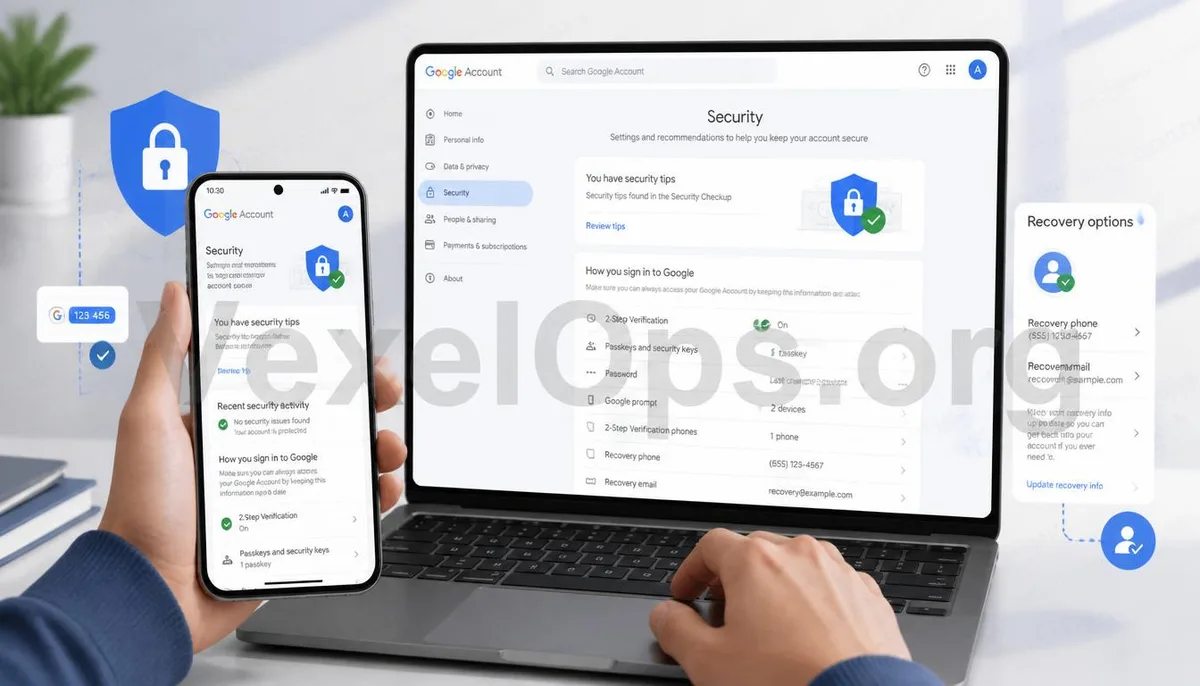
Where to check when encountering login issues?
If you cannot log into your Google account suddenly, there’s no need to immediately assume your account has been hacked, nor should you rush to reset all your details. You can verify step by step in the following order: - View the prompts displayed on the login screen. - Confirm if the password you are currently using is the latest version. - Check if you can receive verification SMS or notifications. - Try logging in using the device you frequently use. - Verify if the network environment is normal. - Check if any security settings have recently been modified. By confirming step by step, most login issues can be resolved more quickly than repeatedly trying to log in. If the problem is more complex, such as being unable to complete security verification or losing login information, it’s advisable to organize the verification methods that are still available and follow the official procedures for further action. In some cases, it’s still possible to recover access through a complete verification process, so don’t give up too soon.
The security of your Google account: preparation is more important than handling problems later.
A Google account is usually linked to services such as Gmail, Google Drive, Google Photos, Google Maps, etc., which often contain a significant amount of important data. Spending a little time confirming login methods, backup information, and security settings is typically more efficient than dealing with issues after they arise. If you can routinely check the security status of your account, update backup information, and retain necessary verification methods, even when login anomalies occur in the future, you’ll find it easier to follow the necessary protocols to confirm your identity and minimize impacts on both work and life.
Common Questions Regarding Google Account Login
If Google keeps showing 'incorrect password', does that mean my account has been hacked?
Not necessarily. In addition to incorrect password entries, changing devices, browsers, network environments, or adjustments in security settings can all affect the login process. It’s recommended to confirm the content of the on-screen prompts first.
What to do if you’re not receiving Google verification codes?
First, check your phone signal, as well as whether your backup verification methods and linked information are still functional. Then follow the verification process provided by Google step by step.
Is it normal not to be able to log into my Google account after switching to a new phone?
If Google detects a new login device, it might require additional identity verification. After completing the verification, most users can log in normally.