
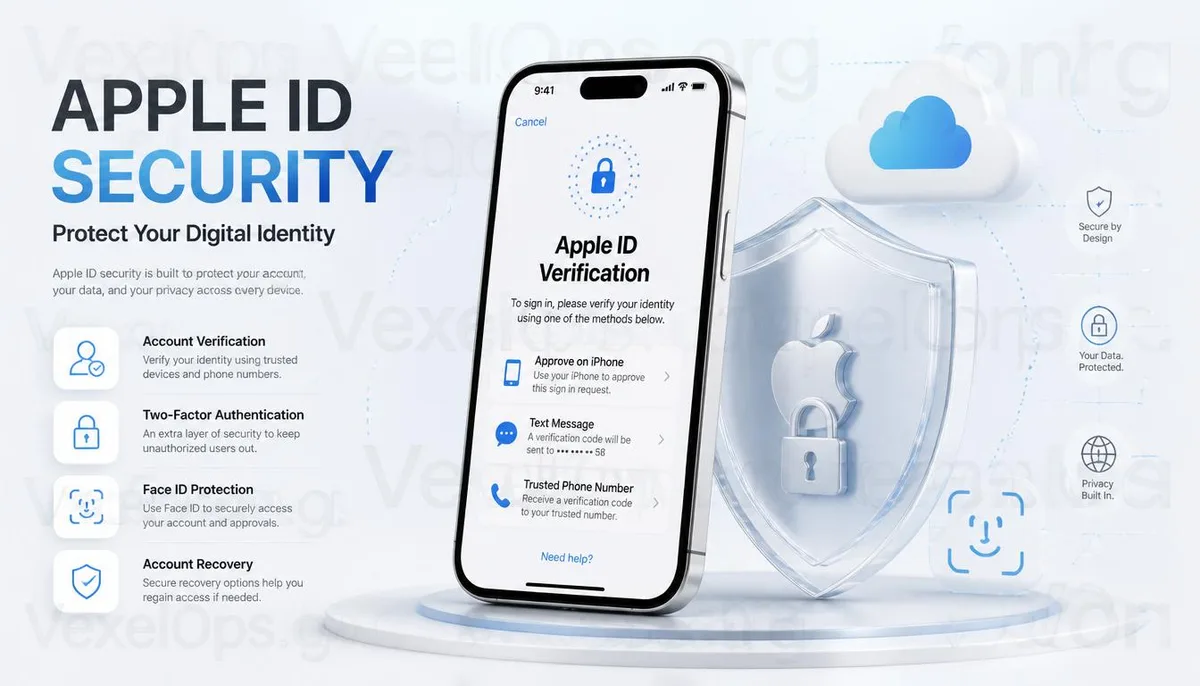
Why Can't I Log Into My Apple ID Suddenly?
Many iPhone or Mac users encounter this situation: just yesterday, they could access the App Store, iCloud, or FaceTime, but the next day, they receive a prompt to log back into their Apple ID, sometimes even facing a temporary lockout or needing to verify their identity. When faced with such scenarios, many people immediately think their accounts have been hacked, but that isn't necessarily the case. To protect user data, Apple may request re-verification if they detect unusual login environments, device changes, password modifications, or other actions that could affect account security. Thus, being prompted to log back into your Apple ID doesn't necessarily indicate an account security breach; it’s essential to first understand the reason behind the system's verification request and then follow the official process to confirm.
What Situations Can Trigger Apple's Security Mechanisms?
Apple has a robust account protection mechanism, meaning many routine actions can trigger additional verification. For instance, upgrading to a new iPhone, reinstalling the operating system, logging in from an unfamiliar device, changing passwords, or logging into Apple ID from different countries can lead the system to determine that the current login behavior differs from usual, prompting a request for re-verification. Additionally, if incorrect passwords are entered multiple times in quick succession or outdated login information is used, the account may also face temporary restrictions. These designs primarily aim to minimize unauthorized logins' risks rather than intentionally create user inconvenience.
What Should You Confirm After Your Apple ID Gets Locked?
If you find that you can't log into your Apple ID, it's advisable to stay calm and avoid repeatedly entering passwords or trying to log in. First, check if you can still use trusted devices, trusted phone numbers, or other verification methods you’ve set up. If you recently changed your phone, see if you still have the old device available for verification purposes. Additionally, confirm whether the notification you received came from official Apple sources, rather than logging in through unfamiliar links in emails or text messages. In recent years, numerous phishing sites have impersonated Apple login pages, so it’s equally essential to verify that the URL is correct.
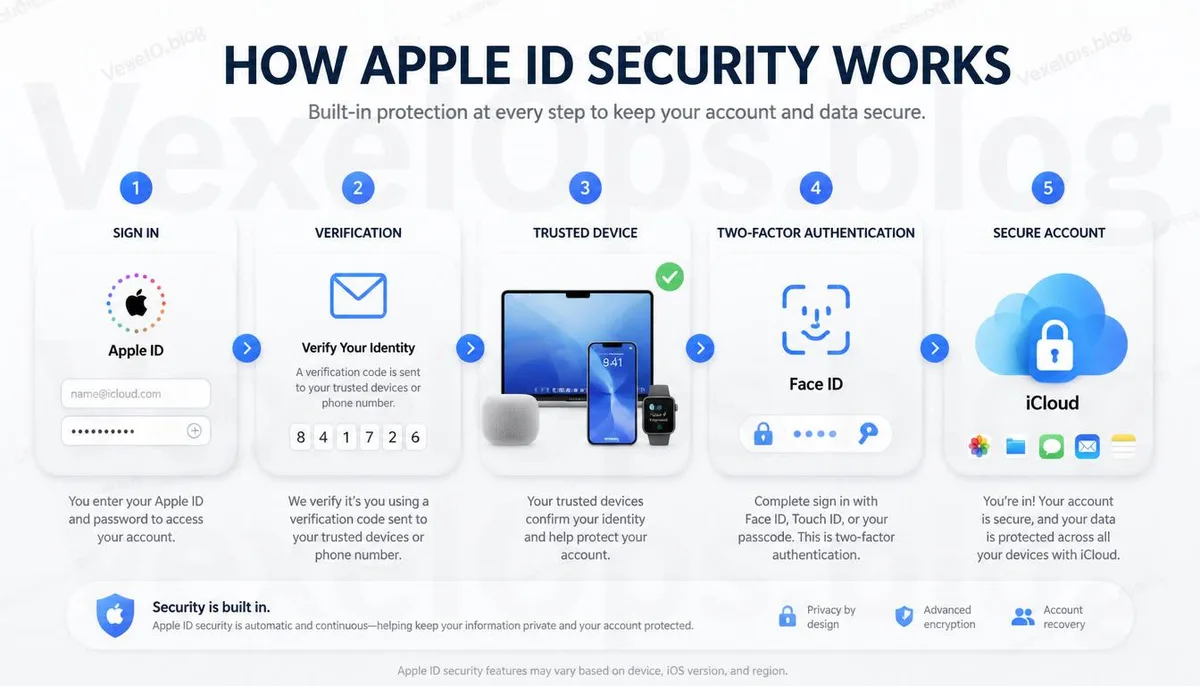
Proactively Managing Account Security is More Effective Than Recovery
Your Apple ID is not just a login for the App Store; it manages significant data such as iCloud, photos, backups, contacts, and locating devices. Therefore, establishing good security habits is more critical than dealing with issues only when they arise. For example, regularly confirming trusted devices, updating backup information, checking two-factor verification settings, and maintaining up-to-date contact methods can reduce difficulties in recovering your account later. If you also use Google, Microsoft, or other important accounts, it's advisable to regularly check security settings in a similar manner. Creating a consistent account management habit often enhances overall digital security more effectively than focusing solely on a single platform. If encountering more complicated account security situations, in addition to following official processes, you can gather relevant screens, notifications, and operation logs. These details can significantly aid a subsequent analysis of the issue. VexelOps.org also continues to share various account security knowledge, helping users systematically understand the protection mechanisms of different platforms.
Common Questions about Apple ID
Does a Locked Apple ID Mean It's Hacked?
Not necessarily. Many situations simply trigger Apple's security verification mechanism and do not indicate that the account has been breached.
Is It Normal to Need Re-Verification After Changing My iPhone?
Yes. If the system detects a new device or login environment, it may require you to complete identity verification again.
What Security Preparations Can I Make for My Apple ID?
It's advisable to ensure that two-factor authentication, trusted devices, backup contact methods, and login information are kept up to date, making it easier to handle any future login issues.