Cloud photo albums are convenient but require management

Many regular users enable the cloud photo album or automatic photo backup feature on their phones. There are obvious benefits to this: when a phone is lost, damaged, or replaced, photos do not all disappear, and one can view past memories across different devices. However, cloud photo albums contain more than just scenic views and selfies. They may include family photos, pictures of children, work document screenshots, ID cards, package addresses, license plates, boarding passes, bills, chat screenshots, and even some private content that users may not want others to see. Therefore, it is not that cloud photo albums are unusable, but rather that they cannot be ignored entirely. For regular users, the most important thing is to know which photos are unsuitable for long-term storage in the cloud, which sharing settings need checking, and whether the account itself is secure enough.

Situation 1: Photos may contain location information

Many phones record the shooting location in the photo metadata. This location data can be useful sometimes, such as helping to sort travel photos by location. However, if photos are shared, it can also reveal the location where they were taken. If scenic photos are shared publicly, the risk may be low. But if the photos were taken at home, work, school, children's events, or frequently visited places, caution is needed. Users are advised to check the location settings on their camera and photo albums. If the location recording is not needed, they can turn off the camera's location permissions. Before sharing photos, users can also verify whether location information should be removed.

Situation 2: Shared links may get forwarded

Cloud photo albums often support "share links." This is convenient; you can send an entire album to friends or family. However, the issue arises if the shared link has no permission restrictions; the person receiving the link could forward it to others. Some users believe that sharing a link with just one person is safe, but as long as the link can be opened by anyone who knows the URL, it can be shared further. Thus, when sharing cloud photo albums, one should check whether the viewing permissions can be restricted, set expiration times, disable download permissions, or revoke the link after sharing. For private photos, family photos, and work-related materials, long-term use of public links is not recommended.

Situation 3: Screenshots and document photos are easily overlooked

Many people take pictures of documents, ID cards, shipping labels, bills, password hints, bank information, or work materials with their phones, forgetting to delete them later. If these photos are automatically backed up to the cloud, they will be retained long-term. They may seem convenient for record-keeping, but once the cloud account is accessed, this information could be more sensitive than regular photos.

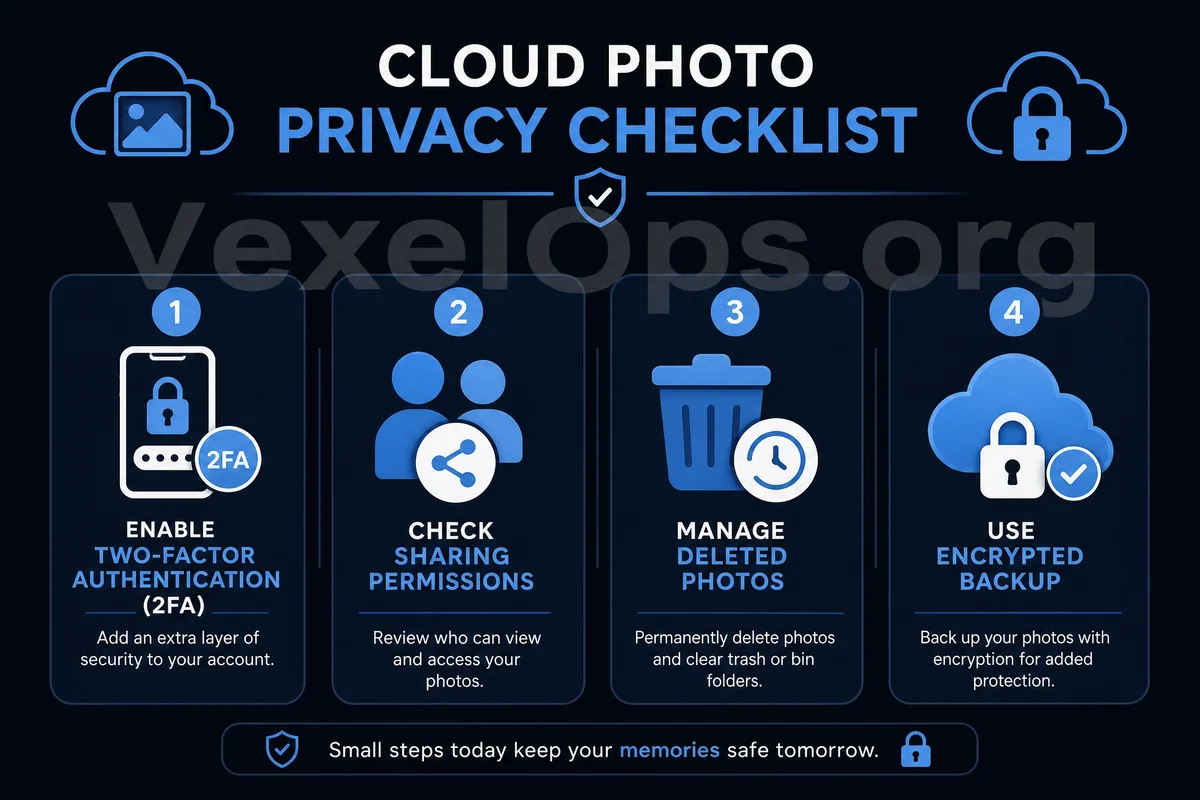
Cloud photo album privacy safety check chart, including location information, sharing links, document screenshots, account login, and two-factor authentication.

Cloud Photo Album Safety Check List

Regular users can periodically check the following items: 1. Does the camera record photo locations? 2. Are all photos automatically backed up to the cloud? 3. Are there personal photos that users do not want uploaded to the cloud? 4. Are there any active public sharing links? 5. Have family or children's photos ever been shared? 6. Are there screenshots of ID cards, addresses, license plates, or bills saved? 7. Is two-factor authentication enabled for the cloud account? 8. Are there any unfamiliar devices logged into the cloud account? These checks do not need to be done daily, but can be organized from time to time. It is especially suitable to check after changing phones, sharing albums, returning from trips, or processing documents.

Account security is more important than album settings

Many risks associated with cloud photo albums actually stem not from the album's functionality, but from inadequate account security. If your cloud account uses a weak password or shares a password with other sites, a leaked password could compromise the cloud album as well. It is advisable to use a unique password for the primary cloud account and enable two-factor authentication. Also, check the login devices. If unfamiliar phones, computers, or browsers have accessed the cloud account, one should immediately log out of those unfamiliar devices, change the password, and check whether the album sharing settings have been altered.

No need to stop backing up, but save selectively

Cloud photo albums hold great value. They can help preserve important memories and prevent complete data loss if a phone is lost. The issue is not whether to use the cloud, but whether there is an awareness to manage it. For regular users, the most practical approach is to: keep the photos that need to be backed up, delete unnecessary sensitive screenshots, limit the sharing scope of private albums, disable unnecessary location information, and ensure the cloud account itself is secure enough. Photos record life, but they can also document excessive personal information. As long as users are willing to organize periodically, cloud photo albums can become a convenient backup tool rather than a neglected source of privacy risk.