
What is DNS?
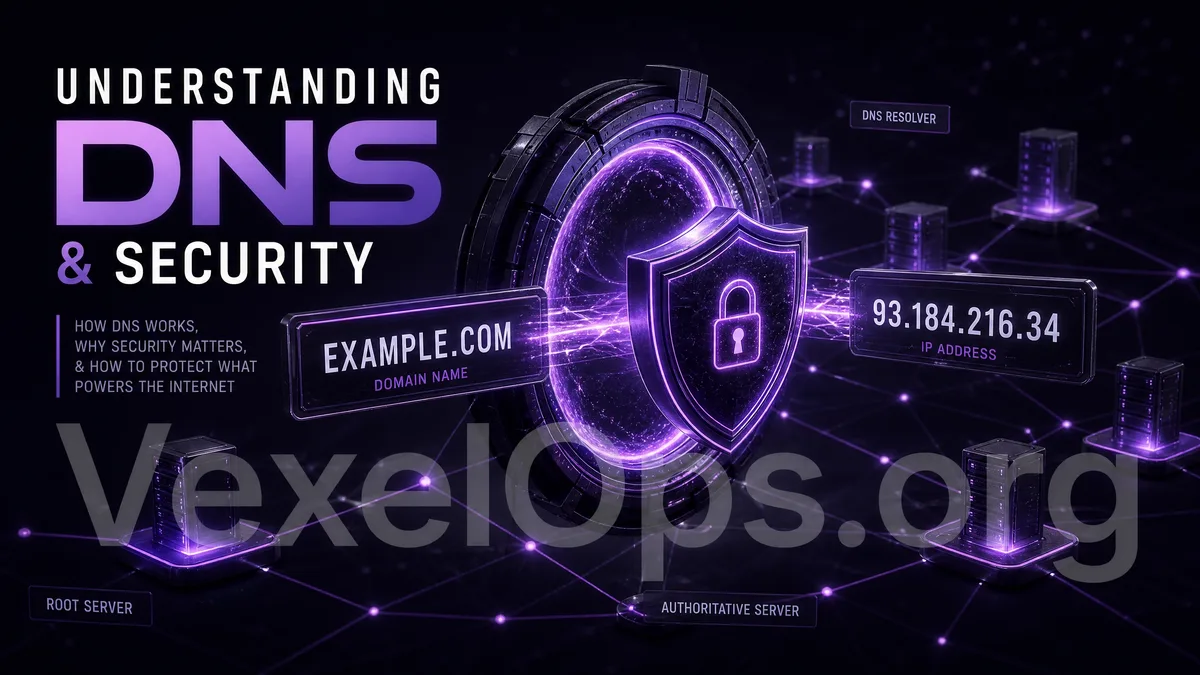
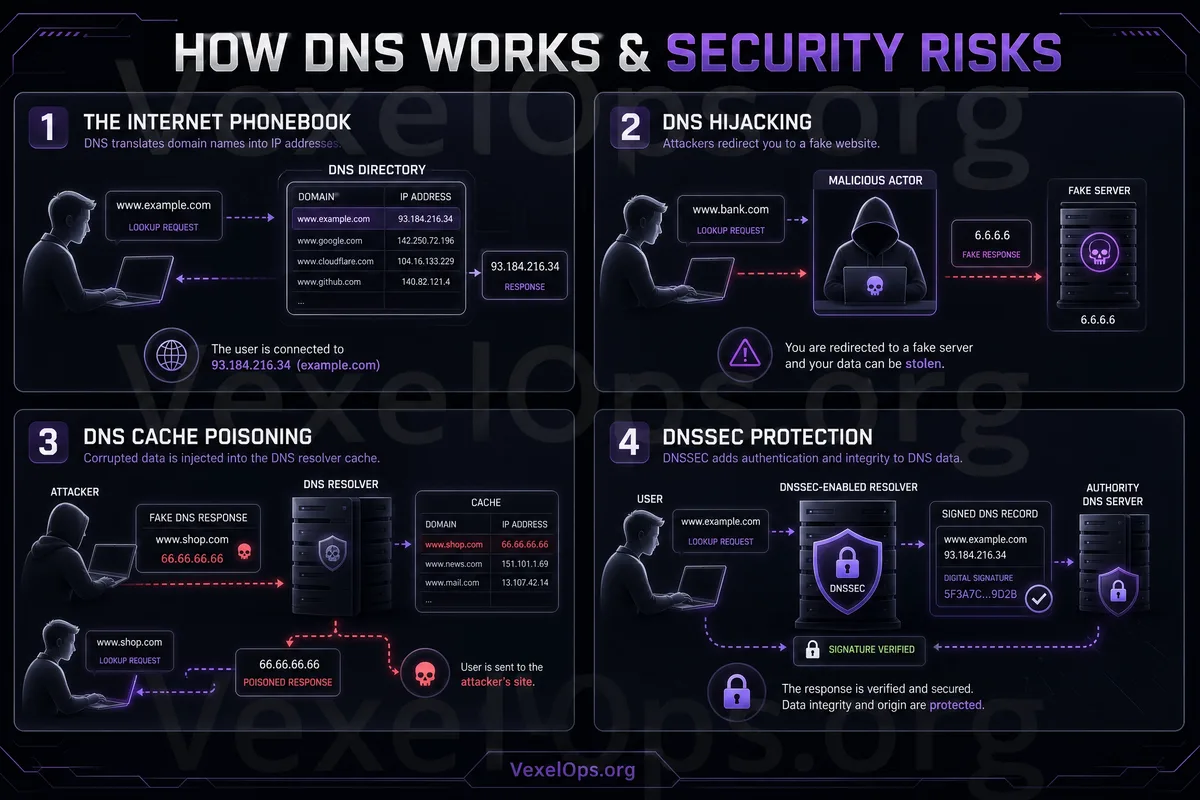
When you type a website URL into your browser, such as a news site, shopping site, or social media platform, you see a name that is easy for humans to remember. However, what internet devices need are server addresses during the actual connection. DNS can be understood as the 'address query system' in the online world. Its role is to translate URLs into server addresses that computers can locate, allowing your browser to know where to connect. Without DNS, ordinary users would struggle to navigate the internet just by using URLs. You might need to memorize a complex series of numerical addresses instead of simple website names. Thus, DNS is a very important foundational technology behind everyday web usage.
How Does DNS Relate to Website Security?
Many people think website security only relates to passwords, HTTPS, or antivirus software, but DNS also relates to the security of website connections. When you input a URL, the browser first queries the target website's location via DNS. If this query process is misled or users are directed to the wrong website, risks may arise. For instance, some fake websites use URLs that closely resemble official sites, leading users to mistakenly believe they are visiting the correct site. Although the issue may not be with DNS itself, it is closely tied to whether the URL is correct. Ordinary users do not need to understand DNS technology in-depth; they just need to know: when going online, it's important not only to check how a webpage looks like the official one but also to ensure the URL is correct.
Why Are Fake Websites Often Confused with URLs?
Many phishing sites use URLs that appear very similar to official ones. For example, they might add a letter, omit a symbol, use similar spellings, or incorporate official names into the URL, leading to misinterpretation. These sites may also display an HTTPS lock and might have a design that looks like the real platform. However, as long as the URL is not the official domain, the accounts, passwords, or verification codes you enter could fall into the wrong hands. The concept of DNS can help ordinary users understand one thing: URLs are not just decoration; they are crucial clues for identifying which website you are connecting to. Pages can be mimicked, but the correct URL is one of the key bases for determining the source of a website.
Should Ordinary Users Change DNS?
Some tools or tutorials may suggest changing DNS, such as using public DNS, home router DNS, or DNS with security filtering features. These settings may help in certain situations, but ordinary users do not necessarily need to change them actively. If you do not understand what you are changing, it's best not to modify DNS settings based on unfamiliar tutorials. Incorrect settings can lead to websites not loading correctly or make internet connections unstable. For most ordinary users, it is more important to use a trusted internet environment, refrain from installing unknown network tools, and avoid arbitrarily altering system or router settings.
Attention to Home Routers is Important Too
DNS is sometimes connected to the settings of home routers. If the router management password is too simple or uses a default password, it may increase the risk of others modifying the settings. Basic protective measures that ordinary users can take are simple: use a secure password for home Wi-Fi, do not use default passwords for the router management page, keep the firmware updated, and avoid allowing strangers to connect to the home network. These settings do not require advanced technical knowledge but can significantly reduce the risk of your home network being misused or settings being altered.
Checking URLs: The Most Practical Security Habit for Ordinary Users
After understanding DNS, you don't need to check technical details every day. For ordinary users, the most practical approach is to develop the habit of checking URLs. When you are about to log in to an account, make a payment, fill in information, or download files, first confirm whether the URL is from the correct official website. Don’t just input your information because the page looks familiar. Especially when clicking links from text messages, emails, private messages, or unknown groups, you should take a closer look at the URL. If uncertain, you can close the page, open the official app directly, or manually enter the official website URL.
DNS is Fundamental, But Safety Relies on Overall Habits
DNS is a foundational technology in internet operations; it allows us to open websites with URLs and helps browsers find the correct servers. Ordinary users do not need to become network engineers, but understanding the basic concepts of DNS can help clarify the understanding of URLs, website sources, and the risks of fake websites. Website security does not depend solely on one symbol or one tool. HTTPS, the padlock, URLs, login sources, usernames, passwords, and two-factor authentication all need to be considered together. When you know what DNS is, it becomes easier to understand why 'checking the URL' is a crucial safety action in everyday browsing. This simple yet effective habit serves as a solid form of protection.