
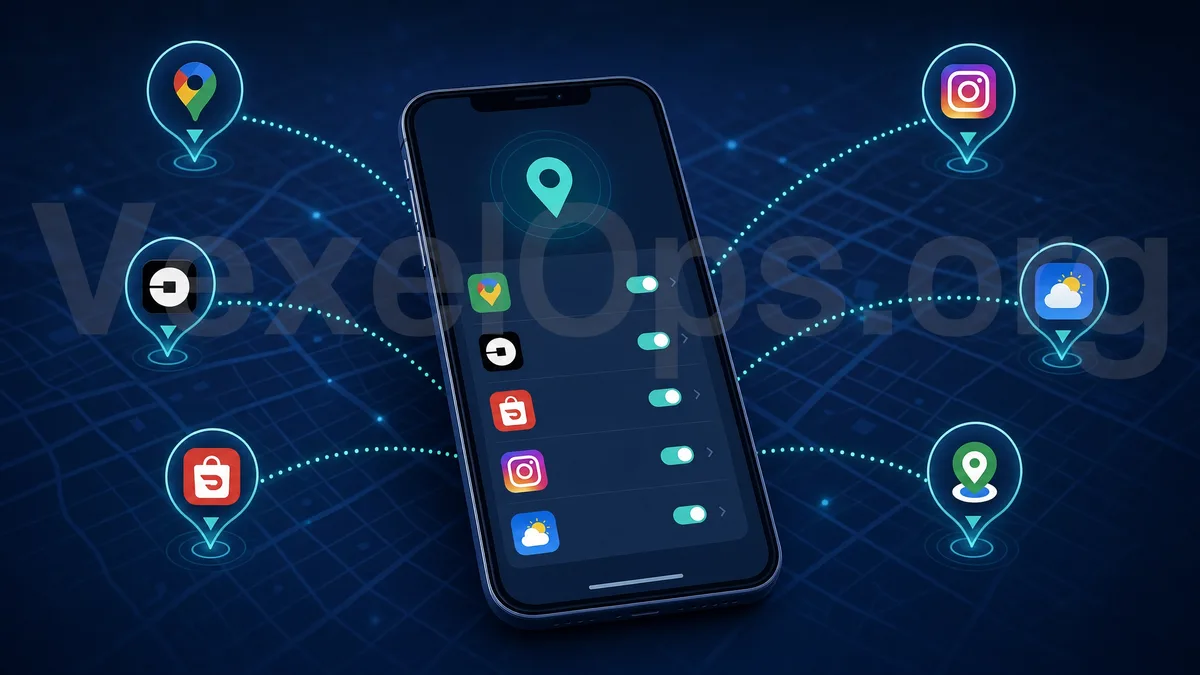
Have you ever wondered why when you open a weather app, it already knows the city you are in? Or why, after just passing by a restaurant, social media recommends ads for that restaurant the next day? These seemingly considerate features are actually the result of widely and even excessively authorized location permissions on our phones. As smartphones have become an integral part of daily life, location information is no longer just for navigation; it has become a core asset collected, analyzed, and even resold by numerous applications.
Why Location Permissions Are Easily Overlooked
When we first install an app, the system usually prompts us to allow location access. Most people simply want to quickly start using the app, so they thoughtlessly click 'allow', even opting for 'always allow'. Over time, our phones may accumulate dozens of apps that have location permissions, and we may have forgotten which apps truly need this access and which just asked for it as a side note. It's also worth noting that some apps may quietly expand their original permissions after an update. For example, an app that initially requests location access while in use may prompt users to upgrade to 'always allow' after an update. This gradual expansion of permissions is one of the key methods by which many apps accumulate extensive background location data.
Which Types of Apps Most Commonly Overrequest Location Permissions
Navigation apps reasonably need real-time location, but be cautious if they request 'always allow' instead of 'allow while using'. If they continue to record your location in the background after navigation ends, it's beyond what is necessary for the functionality itself. Social media and chat apps often use location information for 'people nearby', check-in features, or ad targeting. Even if you never actively share your location, these apps may still continue to record in the background. This data is often used to infer your interests, purchasing power, and social circles. Shopping and delivery apps typically require location for convenience, but some may continue to collect location data in the background even after you close the app, using it for business analysis or partnerships with third-party advertising. Studies have shown that some delivery apps continue to record user locations for hours after order completion, far exceeding the actual time needed for the delivery process. Weather and utility apps generally only need approximate city information, but many free versions require precise location permissions, often to gather user behavior data for monetization. Some

Specific Privacy Risks of Background Location Tracking
Once an app is granted 'always allow' location permissions, it may continue to record your location track in the background even if you haven't opened the app. Over time, this data can assemble a fairly complete profile of your personal life. This includes your home and workplace, as well as the routes taken between them; daily commuting patterns and routines; frequently visited businesses, hospitals, gyms, and other sensitive locations; and long-term changes in your social circle and lifestyle. If this information is acquired by third-party advertisers, it can be used for targeted advertising. If the data leaks or is misused, it could even be used to analyze personal movements, presenting real threats to personal safety. For certain groups, such as public figures, activists, and victims of domestic violence, the risks of location data leaks are even more severe.
How to Gradually Check and Manage Your Location Permissions
iOS users can go to Settings, select Privacy & Security, then enter Location Services to see each app's current location permission settings, including options for never allow, ask next time, while using the app, and always allow. It is recommended to set most apps to 'while using the app', keeping 'always allow' only for those that truly require background location. Android users can go to Settings, select Location, then enter App access to location information, where they can similarly review and adjust the location permission levels for each app. The system will also list the most recently accessed location apps, making it easy to spot applications that frequently request location access. It is advisable to regularly check the list of location permissions, removing apps that are no longer in use but still retain location access. Many new operating systems will proactively notify users about how many times an app has accessed location in the past seven days, providing a good opportunity to check for unusual behavior.
Rethinking Authorization Habits for Location Permissions in the Long Term
Managing location permissions shouldn't be just a one-time adjustment; it's a long-term habit that needs to be developed. Whenever you install a new app, ask yourself if this function really needs to know your precise location. If the answer is no, choosing to deny or allow only while using is often the more reasonable default choice. When the system prompts for a permission upgrade, it's also advisable to stop and confirm clearly before reflexively clicking 'allow'. By regularly reviewing and appropriately limiting apps' access to your location, you can enjoy convenient features while better managing your boundaries regarding digital privacy.