
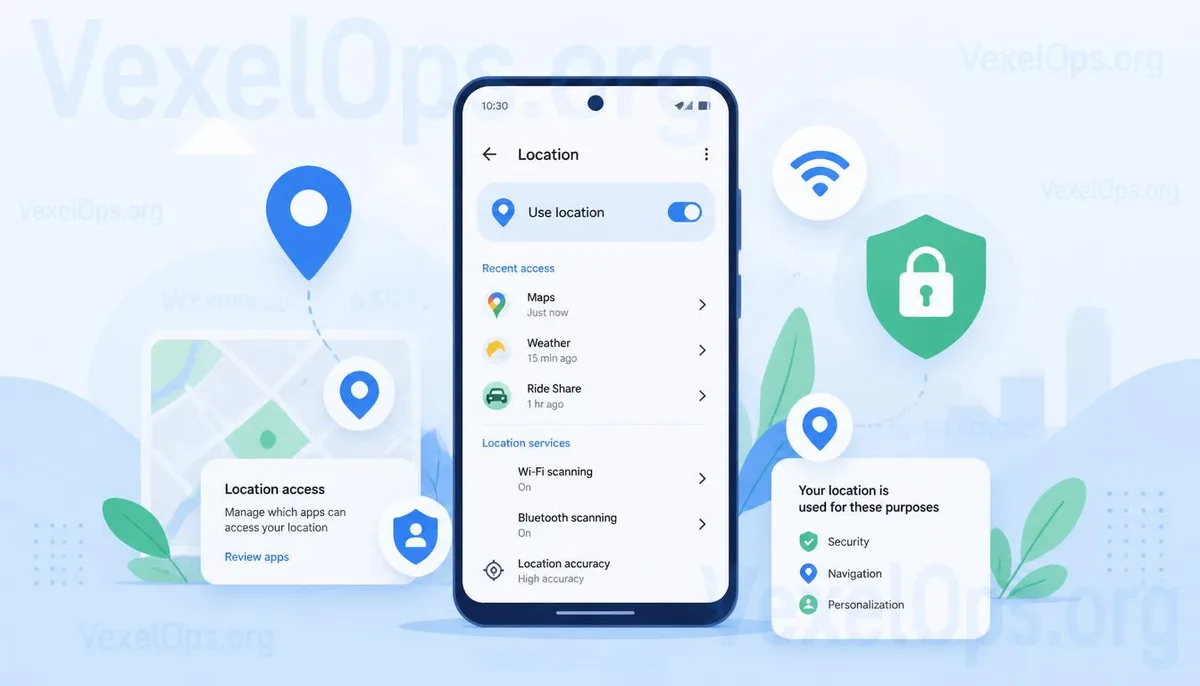
Does Turning Off Location Services Mean Your Phone Has No Idea Where You Are?
Many users worry their location is being tracked as soon as they see the location icon on their phone, prompting them to turn off all location services immediately. However, this belief is not entirely accurate. Modern smartphones can provide location information through Wi-Fi, cellular towers, Bluetooth devices, and the current network conditions, in addition to GPS. Therefore, turning off GPS does not necessarily mean all location-related features cease to function. Understanding the various purposes of different location technologies generally allows for better management of daily use and personal privacy than simply disabling all features.
What Are the Differences Between GPS, Wi-Fi, and Cellular Location?
Many people think that phone tracking relies solely on GPS, but current tracking methods are much more diverse. The strength of GPS lies in its accuracy, making it suitable for navigation, ride-hailing, and fitness tracking services that require precise location. However, in indoor environments, dense urban areas, or underground spaces, GPS signals may be compromised, leading systems to use Wi-Fi or cellular tower information to estimate approximate location. Wi-Fi positioning estimates location using information from nearby wireless access points and is typically faster than GPS; cellular tower positioning uses the connection status between your phone and the towers to roughly determine the device's area. This method is less accurate but still provides some location services. Since various location technologies can work together, disabling one feature doesn’t mean all location-related information stops—rather, it will depend on current system settings and usage scenarios.
Why Do Some Apps Still Provide Nearby Information Even When Location Services Are Off?
Many users encounter situations where certain apps can still suggest nearby stores or show local weather, even after turning off location permissions. This does not necessarily mean the app is secretly tracking your location. Some services may provide content based on your current IP address, network conditions, or previously set city information without directly accessing GPS coordinates. Therefore, seeing nearby information does not indicate that your phone is precisely tracking your location. This also explains why different apps have varying needs for location services. Some require exact street locations, while others only need to know the city. Thus, it’s more effective to understand the true purpose of each permission than to turn all features off at once, and adjust them according to your needs.
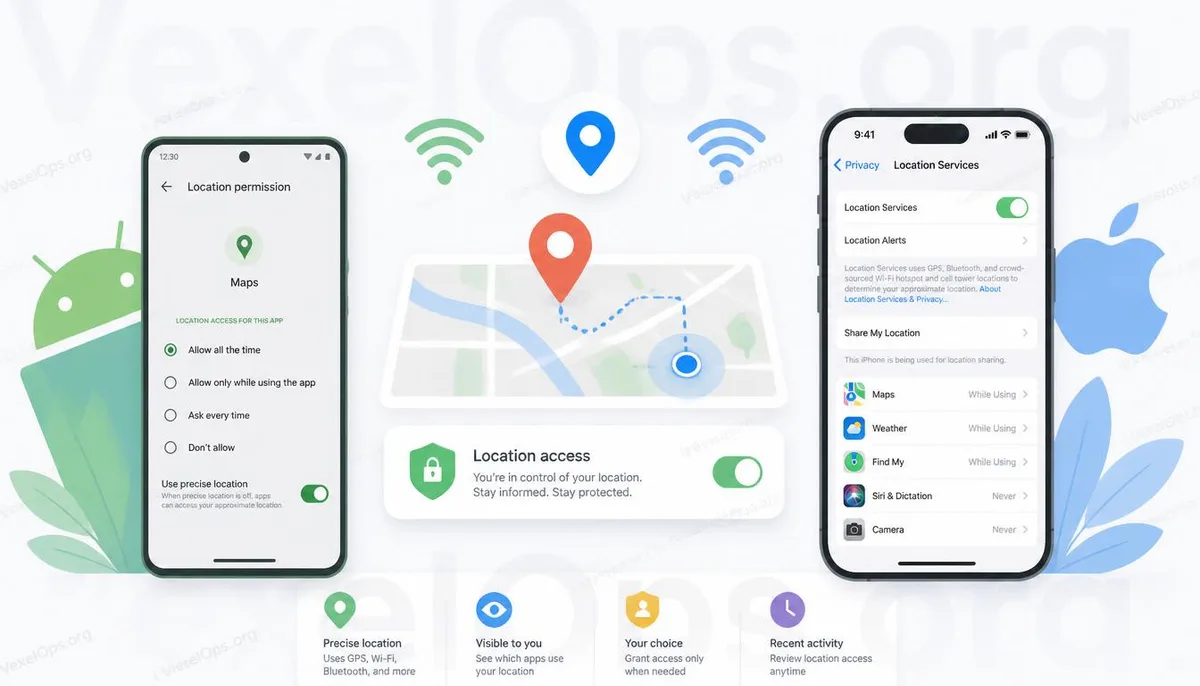
What Needs to Be Managed is the Permissions, Not the Complete Disabling of Location Services
Location services have become a vital feature of smartphones, necessary for navigation, ride-sharing, delivery platforms, emergency assistance, and even locating lost devices. Completely turning off all location features can reduce some data sharing but may also hinder essential daily functions. Both Android and iPhone now offer more granular permission management, such as allowing access once, allowing it only during use, and different settings for approximate and precise location. These options help users decide how much information to share. For most people, regularly reviewing which apps have location permissions is usually more efficient than switching everything off at once and aligns more closely with everyday usage needs. If you’re uncertain about the reason for a certain permission or suspect an app of unusual behavior, it's advisable to check your system's permission settings and retain relevant screens and records for later analysis. If necessary, seeking guidance from a professional with expertise in digital security is often easier than hastily changing numerous settings.
Establishing Correct Concepts is More Important Than Remembering Location Myths
Many different claims circulate about mobile location services online, with some information stemming from outdated smartphone systems and others mixing settings from various platforms, which can create misunderstandings. Rather than memorizing a specific phrase like "it will definitely" or "it definitely won't," it's more important to understand how location services operate, which permissions are essential to enable, and which settings you can adjust according to your needs. By developing these basic concepts, even when Android, iPhone, or Google interfaces are updated in the future, you will be better equipped to understand new settings quickly rather than becoming unnecessarily worried by seeing different screens.
Common Questions About Mobile Location Services
Can My Phone Still Know My Location If I Turn Off GPS?
It’s possible. Besides GPS, your phone may also provide approximate location data through Wi-Fi, cellular towers, or other means, thus whether location information can be obtained still depends on current system settings and usage scenarios.
Do All Apps Need Location Permissions?
Not necessarily. If an app’s main function doesn’t directly relate to location, you can decide whether to grant location permissions based on actual needs rather than allowing all apps.
Are There Differences in Location Settings Between Android and iPhone?
Both systems offer comprehensive location permission management, but the interface design may differ slightly. The fundamental concepts include permission management, location accuracy, and time-limited usage among functionalities.