
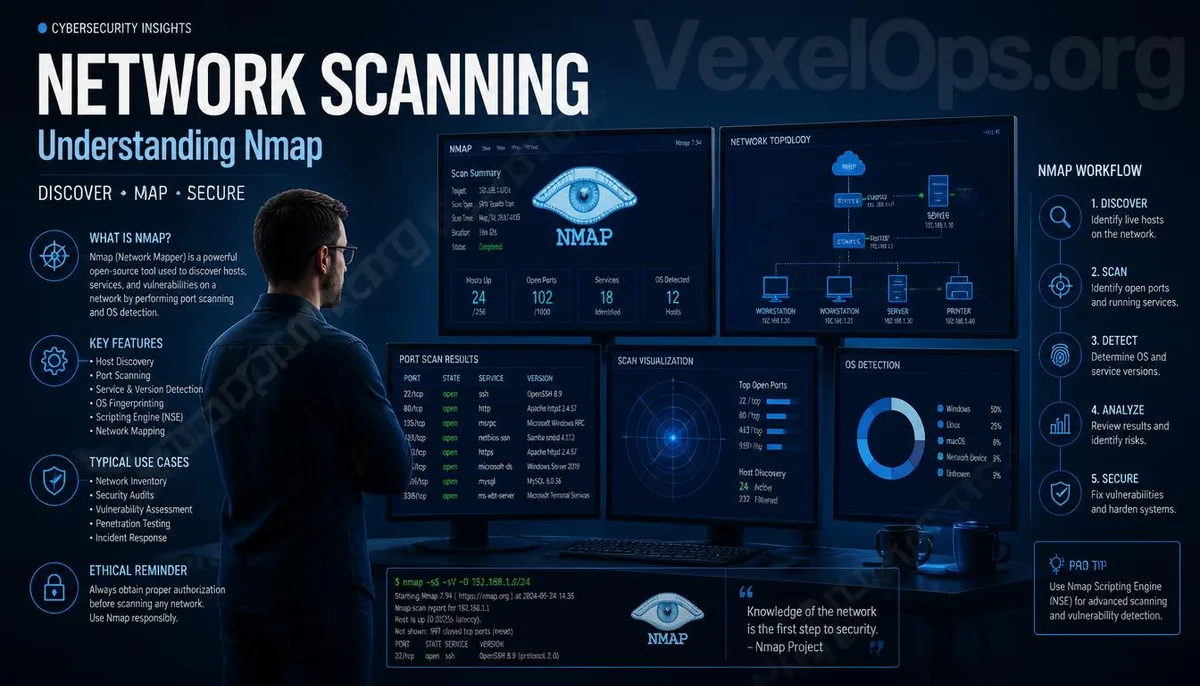
Why is Nmap included in many cybersecurity courses?
When you start exploring information security or network technology, you'll quickly find that Nmap is one of the tools mentioned in nearly every introductory course. Its name frequently appears in cybersecurity textbooks, technical forums, corporate training sessions, and various penetration testing courses, so many people become curious about what makes it so special the first time they see it. In fact, Nmap was originally designed to help administrators understand their own network environments, not as a tool for attacking others. Through its scanning capabilities, administrators can quickly confirm which devices are operational, which services are enabled, and the general status of the entire network. For teams needing to maintain servers or manage large networks, this information is crucial and serves as a foundation for subsequent security checks. Thus, in a legally authorized environment, Nmap is more of a tool for understanding network status rather than the “hacker-only software” it’s often perceived to be.
What can Nmap do?
The most common use of Nmap is to help users quickly understand the devices and services within a network. For example, when a company adds a batch of servers, deploys new network equipment, or needs to verify if a service is functioning properly, Nmap can be utilized for initial scanning, aiding administrators to grasp the current network situation. Additionally, it is often applied to: - Scan to check if hosts in the network are online. - Verify if common ports are open. - Identify some operating systems and network services. - Help create a network asset inventory. - Facilitate environmental inventory during information security testing. These features make Nmap not just a cybersecurity tool, but also a working tool that many network managers might engage with daily.
Why do companies also use Nmap?
Many mistakenly believe that only cybersecurity researchers need to learn Nmap, while in reality, many IT departments in companies incorporate it into their daily workflows. As companies scale, the number of internal devices, servers, and network services increases, and without regular checks, unexpected open services or mismanaged equipment can easily arise. By conducting regular inspections, administrators can grasp the overall environment more quickly and reduce security risks caused by misconfigurations. For this reason, many companies will combine Nmap with other management tools as part of their routine maintenance rather than only checking when issues arise.
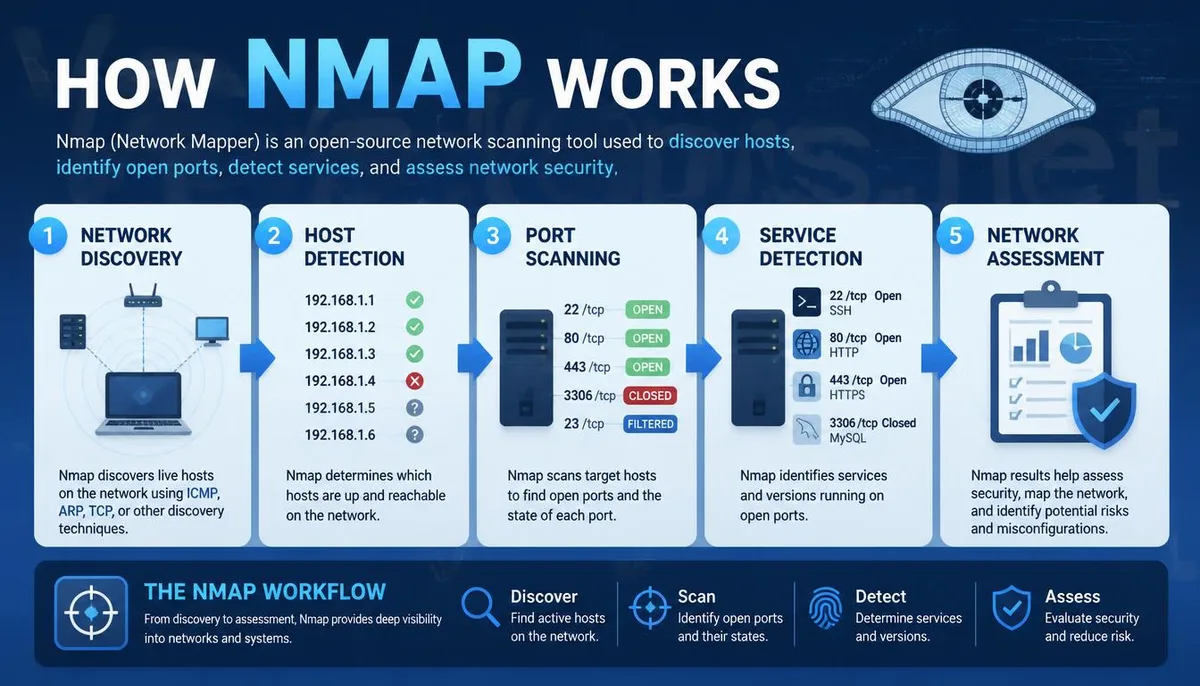
What foundational knowledge do beginners need to learn Nmap?
Many beginners looking at Nmap often ask, "Do I need to learn programming first?" In most cases, it is not necessary. More important than programming knowledge is understanding the basics of networking, such as IP addresses, TCP, UDP, DNS, HTTP, and ports. Once you comprehend what these terms signify, it will be much easier to interpret the scan results from Nmap. Learning alongside Wireshark is usually even more effective. Nmap helps you understand what devices and services exist within the network, while Wireshark allows you to observe how data transmits over the network. Though their purposes differ, both are essential foundational tools in the field of information security. If you hope to delve deeper into network security, system management, or enterprise environments in the future, gradually establishing these basics will be more beneficial than rushing to learn a plethora of advanced techniques.
The tool itself is not good or bad; the way it is used is what truly matters.
Many security tools are frequently misunderstood as "hacker tools" due to their powerful functions. In reality, software like Nmap and Wireshark is legitimate and widely used in education, business, and research domains. What truly needs to be observed are the legal permissions and usage scopes, performing analyses and tests solely within networks that are managed or authorized. Once a correct understanding of information security is established, these tools become valuable assistants for enhancing technical skills, rather than something to be feared. If you still have questions regarding the uses of different tools, you can continue to refer to the tool series articles on VexelOps.blog. We will introduce various common information security tools and practical application scenarios in a way that's easy for beginners to understand, helping readers build a comprehensive foundational knowledge rather than just memorizing tool names.
Common Questions About Nmap
Is Nmap free software?
Yes, Nmap is a free and open-source network scanning tool currently supporting various operating systems such as Windows, macOS, and Linux.
Is Nmap only used by hackers?
No. Many IT departments in enterprises, network managers, educational institutions, and cybersecurity researchers legally use Nmap for network management and environmental auditing.
What’s the difference between Nmap and Wireshark?
Nmap is primarily used to scan and understand devices and services within a network; Wireshark focuses on analyzing the contents of network packets. While their uses differ, they are often used together.