
Login Notifications at Midnight
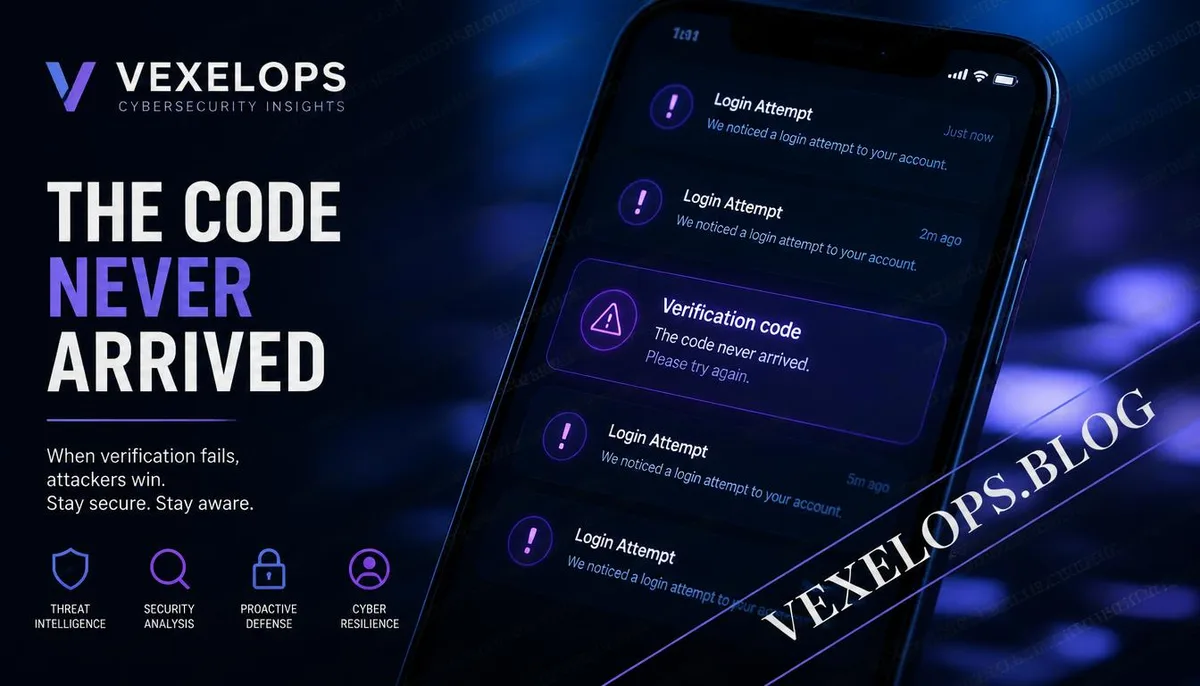
In the early morning hours, your phone suddenly receives several login confirmation notifications. The screen shows attempts to log into Instagram, Google, or other commonly used accounts, yet you haven't changed phones or logged in elsewhere. A few minutes later, new verification codes stop arriving, while the phone remains functional. This situation can easily lead one to think the account is under hacker control. However, without further evidence, one should not conclude based solely on a single notification. Possible reasons include system delays, network service issues, unfamiliar login locations, changes in account security settings, or someone attempting to use your information to log in. Here, it's important to differentiate two different concepts. A hacker is a person with internet, system, or programming skills, a term that does not inherently imply a negative identity. In contrast, a fraudster is someone who acquires information and assets through deception, impersonation, intimidation, or illegal profit. When someone impersonates customer support asking for a verification code, the focus should be on their behavior, not solely on whether they are using technical
Why Verification Codes May Not Be Received Suddenly
Not receiving verification codes does not necessarily mean the SIM card has been swapped, nor does it mean the account has been compromised. Google's official explanations indicate that verification codes may be delayed due to the login location, device, telecom service, network connectivity, or message transmission speed; if multiple requests for verification codes are made in a short period, usually only the most recent one can be used. Instagram's two-factor authentication can use verification apps, SMS, or WhatsApp, among other methods. The official platform also offers backup verification codes and trusted devices as recovery options, but the available options can vary between accounts. This means that when a verification code fails, there may still be alternative recovery paths, without needing to immediately trust strangers offering quick processing services. If you simultaneously experience issues like phone failure to send or receive SMS, abnormal phone service, emails being modified, and unfamiliar login notifications, the risks should be elevated. These phenomena may be related or may just occur at the same time as different problems. The real cause still needs to be
SIM Card Issues and Fake Customer Service Messages
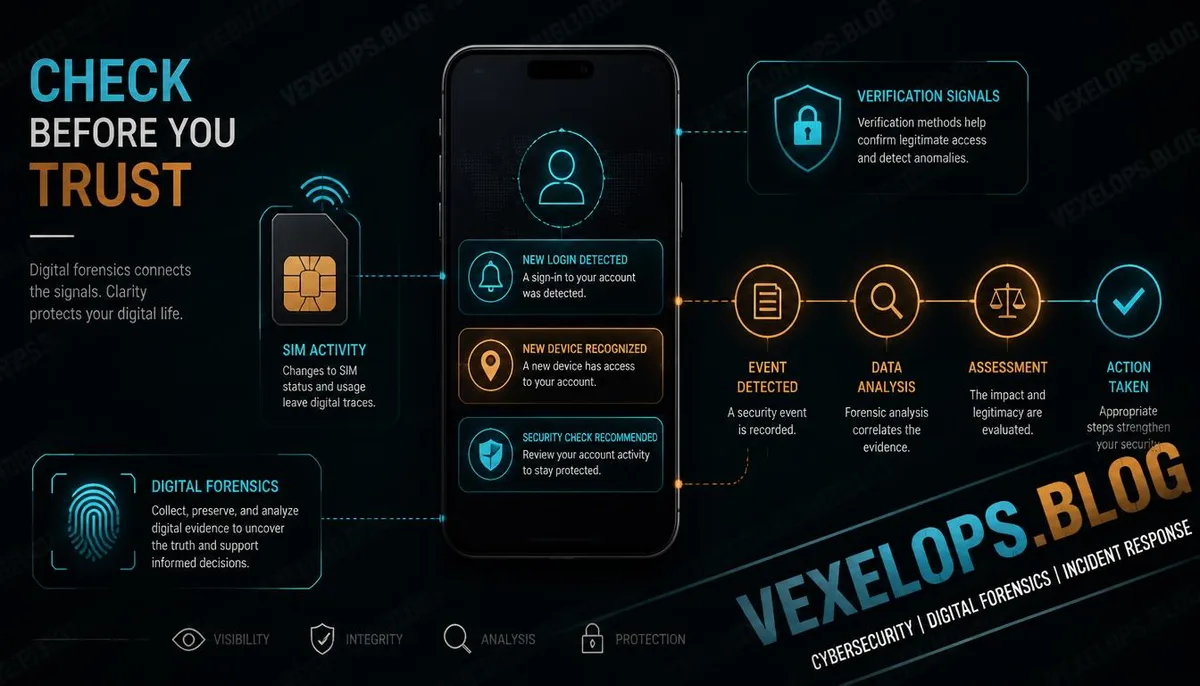
SIM card swapping usually refers to someone transferring the original mobile number to another SIM card or device through impersonation or other means. If this situation does occur, the original phone may suddenly lose call, SMS, or mobile network capabilities. However, just because the phone still has signal doesn’t mean that there aren't other account security issues. Fraudsters might also exploit the reader’s anxiety by impersonating telecom companies, Google, Apple, Instagram, or bank customer service representatives. They will claim that your number is being transferred and ask you to immediately provide a verification code, or send what appears to be an official confirmation link. This method does not require actual control over your SIM card, and can also directly lead you to a fake website. Thus, if you receive suspicious messages, do not respond using the phone number or links provided. You should find contact methods through official apps, telecom bills, official websites, or support portals within your devices. If mobile service suddenly ceases, contact the telecom company to confirm the status of your number before handling important account passwords and login
What Does Continuous Login Notifications Mean?
If your phone keeps popping up login confirmations, it might indicate someone is repeatedly trying to log in, or a certain device or application is re-verifying. Instagram's official guidelines indicate that login requests can display the device and location attempting to log in, allowing users to accept or deny, and also to check recent login activities and log out of unknown devices. However, location information is not always accurate. Mobile networks, VPNs, corporate networks, public Wi-Fi, or platform judgments can lead to discrepancies between displayed and actual locations. Thus, readers should not solely assume someone is on-site just because an unfamiliar city is shown; they should also check the device types, login times, and whether they themselves have used related services at the time. If you did not initiate the login, you usually should not press allow. Next, check password security, two-factor authentication, backup emails, phone numbers, and logged-in devices through the official security settings. Do not send screenshots of denied notifications to unknown customer service, nor forward any new verification codes to others.
Handling Space Before and After Account Compromise
When an anomaly is found, the first step isn't to guess who is on the other side, but rather to reduce the potential for the account to be used further. Access official security settings from trusted devices, change important account passwords, remove unfamiliar login devices and third-party authorizations, and confirm that emails and phone numbers still belong to you. If you can't log in, you can still attempt the official account recovery process, backup verification methods, or trusted devices. Google's explanations list backup methods, logged-in devices, and account recovery options; Instagram also provides backup verification codes and account security support. Recovery results will be influenced by account data, device records, and identity verification methods, but temporarily being unable to log in does not necessarily mean permanent loss of the account. VexelOps can assist in organizing timelines of login notifications, mobile service anomalies, account settings changes, and suspicious messages to make events easier to understand and verify, but will not ask you for passwords, verification codes, or control over mobile numbers.
Common Questions About Verification Codes and SIM Card Security
Is it possible that my SIM card was swapped if my phone is still here, but I can't receive verification codes?
Not necessarily. Delays in verification codes may relate to telecom services, message transmission speeds, network connectivity, login locations, or the platform's security assessments. Google also reminds that different login situations can affect the delivery of SMS verification codes, and during short-time requests for multiple codes, earlier received codes may no longer be usable. If you simultaneously experience your phone unable to call, send or receive SMS, mobile network failure, and your email or account settings being modified, it’s imperative to contact the telecom provider and relevant platforms quickly for verification. A single verification code delay does not prove that the SIM card has been swapped, but when multiple anomalies occur simultaneously, keeping notifications and checking the status of your number will be safer.
If I keep getting login notifications but didn't log in, should I allow or deny?
If you did not initiate the login, you should not press allow and should not give your verification code to anyone. Instagram's official guidelines state that login requests can help users view unfamiliar devices and locations, and deny unknown logins. After denial, it's usually necessary to check login activities and password settings. You should then go to the official app or directly type in the official website URL to access security settings. Do not operate from links in unfamiliar messages. You can save notifications of the screen, login times, and device information, then check for unfamiliar sessions, backup email addresses, phone numbers, or third-party authorizations.
If someone knows my verification code, will my account definitely be taken over?
Not necessarily. Verification codes are usually just one part of the account verification process; its actual risk may also depend on passwords, devices, backup methods, login status, and the platform's security checks. Even if someone knows a certain old verification code, it does not mean they can use it to log in under all circumstances. However, verification codes remain sensitive information. If you have previously provided a verification code to a stranger, you should immediately check account activity through trusted official portals, change passwords, remove unknown devices, and re-check two-factor authentication and backup data. As long as it’s detected early, there may still be an opportunity to reduce impacts before full account compromise occurs.
One Key Takeaway: First confirm mobile service and account activities, then address verification code anomalies; do not give any verification code to strangers.