

The First Signal of an Account Hack: Password Failure is Just the Beginning
You might suddenly find yourself unable to log in, then discover that the password reset email no longer goes to your address, receive verification codes that you didn't initiate, or have friends warn you that your account is sending strange messages. These changes may seem scattered but could point to the same issue: someone is changing your account control. Facebook officially lists changes to your profile picture, posts, comments, or messages, unfamiliar login alerts, password changes, and lists of strange devices logging in as signs that your account may be compromised. They also recommend using devices you’ve logged in with in the past for recovery. Instagram provides a hacked page, login links, and security support processes, reminding users to check email changes and third-party app permissions. At this point, don’t just focus on the failed password. Email accounts, phone numbers, social platforms, cloud services, and payment tools can be interconnected; as long as one entry point is not well protected, other accounts may be at risk as well.
Why Searching for Hacking Services May Worsen Your Loss?
When in an emergency, it’s easy to trust promises of unlocking within minutes, guaranteed recovery, or professional hacker assistance. They may first ask for your account name, then request your password, one-time verification code, identity documents, remote access permissions, or upfront payments. As a result, the original account problem remains unresolved while new personal data and payment risks arise. Real hackers possess technical skills in systems, programming, or networks, and the term itself does not equate to crime; however, scammers use fake customer service, false recovery services, or impersonate officials to obtain money and data. The FTC has warned that scammers may pretend to be official organizations claiming to assist in recovering losses, requesting money, access to accounts, or personal information. FTC Official Reminder. If the other party exhibits the following behaviors, you should stop providing any information immediately:
- Requesting you to send full passwords, verification codes, or backup codes.
- Asking you to install remote control software or share your entire screen.
- Promising to view others' private messages, hack into other accounts, or bypass platform verification.
- Pressuring you to pay or transfer funds by claiming you will permanently lose your account.
Legitimate recovery does not require handing your account over to strangers. What truly deserves preservation is the event record, not the promised success rate by the other party.
How Can Professionals Read Signs of Account Takeover?
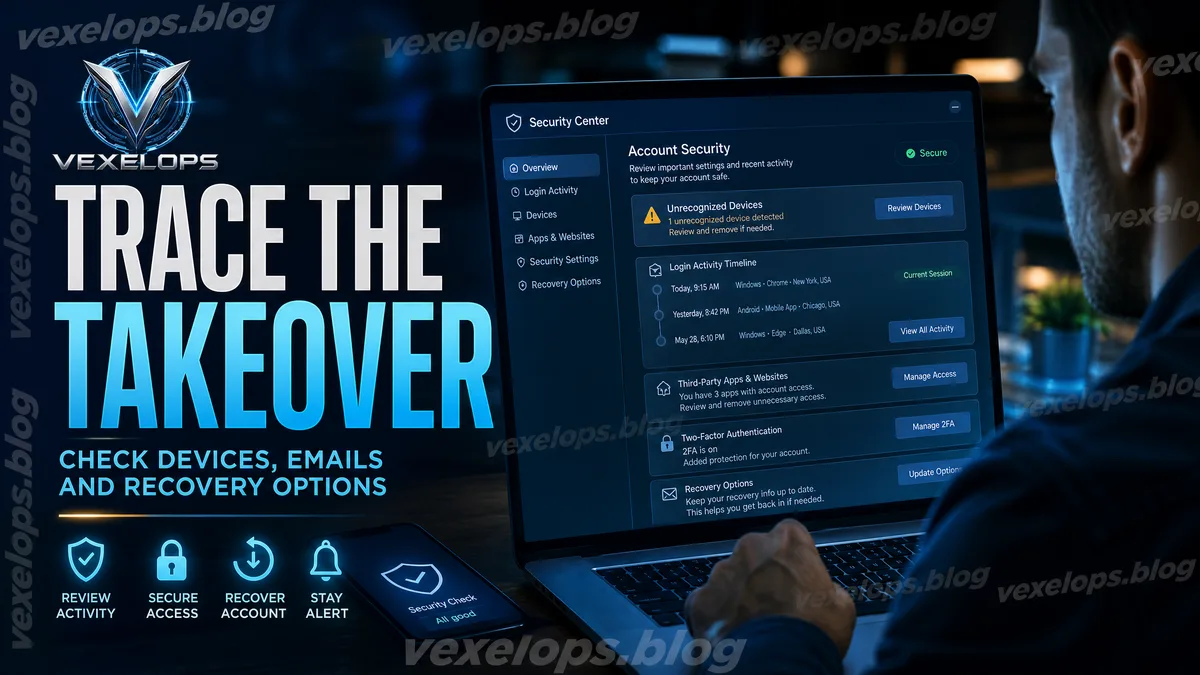
The technical work in account recovery typically does not involve guessing some magical password, but rather rearranging scattered security events. The timing of login notifications, unfamiliar devices, email changes, password reset emails, suspicious messages, third-party app permissions, and payment notifications can help users understand where the event originated. It is recommended to first save the following information, but do not disclose complete passwords, verification codes, or identity documents in public places:
- Login alerts, password change notifications, and email change notifications received from the platform.
- Names of unfamiliar devices, login times, display regions, and related screenshots.
- Content published impersonating your account, messages sent, and reports from friends.
- Conversations with fake customer service or suspicious recovery services, payment records, and URLs.
This information might not directly restore the account but can assist you in clearly describing the issue to the platform, preventing critical time points from being overlooked in the chaos. VexelOps can help organize login records, abnormal timelines, and event evidence, allowing users to create a clear issue summary before contacting platform support; the process should not require providing passwords, verification codes, or remote control permissions.
How Should the Official Recovery Process and Evidence Preservation Be Organized?
The first step is to protect the email account that you can still access, as it is often the recovery entry for other services. Then enter the account recovery page from the platform's official website or app and avoid using links provided by strangers through private messages. If the platform allows, prioritize using devices you have logged in with before and familiar network environments, and follow the official requests for identity verification. During the recovery process, do not resubmit contradictory information, and do not turn to third-party hacking services due to waiting. Facebook recommends using facebook.com/hacked; Instagram may provide login links, security codes, or support verification. Different types of accounts may have different available options, so you should follow the official process displayed at that time. If you successfully log in again, immediately complete the following checks:
- Set a new password that has never been used in other services.
- Remove unfamiliar devices, linked accounts, and third-party application permissions.
- Confirm that your email, phone number, and two-factor authentication methods are still under your control.
- Check automatic forwarding, payment methods, public content, and recent activities.
After Account Recovery, How to Prevent Re-takeover?
Successful account recovery does not mean the event is over. Attackers may still retain logged-in devices, third-party app permissions, email forwarding rules, or backup data. If you only change the password once without checking these entry points, the account may again exhibit abnormalities within a few days. CISA recommends using strong and different passwords, password managers, and multi-factor authentication to reduce the chances of a cascading failure after password leaks. CISA’s account protection guidelines also remind users that a single password should not serve as a common entry for multiple services. After recovery, you can establish a simple account security checklist to regularly check login activities, trusted devices, third-party permissions, and backup data. If the same password has been used on other websites, they should also be changed separately; if it involves financial data, identity information, or large amounts of private content, preserve complete evidence and seek help from the platform and official agencies in your area.
Common Questions about Account Hacking and Password Recovery
Should I Change My Password First If My Account Is Hacked?
If you can still log in, changing your password is usually an important step, but don’t just stop at changing the password. You should also check unfamiliar devices, your email, phone number, third-party apps, two-factor authentication methods, and recent login activities; otherwise, the attacker may still maintain access through other entry points. If you are already unable to log in, first protect the email account you can still access, then use the official recovery page of the platform. Do not share any verification codes you receive with anyone, and do not use hacking services that claim to bypass verification.
Can Paying Someone to Hack Help Recover My Account Faster?
There are no reliable guarantees, and such promises often lead to secondary scams. The counterpart may first charge a fee for checking, then continuously require payment under the pretext of unlocking fees, deposits, or refund fees, but do not provide verifiable recovery results. A safer approach is to save conversations, payment records, URLs, account names, and security notifications, cease further payments or information submission, and return to the platform's official recovery process. If you have surrendered your password, immediately change the password for other accounts that use the same password.
Can I Recover a Hacked Account Without a Backup Email or Phone?
Whether recovery is possible depends on the platform’s verification policies, account type, and any ownership data you can still provide. Some platforms may accept previously used devices, original registration data, login links, or other identity confirmation methods; it may also be impossible to recover immediately due to insufficient data. Do not trust anyone claiming to bypass platform verification. You can prepare an event timeline that does not include passwords and one-time verification codes and submit it through official support or complaint channels; even if the account ultimately cannot be recovered, you should protect connected emails, phone numbers, and other services.
One Key Takeaway: After your account is hacked, first protect your email, preserve evidence, and use the official recovery process; do not hand over your passwords, verification codes, or remote control permissions to strangers.