
What’s the Difference Between Fake Websites and Official Websites?
You may come across a familiar brand name in Google search results, Instagram ads, Facebook messages, or Telegram groups. The page may use similar colors, logos, and login fields, and even have customer service guidance, countdowns for promotions, and security tips. When everything looks reasonable, it's hard for an average person to judge authenticity at first glance. The real danger of fake websites lies not in their complexity but in their timing; they appear just as you have a need. You might be waiting for a package, verifying an account, claiming an offer, logging into an investment platform, or handling what seems like an urgent payment. Scammers exploit such situations to make you believe the content, thus lowering your attention to the URL and login process. It's essential to differentiate between hackers and scammers. Hackers are technical experts with skills in networking, systems, or programming, and the term itself does not inherently carry a negative connotation. Scammers, on the other hand, are those who obtain information and assets through impersonation, misinformation, or illegal gains. A fake website is mainly a deceptive tool and should not label all related
What Can Happen to Your Account After Clicking on a Phishing Link?
Phishing links often redirect users to pages requesting login or confirmation of personal information. This page may first ask for an email address and then demand a password, mobile verification code, or payment details. Some pages won't ask for information immediately, instead displaying error messages or countdowns, making users think they are just one step away. If you input your information, the other party may obtain your login credentials or merely collect your personal information, awaiting the right moment to contact you again. A fake website may not immediately trigger anomalies in your account, and not seeing strange posts or login notifications cannot prove that your information has not been recorded. The Ministry of Interior publicly encourages reporting phishing sites, suspicious calls, or unknown texts by dialing 165 for the anti-fraud hotline or visiting the 165 national anti-fraud website. Government agencies also remind individuals to verify any request for personal information, login details, or transfer messages through official channels, rather than directly using links contained in the messages.
What Details Should You Check Before Scanning a QR Code?
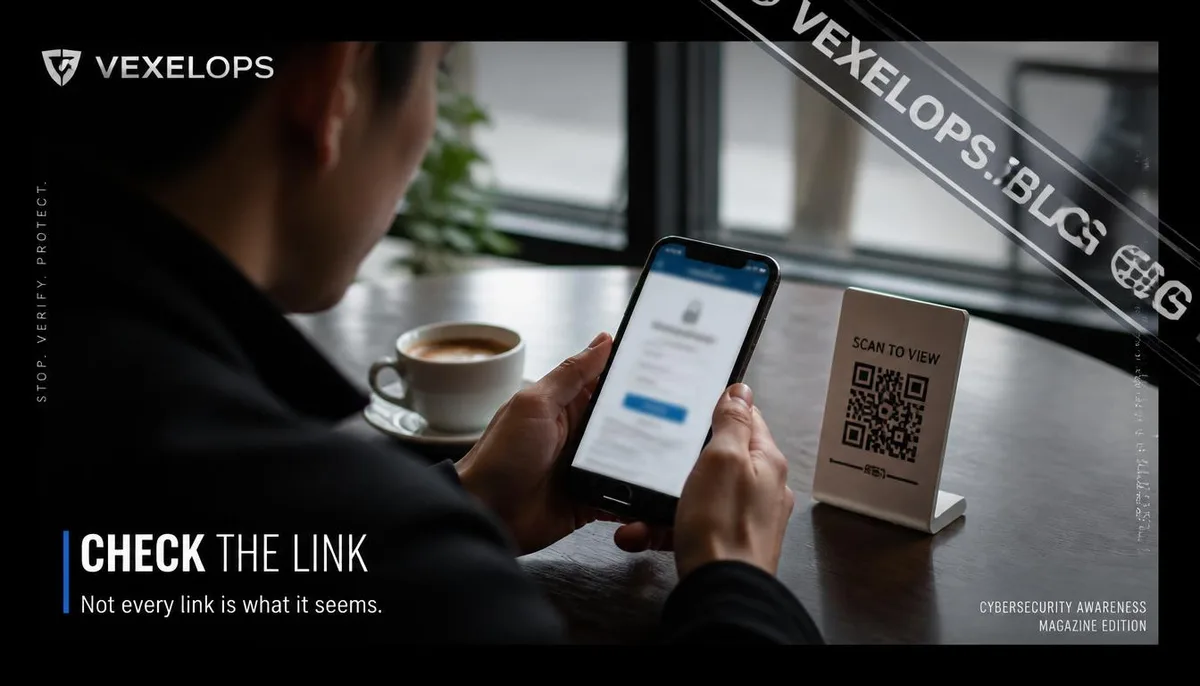
A QR code does not inherently specify its purpose, nor does it indicate which website you'll visit after scanning it. It could link to a restaurant menu, payment page, event registration form, or a fake site asking for credentials. When a QR code appears on unfamiliar packages, social media images, emails, or stickers, its source is more critical than the design itself. After scanning, pause on the preview screen to check the URL; don’t log in just because the phone is now displaying the next page. If the URL contains unnatural spellings, odd subdomains, excessive symbols, or differs from the brand's official domain, close the page first. Government directives also remind the public that unfamiliar QR codes may lead to fake websites asking for names, phone numbers, bank account information, or prompting the download of unknown apps. Even when a QR code is found in a legitimate shop or package, it does not guarantee safety. Stickers can be replaced, images can be remade, and originally valid links may redirect to different pages once events end. Confirming the source, checking URLs, and avoiding the immediate input of sensitive information is a more secure approach than relying
Why Could Search Results and Social Ads Also Feature Fake Websites?
Many people mistakenly believe that the top result in search rankings represents the official website, but ranking position and the real identity of a site are not the same. Fake websites can reach users through advertisements, similar domains, or popular keywords. The 165 national anti-fraud website has also warned that scammers might exploit platforms like Facebook, Instagram, YouTube, Google, and Threads to run fake investment ads. The danger of social ads lies in the fact they may appear on platforms you trust, but the visuals may not be provided by the platform itself. The advertising body, external links, and subsequent login pages might belong to different systems. Just seeing a familiar brand doesn’t guarantee that the website behind the link is managed by that brand. Google Safe Browsing checks numerous URLs and issues warnings in search results or browsers when unsafe sites are detected. However, the absence of a warning does not imply that a site is entirely appropriate for entering passwords or payment details. Security tools can provide alerts but should not replace users’ discernment regarding sources, URLs, and requested content.
Is There Still a Chance to Mitigate the Impact After Entering Information?
If you only opened a page but didn't enter any information, you can close the page first, refrain from downloading files, and avoid approving unknown notifications or installing unfamiliar apps. Next, save the links, screenshots, and message sources for future reference and reporting. Don't revisit the same page to input information just to verify its authenticity. If you've already entered your username and password, access the account's security settings through the official app or by typing in the known official URL, change your password, and check your login activity. If you reused the same password on other services, ensure to address those accounts too. If payment details or verification codes have been entered, immediately contact the relevant platform, bank, or telecom provider to confirm the status. VexelOps can help you organize suspicious URLs, message sources, login notifications, and timelines, making it easier to verify events, but it will never ask for your password, verification code, or remote access to devices.
Frequently Asked Questions About Fake Websites and QR Code Phishing
Does a URL with HTTPS and a lock icon mean the website is secure?
HTTPS primarily indicates that the connection between the browser and the website is encrypted and cannot alone prove the site is managed by an official brand. Scammers can also set up HTTPS for fake websites; therefore, a lock icon should not be regarded as a certificate of authenticity. During your assessment, you should also look at the full domain, link source, page requests, and official brand announcements. If you entered a page through SMS, social ads, or emails, it’s best to close the original page and use the official app or enter a known official URL by yourself. Don’t just check the beginning of the domain; also look at its final main name, and check for unnatural spellings, extra letters, or suspicious subdomains.
If I Scan a QR Code and Only See an Ordinary Page, Should I Still Be Concerned?
Not necessarily, but you shouldn’t drop your guard completely either. Some risks may only materialize after the user inputs a password, downloads files, grants notifications, or makes payments. If you only opened a page without entering data or allowing any actions, you can close the page and save the source information. If the page previously required login, requested personal information, prompted an app download, or allowed notifications, you should check your related account and device settings. For QR codes of unknown origin, you can also reconfirm with the store, sender, or official customer service, avoiding using the contact details provided on the QR code page as your sole evidence.
I Already Entered My Password on a Fake Website; Can I Still Recover My Account?
There is still a chance to mitigate the impact, especially if the account has not been logged out or the backup information has not been altered. You should change your password from the official app or by entering the official URL, check the login activity, backup email, phone number, third-party authorizations, and logged-in devices, and manage other services using the same password. If you can no longer log in, do not trust individuals on social media who claim they can quickly recover your account, and do not provide new verification codes or remote access rights. Use the official recovery process for the platform and save the fake website's URL, message screenshots, and timestamps of account anomalies. If necessary, seek assistance from 165, platform support, telecom providers, or law enforcement. If anyone asks you for your password or verification code, stop your actions and reconfirm the source.