

Deleting Messages Doesn’t Mean They’re Truly "Gone"
Many people have an instinctive belief that if they press delete in LINE, WhatsApp, Telegram, or other messaging apps, the message vanishes. However, the actual situation is more complex. The delete action typically just removes the content from "your device" rather than eliminating it from all locations completely. The message may still exist on the recipient's phone, in cloud backups, in notification records, or even be captured as a screenshot or forwarded to other chat groups. In other words, "deleting" is more like organizing what you see rather than making every copy in the world disappear.
Different Apps Have Different Deletion Logics
The design philosophies of LINE, WhatsApp, and Telegram differ, leading to varying deletion methods. In LINE, deleting a chat log typically just clears it from the local screen, but if the other party hasn't deleted it, they still retain the complete conversation. In some cases, if there's a backup (such as Google Drive or iCloud), the message might still exist in the backup files. The situation in WhatsApp is similar, but it has a "Delete for Everyone" feature. However, this feature has a time limit, and whether the other party has read it or backed it up will affect its effectiveness. Telegram leans more towards a cloud architecture, meaning messages may exist in cloud synchronization. Even if you delete on a single device, it doesn't mean that backups or other logged-in devices won’t retain it.
Often Overlooked: Backups and Synchronizations
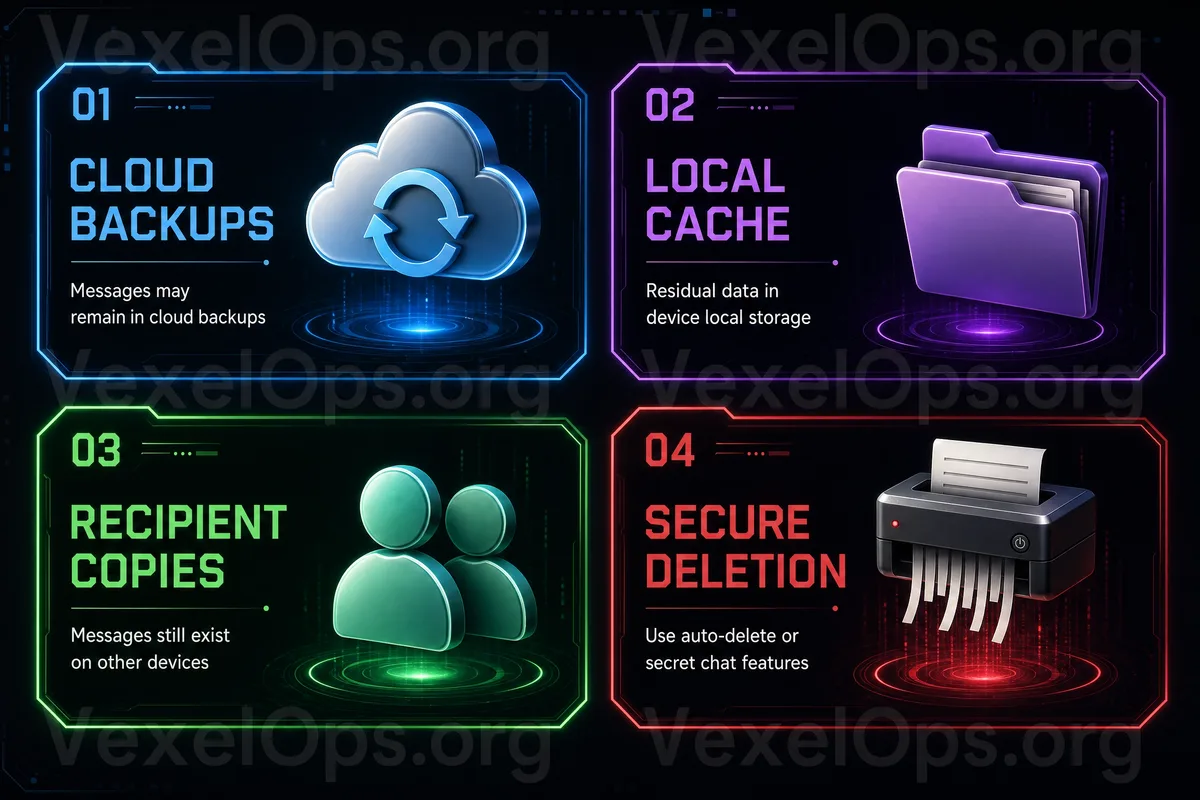
Many people think that deleting chat logs wraps things up, but the most common source of residual data comes from backups. For example: - iCloud backups on iPhone - Google Drive backups on Android - WhatsApp's automatic cloud backups - LINE's backup data for switching devices - Telegram's multi-device synchronization records The purpose of these backups is to allow you to recover data when switching phones, but it also means that "previous messages might still exist in the cloud." If you don’t manage backup settings separately, deleting chat logs doesn't necessarily affect the cloud version.
Notification Records: Another Form of "Invisible Residue"
Even if the message is deleted, some content may have appeared in: - Mobile notification previews - Apple Watch / Android watch notifications - Email notifications (on certain platforms) - Third-party notification synchronization tools This content might not exist within the chat app, but it can still retain some message fragments such as the sender's name, the beginning of the message, links, or timestamps. For privacy, these "fragmented pieces of information" can sometimes be enough to infer the complete content.
Screenshots and Forwards: The Hardest Parts to Control
The most difficult aspect to handle technically is not deletion by the system, but human preservation. If the other party has ever: - Taken a screenshot of the conversation - Forwarded it to other groups - Backed it up to email or cloud - Saved it in a note app or document Then, even if the original message is deleted, copies still exist. This is why modern messaging tools indicate "screenshot notifications" or have "self-destructing messages" features, but even so, they can't completely prevent external saving.
To Enhance Privacy Security, Consider These Directions
While it’s impossible to make all data completely disappear, you can reduce the risk of residual data: - Disable unnecessary automatic backups - Regularly check cloud backup contents - Use self-destructing or temporary messages features - Avoid sending sensitive content in groups - Don’t rely on "deleting" as the only safety measure - Pay attention to whether notifications preview message content The focus should not be on making it "completely disappear" but on "reducing the pathways for preservation."
The Core of Privacy Is Not Deletion, But Controlling the Scope of Sharing
Many people expect deletion to mean "disappearance," but in the context of modern communication frameworks, a more realistic understanding is "control over where the data has appeared." As long as the message has been seen, backed up, or forwarded, traces may remain. Therefore, rather than deleting afterward, it is more important to control the recipients and the sensitivity of the content from the outset.