Why Do Password Issues Affect Account Security?

Many accounts are compromised, not because attackers use sophisticated technology, but because passwords themselves are often weak. Common issues for ordinary users include using the same password across multiple platforms, having short passwords, using birthdays or phone numbers as passwords, failing to update important account passwords regularly, or entering passwords on phishing sites. If you use the same password for your Email, Instagram, Facebook, shopping websites, and other platforms, as soon as one platform experiences a data breach, other accounts may also be attempted to log in. This is why the risk of "using the same password everywhere" is a frequent account security issue.

What Is a Password Manager?

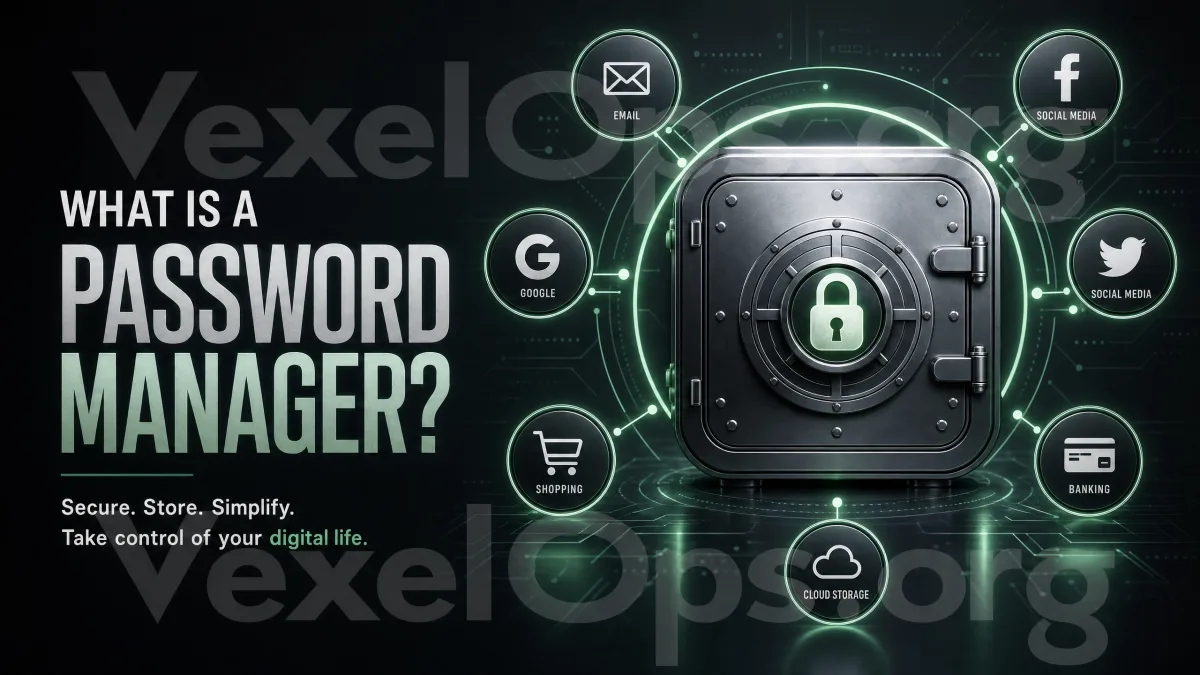
A password manager is a secure tool designed to store passwords. It can help you remember passwords for different platforms so that you don't have to memorize each one. For ordinary users, the primary benefit of a password manager is that you can create different, longer, and more complex passwords for each website without relying on your memory to remember them all. For example, you may use one password for your Email, another for Instagram, and another for shopping sites. Even if one of the websites encounters a problem, other accounts won't be affected due to shared passwords.

Do Ordinary Users Really Need Password Managers?

If you only use a few accounts, each with its own unique password, you may not need it right now. But for most ordinary users, the reality is often different. You might want to ask yourself a few questions:

  1. Am I using the same password across multiple platforms?
  2. Do I keep passwords in chat logs, notes, or on paper?
  3. Do I frequently forget passwords and have to reset them?
  4. Are my Email, social media, and shopping site passwords similar?
  5. Am I unsure which sites have used the same password?

If several of the above apply to you, then a password manager is definitely worth considering.

What Problems Can Password Managers Solve?

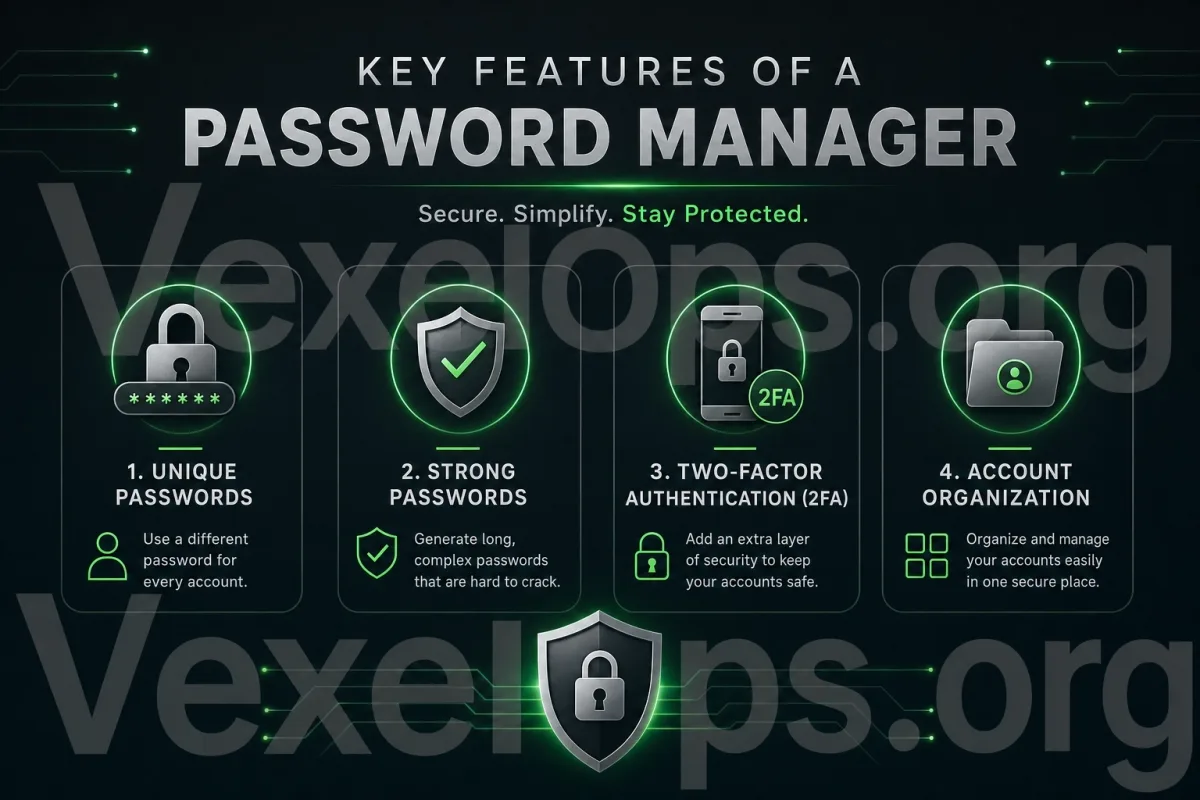
The most direct benefit of a password manager is reducing the risk of reusing passwords. When different passwords are used for each platform, even if one website's data is breached, it won't directly impact other accounts. The second benefit is the ability to use stronger passwords. Many people opt for short or predictable passwords for convenience. A password manager can store longer, random, and hard-to-guess passwords. The third benefit is reducing the hassle of forgetting passwords. You only need to remember the master password of the password manager to manage all other account passwords. The fourth benefit is that it makes it easier to organize your accounts. You can see which platform accounts you have, which passwords need updating, and which old accounts may no longer be in use.

Illustration showing password manager features, including unique passwords, strong passwords, two-factor authentication, and account organization.

What to Pay Attention to When Using a Password Manager?

While password managers can be helpful, they also require proper use. The most important thing is that the master password must be secure. Since the master password is the key to accessing the password manager, it should not be based on birthdays, phone numbers, names, or simple words. Second, the password manager itself should also have two-factor authentication enabled. This way, even if the master password is compromised, there’s an added layer of protection. Third, do not store the master password in easily visible places, such as in mobile notes, chat apps, unencrypted files, or screenshot albums, as these are not ideal spots. Fourth, when choosing a tool, prioritize trustworthiness. Avoid using obscure tools with exaggerated features, excessive permission requests, or unclear ratings.

Password Managers Cannot Replace All Security Habits

A password manager can help you manage passwords, but it is not a catch-all solution. You still need to be aware of phishing sites, fake support, suspicious links, and verification code risks. If you enter your password on a fake login page, the password manager may not fully mitigate the risk. Especially when manually copying passwords, neglecting to check URLs, or being guided by fake support, issues can still arise. Thus, a password manager should be used in conjunction with other security habits:

  • Enable two-factor authentication on important accounts
  • Do not log into accounts from unfamiliar links
  • Do not give verification codes to anyone
  • Regularly check login records
  • Use a unique, strong password for your main email
  • Avoid saving login information on public devices

Where to Start Organizing Accounts?

If this is your first time using a password manager, you don’t need to organize all your accounts right away. You can start with the most important accounts. It is advisable to prioritize organizing:

  1. Primary Email
  2. Social Media Accounts
  3. Messaging App Accounts
  4. Cloud Storage and Photo Backup Accounts
  5. Shopping and Payment Accounts
  6. Work or Customer-Related Accounts

These accounts usually contain more personal information or may impact the recovery process of other accounts, so they should be prioritized for using unique passwords and two-factor authentication.

Password Management Is a Long-Term Habit

For ordinary users, account security doesn’t necessarily have to start with very complex technologies. Often, simply addressing the issue of "password reuse" can significantly reduce risks. The value of a password manager is not to make you a tech expert, but rather to help you consistently use different passwords, avoiding sacrificing security for convenience. If many of your accounts currently use the same password, you can start by organizing your primary Email and frequently used social media platforms. Gradually building habits of unique passwords, two-factor authentication, and regular checks is one of the most practical ways for ordinary users to protect their accounts.