
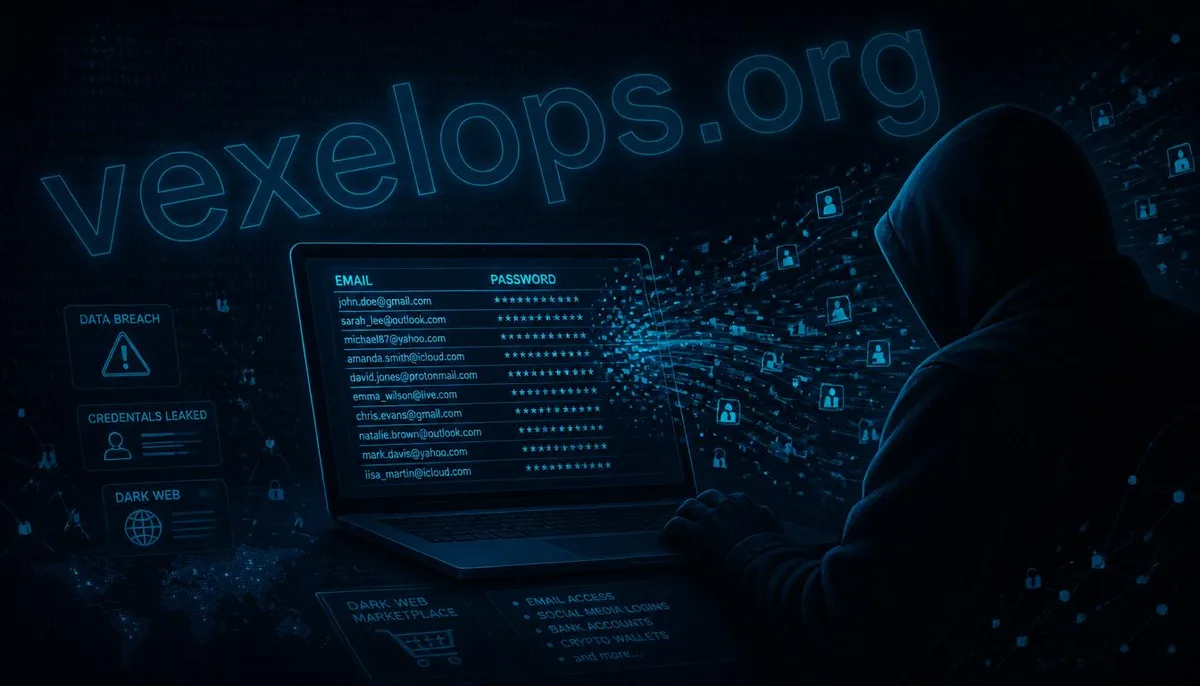
Many people first learn that their account information has appeared on the dark web typically through a cybersecurity checking website or a browser alert. At that moment, they can feel a bit caught off guard, unsure of when the data was leaked or what to do next. The dark web is not a mysterious space exclusively reserved for hackers; it is a part of the internet that cannot be indexed by general search engines. Some parts of it are indeed used for buying and selling various leaked personal data, including emails, passwords, credit card numbers, and even complete identity information.
Why Account Information Appears on the Dark Web
Account information leaks onto the dark web not typically because you were individually "targeted by hackers," but rather due to a data breach event from a platform or service you have used in the past. When a company, forum, or e-commerce site is breached, the user databases obtained by hackers are often packaged and sold on dark web marketplaces or channels, sometimes even released publicly. If you have registered an account on that platform, your email and password combination may be among them. Another common situation involves phishing attacks. If you accidentally enter your account credentials on a fake login page, that data can also be collected, ultimately making its way to the data trading markets on the dark web.
Potential Risks After Account Information Leaks
An email appearing on a leak list poses relatively low risks. However, if the password is leaked along with it, the risk significantly increases, especially when you are using the same or similar passwords across multiple platforms. After hackers obtain such leaked data, the common next step is to conduct "credential stuffing" attacks. In simple terms, hackers use the same username and password combination to automate login attempts across numerous different sites; if you reuse passwords on any platform, that account is vulnerable to being compromised. If the leaked data includes personal information such as phone numbers, birth dates, or addresses, these details may also be used for subsequent social engineering attacks, such as impersonating customer service or bank personnel, leveraging the personal information they have to gain your trust and deceive you into providing verification codes or other sensitive data.
How to Check if Your Account Has Been Leaked
There are already several publicly available free services that help users check whether their email has appeared in known data breach events. One well-known querying tool continuously collects major data breach incidents, allowing users to input their email to instantly see if it has appeared in any recorded leaked databases. Some password management tools and browsers also have similar built-in "leaked password check" features that proactively warn you to change your password when your stored password is detected as matching any in known leaked databases. It is advisable to regularly check a few of your commonly used email accounts rather than waiting to act until receiving an alert.
The First Thing to Do After Discovering Account Information Leaks
Once you confirm that your account has appeared on a leak list, the first action should always be to immediately change that account's password, rather than investigating the details of the leak first. When changing your password, make sure to create a completely new password that you have never used on other platforms; avoid merely making slight modifications to the old password, such as adding a number or symbol, because these predictable modifications can also be easily guessed by automated attack tools. If you have a habit of using the same or similar password combinations across multiple platforms, this is also a good opportunity to check and change each to unique passwords, rather than only addressing the one that has been notified as leaked.
Subsequent Steps to Strengthen Account Security
After changing your password, it’s recommended to enable two-step verification on that account immediately. If the platform supports it, using an authentication app or a physical security key will provide greater security than sending verification codes via SMS. Next, check the recent login history and the list of devices connected to your account, making sure there are no unfamiliar login locations or devices. If you detect any anomalies, immediately log out of that device or connection. At the same time, it is also recommended to check the account's security questions, backup email, and recovery phone number settings to ensure all this information is under your control, preventing hackers from modifying these settings to regain access to your account after you change the password.
Develop Long-Term Password Management Habits to Reduce Future Leak Risks
Account information leaks are indeed something that is difficult to completely avoid during internet usage, as it often depends on whether the platforms you have used have been breached and not on any issues with your personal usage habits. However, you can adopt certain long-term habits to significantly reduce the likelihood of real damage caused by leaks. For instance, using a password manager ensures that each account has a unique, complex, and non-repeating password. This way, even if one platform experiences a leak, it won't jeopardize your other accounts. Regularly checking if your email appears in new leak events and developing the habit of addressing cybersecurity alerts immediately rather than procrastinating are vital components of long-term account security maintenance.