
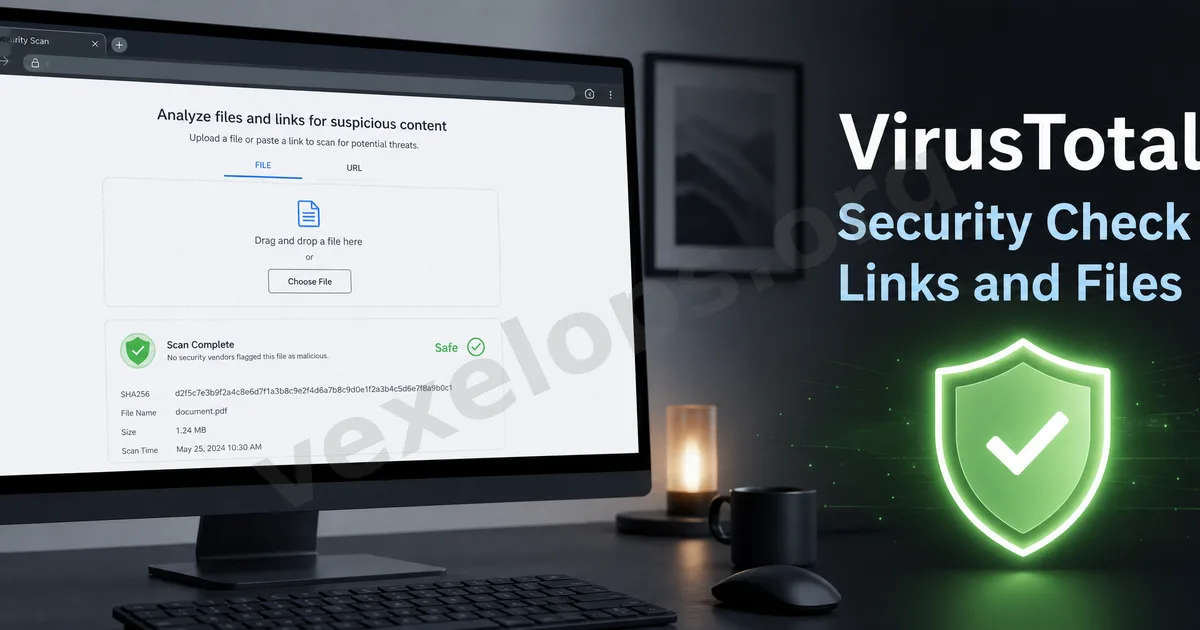
Why do everyday users need to check suspicious links?
In daily internet use, many risks don't originate from complex attacks, but rather start from a single link or file. You might receive unfamiliar links in Email, Telegram, WhatsApp, Facebook, Instagram, X, Discord, or SMS. You may also receive compressed files, PDFs, Word documents, installers, or so-called collaboration materials. Some content might appear ordinary, even resembling messages from friends, customer service, brand partners, or platform notifications. However, if the source is unknown, you shouldn't click or download directly. At this point, tools like VirusTotal can be quite useful. It can help you perform an initial check to see if a URL or file has been flagged as suspicious by multiple security engines.
What is VirusTotal?
VirusTotal is a well-known online security check tool. Everyday users can think of it as a "security scan reference platform." You can submit suspicious URLs or files for it to check using multiple security engines and data sources. Its purpose is not to guarantee 100% accuracy, but rather to provide an initial assessment. When you're uncertain whether a link is safe or a file is suspicious, you can use it for first-level confirmation. For instance, if you receive a strange link claiming to be a package notification, account verification, collaboration contract, payment page, or event prize page, and you're unsure of its trustworthiness, you can first copy the link to query VirusTotal instead of clicking it directly.
What types of content can be checked?
VirusTotal can generally check URLs, files, domains, and some IP information. For everyday users, the most common checks are for "URLs" and "files." URL checks are suitable for unfamiliar links, SMS links, buttons in Emails, suspicious activity pages, fake customer service links, investment platform links, etc. File checks are appropriate for unfamiliar attachments, compressed files, installers, PDFs, Word documents, or unknown downloads. However, there’s an important caveat for file checks: do not upload files containing personal data, company secrets, identity documents, contracts, or sensitive content. Online scanning platforms might save or share file samples for security research purposes. If a file contains private information, it’s best not to upload it to public scanning tools. You can first use local security software, such as Windows Security, Microsoft Defender, or trusted antivirus tools.
How should the results be interpreted?
Many everyday users, when using VirusTotal for the first time, will see numerous security engine names and check results and may not know which ones to trust. You can understand it simply like this: - If multiple security engines mark it as malicious, phishing, or suspicious, that link or file should not be opened. - If only one or two engines flag it, but most show it’s fine, it could be a false positive, or it might be a new risk that hasn’t been fully recognized yet. At this point, do not rush to conclude it's safe; still verify the source's trustworthiness. - If no engines flag it, it doesn’t mean it's 100% safe either. Newly established phishing websites or temporary phishing pages, or privately shared files may sometimes not yet be included in databases. Thus, results from VirusTotal should be regarded as a reference, not a final guarantee.
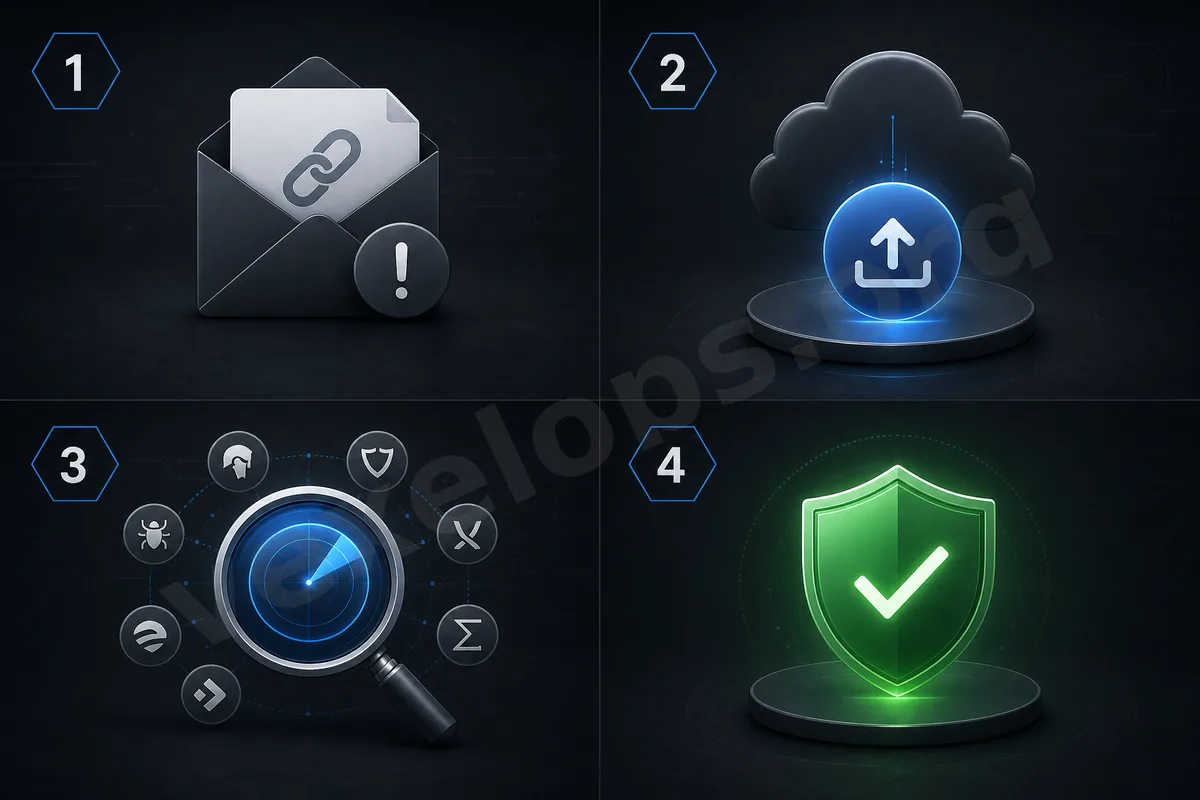
What to do when encountering suspicious links?
When you receive a suspicious link, do not click on it immediately. A safer approach is to copy the link and use VirusTotal or Google Safe Browsing-type security check tools to query it. If the link comes from a bank, social media platform, shopping site, or logistics notification, it’s best not to log in via the links in the message. You can directly open the official app or manually input the official website’s URL. This habit is crucial because many phishing pages are designed to look like official sites and may even have HTTPS padlocks. The padlock only indicates encrypted connections and does not guarantee the site’s trustworthiness.
Do not open unknown files directly.
Unknown file risks are higher than those of ordinary links. Especially for compressed files, installers, scripts, macro documents, or tools from unknown sources, they should not be opened directly. If it’s a work collaboration document, verify the other party's identity first. Many scams targeting creators, freelancers, or small businesses pretend to be brand collaborations, sending "contracts," "quotations," "product data," or "material packs." Before opening, you can first scan using local security tools. For files without sensitive content, consider using VirusTotal for checks. But if the file contains private information, do not upload it casually to online platforms.
Do not solely rely on tools; source judgment is more important.
VirusTotal, Google Safe Browsing, Microsoft Defender, Chrome Safe Browsing alerts, and Edge password and security alerts can all help everyday users reduce risks. But tools are not omnipotent. What’s truly important is source assessment. Who sent this link? Is the sender trustworthy? Are they asking you to take immediate action? Are they requesting you to input a password, verification code, payment information, or download a tool? If these questions seem suspicious, even if the scan results are not explicitly marked, you should not act carelessly. Tools can help you identify additional risks, but they cannot judge every scenario for you.
Establish a simple checking habit.
Everyday users can simplify the process like this: when seeing unfamiliar links, do not rush to click; when seeing unfamiliar files, do not rush to open; first verify the source, then use tools to check; for logins, payments, or verification codes, directly return to the official app or website to handle. This habit doesn’t require high technical ability, but it’s very practical. Many online scams and account risks occur because users click too quickly, download too quickly, or input information too quickly. The value of tools like VirusTotal is not to turn you into a cybersecurity expert, but to provide an additional safety judgment step when facing suspicious content. Just taking an extra minute for checking can potentially avert the risks of account theft, data leakage, or device infections.