
Why Do Phones Start to Slow Down After a Few Years?
Many people share a similar experience: when a new phone is first bought, apps open almost instantly, and scrolling is very smooth. But after one or two years, opening the camera may take time, app switching slows down, and just scrolling through the home screen occasionally stutters. This situation doesn’t necessarily mean that the phone itself is malfunctioning. Over years of use, phones accumulate photos, videos, apps, downloads, chat attachments, and various cache data, while apps and the operating system continue to update. The hardware that was sufficient a few years ago might struggle in today’s more complex software environment, leading to varying degrees of performance degradation. Additionally, new app versions often add more features, which can increase the demands on the processor, memory, and storage. Thus, a phone that was perfectly usable a few years back may not feel as smooth as it once did. At this point, don’t immediately think, "It’s time to get a new phone." First, identify the real bottleneck; many issues can actually be improved through organization and settings.
Does Insufficient Storage Really Cause Phones to Slow Down?
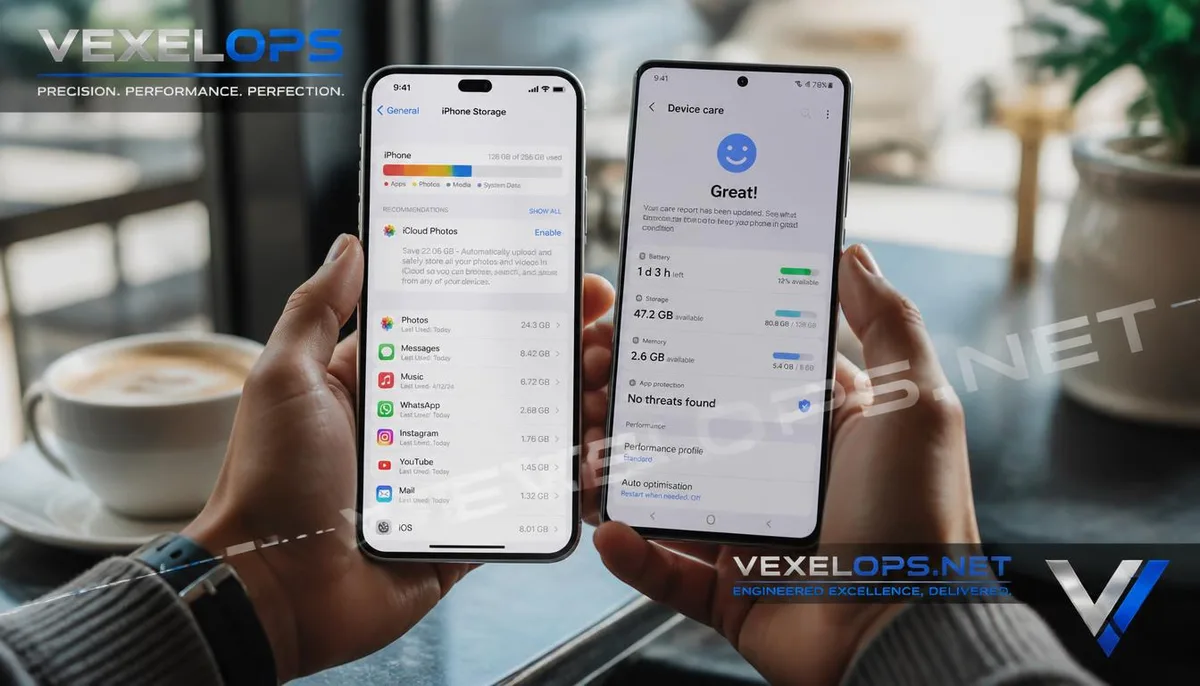
Storage space is the easiest factor to check and also the most commonly overlooked. The phone’s capacity is not just used by photos and videos. Apps themselves, downloaded content, chat attachments, offline videos, podcasts, browser data, and the system's required cache can gradually occupy storage space. When a phone is close to full capacity for an extended period, users typically start to encounter additional issues, such as being unable to download updates properly, taking new photos, or some apps becoming more unstable when processing data. Therefore, when the phone indicates that "storage is running low," don’t just delete a few photos and call it a day. First, check what type of data is taking up the most space. iPhones can check app and data sizes from the storage management page; Android phones can use storage tools provided by different brands to see large files and app usage. Cloud services like Google Photos, iCloud, and OneDrive can also help users manage photos and videos, but it's still important to ensure a backup is completed before deleting local content. Prioritize dealing with large apps you no longer use, downloaded videos, duplicate photos, and
Which Apps Consume Phone Resources in the Background?
Many people believe that as long as they don’t see an app on the screen, it doesn’t consume resources at all. In reality, some apps may require background execution for syncing, notifications, location tracking, content updates, or other services. For example, social media, instant messaging, cloud syncing, map, and media apps may require varying degrees of background activity. This doesn’t mean they’re all bad apps; rather, you can control which services should continue to operate based on your actual needs. If the phone suddenly becomes slow, check if any new apps have been installed recently. If a new app brings a lot of notifications and background activity, it’s worth further investigation. On the other hand, don’t just shut off all background activity. Certain features need background operation to function correctly, such as message notifications, photo syncing, or location services. Turning everything off may actually prevent desired functions from operating properly. A better approach is to assess based on actual usage. If an app is used almost daily and its background activity directly relates to its functionality, it can be kept; if an app hasn’t been opened for
Does Battery Aging Affect Phone Performance?
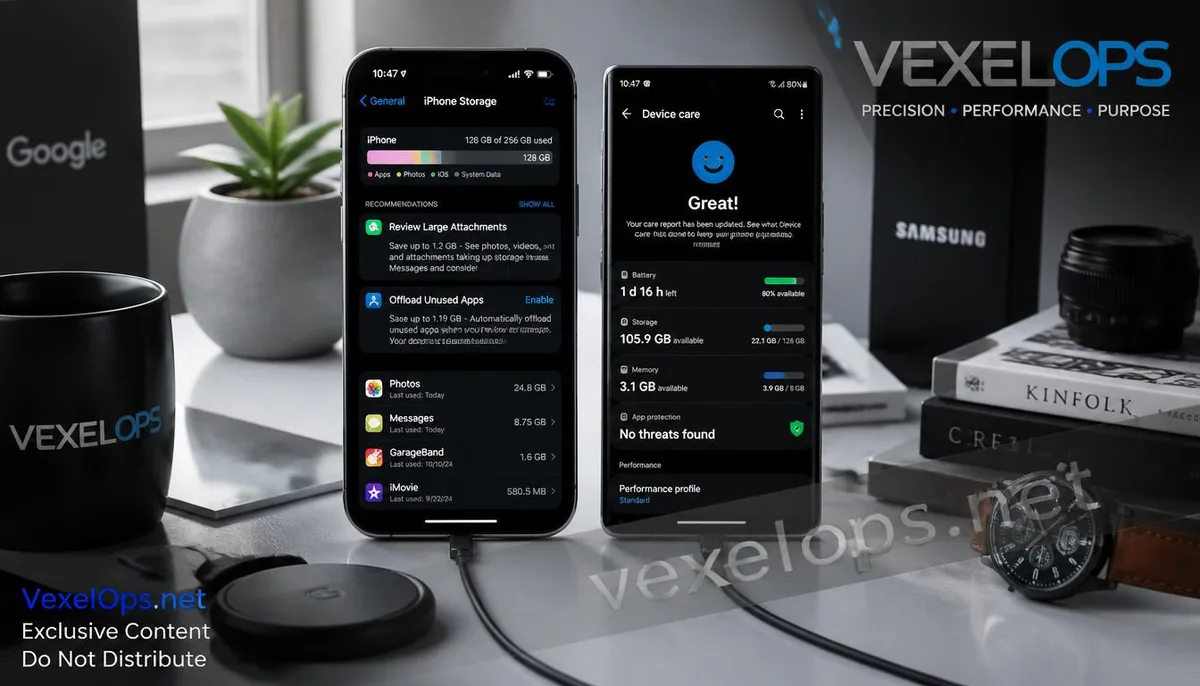
Battery health is a very important factor to consider when using a phone for many years. Lithium-ion batteries will gradually decrease in capacity after extended charging cycles. When the battery ages to a certain point, the phone's battery life may shorten, requiring more frequent recharges, and the user may feel the phone is no longer as stable as when it was new. For example, Apple provides a Battery Health & Charging feature, allowing users to view maximum capacity and battery performance information. If battery health has clearly declined, evaluating whether to replace the battery is wise, rather than immediately purchasing a new phone. Android phones may provide battery health information at varying levels depending on the manufacturer and model. Certain devices like Samsung and Google Pixel can show related statuses in system settings or diagnostic features. An important concept here is that replacing the battery and getting a new phone address different issues. If the phone is still able to meet your usage needs, but the battery life has noticeably declined, replacing the battery might be more reasonable than buying a new phone. However, if the phone simultaneously
Does a Slow Phone After an Update Mean There’s a Problem with the Update?
This question doesn’t have a simple "yes" or "no" answer. System updates usually include security patches, bug fixes, new features, and support for the latest hardware and apps. Not updating for a long time could expose the phone to known security issues, so one shouldn’t ignore updates in pursuit of speed. However, feeling that the phone is slower shortly after an update doesn't necessarily mean the update itself has caused a permanent performance issue. The system may need to reorganize data, sync content, or perform other background tasks, and apps may need to re-establish data after an update. If the phone suddenly experiences prolonged lag after a significant system update, restart the device, confirm whether apps have also been updated, and observe if it returns to normal after a few days. If the issue persists, further check storage space, battery status, and whether specific apps are continuously consuming significant resources. Don’t disable all automatic updates just because of a temporary glitch after one update. Security updates are still an important measure for maintaining phone safety.
Should You Clean, Reset, or Just Get a New Phone When It Slows Down?
These three methods are suitable for completely different situations. If space is almost full, start by cleaning photos, videos, downloads, and unused apps. If the main issue is battery life declining, check the Battery Health or battery information provided by the manufacturer before deciding to replace the battery. If the phone's settings and apps have built up many glitches over time, consider backing up important data before performing a more thorough system cleanup. However, resetting the phone shouldn't be the first choice, as it requires logging back into accounts, reinstalling apps, and setting up the personal environment again. The situation in which you should truly consider getting a new phone usually involves multiple factors occurring simultaneously. For example, if the phone has been used for many years, system support is nearing an end, the battery is severely aged, storage has been chronically inadequate, and the processor and memory can no longer meet current usage demands. A simple order to assess could be:
- Check storage space first.
- Then look at battery health and consumption.
- Check recently installed or updated apps.
- Confirm system and app updates are functioning normally.
- Finally, consider resetting or replacing the device.
The advantage of this approach is that you won’t immediately spend money on a new phone just because your current one has slowed down.
Common Issues with Phone Performance Declines, Storage Space, and Battery Aging
When Should You Start Cleaning Up Based on Remaining Storage Space?
There isn’t a fixed number that applies to all phones, but if storage space has been close to full for a long time, it’s worth starting to clean up. Instead of memorizing a percentage, a more practical method is to check whether the system frequently alerts about insufficient space and whether that has affected your photos, app updates, or daily usage. First, identify which items are occupying the most space. If it’s videos and photos, check if they’ve been backed up to the cloud; if it’s large games, see which games haven’t been used in a long time; if it’s a chat app, check for accumulated videos and images therein. Do not use unknown "phone speed up" or "one-click cleanup" apps as substitutes for proper storage management. Most phones already come with sufficient tools, and using system functions directly is usually easier to control.
Does Deleting Apps Really Restore Phone Speed?
It may help improve performance, but the effectiveness depends on the source of the problem. If the phone is short on storage, removing large apps can free up space; if an app has been running in the background or consuming battery for a long time, removing it could also enhance part of the user experience. However, if the real bottlenecks for the phone are hardware aging, insufficient RAM, or declining battery health, simply deleting a few apps won’t necessarily bring the phone back to its new speed. Therefore, it’s best to first determine which issue is limiting the phone's performance, rather than seeing "delete app" and removing all applications indiscriminately. Keep only the tools you truly need; it’s more reasonable than frequently installing and deleting numerous cleanup tools.
Will Replacing the Battery Necessarily Improve a Slow Phone?
Not necessarily. Replacing the battery primarily addresses issues related to battery aging and longevity. If the phone is slow due to insufficient storage space, app compatibility, system issues, or hardware being unable to handle new software demands, a battery replacement won’t solve all problems. However, if the phone has shown a noticeable decline in battery life after many years of usage, and the system-provided battery health information indicates that the battery condition has deteriorated, replacing the battery could still extend the device’s actual lifespan. So before buying a new phone, first determine if "battery issues" are currently the main bottleneck. If the only issue is battery aging while other functions meet your needs, replacing the battery might be a more cost-effective choice.
One Key Takeaway: If your phone is slow, you don’t necessarily need to buy a new one. Check storage space, background apps, battery health, and system status first, then decide how to proceed.