

When security notifications appear simultaneously, the issue is usually not "single account".
Many people first encounter account risks when alerted by a single platform, such as an unusual login notification from Google or a notification of login from an unfamiliar device on Instagram. However, the more complex scenario arises when you begin to see similar warnings across multiple platforms simultaneously. For example: - Google displays an unusual login - Facebook receives a security verification notification - Instagram presents an unknown device - Email receives a password reset email - Telegram or WhatsApp messages show unknown login prompts At this point, users typically become confused, as each platform states, "Your account may have issues," yet none specify, "Where the problem originated."
Why is it harder to judge when multiple platforms show anomalies?
The reason is quite simple: modern accounts are "interconnected." Many services use the same email or login method, such as: - Logging into Instagram/YouTube/TikTok with Google - Logging into third-party apps with Facebook - Email serving as a recovery entry for all accounts - Reusing the same password across different platforms This creates an "account network." When one node experiences a problem, other platforms may also react in tandem. For instance: 1. A small website experiences a data breach 2. The same email + password is attempted to log into Google 3. Google issues a security alert 4. An attacker then logs into other services using Google 5. Facebook/Instagram subsequently show anomalies To users, it appears as though they are being "attacked simultaneously," but in reality, it might stem from the same source.
The issue isn’t the notifications, but that you can’t see the complete timeline.
Each platform can only see its own ecosystem. - Google sees Google logins - Facebook observes Facebook activities - Instagram monitors Instagram devices - Email detects mailbox activity However, there is no single platform that can string together "the entire sequence of events." That’s why many people get stuck: - Not knowing which was the first compromised point - Uncertainty if it was caused by a phishing page - Doubt whether it was a password issue or a device issue - Uncertainty about which warnings are "subsequent reactions" The result is repeatedly changing passwords while the issues persist.
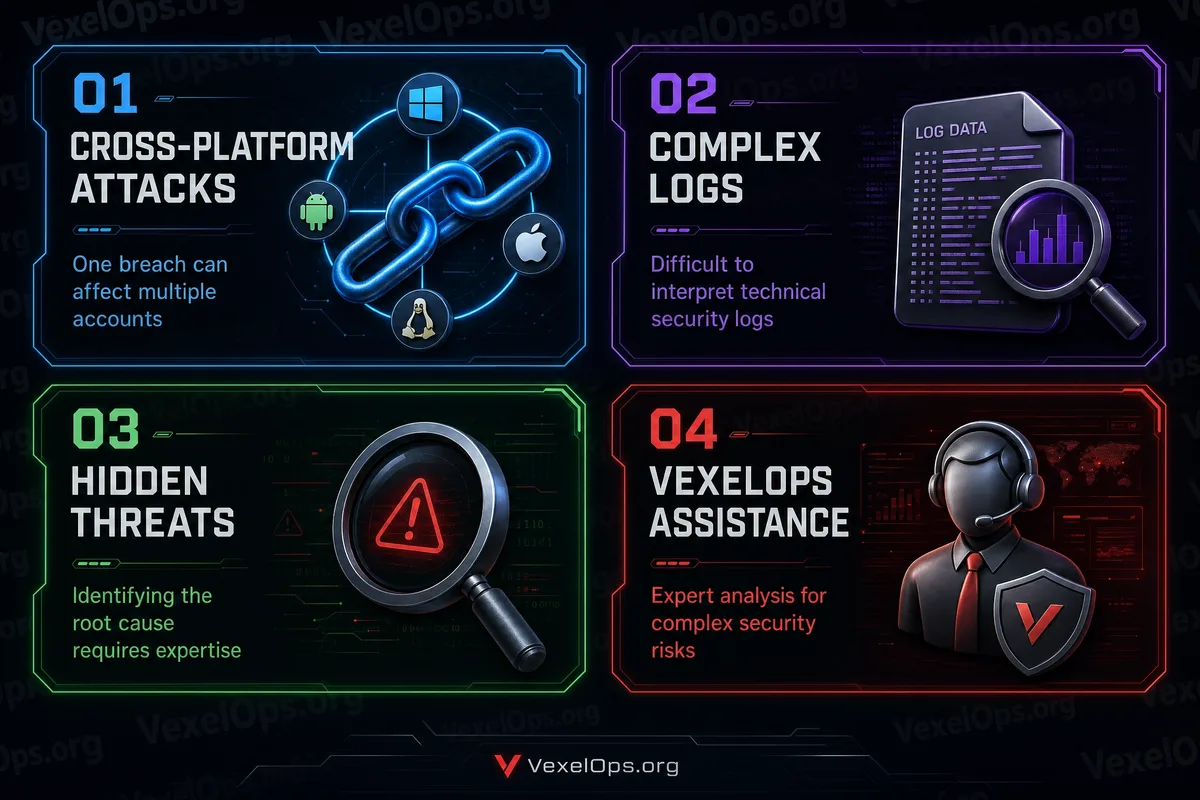
The three most overlooked sources of risk.
When multiple platforms show anomalies at the same time, the sources typically fall into three categories: 1. Reused passwords The same email + password is attempted across multiple platforms. 2. Phishing login pages Users may have entered information on fake Google/Facebook/Instagram pages. 3. Third-party authorizations An app or plugin retains login permissions and continuously accesses accounts. The commonality among these situations is: The problem does not necessarily lie within "the platform at hand," but rather in "an earlier entry point."
Why is it hard to address this on your own?
Because judging these issues requires looking at: - Login records (across multiple platforms) - Device logs - Email security notifications - Third-party app authorizations - Password usage history - Potential phishing clicks - Any modified backup information Ordinary users typically only see "notifications" but do not view the "global connections." This leads to a situation where: They have changed their password but continue to receive warnings.
The crucial point isn’t "which platform is problematic," but rather "where did the event originate?"
When Google, Facebook, and Instagram send alerts simultaneously, the most important thing is not to address them one by one, but to look back and ask: Where did the first anomaly appear? Is there a common login email? Have there been any recent clicks on unknown links? Has a new third-party app been added? Is there a reused password? These are the actual "starting points."
If you can no longer determine the source, the next step should be organizing rather than guessing.
When account status becomes complex, the most common mistake is: Constantly changing passwords, deleting devices, and resetting verifications without organizing the event sequence. A more effective approach is: List the timestamps of security notifications from each platform Record the devices and locations used for login Check if the email was the first warning source Confirm if there were phishing link manipulations Check the third-party authorization list If the information is already confused and multi-platform sources cannot be determined, this situation essentially becomes an "event integration issue," not a single account problem. (In such contexts, some users choose to organize their data and seek professional digital security assistance, such as through services like VexelOps for event timeline organization and risk source analysis.)
The core of account security is to "see the big picture," not to "focus on individual notifications."
Simultaneous security warnings across multiple platforms indicate that the system has observed anomalous behavior in different places. However, the actual sources of risk are often hidden in: - Earlier login behavior - An overlooked phishing page - A set of reused passwords - Or an authorization app that has not been cleaned up. Focusing solely on individual notifications can lead to misjudgment.