
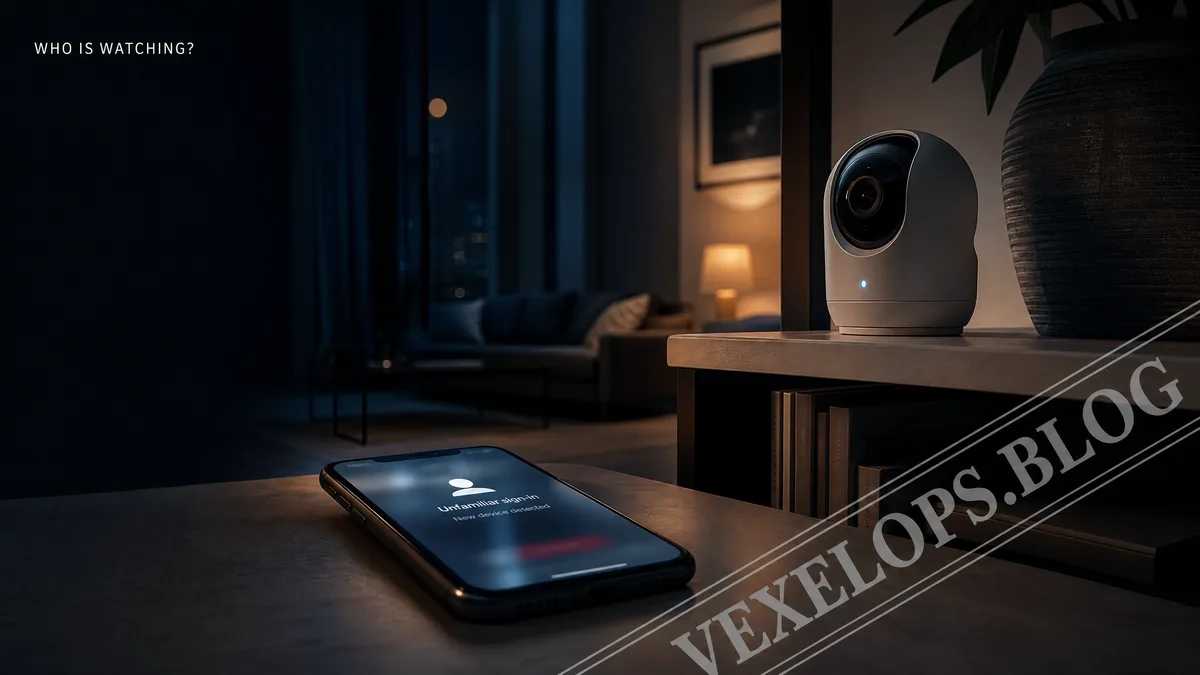
Why Do Home Cameras Show Unfamiliar Logins?
Late at night, the camera in the corner of the living room suddenly lights up. Seconds later, your phone receives a login notification indicating someone is accessing the home devices from an unfamiliar device. You haven’t changed your phone or shared your account with anyone new, but you can’t determine whether this is just a system sync or an attempt by someone to gain access to your home’s footage. Such phenomena cannot be explained by a single cause. Possible origins include retained access rights by family members, old phones not being logged out, third-party service links, leaked account passwords, device reconnections, or simple notification delays. The camera lighting up doesn’t necessarily mean a stranger is viewing footage, as some devices may also show indicator changes when starting, updating, or connecting to other home services. It’s important to distinguish between hackers and scammers. A hacker is a technical person with online, systems, or programming skills; the term itself does not imply a negative role. In contrast, scammers exploit deception, impersonation, or illegal means to gain data or permissions. When encountering anomalies in a smart home, it's
After Sharing a Smart Doorbell, Who Can See the Footage?
A smart home typically has multiple users. Google Home, Apple Home, or other family platforms may allow the homeowner to invite family members, roommates, caregivers, or guests to use some devices. If family members change, rental relationships end, or devices are handed over to others, old sharing permissions may continue to exist if not removed. According to Google Home’s official information, adding or removing family members affects device access, and some permission changes may take several minutes to take effect. This means that if you’ve just removed someone, the footage might not change immediately, which doesn’t necessarily indicate a failure of the operation, nor should one hastily conclude that someone is still viewing. Data processing and footage storage methods may differ among services like Apple HomeKit Secure Video and other home camera services. Users need to check the sharing settings, family member lists, recording permissions, and cloud service descriptions of the actual devices. One cannot assume that all platforms have the same privacy rules just because the product appearance is similar. Here are a few situations that warrant a re-evaluation of shared
- Family members have changed, but old accounts still appear in the family list.
- A smart doorbell or camera was previously configured by someone else.
- The device was linked to a no longer used Google, Apple, or third-party account.
- The phone received an unfamiliar login notification or there were unfamiliar changes in security settings.
How to Judge If a Strange Device Appears on Home Wi-Fi?
When a router list shows unfamiliar phones, cameras, speakers, or other devices, many people immediately think someone has accessed the home network. However, an unfamiliar name doesn’t necessarily indicate a stranger. The device may display a manufacturer name, random code, or old name, or could be a guest’s phone, TV, robot vacuum, or forgotten home device. A more reasonable approach is to cross-reference existing home devices with recently used ones. Record device names, times of appearance, connection status, and whether they are still being used, then turn them off or reconnect to confirm one by one. If a device cannot be matched to any person or item, then further checks on the Wi-Fi password, router admin accounts, and firmware update status are needed. Avoid attempting to log into unfamiliar devices, scan the home network, or download unknown checking tools just to confirm the source. Such actions may introduce more security issues or cause interference with devices that merely display an abnormal name. Generally, users can preserve clear event records by starting from the router's official app, the device list, and confirming with family members.
Does the Camera's Indicator Light Really Mean Someone Is Watching?
The camera's indicator light is a clue worth noting, but it’s not conclusive evidence. Different brands may interpret the lights as being powered on, connected, recording, making calls, updating firmware, or indicating configuration changes. Even if the device has privacy masking, its state may change due to the activation of other home services. Official documentation from Google Nest states that internet-connected home devices may link to Google accounts, family members, cameras, microphones, and other home services. The company also provides protective features such as notifications for suspicious activity, account security checks, two-step verification, and device activity monitoring. These functions can help narrow down the scope of the issue, but one cannot rely solely on a single notification to determine if the footage has been viewed. If you need to gather login times for home cameras, shared members, device indicator lights, Wi-Fi lists, and settings changes, VexelOps can assist in organizing this data into an easy-to-understand event timeline, allowing you to clearly distinguish between device malfunctions, leftover permissions, and genuine anomalies that require
After Discovering Anomalies in a Smart Home, What Areas Can Be Checked First?
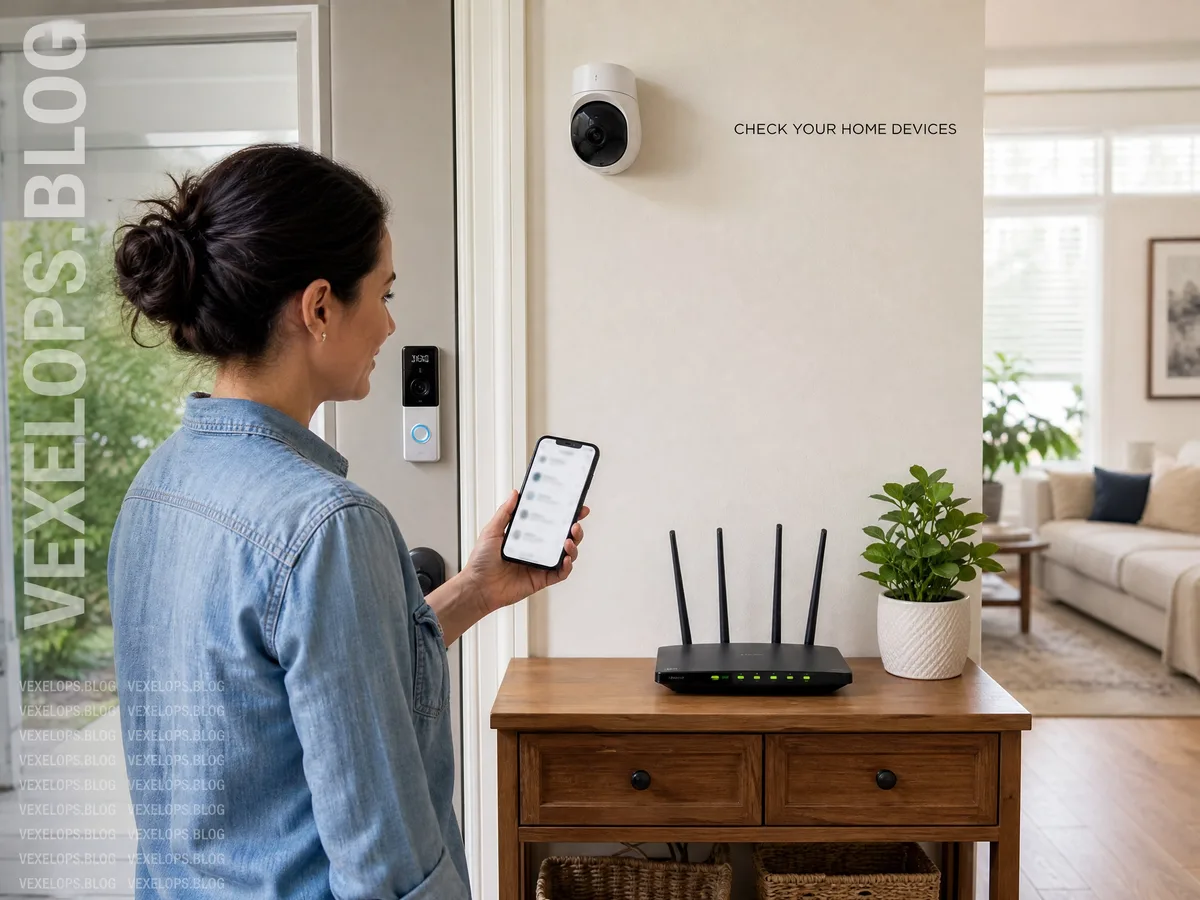
Upon discovering an anomaly, do not immediately unplug all devices or delete all records. First, save your phone notifications, family member lists, device names, login times, and router screens, as this information may disappear after resetting. Then, access the official app from a trusted device to verify account and sharing permissions. It’s recommended to follow these steps in order:
- Confirm that the main account of the home platform is still controlled by you.
- Check access permissions for family members, guests, and third-party applications.
- Inspect the recent activity of cameras, doorbells, speakers, and routers.
- Change the main account and Wi-Fi password, and enable multi-factor authentication.
- Update device firmware and remove devices that are no longer used or have unclear origins.
If anomalies continue to arise, you should contact the manufacturer's official support instead of trusting someone in the community claiming to inspect cameras remotely. If they request your account password, verification code, or remote control rights, stop the communication immediately and retain the relevant information.
Frequently Asked Questions About Smart Cameras and Home Surveillance
Does a Home Camera Lighting Up Mean Someone Is Watching?
Not necessarily. The indicator light may denote that the device is starting up, reconnecting, updating firmware, in a call, or performing other home functions. Different brands may define indicator lights differently, so it’s wise to first review the product specifications and activity logs in the official app before determining whether there is unfamiliar access. If the light-up is accompanied by an unfamiliar login notification, changes in shared members, alteration of device names, or anomalies in recording settings, heightened caution is warranted. You could save the footage, check account activity, remove unknown members, and change security settings, but don’t conclude that someone is monitoring solely based on one indicator light.
Does an Unfamiliar Device on Home Wi-Fi Mean Someone Has Accessed My Network?
Not necessarily. The names on the device list may come from smart TVs, speakers, robot vacuums, guest phones, or manufacturer defaults, and they might appear with new identifying names due to a change in the network interface of the device. Cross-referencing your home devices, family members' phones, and recent usage records generally clears up a significant number of misinterpretations. If the source of the device remains unclear, you can check connection times from the router's official management page, change the Wi-Fi password, and update firmware. Avoid using unknown scanning tools, and do not attempt to control unfamiliar devices. If anomalies persist, provide records to the router or device manufacturer's official support.
After Removing a Family Member, Can They Still See Camera Footage?
After permissions are rescinded, the system typically requires some time to synchronize, but the actual duration varies by platform and device. Google Home's official information indicates that changes in family member permissions may take several minutes to take effect. Users can re-check family members, guests, shared links, and third-party services to ensure that previously used access has been removed. If you are still worried about the other party being able to log in, you should change the password of the main account, log out of unfamiliar devices, and reset two-factor authentication. Also, check whether the camera itself is still linked to old accounts, as simply removing family members doesn’t guarantee that all historical login statuses will be wiped. As long as device and account records are maintained, there is still a chance to clarify where permissions have been left behind.
One Key Takeaway: The security issues of smart homes often cannot be explained by a single indicator; first save the records, then check accounts, permissions, and device origins.