
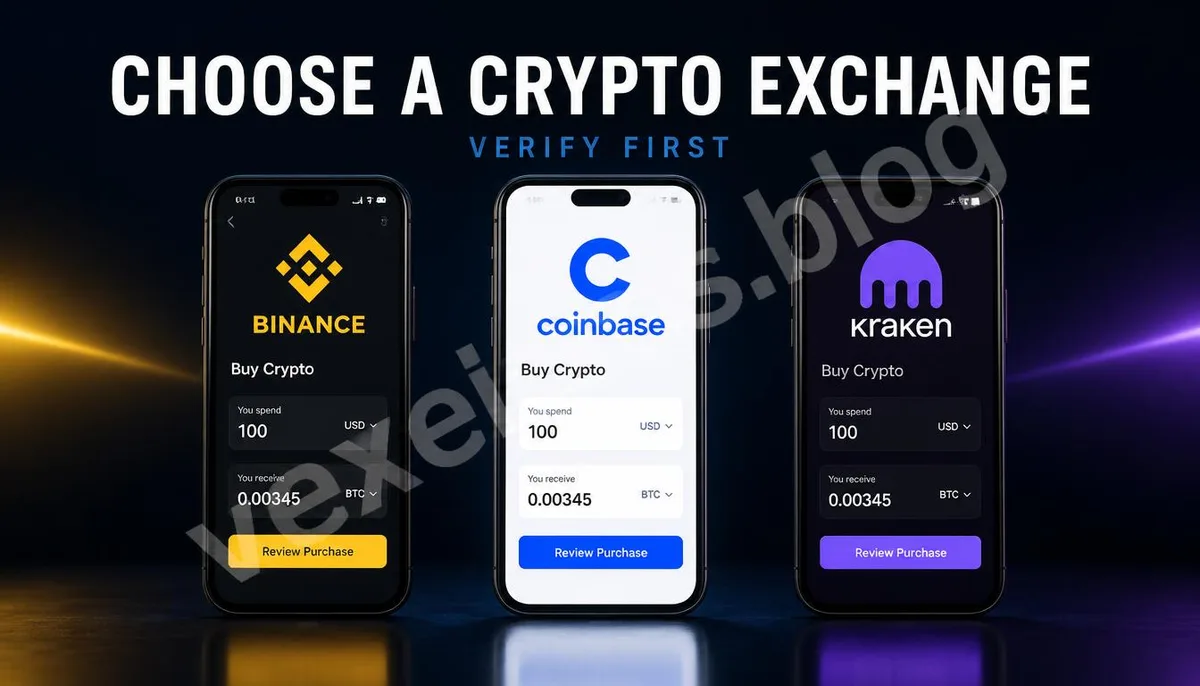
Why Shouldn’t You Rely Solely on Exchange Rankings? Check Region and Services First
When novices search for exchanges, they often encounter ranking articles featuring Binance, Coinbase, Kraken, and other platforms. However, rankings may not address the most crucial questions: Does the platform support your region, fiat currencies, payment methods, asset types, and withdrawal capabilities? A well-known exchange may not offer the same services due to regional regulations or account conditions. Before making a choice, prepare three pieces of information: your region, the payment methods you wish to use, and the types of assets you plan to purchase. Then, visit the platform’s official website to check service area and support documentation; do not enter the registration page through messages from Telegram, Instagram, or Facebook, or through ads. Official portals may resemble counterfeit sites, but the domain, app developers, and customer support methods may differ. You can conduct a preliminary check with the following methods:
- Enter the official name of the exchange into a search engine and verify that the domain is the official website.
- Check if the official page clearly lists identity verification, payment methods, fees, and withdrawal rules.
- Confirm whether your region can register, deposit, trade, and withdraw.
- Do not skip safety checks just because the page offers limited-time bonuses or guaranteed profits.
Once you complete this step, proceed to the registration process. The platform name can serve as a search keyword, but it cannot replace the user’s obligation to read the official terms and transaction confirmation screens.
How to Check Binance? From Official Portal to Buy Crypto
If you want to review the Binance purchase process for beginners, start from the Binance Official Buying Guide and do not use registration links sent by strangers. The basic process outlined on the official page includes registering an account, completing KYC identity verification, adding a payment method, and then entering Buy Crypto to select your desired asset. Follow these steps to review the screen:
- First, confirm that the browser domain is the Binance official domain or check the developer information of the app.
- Choose to register or log in, using a password that hasn't been reused on other sites.
- Go to Account, Identification, or Verify (similar location) to complete the identity verification required by the platform.
- Enable two-factor authentication and login notifications on the Account or Security page.
- Return to Buy Crypto, select the payment method, fiat currency, and the asset you wish to buy.
- Check the order preview screen for purchase quantity, transaction fees, price spreads, and total amount before deciding to confirm.
Binance’s button names, payment methods, and available services may vary by region and app version. If the screen asks you to provide recovery phrases, private keys, remote control rights, or to transfer assets to customer service, this is not a normal buying process, and you should stop immediately.
How to Check Coinbase? From Buy and Sell to Order Preview
For Coinbase's official buying process, refer to the Coinbase How to Buy. The basic steps outlined by the official guide include creating an account, adding payment methods, going to Buy and Sell or the Mobile App’s home Buy section, selecting an asset, entering the amount, viewing the order preview, and confirming the purchase. If you’re using the Coinbase website or app, follow this sequence for checking:
- Start registration from the official website or app, ensuring it is not a counterfeit version.
- Prepare the identification documents or verification materials required by the platform to complete KYC.
- Enable 2FA in your account security settings and check login notifications and security alerts.
- Add supported bank accounts, financial cards, or other payment methods, first reviewing the related fees.
- Click Buy, Buy and Sell, or similar entry points to search for the correct asset name and ticker.
- Enter the fiat amount or cryptocurrency quantity, open Preview Order to check the price, fees, and estimated receipt quantity.
- Only press Buy Now or a similar confirmation button after verifying the information is correct.
Coinbase also reminds that the availability of assets and payment methods may be influenced by your region and service rules. Consequently, do not click unknown links seeking customer support just because the instructional screens online differ from your app. The appropriate action is to return to the official Help or Support entries.
How to Check Kraken? Using the App’s Buy Process
You can see Kraken's official app buying instructions at the Kraken Official Support Page. The official process is to tap the plus icon, select Buy, choose an asset from the list or search bar, enter the amount, select the payment method, then check the order and press Confirm. In the Kraken app, you can follow these steps:
- First, confirm that you downloaded from the official app store page and check the developer name.
- After logging in, complete account verification and confirm what functions are supported in your account’s regional area.
- Tap the plus icon on the homepage or asset page, then select Buy.
- Search for the desired asset you wish to purchase from the asset list, avoiding close-name tokens.
- Enter the purchase amount, confirming the payment method and available balance.
- Move to the next page to check the price, fees, payment method, and the expected assets to receive.
- Once the content is confirmed correct, press Confirm to complete the purchase.
Kraken's official page also emphasizes that product availability may be region-restricted; some cryptocurrency products may not receive the same government guarantees or regulatory protections. Thus, completing registration does not mean all functionalities will be available, nor does it eliminate market or platform risks for your assets.
What Security Settings Should Be Checked for All Three Exchanges?
Regardless of whether you choose Binance, Coinbase, or Kraken, do not immediately invest large sums after registration. First, check the account security page and enable the 2FA, login notifications, withdrawal protections, or other safety features provided by the platform. Passwords should be used independently and not shared with emails, social accounts, or bank accounts. Next, review your payment and transaction settings. Confirm that the platform shows the fiat currencies, payment accounts, asset names, order types, fees, spreads, and totals accurately. If you intend to withdraw to TokenPocket TP, imToken, or other wallets, you need to double-check wallet addresses, blockchain networks, and Memo or Tag; you cannot merely look at the USDT or other token names. After your first purchase, save the order numbers, transaction times, asset quantities, and cost records. If testing a withdrawal, use a small amount you can afford to lose, confirming the recipient address and network are correct before considering your next step. Anyone asking for recovery phrases, private keys, verification codes, or additional transfers under the guise of customer service should not be complied with.
Frequently Asked Questions About Choosing Binance, Coinbase, and Kraken Exchanges
Which One is the Best for Beginners: Binance, Coinbase, or Kraken?
You cannot solely rely on online rankings to make a decision. The available regions, payment methods, verification requirements, fees, asset types, and withdrawal functionalities of the three platforms may vary; the same platform may show different functionalities across different countries or account types. Beginners should first ensure they can successfully register, deposit, trade, and withdraw in their region. If you’re just looking to get familiar with the buying process, start by comparing the clarity of the official operating interface, security settings, and fee displays rather than trusting promises of guaranteed profits or zero-risk promotions. A platform’s popularity can only serve as a starting point and cannot replace the user’s obligation to verify the official portal and check orders.
Do I Need to Provide ID When Registering for an Exchange?
Many centralized exchanges will require KYC identity verification, which may include identification documents, residency information, or selfie verification. Specific requirements vary by platform, region, and type of service. Before submitting your information, ensure you are operating on the official website or app, and read the platform's privacy and data usage policies. Normal KYC does not mean handing over recovery phrases, private keys, or wallet passwords. Anyone requesting this information via private messages is not following normal verification procedures. Verification codes should also not be provided to self-proclaimed customer service representatives, as these may be used to take over your account.
Should I Leave My Cryptocurrency on the Exchange or Transfer it to a Wallet?
Keeping it on the exchange is usually more convenient and suitable for those who need to trade or are not yet familiar with self-custody wallets; transferring to TokenPocket, imToken, or other self-custody wallets requires managing recovery phrases, private keys, devices, and transaction networks independently. Both methods have different conveniences and responsibilities, and you cannot directly state that one is always safer than the other. When choosing to withdraw, double-check addresses and networks the first time before using a small test amount. Especially with USDT that may exist on TRC20, ERC20, and other networks, selecting the wrong network may result in assets failing to display in the expected location. Do not sign extra authorizations without understanding the transaction details, nor import recovery phrases into unfamiliar websites simply because the wallet interface does not display the assets.
One Key Takeaway: Prioritize exchange security and support, and start with small tests.