
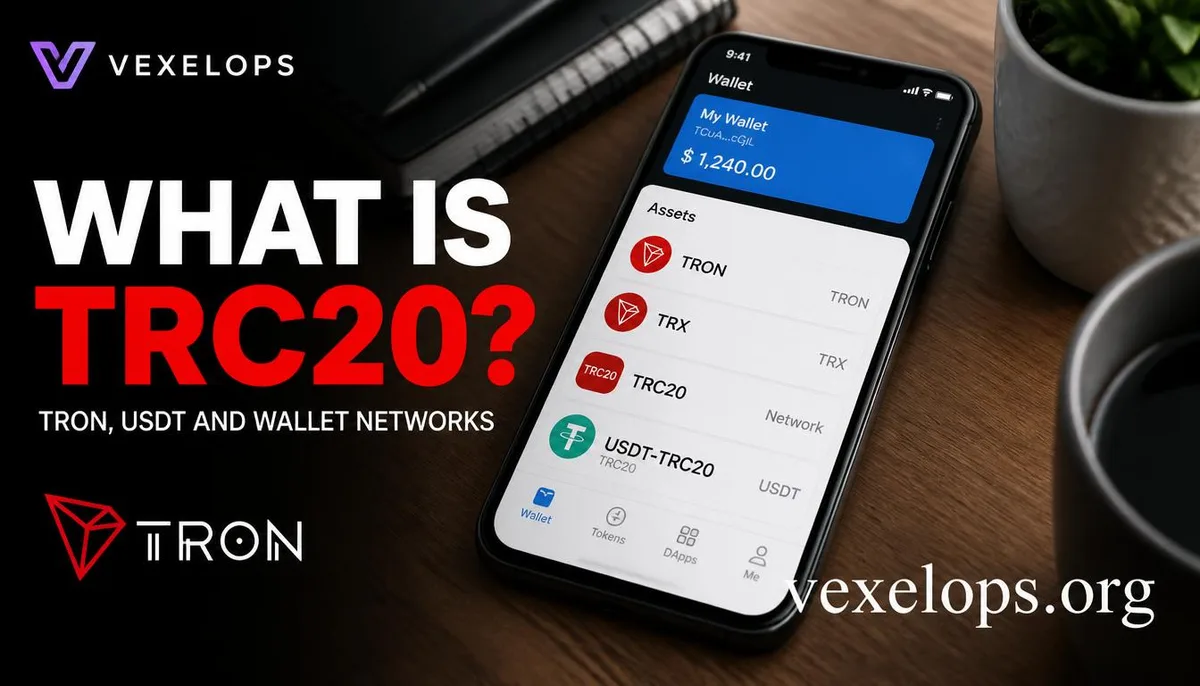
What is TRC20? How is it Different from TRON and TRX?
When first encountering cryptocurrency transfers, TRC20, TRON, TRX, and USDT-TRC20 can easily seem like the same thing. In fact, they represent different layers: TRON is the blockchain network, TRX is the native asset of the TRON network, and TRC20 is the token standard built on the TRON Virtual Machine. Official TRON documentation defines TRC20 as a replaceable token standard on TRON and is compatible with Ethereum's ERC20 at the interface level. USDT-TRC20, on the other hand, is the USDT version issued or transferred using the TRON network. It is not a completely different USD stablecoin but a representation of the same asset on different blockchain networks. During actual transfers, the sender and receiver must ensure that the supported networks match, rather than just looking at the three letters USDT. You can quickly differentiate as follows:
- TRON: A blockchain network.
- TRX: The native asset of the TRON network, used for network resources or transaction-related fees.
- TRC20: The token standard on the TRON network.
- USDT-TRC20: The USDT version using the TRON network.
- imToken and TokenPocket: Tools to manage wallets, view assets, and interact with DApps.
Understanding the differences in these names is the first step to avoid transferring on the wrong network. The actual support range of any wallet or trading platform should be based on the current official interface and documentation.
Why It’s Important to Choose the Right TRON Network for USDT-TRC20
When an exchange or wallet asks you to choose the USDT network, common options may include TRC20, ERC20, or other on-chain versions. These options all display USDT, but the underlying network, transaction format, address handling methods, and fee mechanisms may vary. If you only confirm the coin type before checking the network, it can lead to delays, inability to display assets, or even require relying on the handling policies of the receiving platform for further judgment. Before executing an actual operation, it is advisable to complete the following checks:
- Verify that the receiving platform explicitly supports USDT-TRC20, rather than just stating support for USDT.
- Check that both the sending and receiving ends show the same network name.
- Double-check the first and last few characters of the receiving address, rather than relying solely on copy-paste.
- Confirm the minimum deposit amount, transaction fees, expected arrival time, and platform prompts.
- If the amount is large, test with a smaller amount first, but still confirm that the test transaction arrives.
An address that looks similar does not guarantee the networks are the same; even if the transaction successfully shows on the blockchain, it doesn’t mean the receiving platform will credit your account with the assets. Cryptocurrency transfers are usually difficult to reverse, unlike credit card payments, so confirming the network and address is more important than pursuing a few seconds of speed.
What TRC20 Assets Can imToken and TokenPocket Manage?
Both imToken and TokenPocket are cryptocurrency wallet tools, but the networks they support, feature access points, versions, and security prompts may update over time. This article does not characterize wallet brands as exchanges, nor imply that brands can store or recover lost mnemonic phrases for users. imToken’s official content provides descriptions of access to authorized management and revocation; TokenPocket's official content introduces multi-chain wallets, TRON support, token security, and approval detectors, among other features. These functions can assist users in understanding asset and authorization status, but users must still confirm they are downloading the official version and properly safeguarding their mnemonics and private keys. When using mobile wallets, please pay attention to the following points:
- Only obtain the app from the wallet's official website or official app stores.
- Do not give your mnemonic phrase, private key, verification code, or backup screen to anyone.
- Do not assume a token’s reliability just because an app displays its name.
- Before connecting to a DApp or signing a transaction, confirm the website domain, network name, and transaction content.
- If you encounter unfamiliar authorizations, stop interacting and check the status from a trusted access point.
If someone claims to be from imToken, TokenPocket, an exchange, or TRON customer service and asks you for your mnemonic phrase, private key, or remote control permissions, you should immediately stop the conversation. Legitimate wallet support should not require users to give away secret information that controls their assets.
How to Check Address, Network, and Fees Before Transferring?
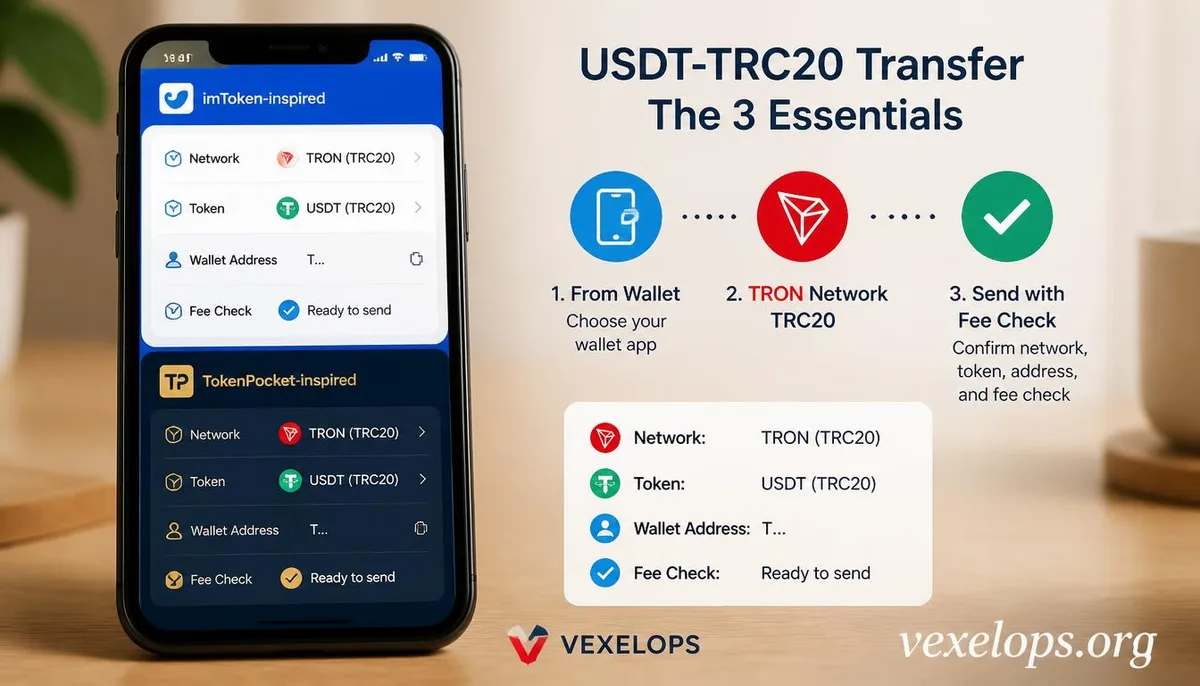
Every field in the transfer screen has a different meaning. The network determines where the transaction occurs on the chain, the address determines which chain account the asset goes to, the asset name determines the token you wish to transfer, and the transaction fee may be processed using the network's native assets or in a platform-specified manner. An error in any field could prevent the assets from arriving as expected. Some users may confuse the wallet app screen, the withdrawal page of exchanges, and blockchain explorers. Wallets are responsible for managing private keys and signing transactions, exchanges may be responsible for holding assets on behalf of users, while blockchain explorers are primarily used to view public records on-chain. The display status of the three is not always synchronized, and you cannot solely rely on the prompts in the app to judge transaction completion. When you see unfamiliar tokens, suspicious airdrops, or pages requiring immediate authorization, do not rush to click. If you need further inquiries, manually enter from the official website rather than using links in unfamiliar messages. The official TRON documentation, imToken official
Why Mistakes in Network Selection or Address Entry May Not Be Retrievable?
The public nature and non-reversibility of blockchain transactions are significant differences from conventional payment systems. Once a transaction is confirmed, the assets have usually already moved according to the on-chain record. If the receiving address is incorrect, the network is incompatible, or it is sent to an unfamiliar address, the ability to handle it depends on the receiving platform, address controller, transaction status, and related service policies. This does not mean that all mistakes have no room for handling, but recovering the assets should not be seen as a guaranteed outcome. Especially when strangers claim that if you just pay a fee first, you can 100% recover USDT or unlock your wallet, such statements are likely to be a second scam. Do not provide your mnemonic phrase, private key, or remote control permissions, nor believe someone is an official representative just because they can mention the transaction hash. When you discover a suspected erroneous transfer, you can save the transaction hash, network name, asset type, address, time, notifications from the transaction platform, and conversation records, and inquire through official customer support
Common Questions About TRC20 and Wallet Transfers
Can TRC20 and ERC20 Transfer Between Each Other?
TRC20 and ERC20 represent token standards on different blockchain networks. Even if both display USDT, you cannot assume they can be directly interchanged just because the token names are the same. Whether cross-chain support exists, whether bridging is required, or whether the assets can be displayed on the receiving platform all depend on the network options provided by the platform and wallet at that time. Before transferring, you should rely on the network clearly displayed by the receiving platform, and ensure that both sending and receiving ends are using the same network. Do not choose TRC20, ERC20, or other options based on guesswork; if the screen is unclear, stop the transaction first and consult through official support, which is safer than dealing with errors afterwards.
Which is More Secure, imToken or TokenPocket?
You can't determine which wallet is necessarily secure just by the brand name. A more valuable comparison includes whether it is downloaded from official sources, whether the mnemonic phrase is properly safeguarded, whether device locking is enabled, whether transaction and authorization content is reviewed, and whether the user avoids giving secret information to others. Wallets themselves can offer security features but cannot prevent all user errors. When using imToken or TokenPocket, confirm the app version and download source, pay attention to official security announcements, and store mnemonic phrases and private keys offline and out of reach. Anyone claiming to be customer support and requesting this information should be viewed as a significant danger signal.
Does Transferring USDT-TRC20 Require TRX?
TRC20 is a token standard on the TRON network, while TRX is the native asset of the TRON network. Whether transferring requires TRX and how much may depend on the type of transaction, wallet design, account resources, platform rules, and the current network status; thus, a fixed figure should not be set, nor should reference only be made to unfamiliar community posts. The safest practice is to check the network fees and resource requirements displayed on the confirmation page of the official wallet or trading platform. If someone asks you to transfer a large amount of TRX to an unfamiliar address to unlock USDT or demands an upfront payment to process the transfer, you should stop the operation and verify through official channels.
One Key Takeaway: TRC20 is a network token standard; before transferring, confirm the network, address, asset, and fees.